
Unity Splines 2.9.2 Fixes Curve Evaluation and Transform Errors
Unity has released Splines 2.9.2 with fixes for scaled spline containers, straight-line curvature, curve construction and editor behavior. The October 28 maintenance update matters to projects using paths for cameras, movement and environment tools.
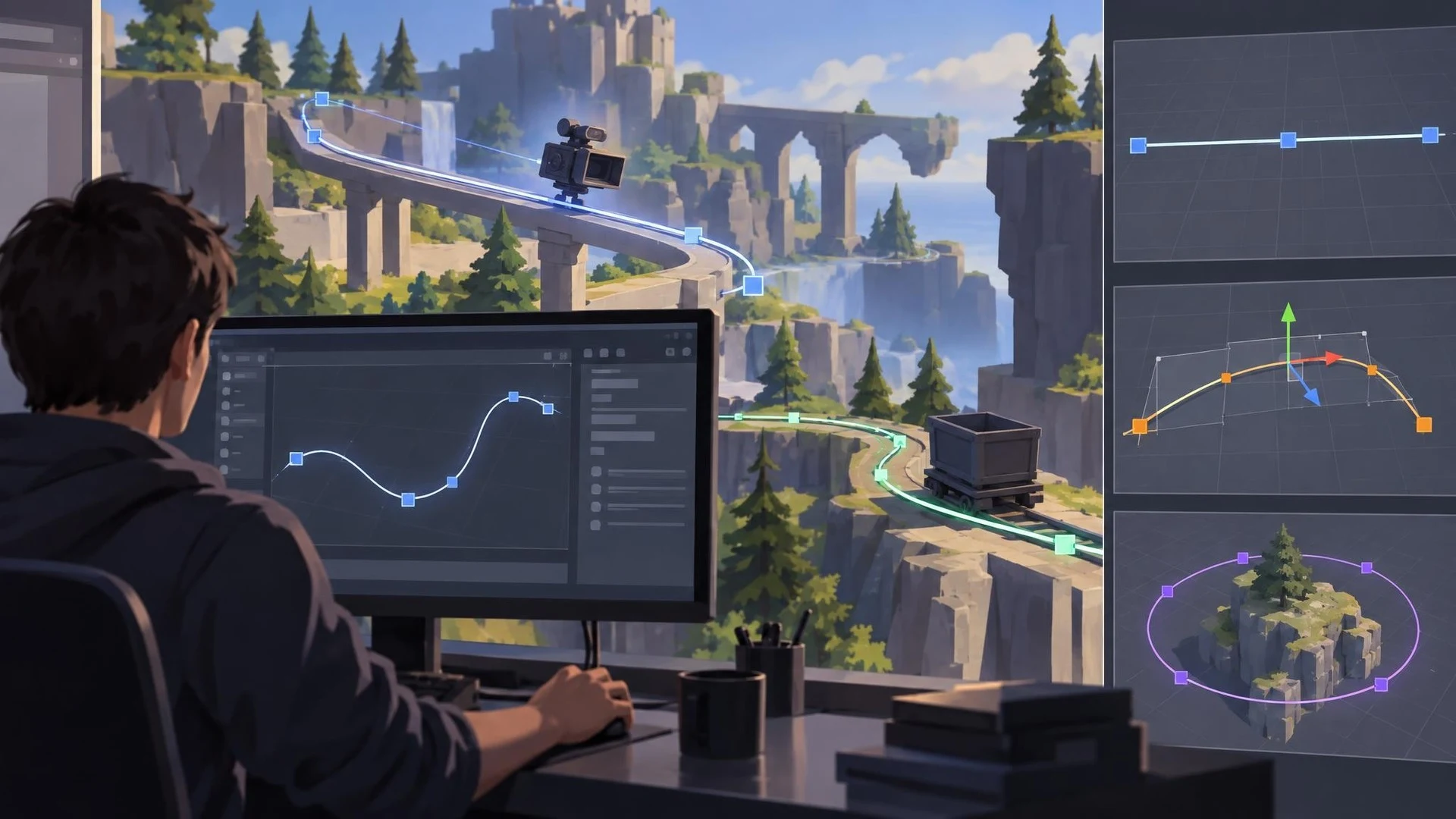
Paths are a common building block in game development. A camera can follow a spline through a scene, a moving platform can travel along a track, and a road generator can use curves to place geometry. Unity's Splines package 2.9.2, dated October 28, 2026, delivers a collection of fixes aimed at making those operations more predictable.
Among the corrections listed by Unity is a case where changing the transform of a non-uniformly scaled SplineContainer caused world-space evaluation to use the wrong spline. Another fix addresses curvature calculations returning a value that is not a number for straight curves. Both problems could produce difficult-to-understand behavior in tools that rely on mathematical curve evaluations.
The release also fixes cases involving reversed flow, pivot changes, splitting a spline, nearest-point calculations, and construction of linear Bezier curves. Unity describes an Inspector flicker when the same container is open in multiple Inspector windows and an unsupported alignment-mode message being logged repeatedly during SplineAnimate updates.
This is a maintenance update rather than a new system for creating roads or cameras. The existing package already offers spline representation and editing. The significance of the release lies in reducing edge cases that can affect projects built on those features, particularly when objects use rotation and non-uniform scaling.
The way a game uses a spline determines which fixes matter. A simple unscaled camera track might never encounter the errors. A procedural scene-building tool that joins, splits, and transforms paths could depend on several corrected operations. That is why release-note review should be based on actual project use rather than simply installing every available update.
A careful test could create three paths: a straight line, a rotated and scaled curve, and a closed loop. Move a camera or marker along each path, compare world positions before and after updating, and inspect values returned by calculations used in the project. Keep the previous package version available for a controlled comparison.
Developers should also run an editor and target-platform test if spline behavior is part of shipped gameplay. A path that looks correct in an editor visualization may still expose timing or transform assumptions during runtime. Source control and a small regression scene make such checks easier.
Unity's October 28 changelog is a useful update for teams depending on curves as infrastructure. It is not a reason to redesign working systems, but it provides concrete fixes worth considering when spline behavior has been inconsistent.
Rate this story
What did you think of this article?
Log in to rate this story, comment and like replies.
Log inNo comments yet. Be the first to share your thoughts.
More stories
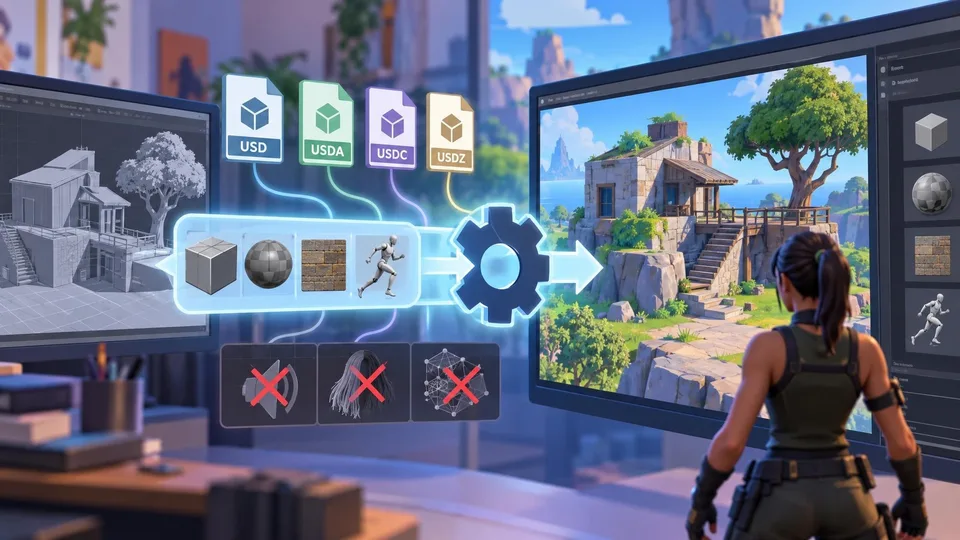
Epic Outlines USD Scene Import for Unreal Editor for Fortnite
A new Epic roadmap entry describes a USD import workflow for UEFN using the Interchange pipeline. It names several supported USD formats and asset types, while explicitly excluding USD export and some scene data.
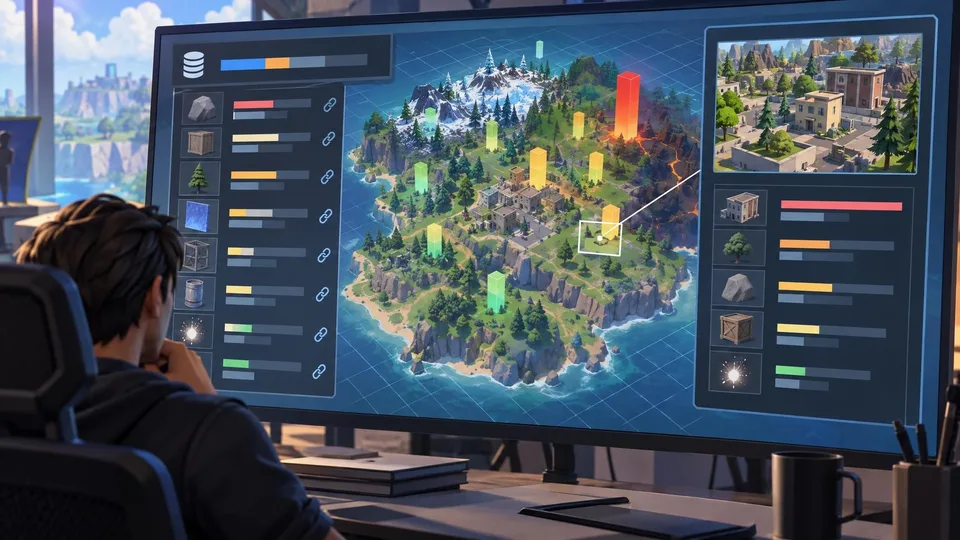
UEFN Roadmap Describes Asset-Level Memory Snapshots and Spatial Analysis
Epic has outlined planned updates to memory reporting in UEFN, including engine memory, asset links and spatial calculations. The October 30 entry has no stated availability date and should be treated as roadmap information.

Rivian Shows How Unreal Engine 5 Powers an Embedded Halloween Experience
Epic has detailed Rivian’s Ghostbusters-themed Halloween Mode, which uses Unreal Engine 5 for real-time visuals in a vehicle interface. The automotive case study illustrates an embedded 3D workflow rather than a new game-engine feature.
Comments