
Unity Oculus XR Plugin 4.5.6 Addresses a Quest 3 Tracking Failure
The October 28 Oculus XR Plugin update fixes a Quest 3 device-identification case that could prevent headset tracking from initializing. Unity also continues to recommend OpenXR as the longer-term development path.
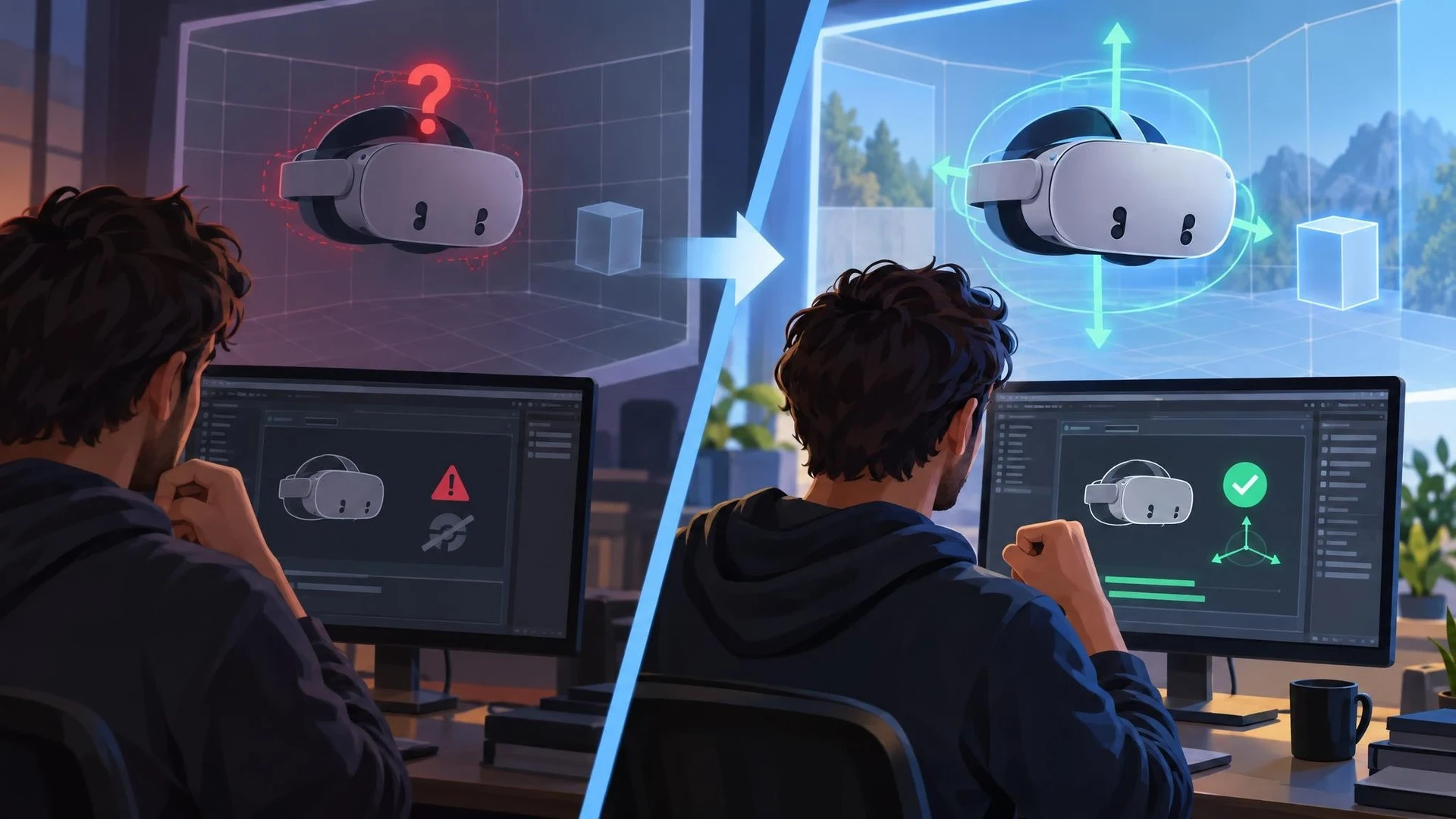
Tracking is essential to a usable virtual-reality experience. If the runtime cannot identify a headset correctly, even a functioning scene may be impossible to navigate comfortably. Unity's Oculus XR Plugin 4.5.6, dated October 28, 2026, includes a specific fix for a Quest 3 tracking-initialization problem.
According to Unity's changelog, a headset could report the product name Oculus Headset2, while the plugin's device matcher expected another name. In that situation, the system could fall back to a generic XRHMD layout and report no tracking state. The new release broadens the matching logic so the headset is recognized correctly.
The package also updates Oculus plugins to version 207. Another fix prevents input layouts from being registered repeatedly during XR initialization, a behavior that could recreate an existing device and generate unnecessary device-change notifications. These are narrow changes rather than a new interaction model for Quest games.
One important limitation is that Unity has already marked the Oculus XR Plugin as deprecated in its documentation. The official changelog points developers toward OpenXR for continuing support and a broader cross-platform path. Therefore, a maintenance fix in the Oculus package should not be interpreted as an announcement that it is once again the preferred foundation for every new XR project.
For an existing application that still depends on the Oculus XR Plugin, the update may be relevant when developers encounter missing pose or tracking information on Quest 3. A controlled reproduction is important, because tracking problems can also arise from application permissions, device firmware, platform settings, and project configuration.
A useful test would start with a minimal Unity XR scene containing a tracked camera rig and one object positioned in front of the player. On a project using the affected package, record headset identification and tracking status, update a copy of the project, and compare behavior on physical hardware. A normal desktop preview is not a substitute for a real Quest test.
For teams considering migration, document which plugin supplies tracking, controller input, and any platform-specific features before switching to OpenXR. The migration deserves its own test plan rather than being combined casually with an unrelated gameplay change.
The October 28 release provides a concrete fix to a device-detection issue. Its larger lesson is that VR compatibility depends on several layers working together, and support claims should always be checked against the actual package, runtime, and headset.
Rate this story
What did you think of this article?
Log in to rate this story, comment and like replies.
Log inNo comments yet. Be the first to share your thoughts.
More stories
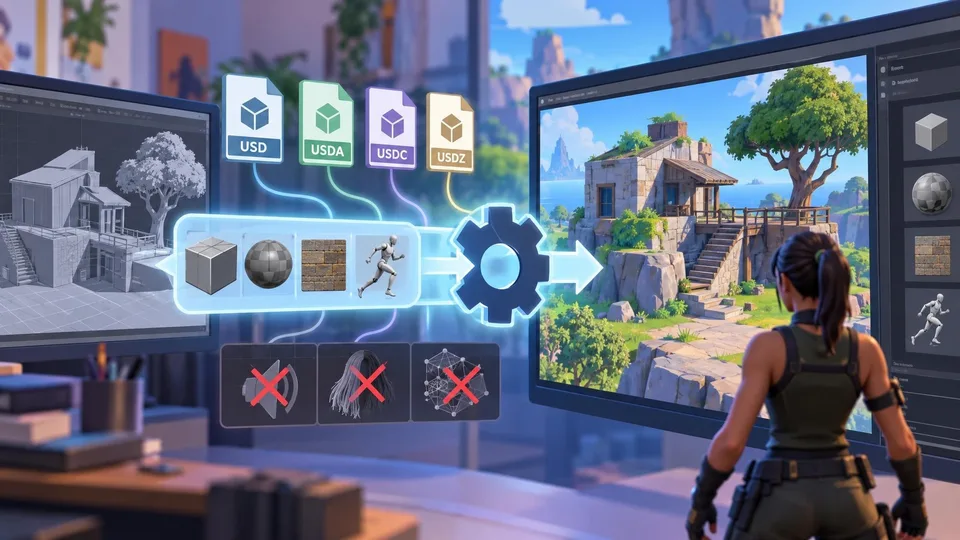
Epic Outlines USD Scene Import for Unreal Editor for Fortnite
A new Epic roadmap entry describes a USD import workflow for UEFN using the Interchange pipeline. It names several supported USD formats and asset types, while explicitly excluding USD export and some scene data.
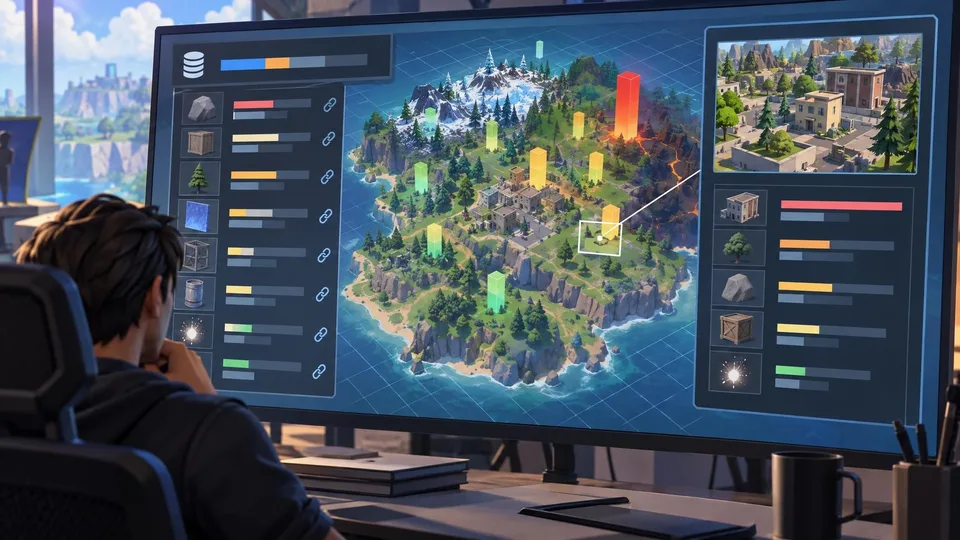
UEFN Roadmap Describes Asset-Level Memory Snapshots and Spatial Analysis
Epic has outlined planned updates to memory reporting in UEFN, including engine memory, asset links and spatial calculations. The October 30 entry has no stated availability date and should be treated as roadmap information.
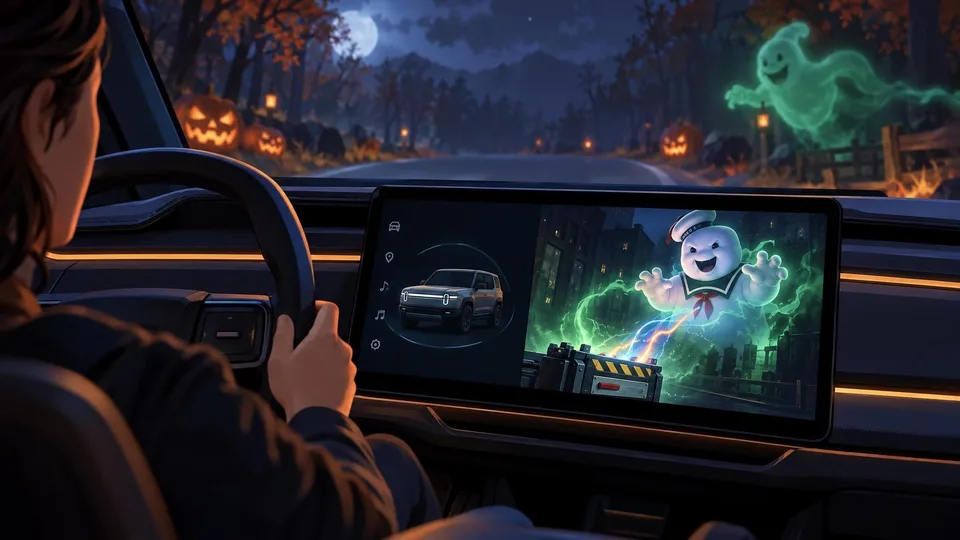
Rivian Shows How Unreal Engine 5 Powers an Embedded Halloween Experience
Epic has detailed Rivian’s Ghostbusters-themed Halloween Mode, which uses Unreal Engine 5 for real-time visuals in a vehicle interface. The automotive case study illustrates an embedded 3D workflow rather than a new game-engine feature.
Comments