
Unity 6000.6.9f1 Fixes Rendering, Editor and Build Pipeline Issues
Unity released editor version 6000.6.9f1 on November 12 with fixes spanning DirectX 12, graphics, 2D rendering, audio and build workflows. It is a maintenance release with specific known issues developers should review before upgrading.
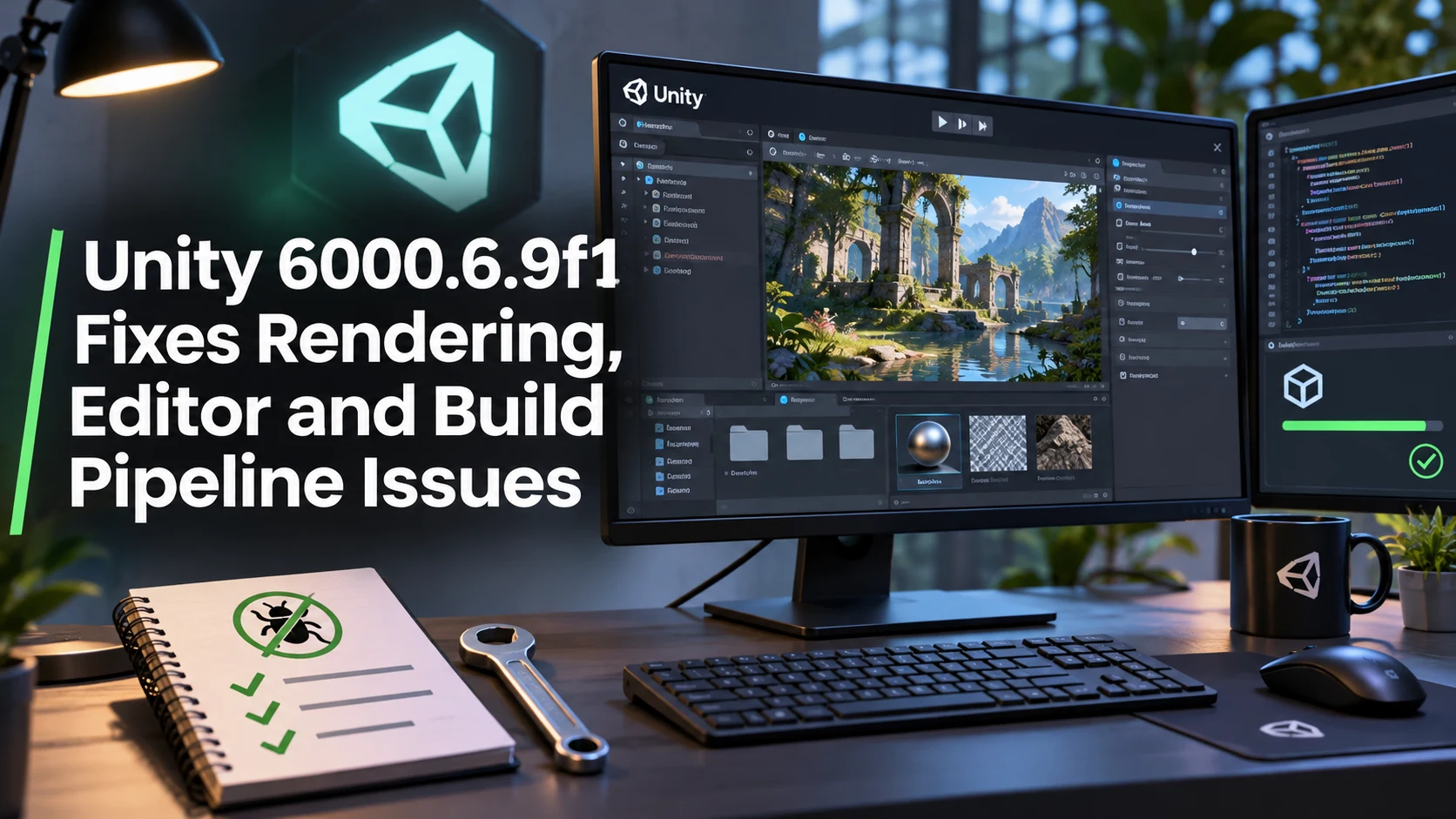
Unity released editor version 6000.6.9f1 on November 12, providing a broad collection of maintenance fixes and targeted improvements. The official release notes cover rendering, asset importing, project workflows, audio and platform-specific issues. This is a documented editor release, not a new major Unity generation, and its value is best understood by comparing the listed changes with problems a particular project already faces.
DirectX 12 receives several fixes involving graphics resource states, asynchronous compute and rendering validation. One entry addresses descriptor-memory leakage when editor windows repaint, a problem that could affect long-running sessions. Other graphics items include camera stacking, Vulkan pipeline warm-up and texture handling. Such changes may be relevant to developers diagnosing intermittent rendering artifacts or instability, but the notes do not prove that every performance regression has been eliminated.
The update also addresses production inconveniences elsewhere. Unity lists improvements to memory-profiler attribution for Asset Database native memory and a faster-starting licensing client version 1.19. It describes a uGUI scripting define that may allow UI Toolkit code to be stripped from player builds when the toolkit is needed only inside the editor. These are situational optimizations rather than guarantees that a game's build will shrink or load faster without additional verification.
Several fixes target specific 2D lighting and sprite-mask behavior, audio output handling, build callbacks and editor graphics. For XR-related editor workflows, Unity says it corrected a camera sizing issue when Target Eye was set to None during an active XR display. That item should not be confused with a general update to headset runtime support. The same release notes identify remaining issues, including a reported Android back-navigation problem under particular settings and several platform or template-specific crashes.
Teams should therefore approach 6000.6.9f1 through normal change control. Duplicate a representative project, record its current engine and package versions, and run the same builds and automated tests in the new editor. A focused trial could include a DirectX 12 scene, a 2D lighting scene and an Android or XR build if those targets matter. Check the known-issues list before migration and measure actual behavior instead of assuming that an individual patch improves every project. The official changelog provides specific reasons to test; it is not a substitute for the project's own regression suite.
Rate this story
What did you think of this article?
Log in to rate this story, comment and like replies.
Log inNo comments yet. Be the first to share your thoughts.
More stories
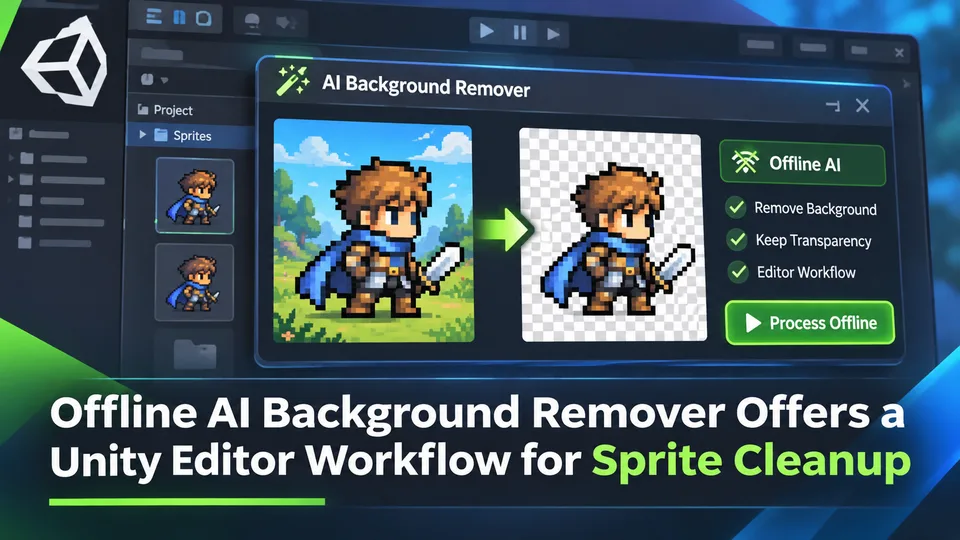
Offline AI Background Remover Offers a Unity Editor Workflow for Sprite Cleanup
A third-party Unity developer introduced an offline AI background remover for preparing transparent sprite images in the editor. It is a local content-authoring tool, not a runtime background-removal feature built into Unity.
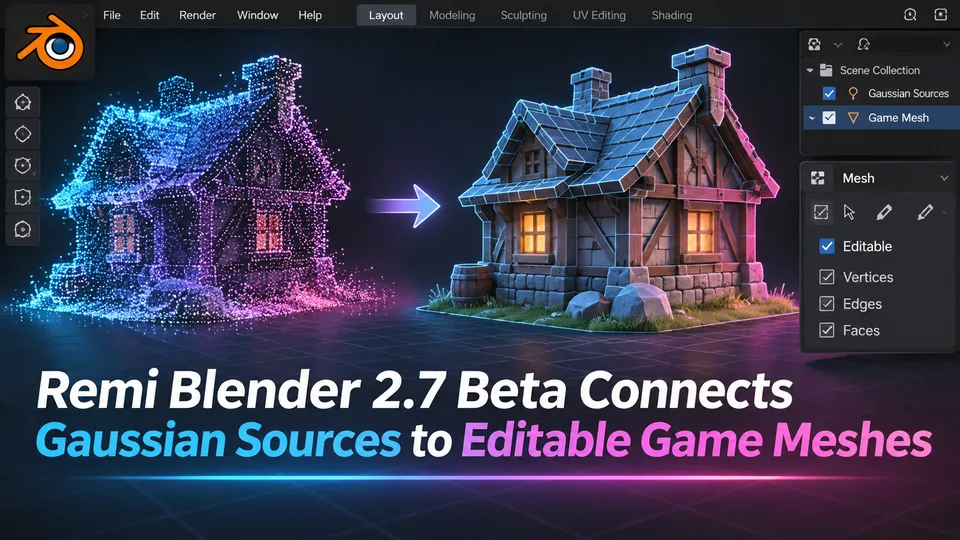
Remi Blender 2.7 Beta Connects Gaussian Sources to Editable Game Meshes
Remi Blender 2.7.0-beta.7 adds an Asset Board for image, Gaussian and mesh workflows, including texture transfer and native Blender editing. The prerelease has strict Windows and Blender requirements and relies on external AI components.
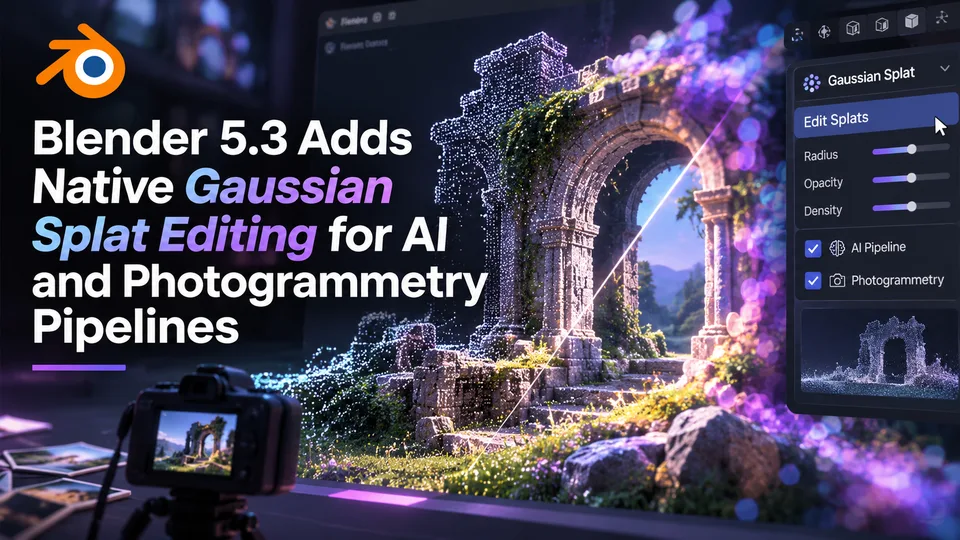
Blender 5.3 Adds Native Gaussian Splat Editing for AI and Photogrammetry Pipelines
Blender 5.3 was released on November 10 with native 3D Gaussian Splat importing, editing and rendering. The technology expands scene-capture workflows, but a splat is not automatically a game-ready polygon mesh.
Comments