
Remi Blender 2.7 Beta Connects Gaussian Sources to Editable Game Meshes
Remi Blender 2.7.0-beta.7 adds an Asset Board for image, Gaussian and mesh workflows, including texture transfer and native Blender editing. The prerelease has strict Windows and Blender requirements and relies on external AI components.
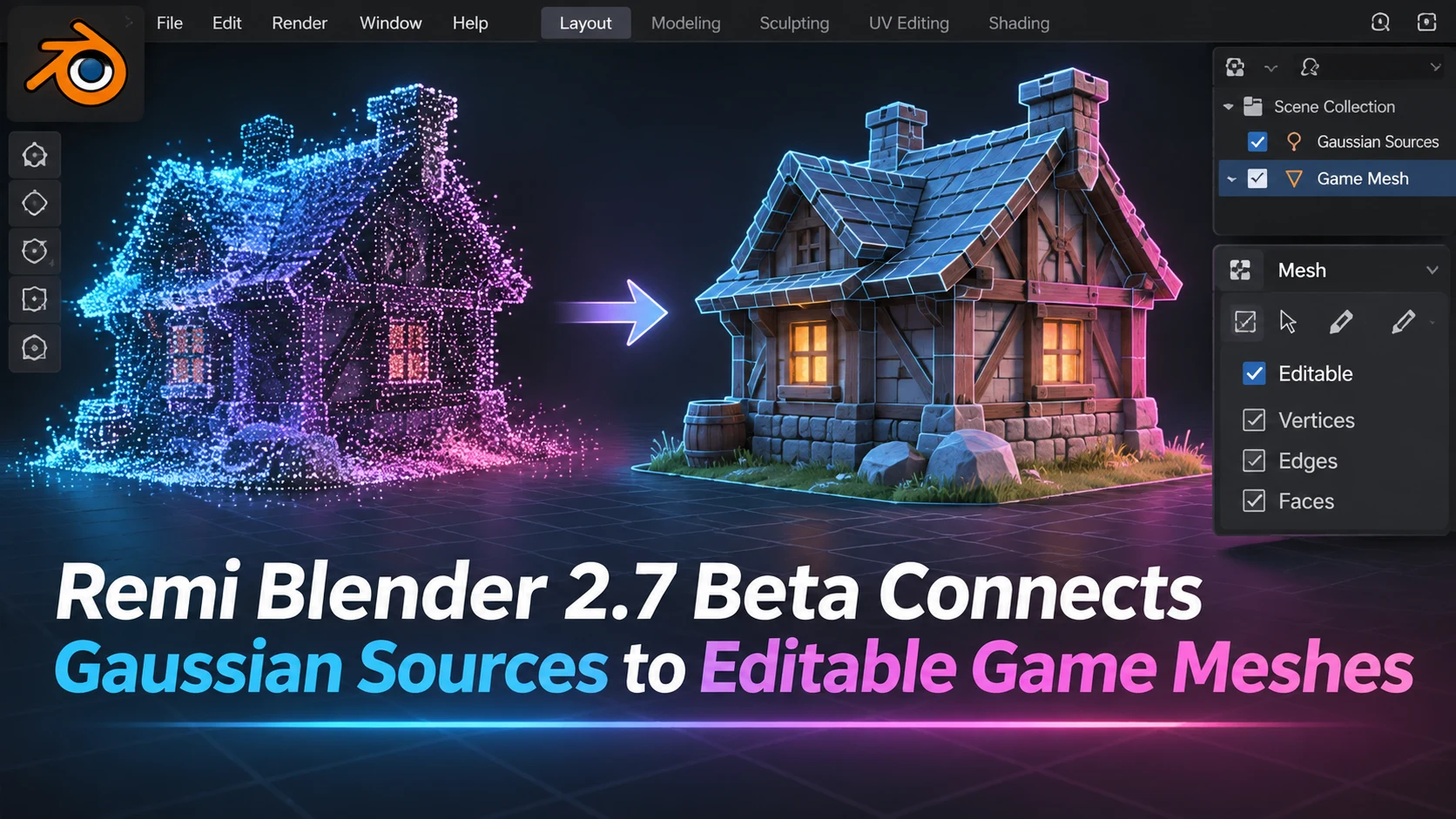
Remi Blender's developer released version 2.7.0-beta.7 on November 10, introducing a board-based workflow for images, Gaussian sources, reconstructed meshes and exported results. The independent Blender add-on is aimed at connecting AI-assisted spatial generation with traditional 3D editing. It is explicitly a prerelease, not a Blender Foundation feature or a stable endorsement of every supported operation.
The new Asset Board represents source images, Gaussian data and meshes as connected cards. The developer describes operations for generating 3D content, creating a mesh, applying textures, editing in Blender and exporting an asset. Importantly, generated results are not silently inserted into the active scene. The user must choose an Add to Scene operation, a detail that can reduce accidental changes while reviewing several variations.
The release also describes a native editing loop. Artists can open a mesh in a Blender workspace, use ordinary modeling operations and apply the edited result back to its board card. Separate revisions are retained so that the originating data and later mesh can be distinguished. Another workflow transfers appearance from a Gaussian source to a mesh, baking data such as albedo and normal information into a textured GLB. That is relevant to game pipelines because an editable mesh is often easier to optimize and integrate than a visual capture alone.
The technical limits are substantial. The developer says this beta ships for Windows x64 and Blender 5.3, while other platform and version combinations have not been validated for the build. AI generation requires a separately configured CUDA/PyTorch environment and downloaded model weights; they are not bundled in the add-on. The release notes also explain that external source and output files should remain available because the project stores references rather than embedding every generated asset. Backups are specifically recommended.
A productive experiment would begin with one photo of an object that the team has the right to use. Keep the source, Gaussian representation and reconstructed mesh as separate assets. Inspect the mesh's UVs and topology in Blender, bake appearance to a texture, export the GLB and import it into Unreal or Unity. The useful comparison is the cleanup time and visual difference between the source capture and the final optimized game object. The board may make that work easier to trace, but a beta release is not proof of one-click production readiness.
Rate this story
What did you think of this article?
Log in to rate this story, comment and like replies.
Log inNo comments yet. Be the first to share your thoughts.
More stories
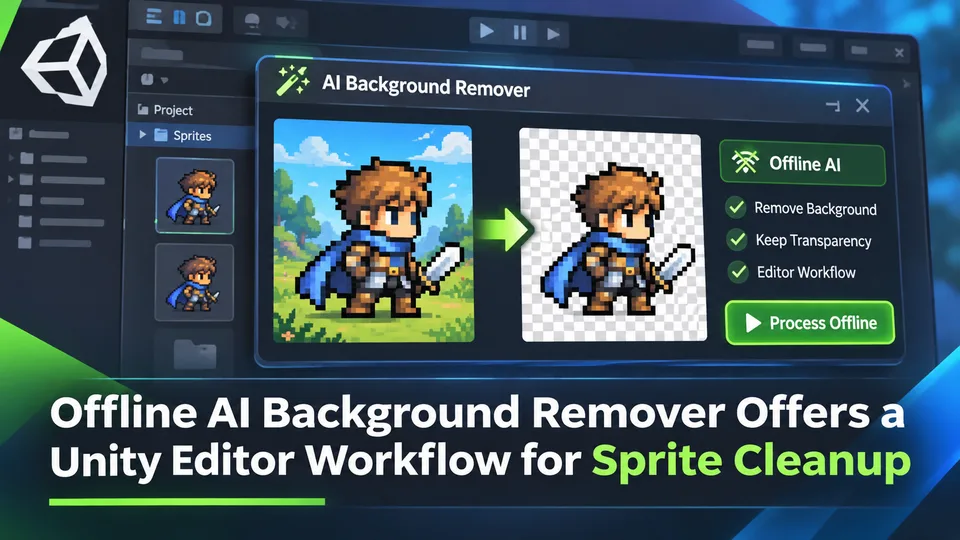
Offline AI Background Remover Offers a Unity Editor Workflow for Sprite Cleanup
A third-party Unity developer introduced an offline AI background remover for preparing transparent sprite images in the editor. It is a local content-authoring tool, not a runtime background-removal feature built into Unity.
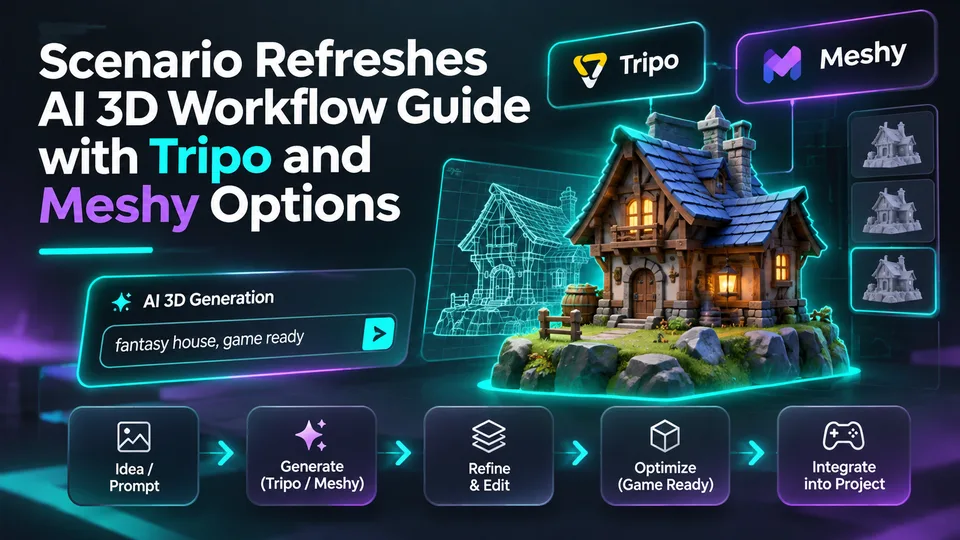
Scenario Refreshes AI 3D Workflow Guide with Tripo and Meshy Options
Scenario updated its 3D-generation guidance on November 10, describing choices for image-to-3D, rigging and mesh processing across tools including Tripo and Meshy. The change concerns documentation, not a newly launched 3D model.
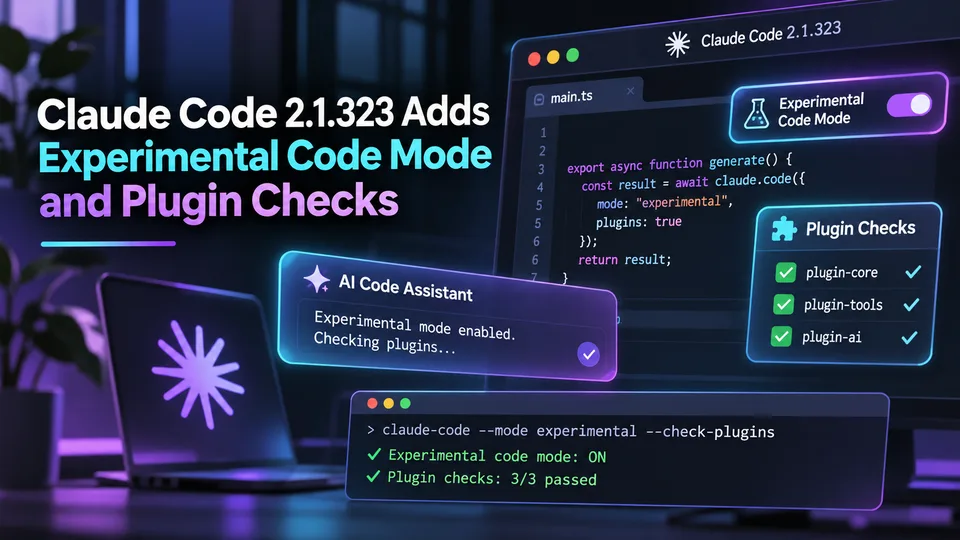
Claude Code 2.1.323 Adds Experimental Code Mode and Plugin Checks
Anthropic released Claude Code 2.1.323 on November 12 with an opt-in experimental Code Mode and changes to plugin compatibility and permissions. These are agent workflow controls, not automatically generated Unreal or Unity gameplay features.
Comments