
Blender 5.3 Adds Native Gaussian Splat Editing for AI and Photogrammetry Pipelines
Blender 5.3 was released on November 10 with native 3D Gaussian Splat importing, editing and rendering. The technology expands scene-capture workflows, but a splat is not automatically a game-ready polygon mesh.
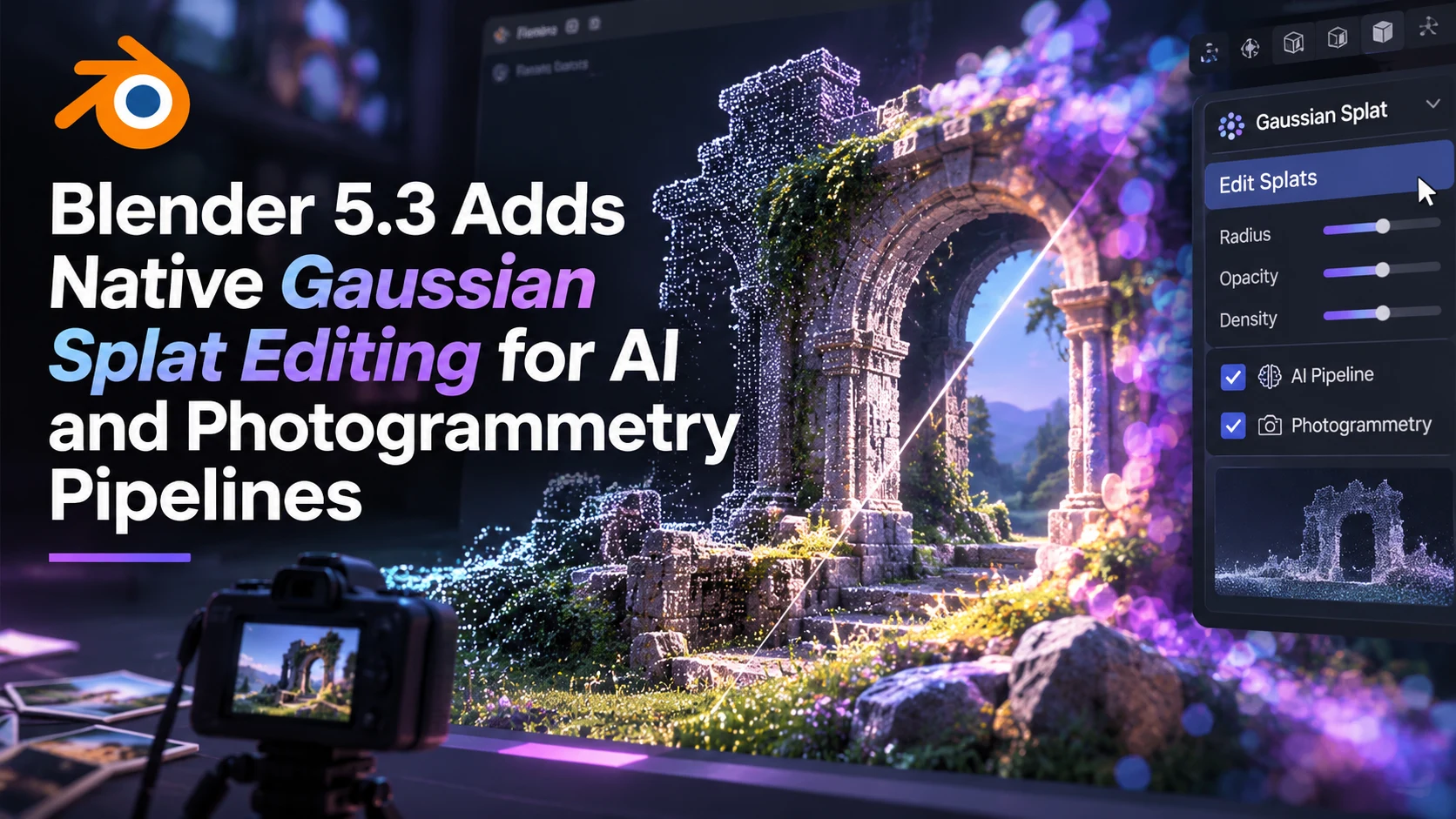
Blender Foundation released Blender 5.3 on November 10 with native support for three-dimensional Gaussian splats among its most significant changes. Gaussian splatting is a method of representing a captured scene as a collection of small, translucent spatial elements rather than conventional polygon surfaces. The new capability gives artists a more direct way to inspect and process certain photogrammetry and AI reconstruction outputs inside an established 3D content tool.
According to Blender's official announcement, users can import splat data from formats including PLY and SPZ, with glTF support described in the broader feature documentation. Imported splats are represented as point-cloud data that Geometry Nodes can process, and Blender's Workbench, EEVEE and Cycles systems can display or render them. That means an artist can combine a captured spatial reference with other scene components without relying entirely on a separate viewer.
For game production, the immediate opportunity is not one-click conversion of any photograph into an optimized game level. A Gaussian splat is a visual representation with different characteristics from the triangles used for most interactive collision, skeletal animation and conventional asset pipelines. Unreal Engine and Unity teams still need to determine whether a captured scene will serve as reference, background material, rendered marketing content or a source for a reconstructed polygon asset. Additional meshing, UV layout, texture baking and optimization may be necessary before a runtime build.
Blender 5.3 includes other changes relevant to artists working on game content. The foundation notes improvements to video editing, animation tools and asset-library distribution, alongside an NVIDIA DLSS denoiser for viewport work on compatible hardware. These are separate features with their own requirements. The new Gaussian rendering path also has documented limitations, including potential color-space mismatches and ongoing performance optimization, so a displayed scene should not be assumed to reproduce every capture perfectly.
A useful evaluation begins with a small, properly licensed capture exported in a supported format. Import it into Blender 5.3, examine it from several viewpoints and test a simple Geometry Nodes operation. Then compare it with any available polygon reconstruction of the same subject. Evaluate fidelity, editing flexibility, memory use and whether the result has the geometry required by the target game. That gives developers a practical basis for choosing between splats as visual references and meshes as interactive assets.
Rate this story
What did you think of this article?
Log in to rate this story, comment and like replies.
Log inNo comments yet. Be the first to share your thoughts.
More stories
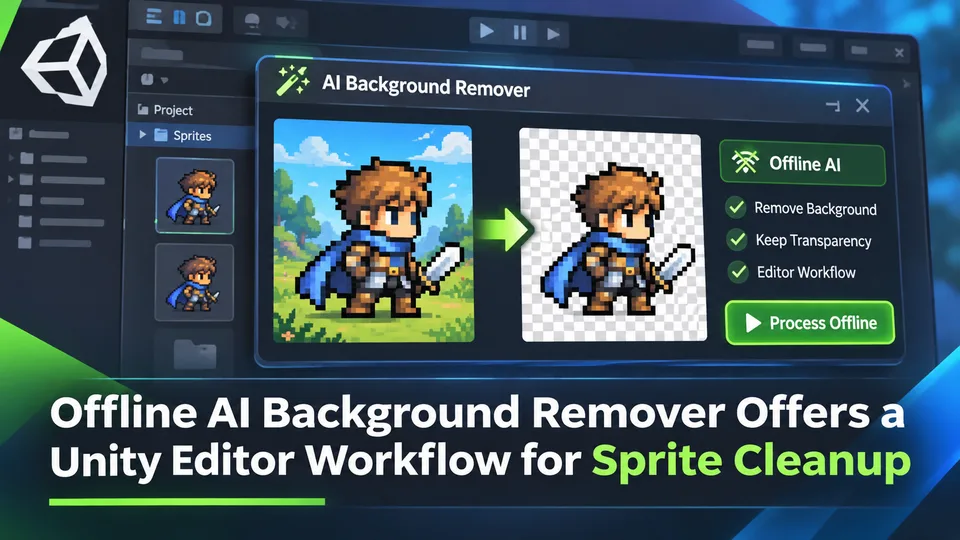
Offline AI Background Remover Offers a Unity Editor Workflow for Sprite Cleanup
A third-party Unity developer introduced an offline AI background remover for preparing transparent sprite images in the editor. It is a local content-authoring tool, not a runtime background-removal feature built into Unity.
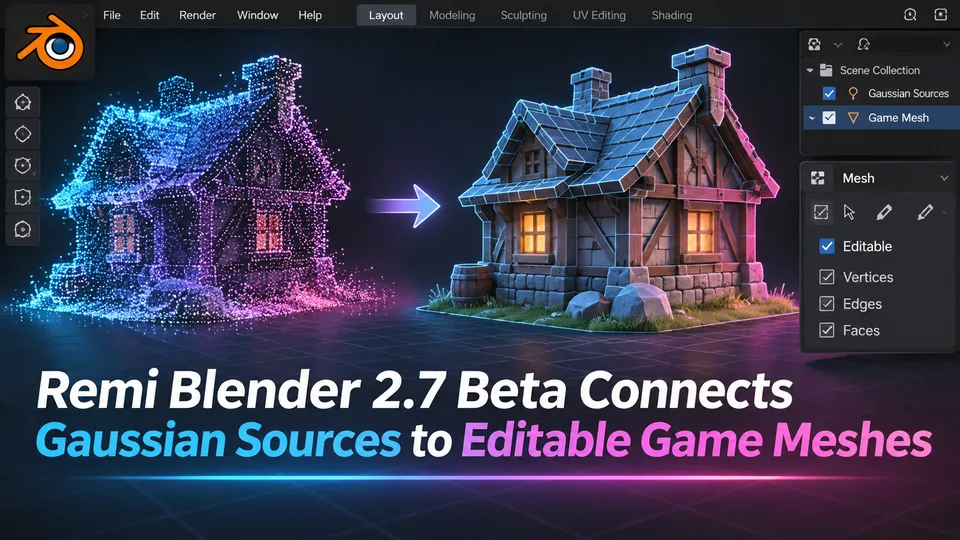
Remi Blender 2.7 Beta Connects Gaussian Sources to Editable Game Meshes
Remi Blender 2.7.0-beta.7 adds an Asset Board for image, Gaussian and mesh workflows, including texture transfer and native Blender editing. The prerelease has strict Windows and Blender requirements and relies on external AI components.
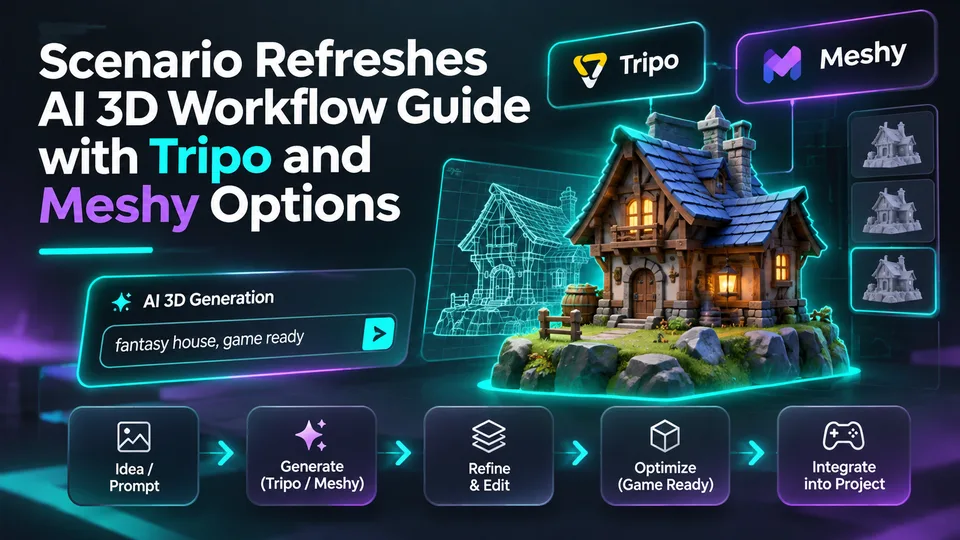
Scenario Refreshes AI 3D Workflow Guide with Tripo and Meshy Options
Scenario updated its 3D-generation guidance on November 10, describing choices for image-to-3D, rigging and mesh processing across tools including Tripo and Meshy. The change concerns documentation, not a newly launched 3D model.
Comments