
Offline AI Background Remover Offers a Unity Editor Workflow for Sprite Cleanup
A third-party Unity developer introduced an offline AI background remover for preparing transparent sprite images in the editor. It is a local content-authoring tool, not a runtime background-removal feature built into Unity.
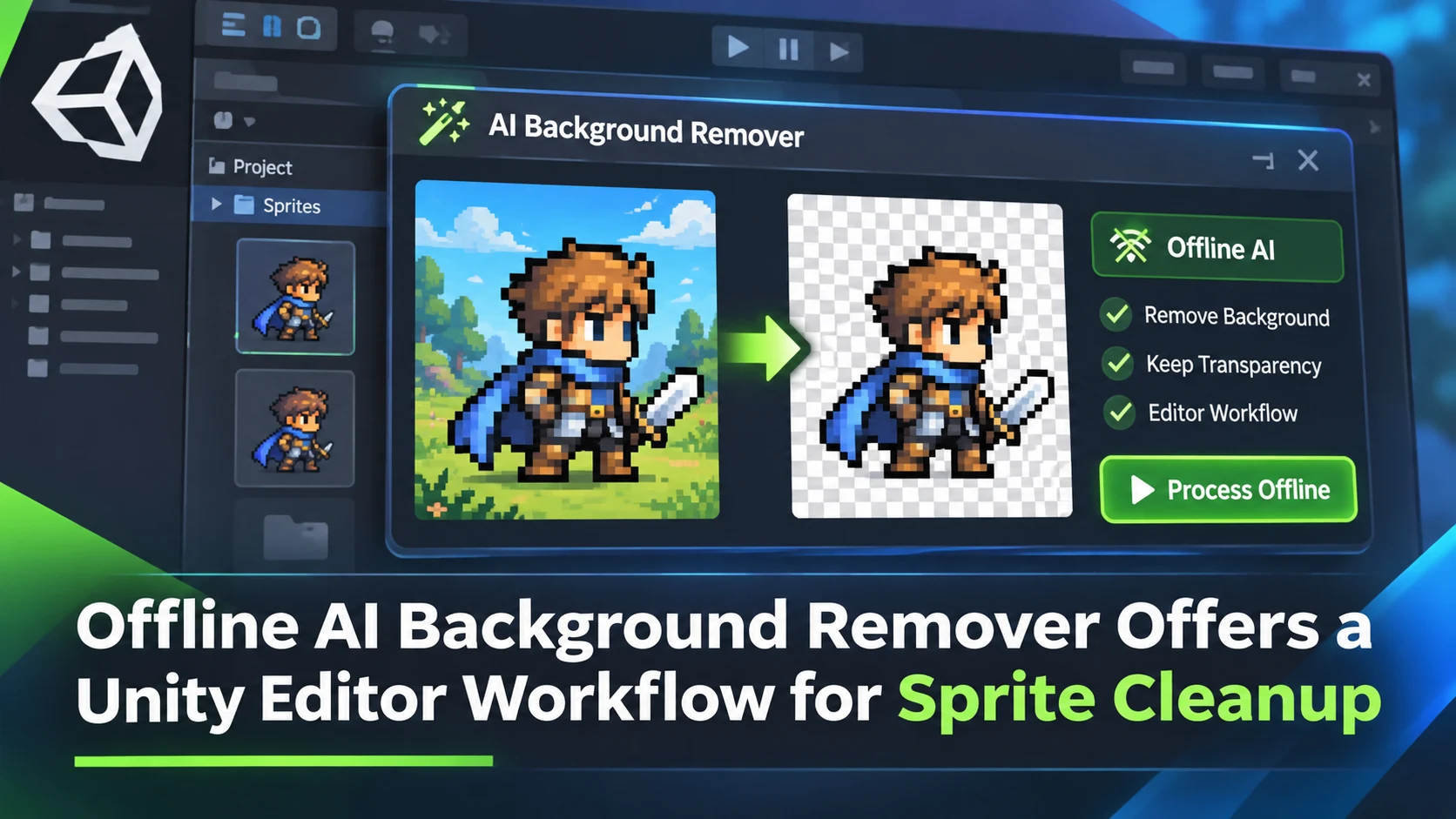
A Unity Discussions release post from November 6 presents AI Background Remover, an independent tool designed to separate a foreground subject from an image inside the Unity Editor. The developer promotes an offline workflow with transparent PNG output and processing based on Unity's Inference Engine. It addresses a practical asset-preparation task: making icons, characters or object illustrations easier to reuse without manually tracing every background.
The distinction between authoring and runtime behavior is important. An editor utility that processes a source image and saves a PNG can be used before a game is built. That does not mean the game includes a live AI segmentation model or can erase backgrounds from arbitrary photos while players are running it. The announcement describes content preparation in the editor. Teams should check whether the exact package version supports the Unity editor and inference components used by their project.
Sprite preparation can consume significant time even when the desired output is visually simple. A promotional icon may have a clean silhouette, but hair, leaves, glass and soft shadows create ambiguous boundaries. A model that produces an alpha mask can accelerate the first pass. However, automated results may leave halos, discard fine details or alter edges in ways that become obvious when a sprite is composited over a dark background. The seller's description of local processing is also a claim about the product's architecture; privacy-sensitive projects should verify that model assets and workflows behave as expected.
For games using AI-generated concept art, the package suggests a link between image generation and conventional Unity production. A team could generate or illustrate an item, remove its background in the editor and then use the PNG in an inventory interface. That is an asset workflow, not a replacement for manual polish or a guarantee that every generated image can be distributed commercially. Source-image rights and content licenses remain separate questions.
A simple test would assemble ten images with different edge difficulties: a flat crate, a tree, a character with loose hair and several translucent objects. Process them with the package, then review the resulting alpha over white, black and textured backgrounds. Measure how many outputs need manual cleanup and check build-time asset size. This provides evidence of the tool's usefulness for a specific art style without treating a developer announcement as independent quality validation.
Rate this story
What did you think of this article?
Log in to rate this story, comment and like replies.
Log inNo comments yet. Be the first to share your thoughts.
More stories
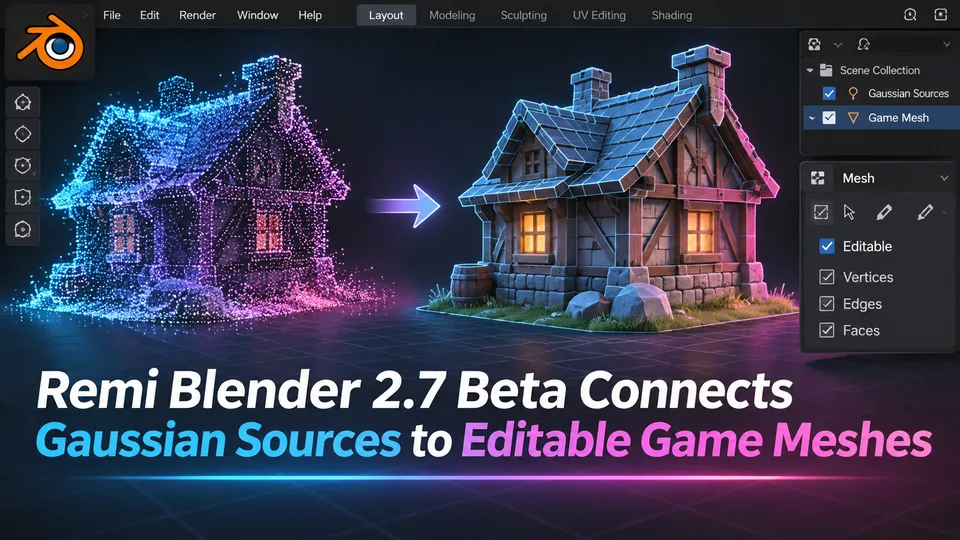
Remi Blender 2.7 Beta Connects Gaussian Sources to Editable Game Meshes
Remi Blender 2.7.0-beta.7 adds an Asset Board for image, Gaussian and mesh workflows, including texture transfer and native Blender editing. The prerelease has strict Windows and Blender requirements and relies on external AI components.
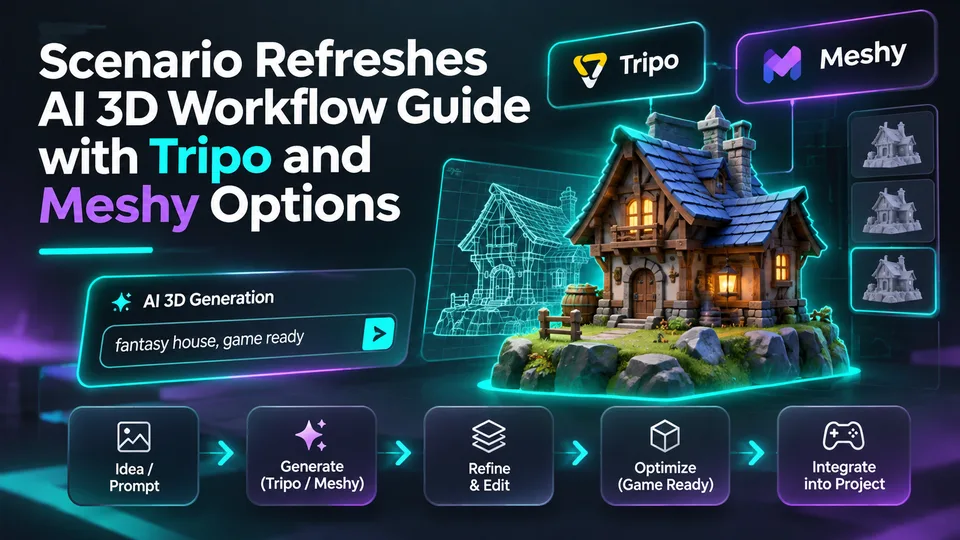
Scenario Refreshes AI 3D Workflow Guide with Tripo and Meshy Options
Scenario updated its 3D-generation guidance on November 10, describing choices for image-to-3D, rigging and mesh processing across tools including Tripo and Meshy. The change concerns documentation, not a newly launched 3D model.
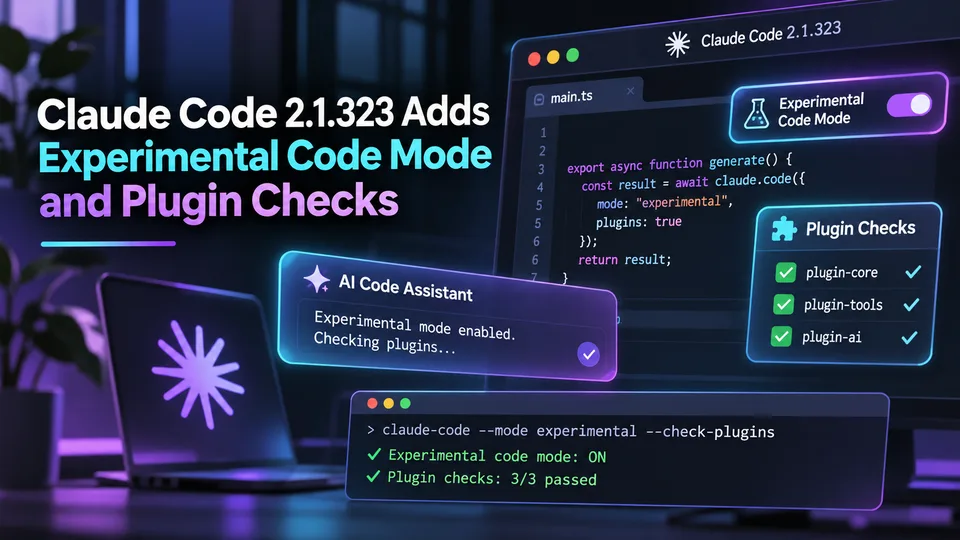
Claude Code 2.1.323 Adds Experimental Code Mode and Plugin Checks
Anthropic released Claude Code 2.1.323 on November 12 with an opt-in experimental Code Mode and changes to plugin compatibility and permissions. These are agent workflow controls, not automatically generated Unreal or Unity gameplay features.
Comments