
Scenario Refreshes AI 3D Workflow Guide with Tripo and Meshy Options
Scenario updated its 3D-generation guidance on November 10, describing choices for image-to-3D, rigging and mesh processing across tools including Tripo and Meshy. The change concerns documentation, not a newly launched 3D model.
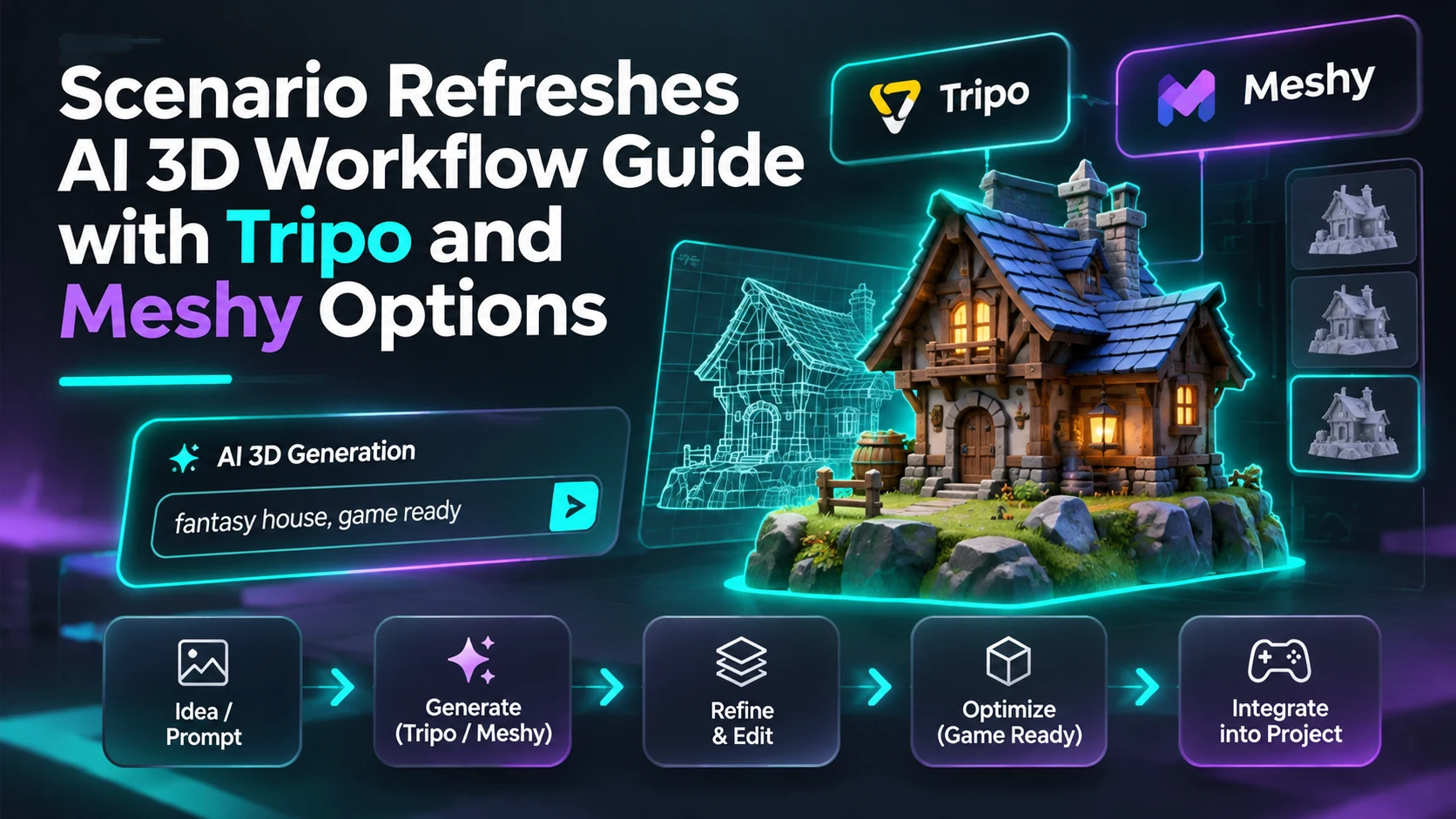
Scenario's knowledge base shows a November 10 update to its introduction to 3D generation, giving game artists a current reference for several AI-assisted model workflows. The guide describes options built around products such as Tripo and Meshy, including different stages for generating, rigging and preparing objects. This is a documentation update from a tool provider. It should not be presented as evidence that each named model was released on November 10.
The significance lies in the growing number of decisions between a generated concept and a usable asset. Image-to-3D tools may create a recognizable object, but game content still requires choices about mesh density, topology, UV layout, texture quality and animation requirements. Scenario's documentation distinguishes different model families and processing capabilities. It references Tripo workflows, preview options and rigging approaches for different kinds of subjects, as well as tools for refinement and remeshing.
For a studio, these distinctions matter as much as the headline quality of a generated model. A decorative rock has different requirements from a moving vehicle or a rigged creature. A still prop may tolerate more irregular topology, while a deforming character needs suitable joint placement and clean geometry around the bends. Textures must also be checked under the lighting system used in the actual engine, rather than judged solely from a promotional render.
The provider's documentation describes supported options within its own service, not an independently benchmarked comparison of Tripo and Meshy across every asset category. Availability, quotas, pricing and permitted commercial use may differ by plan or underlying provider. A model described as preview should be treated as such. Artists evaluating these services should consult the live settings and license terms in addition to the guide, and should not assume that two products with similar labels export identical data.
A focused comparison could use three subject types: a hard-surface crate, an organic rock and a character-like figure. Process each through the tools actually available to the team, then inspect face counts, UV seams, textures, model scale and export compatibility. Bring the resulting files into a neutral Unity or Unreal scene and measure any cleanup required before use. That exercise converts an overview of AI products into evidence about the team's own production pipeline, without presenting vendor documentation as an independent quality verdict.
Rate this story
What did you think of this article?
Log in to rate this story, comment and like replies.
Log inNo comments yet. Be the first to share your thoughts.
More stories
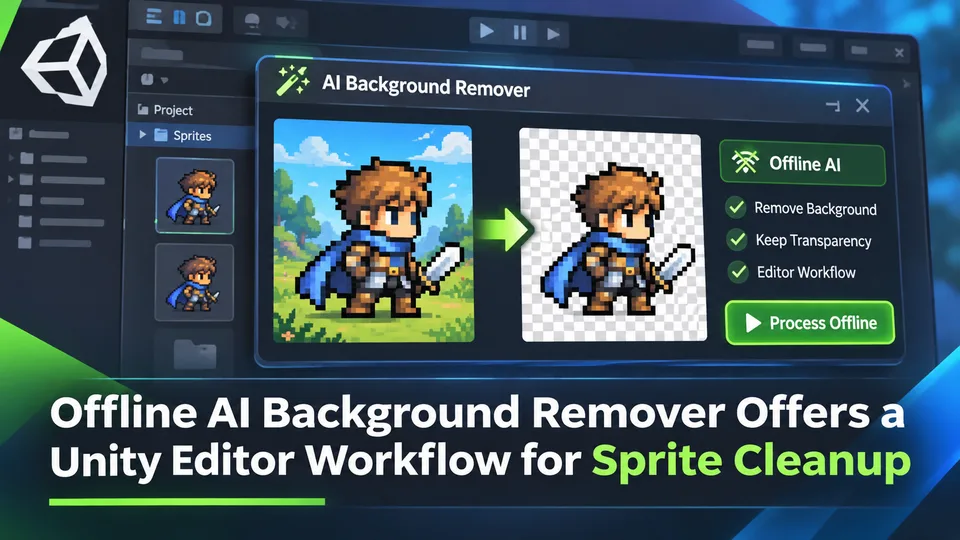
Offline AI Background Remover Offers a Unity Editor Workflow for Sprite Cleanup
A third-party Unity developer introduced an offline AI background remover for preparing transparent sprite images in the editor. It is a local content-authoring tool, not a runtime background-removal feature built into Unity.
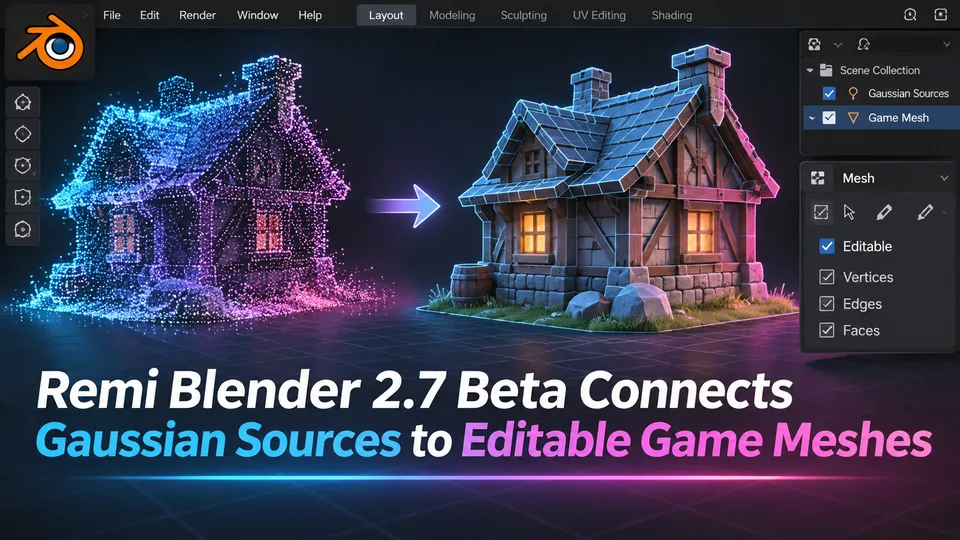
Remi Blender 2.7 Beta Connects Gaussian Sources to Editable Game Meshes
Remi Blender 2.7.0-beta.7 adds an Asset Board for image, Gaussian and mesh workflows, including texture transfer and native Blender editing. The prerelease has strict Windows and Blender requirements and relies on external AI components.
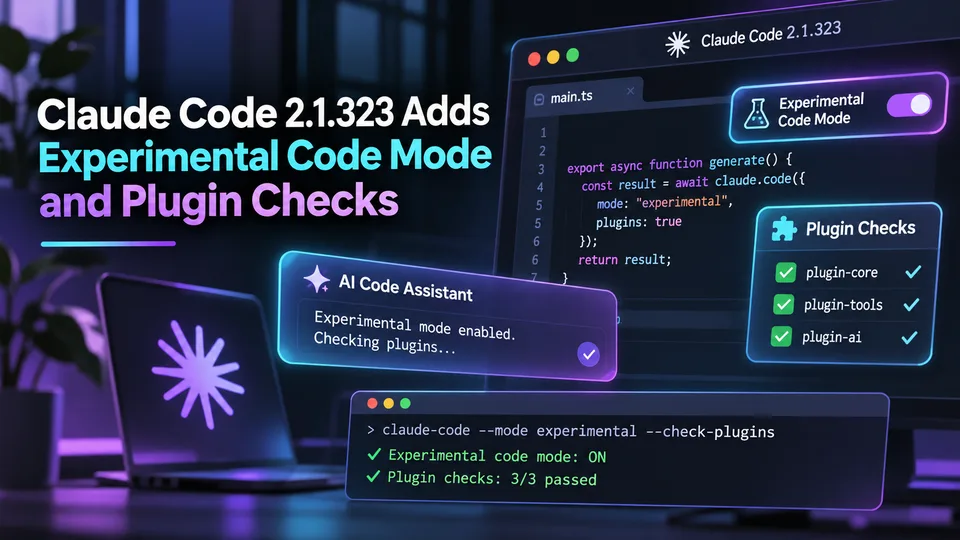
Claude Code 2.1.323 Adds Experimental Code Mode and Plugin Checks
Anthropic released Claude Code 2.1.323 on November 12 with an opt-in experimental Code Mode and changes to plugin compatibility and permissions. These are agent workflow controls, not automatically generated Unreal or Unity gameplay features.
Comments