
Open-Source Rust Unity CLI Gets Renewed Attention in Agent Skills Discussion
A Unity community discussion about missing VFX Graph skills surfaced the independently developed akiojin unity-cli on October 29. The Rust tool can control parts of Unity Editor through a TCP bridge, but the discussion does not confirm a dedicated VFX Graph skill.
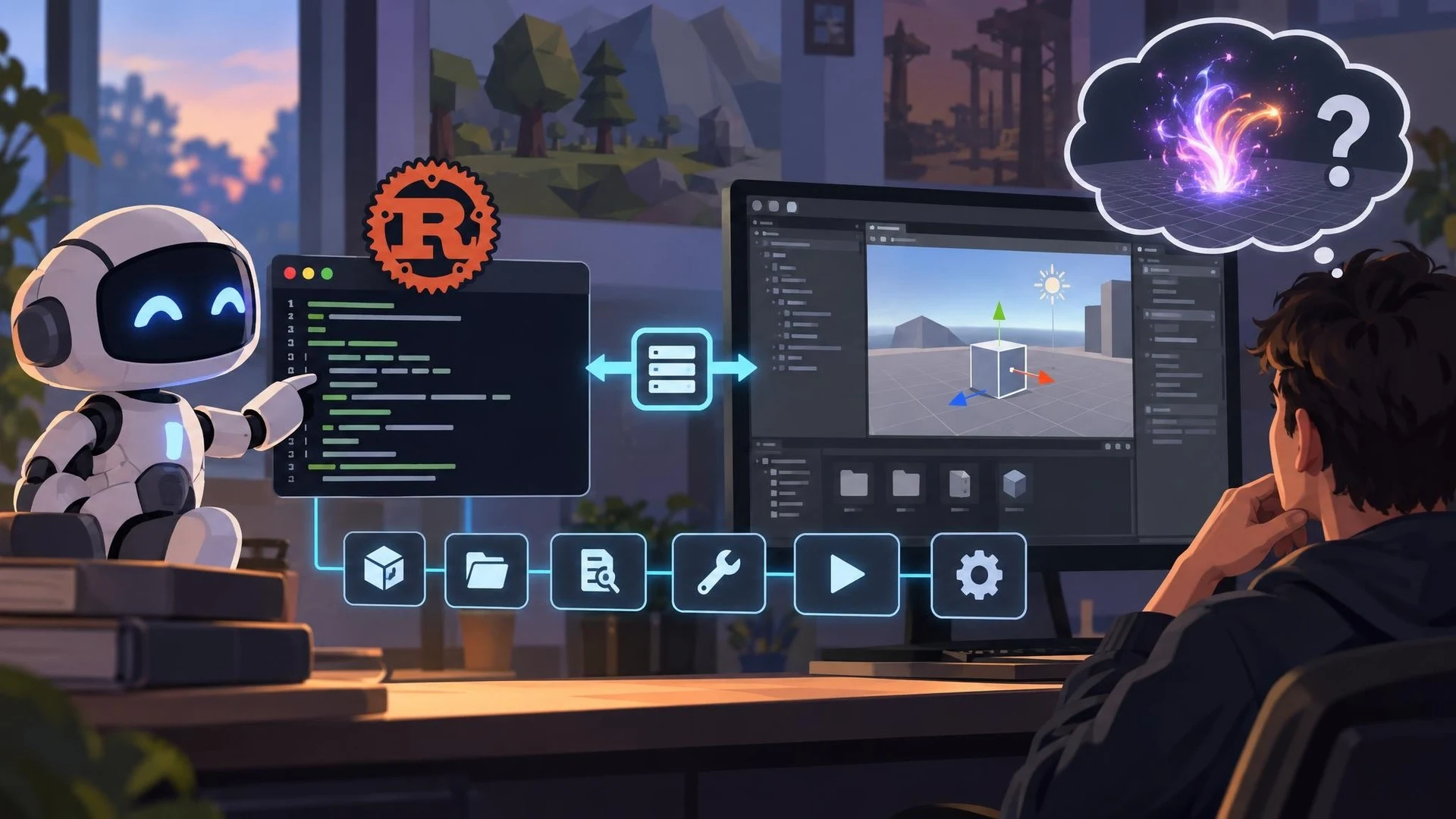
The usefulness of an AI coding assistant inside Unity depends on which editor operations it can actually perform. A community discussion highlighted this gap when a developer asked about a missing Visual Effect Graph skill. On October 29, 2026, another participant pointed to an open-source project called akiojin unity-cli as an alternative automation approach. The new event is this community recommendation, not a verified new VFX Graph feature from Unity.
The linked repository describes a Rust command-line program that communicates with Unity Editor through a TCP bridge. Its author presents the software as a successor to an earlier Node.js-based MCP server, designed to expose focused commands and agent skills with a smaller native executable. The documentation covers scene manipulation, asset management, code investigation, editor tools, testing and build operations.
For game creators, the architecture is worth examining because visual editors are difficult to automate through text generation alone. A script can be perfectly valid C# while a scene still lacks the correct references or required packages. Explicit editor commands could help an agent inspect an object hierarchy, create a test scene or verify the outcome of a source-code change. The project also documents Play Mode test support and controls for managing selected jobs.
The timing and scope must remain clear. The Unity discussion started earlier in October, and the October 29 reply supplied a link to an existing independent project. That response does not demonstrate that Unity has officially added Visual Effect Graph generation skills, nor does it establish that the linked repository supports every visual-effect editing operation a developer might want. The tool must not be confused with the official Unity CLI beta covered in an earlier news edition.
Before using the software, developers should check its package and bridge requirements, review installation scripts and confirm version compatibility. Its documentation lists Unity 2022.3 or newer for the Editor bridge and emphasizes keeping the CLI and bridge versions aligned. Automatically edited project manifests can affect dependencies, so changes should be reviewed before accepting them.
A small evaluation could ask an agent to inspect an existing scene, create one harmless GameObject, then run a Play Mode check using the documented commands. A separate VFX Graph task should be treated as unsupported until the exact tool capability is found and verified. The broader lesson is that practical AI assistance requires an inventory of real editor operations, not assumptions based on an appealing tool name.
Rate this story
What did you think of this article?
Log in to rate this story, comment and like replies.
Log inNo comments yet. Be the first to share your thoughts.
More stories
StableGen 0.4.0 Adds Masked Texture Edits and Automatic Blender Rigging
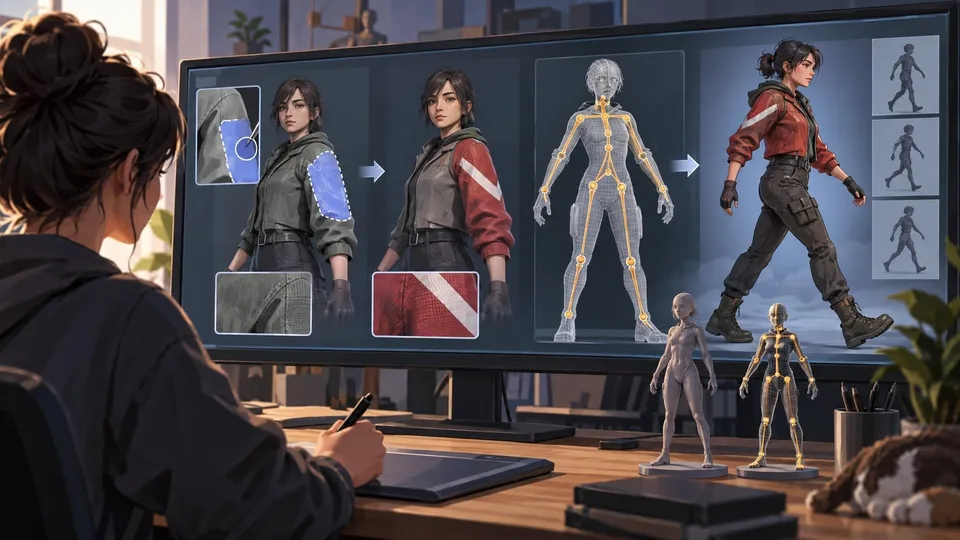
An October 28 release of the Blender-based StableGen workflow adds masked local texture editing, automatic rigging, and new image architectures. Several integrated models carry non-commercial licenses that game creators must check before using them in products.

DCC-MCP Unreal Adapter Offers Typed AI Tools for Blueprints and Game Tests
The actively maintained DCC-MCP Unreal repository describes an open-source bridge from coding agents to Unreal Editor operations, including assets, Blueprints and validation. November 1 repository activity is not evidence of a new official Epic feature release.

Construct 1.0 Turns Agent-Written Scenes into Named 3D Exports
The open-source Construct 1.0 release adds glTF and OBJ export from structured scenes, including named parts, animation and Blender integration. The author reports validation in Godot, while Unreal and Unity import quality still requires separate testing.
Comments