
Niagara Musical Aura Tutorial Explores Rings, Sparks and Mesh Deformation
A November 12 Unreal community lesson shows a stylized musical aura built with a deformed ring mesh, animated materials and Niagara particles. Its value lies in compositing familiar effects techniques rather than a new audio-reactive engine feature.
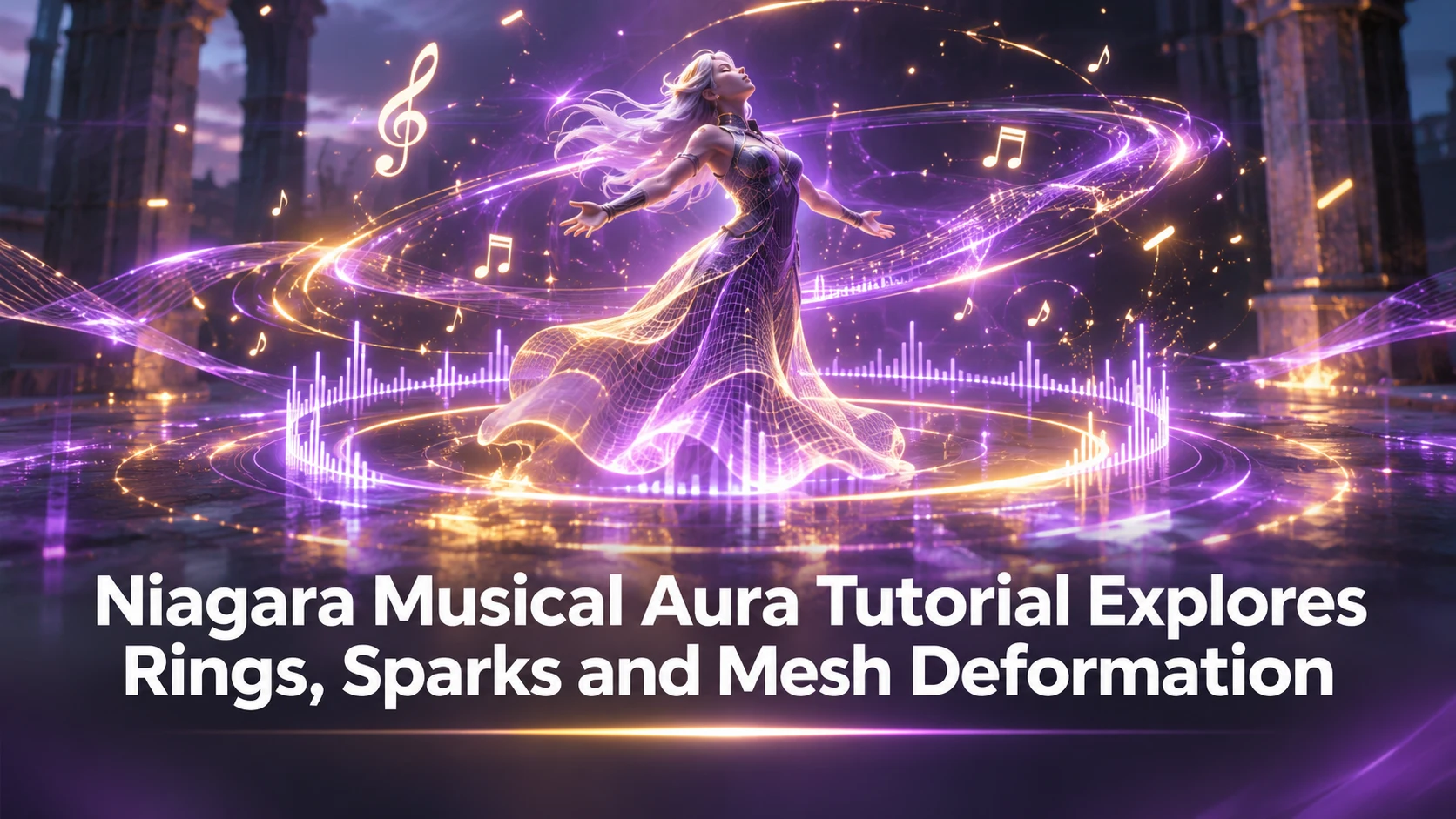
Unreal Engine artists looking for stylized spell effects have another community example to study. A November 12 tutorial presents a musical aura in Niagara, combining a glowing ring, moving notes and secondary particles into one visual composition. Although the result suggests sound and rhythm, the tutorial is an authored visual-effects exercise. It should not be described as the launch of a new Niagara audio-analysis system.
The central idea is to begin with a recognizable graphic shape. A ring makes the effect readable from a distance and gives the viewer an immediate visual center. Material animation and mesh deformation can prevent it from looking entirely static, while particle emitters provide sparks, small notes or trails that establish a surrounding field of movement. These layers can be adjusted independently to control the effect's tempo and density.
This is particularly relevant to games that need repeatable effects for abilities, pickups, checkpoints or magical areas. A strong silhouette often matters more than the number of particles. If the player can recognize the effect in motion and against different scenery, designers can reuse it without requiring an expensive high-detail simulation. The approach can also help prototype music-themed interactions before an audio-reactive implementation has been designed.
There are limits. A visual theme that contains musical notes does not automatically synchronize with a soundtrack or live microphone input. Real audio responsiveness would require a separate mechanism for measuring beats, loudness or other signals and mapping them to material or Niagara parameters. The community demonstration does not establish that complete runtime integration. Designers should also watch for motion clutter and transparent-particle overdraw when several players activate similar effects in the same area.
A productive exercise would reproduce the ring in a test map and create three variations: an idle version, a short activation pulse and a sustained ability state. Compare each at game-camera distance and on both dark and bright backgrounds. Then record GPU time with high and low particle counts. Even without full audio synchronization, that test can reveal how much visual information the effect needs to communicate its purpose.
Rate this story
What did you think of this article?
Log in to rate this story, comment and like replies.
Log inNo comments yet. Be the first to share your thoughts.
More stories
Unity 6000.6.9f1 Fixes Rendering, Editor and Build Pipeline Issues
Unity released editor version 6000.6.9f1 on November 12 with fixes spanning DirectX 12, graphics, 2D rendering, audio and build workflows. It is a maintenance release with specific known issues developers should review before upgrading.
Community Guide Uses Unreal and Generative 3D to Plan More Consistent Game Videos
A community-authored Unreal guide describes combining deliberate 3D staging, generative assets and sequenced shots for predictable promotional video production. The lesson is most relevant to game trailers and previsualization, not gameplay runtime.

New UE5 Niagara Waterfall Lesson Combines Meshes, Materials and Particles
An Unreal community tutorial demonstrates a stylized Niagara waterfall built from a shaped mesh, animated materials and layered particles. It offers a useful VFX workflow without claiming a new physically simulated water system.
Comments