
MotionLLM Assistant Brings AI Character Animation to Unreal Sequencer
MotionLLM Assistant lets Unreal Engine creators generate character animation from text, guide movement and poses, and refine the results with Control Rig.
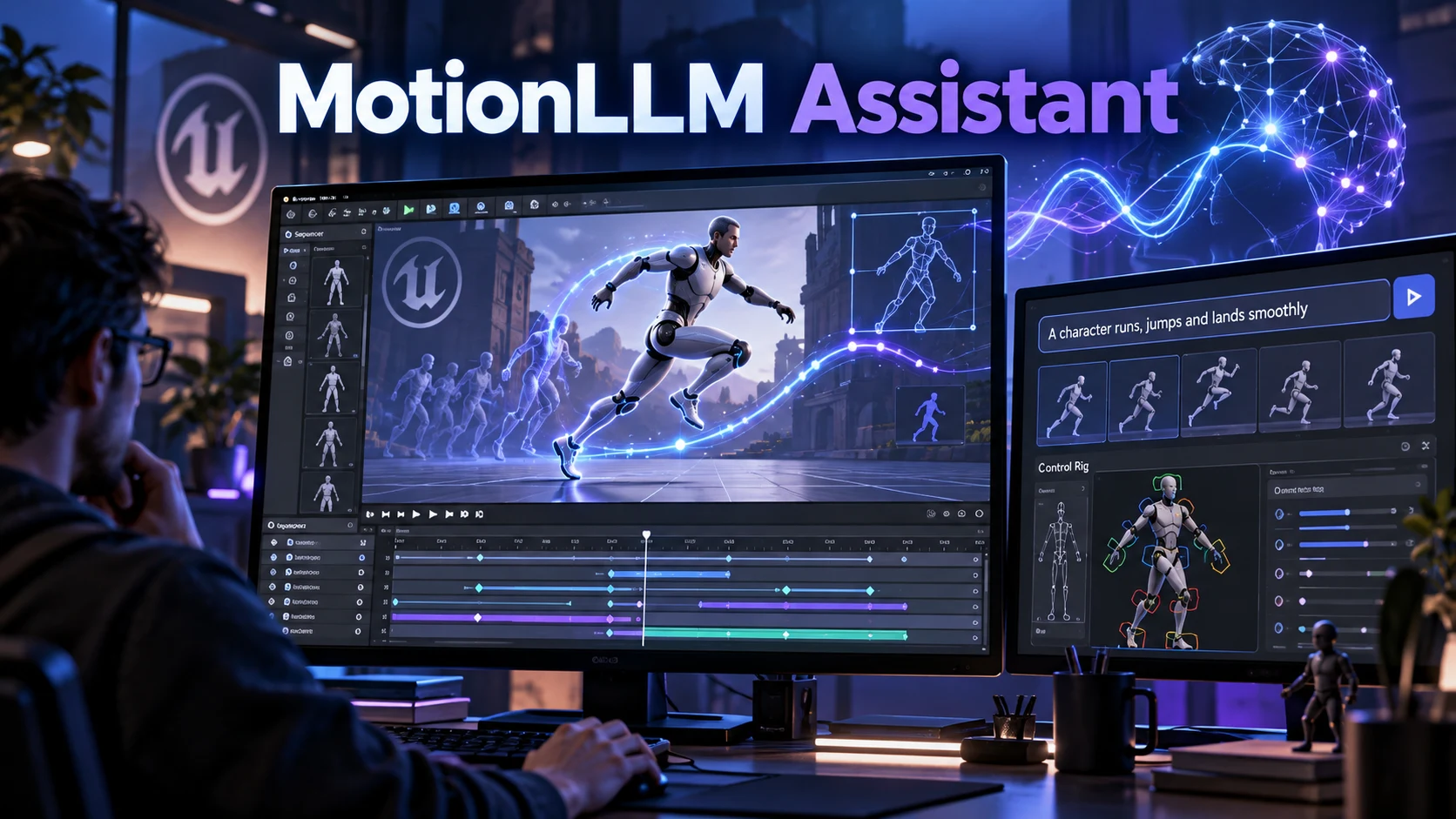
Developer Yuri Vieira has introduced MotionLLM Assistant, a plugin that brings AI-generated character animation into Unreal Engine’s Sequencer. Presented on October 27, the tool lets creators describe an action, set its timing and guide the performance before generating editable animation assets.
The workflow goes beyond a single text prompt. Creators can arrange several actions along the timeline and combine adjacent prompt sections into a continuous generation block. Movement can be guided through timed horizontal waypoints, while poses captured from a character’s Control Rig provide additional direction at specific moments. These controls give developers more ways to shape a performance than simply requesting an action and accepting the first result.
Generated motion becomes a native Unreal AnimSequence, rather than a video clip. The plugin can also bake that animation into editable Control Rig keys. An existing result can be baked manually without submitting another cloud-generation request, allowing creators to refine a take instead of regenerating it for every adjustment.
The supplied retargeting configuration targets Unreal Engine’s Manny character. Developers can configure other characters through compatible IK Retargeters, but support should not be mistaken for universal, automatic skeleton compatibility. The documentation recommends checking proportions, facing direction, foot contact and root movement with a short test before creating longer sequences.
For small teams, the potential appeal is a shorter route from an animation idea to an editable starting point. A useful experiment might be a character walking forward, stopping and turning toward a sound. Rather than treating the generated movement as a finished asset, a developer could use it to evaluate timing and staging before refining the performance. This is a suggested use case, not a result independently tested for this article.
MotionLLM Assistant is listed as a free plugin on Fab, but animation generation uses a separate cloud credit system. The current pricing page advertises 250 starter credits for new accounts. Those credits cover generation execution time, not an equivalent number of seconds of finished character animation. Developers should therefore evaluate the cost of repeated attempts rather than assume that a free plugin means unlimited generation.
The documented limits also matter when planning a sequence. Individual prompt sections run from two to ten seconds, and a continuous cloud-generation block currently has a maximum duration of 30 seconds. Longer performances need separate blocks. The documentation warns that gaps between blocks do not automatically produce connecting transitions, so assembling a longer scene can require additional animation work.
A sensible first test is a short walking animation using the supplied Manny setup. Review the motion before adding path and pose constraints, then make one change at a time. Keep a separate copy of any result worth preserving: the first-animation guide notes that regenerating the same prompt block replaces its generated animation assets by default, while editable Control Rig bakes are separate takes.
The launch documentation describes the tool as an editor workflow with cloud generation. It lists Docker and a runtime service API as forthcoming, so the current release should not be presented as an already available system for generating animations live inside a shipped game. The guide also describes testing in an Unreal Engine 5.8 development project and advises using a plugin package built for the installed editor version.
For developers exploring AI-assisted game creation, the most interesting possibility is not removing human direction from animation. It is combining generated motion with deliberate timing, pose guidance and hands-on editing. MotionLLM Assistant is worth evaluating on that basis: whether it produces a useful starting point for a particular character and how much work remains before the animation meets the project’s needs.
Rate this story
What did you think of this article?
Log in to rate this story, comment and like replies.
Log inNo comments yet. Be the first to share your thoughts.
More stories
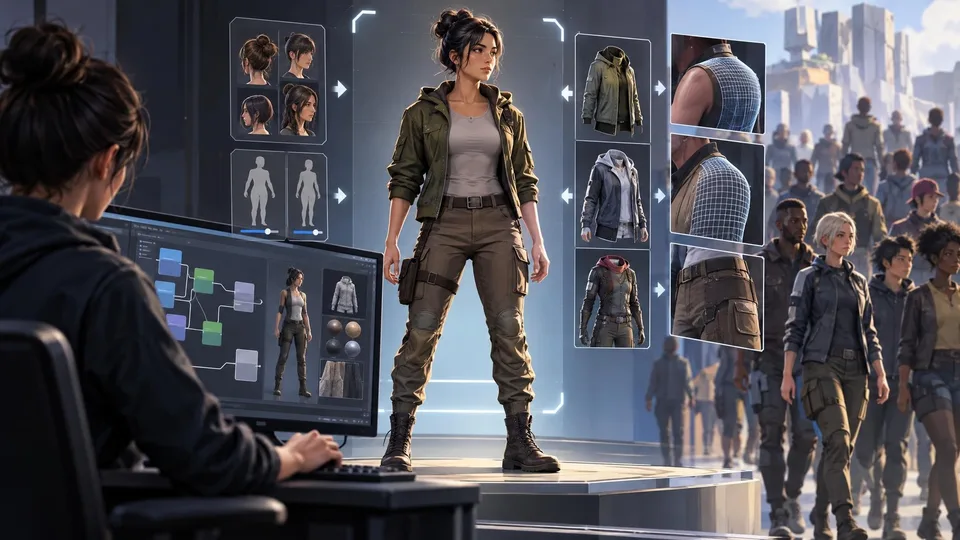
Epic Refreshes Mutable Sample for Unreal Engine 5.8
Epic's updated Mutable Sample demonstrates MetaHuman customization, clothing refitting and simpler character graphs, giving Unreal Engine developers a practical reference for building their own appearance systems.
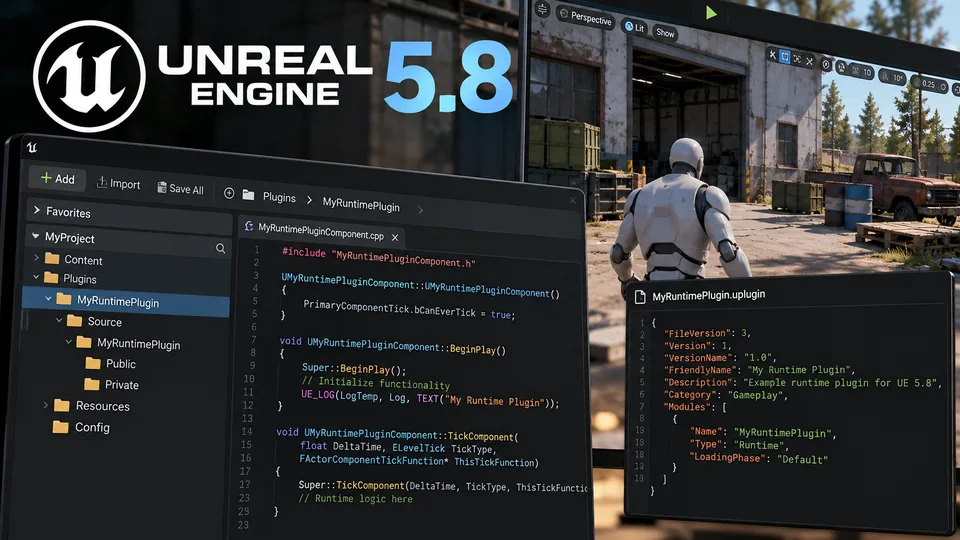
New Unreal Engine 5.8 Tutorial Introduces Runtime Plugin Development
A new community tutorial explores runtime plugins in Unreal Engine 5.8, offering a starting point for developers building reusable C++ gameplay systems.
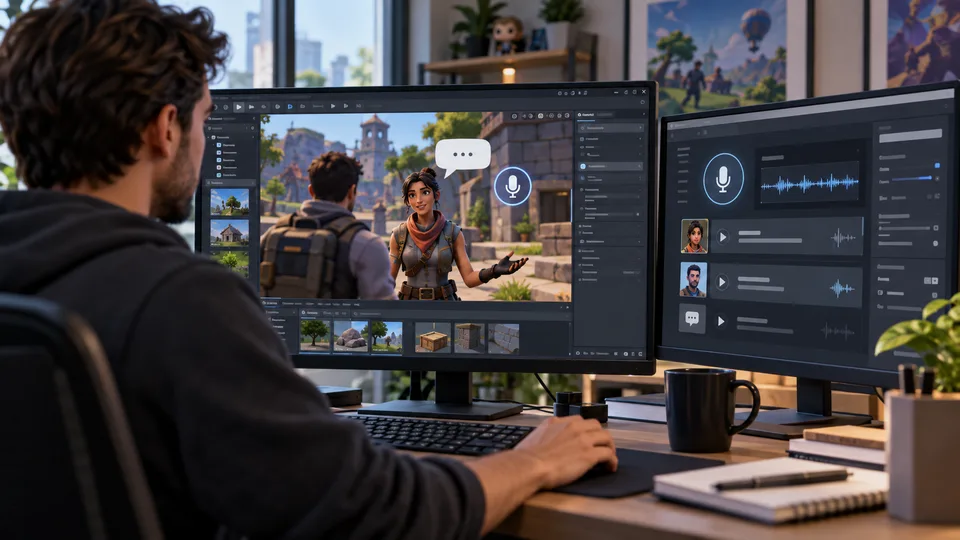
UEFN Upgrades AI NPC Conversations With Eleven v4 Turbo
Epic Games has upgraded UEFN Conversations with faster voice responses, sentence streaming and improved character delivery, without requiring manual changes from creators.
Comments