
Independent Unity MCP 1.6.0 Update Expands Agent Tools and Safer Scene Workflows
AI Game Developer (Unity MCP) 1.6.0 is a third-party release with new scene-refresh safeguards, query tools and separately packaged Unity integrations. It can support coding agents, but should be tested in disposable projects before broad access.

A third-party tool connecting AI coding agents to Unity has received an extensive update. AI Game Developer, commonly known through the IvanMurzak Unity MCP project, lists version 1.6.0 as an October 30, 2026 release. Its published changelog describes changes to asset handling, query and execution tools, editor compatibility and independently packaged integrations.
This project should not be confused with Unity Technologies' official Unity CLI and Pipeline packages. Both types of tools can help assistants interact with a game project, but they have different maintainers, capabilities, update schedules and trust boundaries. The independent package uses the Model Context Protocol as part of a broader system intended to expose Unity operations to external agents.
The 1.6.0 release includes an integration round involving query tooling and code execution. The repository records updates to a query language module, changes to script execution and improvements to refreshing assets when Unity has already loaded a different version of a scene. It also mentions a safer two-turn deletion process, a relevant idea when an automated tool can modify project files.
A broad set of optional extensions is associated with the release, including Timeline, Terrain, Splines, ProBuilder, Navigation, Cinemachine and particle-related integrations. The GitHub release page identifies them as separate Unity packages rather than evidence that every operation is present in the base package. A developer needs to choose and install the extensions appropriate to the project.
Reliability fixes matter here because an editor connection is not simply a text-generation feature. The changelog includes a repair for repeated domain reloads when a dependency cannot be fetched and fixes related to script execution on the main thread. These changes address real operational categories, but the release notes do not establish that the tool is safe to run with unrestricted access in production.
An appropriate experiment starts with a fresh Unity scene containing one cube and one small C# script. Connect a supported agent, request a read-only inventory of the scene, and check its response manually. Then allow the creation of a second object and inspect the change. Test the proposed delete-confirmation workflow with a disposable object, not an asset from a real game. Preserve a source-control checkpoint before each stage.
The main security consideration is authority. An agent able to run C# or modify scenes can make destructive changes quickly if permissions are too broad. Review the tool's code, dependencies and project settings, and avoid giving it credentials or filesystem access it does not need. Automated test results should be compared with what the editor actually displays.
Unity MCP 1.6.0 is a useful example of community innovation around AI-assisted game creation. Its importance lies in more controlled access to editor operations, not in a claim that a language model can autonomously finish and verify a complete commercial game.
Rate this story
What did you think of this article?
Log in to rate this story, comment and like replies.
Log inNo comments yet. Be the first to share your thoughts.
More stories
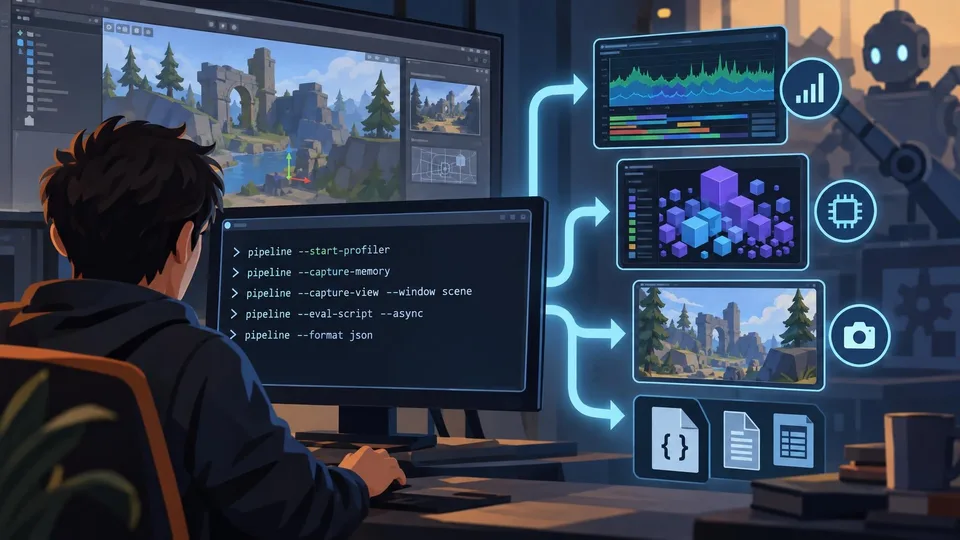
Unity Pipeline Experimental Update Adds Command-Line Profiler Captures and Memory Snapshots
Unity Pipeline 0.10.0-exp.1 introduces profiler recordings, memory snapshots and more flexible editor captures through its command interface. The November 3 update is experimental and includes breaking parameter changes for automated tools.

Claude Code 2.1.318 Repairs Session Recovery and MCP Configuration Handling
Anthropic published Claude Code 2.1.318 on November 4 with fixes for lost resumed conversations and MCP configuration saves. For Unreal C++ and Unity C# teams, the relevant story is agent reliability rather than a new engine integration.
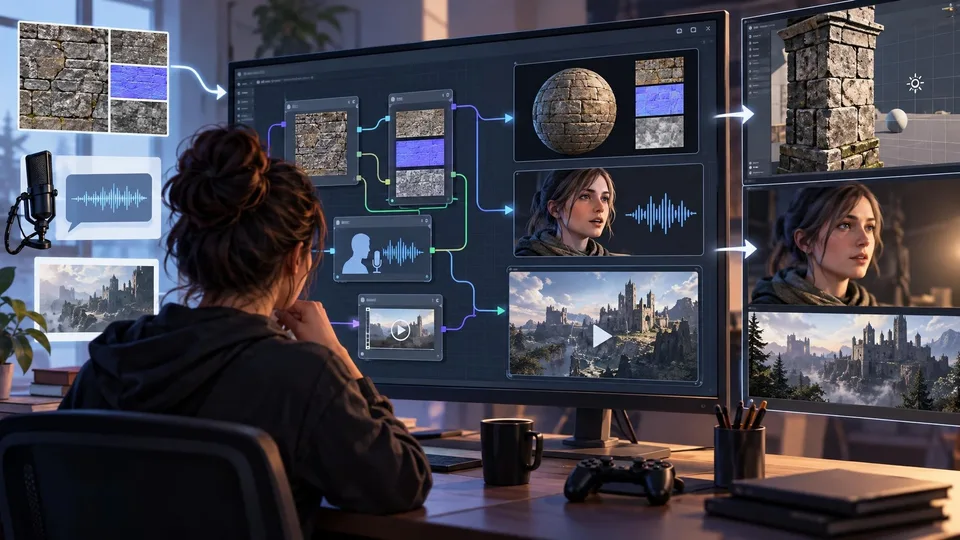
ComfyUI 0.44.0 Adds Texture and Dubbing Nodes for Game Content Pipelines
ComfyUI 0.44.0 brings a Patina texture partner integration, VEED dubbing and new image and video processing nodes. The November 4 release broadens possible asset workflows, while provider access, costs and model requirements vary.
Comments