
ComfyUI 0.44.0 Adds Texture and Dubbing Nodes for Game Content Pipelines
ComfyUI 0.44.0 brings a Patina texture partner integration, VEED dubbing and new image and video processing nodes. The November 4 release broadens possible asset workflows, while provider access, costs and model requirements vary.
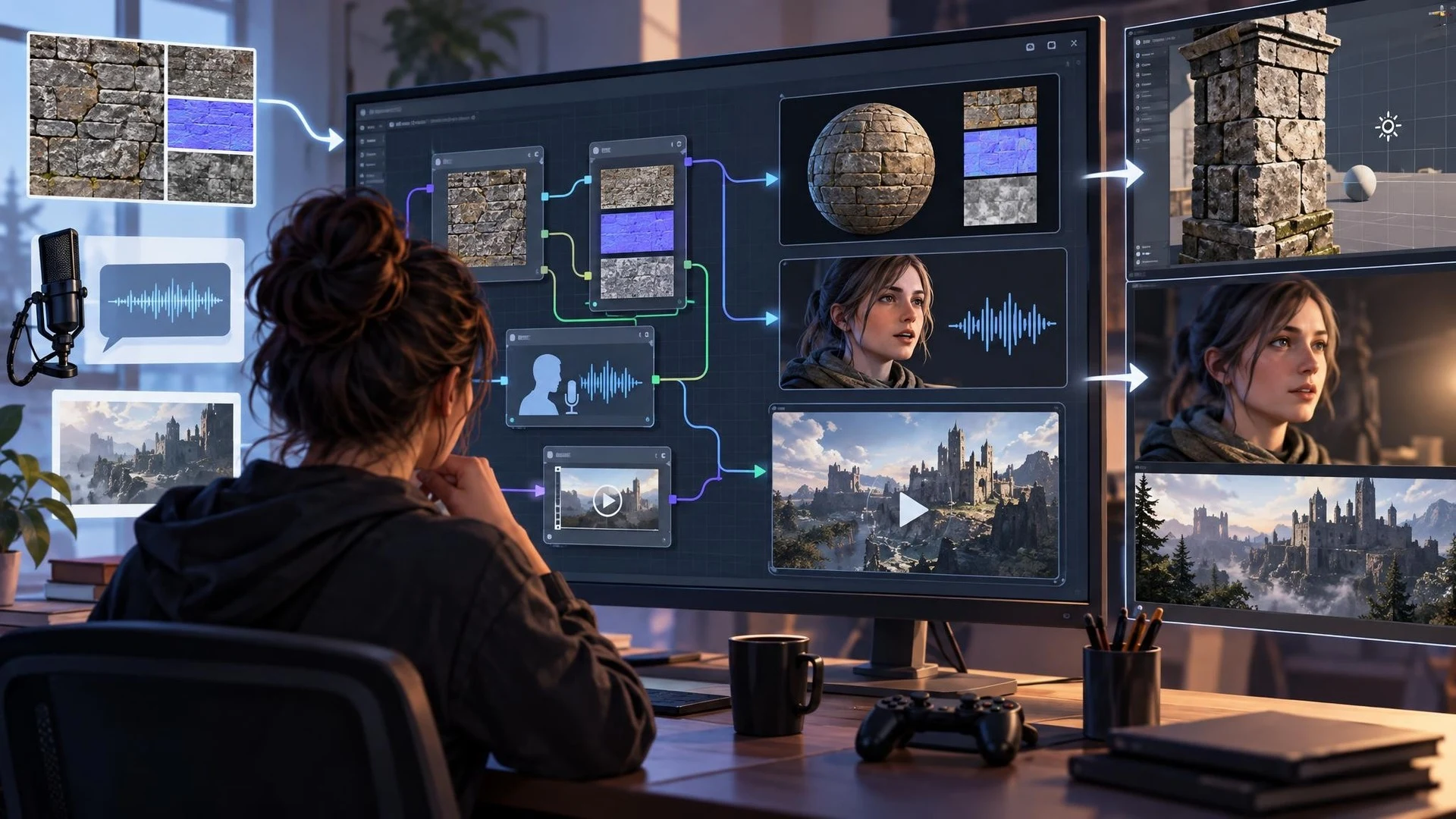
ComfyUI continues to expand beyond standalone image generation. Version 0.44.0, released on November 4, 2026, introduces a range of partner integrations and internal improvements that may interest developers creating game textures, character dialogue, cinematics and promotional material.
One addition is a set of Patina texture nodes. The release notes identify the integration but do not provide a complete quality benchmark or a universal guarantee of compatible material outputs. For artists working with Unreal Engine or Unity, the possible use case is generating or iterating surface appearance as one step in a larger asset pipeline. The actual result still needs inspection in the target engine, where color space, UV layout, texture compression and shading settings can change how it looks.
Audio and video workflows also receive attention. ComfyUI lists a VEED dubbing node, a Sonilo Music 1.5 partner node, additional MiniMax video controls and an Ideogram region-editing option. New options for video upscaling and ProRes output are included. These capabilities could help a small studio prepare dialogue prototypes or edit a trailer, although a generated video is not the same thing as an interactive game animation.
The distinction between local functionality and partner services is important. ComfyUI itself is a node-based application, but many partner nodes call services supplied by third parties. Availability, authentication, licensing and charges depend on those services. Installing a ComfyUI update does not make every connected model free, locally runnable or appropriate for commercial distribution. A studio should confirm the rules for each provider it uses.
The release also includes technical adjustments such as a VAE compute-dtype control, fixes and workflow-template updates. These are infrastructure changes that can influence compatibility and stability, not a claim that all existing workflows become faster. Developers who pin custom nodes or particular model builds should save their current environment before upgrading.
A useful controlled trial would choose one low-risk prop texture and one short voice line. Run a candidate workflow, save the intermediate outputs and inspect the result in a small Unity or Unreal scene. Record the input, model settings, provider charges and amount of manual cleanup. If the texture needs PBR maps or the sound requires rights clearance, add those steps explicitly rather than assuming they are handled automatically.
Teams with limited GPU memory should also distinguish remote partner services from heavy local models. Local compute requirements depend on the selected workflow; the release announcement does not establish an across-the-board hardware minimum for every new node.
ComfyUI 0.44.0 is notable because it brings additional texture, voice and video services into an automation-friendly interface. Its practical value for game development will depend on output quality, licensing, reproducibility and how well those outputs survive normal asset-import workflows.
Rate this story
What did you think of this article?
Log in to rate this story, comment and like replies.
Log inNo comments yet. Be the first to share your thoughts.
More stories

Claude Code 2.1.318 Repairs Session Recovery and MCP Configuration Handling
Anthropic published Claude Code 2.1.318 on November 4 with fixes for lost resumed conversations and MCP configuration saves. For Unreal C++ and Unity C# teams, the relevant story is agent reliability rather than a new engine integration.
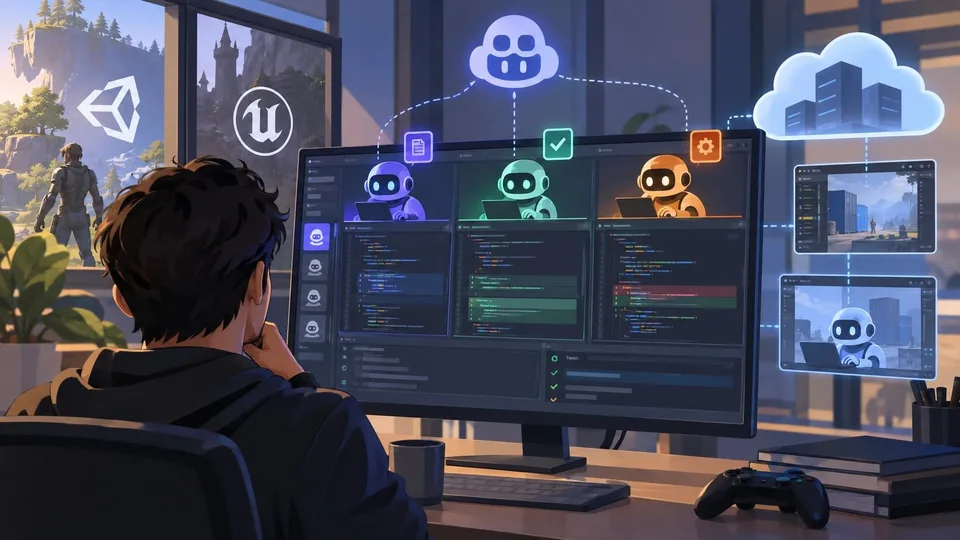
GitHub Copilot Arrives in JetBrains Air for Parallel Coding Agent Workflows
GitHub added Copilot support to JetBrains Air on November 3 through the Agent Client Protocol. Supported users can coordinate local and cloud coding tasks, with practical implications for Rider-based Unity and Unreal development.
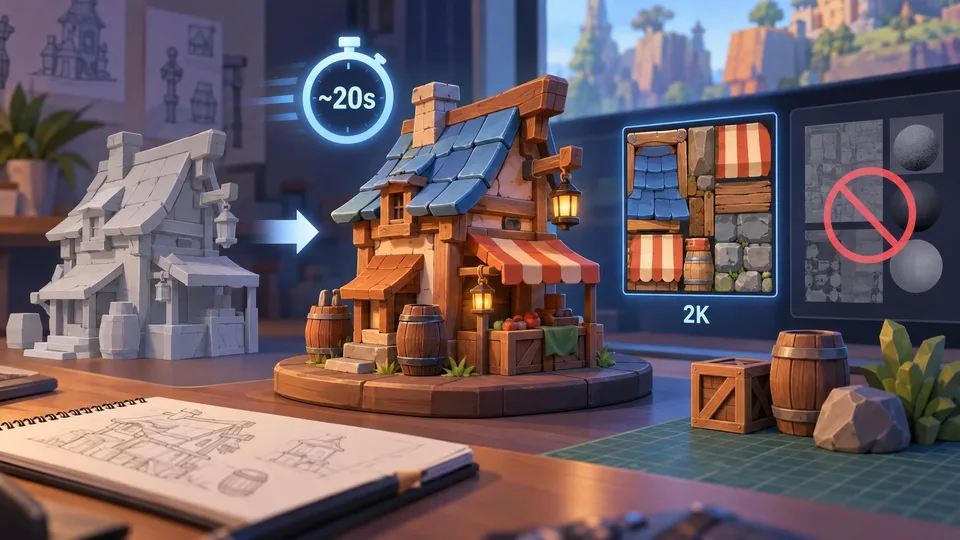
Meshy N1 Introduces Faster Stylized 3D Texturing, With Clear PBR Trade-Offs
Meshy has detailed its N1 texture mode for stylized game assets, claiming roughly 20-second results in a specific T2 workflow. It produces 2K base color without PBR maps, costs 10 credits per run and has a separate Retexture API option.
Comments