
Game Creator Team Introduces Free Visual Script Framework for Unity
A third-party Unity developer presented a free visual scripting framework with triggers, instructions, conditions and signals. It is designed to organize gameplay logic while leaving developers able to extend behavior through C#.
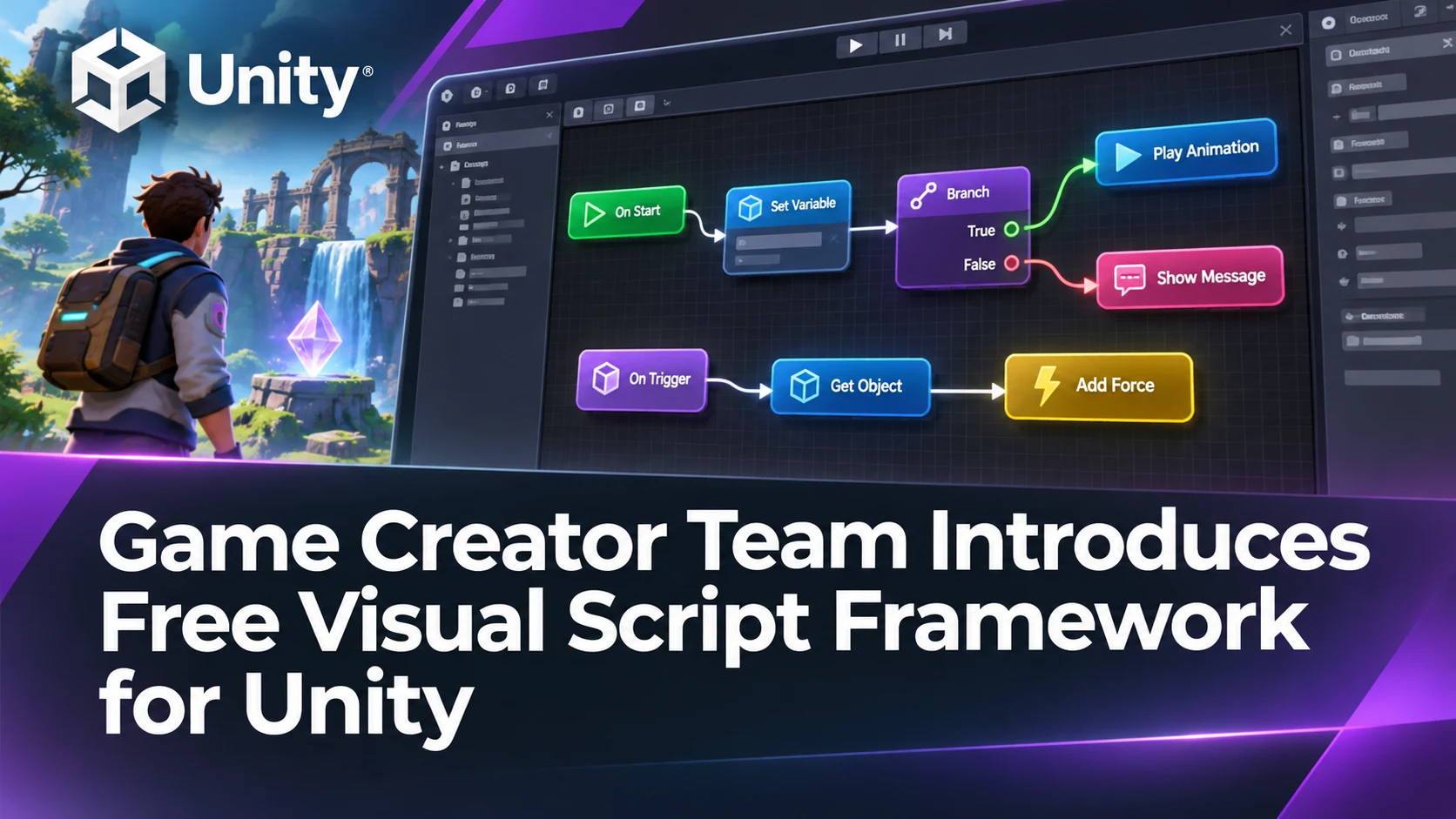
A Unity Discussions announcement dated November 12 introduces Visual Script, a free framework promoted by the Game Creator team. The post describes a collection of visual gameplay building blocks intended to reduce repetitive C# work during prototyping. The announcement comes from the product's developer, not from Unity Technologies, so it should not be confused with a newly integrated Unity engine subsystem.
The proposed workflow centers on familiar building blocks. Triggers recognize when an event occurs, instructions perform actions, conditions control branching and signals allow parts of a project to communicate. The announcement also describes variable handling and features for common game operations, including input, audio and scene management. These components are meant to let designers connect actions without writing a bespoke method for every event.
Visual systems can be especially helpful when the person designing a level is not the same person maintaining the codebase. A designer might connect an interaction trigger to a door animation and a short sound while a programmer extends the system with a custom instruction. The important question is not whether visual scripting replaces C#, but whether the boundaries between visual logic and code remain clear as a project grows. The developer says C# extensibility is available, which makes it worth examining the exact extension API.
The post also mentions documentation material intended to help coding assistants understand the product. That is relevant to teams using Claude Code, Codex or other agents, but the presence of machine-readable guidance does not establish that any particular AI agent can reliably build a complete game with the framework. Installation requirements, Unity version compatibility, support conditions and the scope of the free offering should be checked against the current vendor listing before a project depends on it.
For an initial evaluation, build a short room with a pressure plate, a locked door and an audio cue. Use visual instructions to open the door only when the plate is activated, and add a C# custom action if the framework supports it. Then test how the system behaves when the scene is reloaded, when events fire repeatedly and when the dependency is temporarily removed. That exercise would reveal whether the workflow is genuinely easier to maintain than a small conventional script.
Rate this story
What did you think of this article?
Log in to rate this story, comment and like replies.
Log inNo comments yet. Be the first to share your thoughts.
More stories
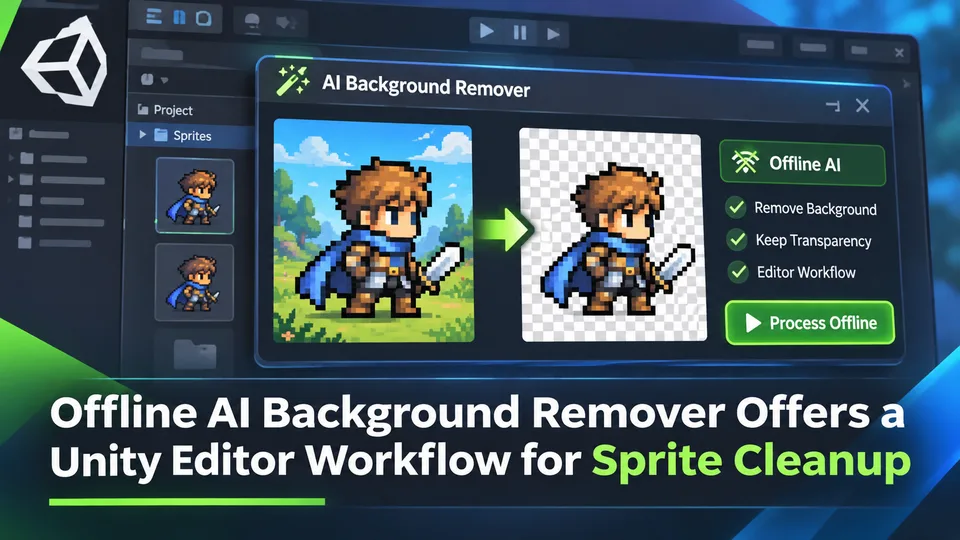
Offline AI Background Remover Offers a Unity Editor Workflow for Sprite Cleanup
A third-party Unity developer introduced an offline AI background remover for preparing transparent sprite images in the editor. It is a local content-authoring tool, not a runtime background-removal feature built into Unity.
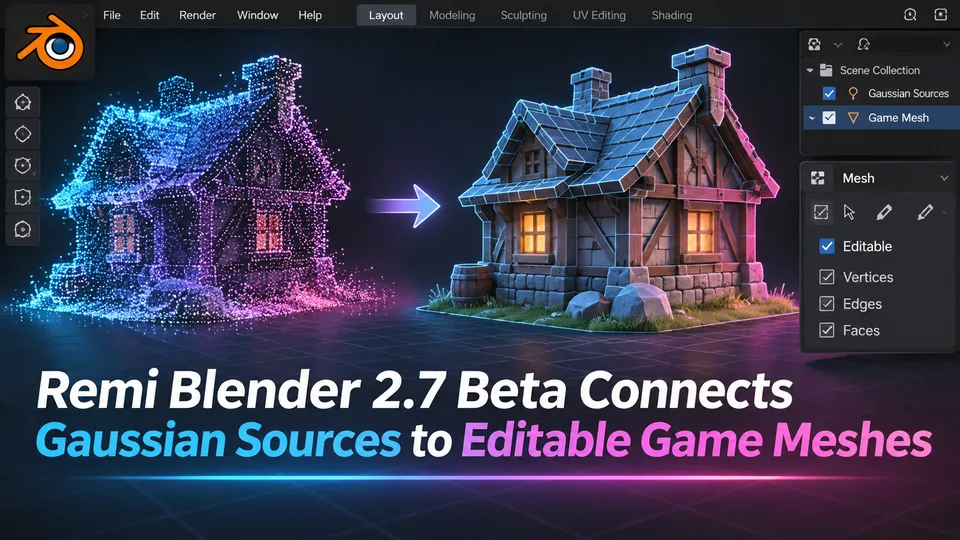
Remi Blender 2.7 Beta Connects Gaussian Sources to Editable Game Meshes
Remi Blender 2.7.0-beta.7 adds an Asset Board for image, Gaussian and mesh workflows, including texture transfer and native Blender editing. The prerelease has strict Windows and Blender requirements and relies on external AI components.
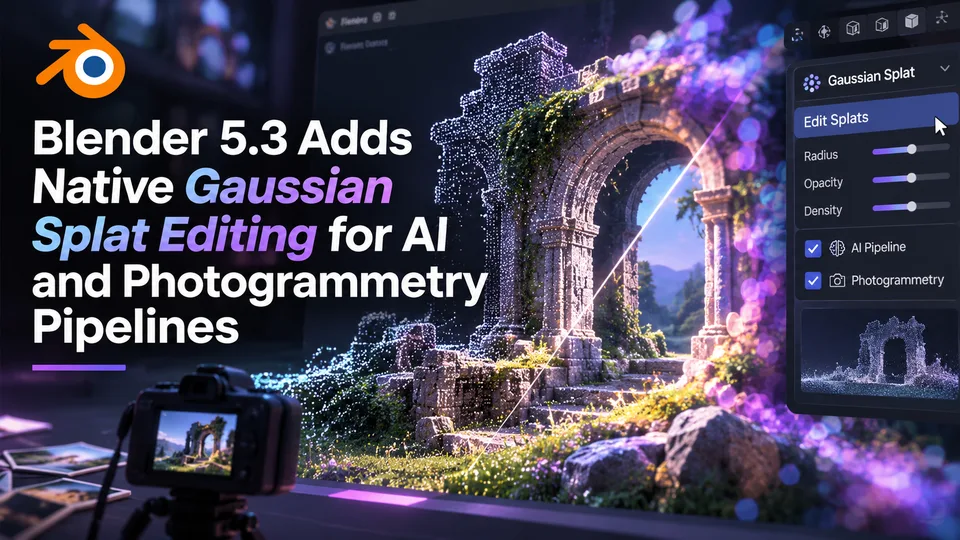
Blender 5.3 Adds Native Gaussian Splat Editing for AI and Photogrammetry Pipelines
Blender 5.3 was released on November 10 with native 3D Gaussian Splat importing, editing and rendering. The technology expands scene-capture workflows, but a splat is not automatically a game-ready polygon mesh.
Comments