
Fab Update Reportedly Breaks Unreal Engine 5.8 C++ Builds
Developers report a FabToolset error blocking UE 5.8 C++ builds on Windows. A community workaround involves temporarily disabling the Fab plugin.

Fab Update Reportedly Breaks Unreal Engine 5.8 C++ Builds
Some Unreal Engine 5.8 developers have reported C++ compilation failures on Windows following a Fab plugin update. The community reports describe a problem involving the FabToolset module, with affected projects failing to build even when no gameplay code has been changed.
According to a discussion on the Epic Developer Community forums, one developer encountered the issue after an automatic Fab update. The same failure reportedly occurred in a newly created, blank C++ project, suggesting that the problem was not limited to an existing project’s custom code. Another participant reported a similar error and described a temporary workaround.
The diagnostic concerns UnrealBuildTool being unable to find the expected module-rules type for FabToolset. Unreal Engine relies on these rules to understand how individual modules should be compiled and which dependencies they require. The message points toward a problem with module configuration or discovery, but it does not, by itself, establish the underlying cause.
For developers encountering this specific error, the important distinction is that a failed build does not necessarily indicate a mistake in their gameplay code. Investigating the named module and recent plugin changes is a more focused starting point than rewriting unrelated systems.
One forum participant reported restoring compilation by temporarily disabling the Fab plugin in the project’s configuration. This remains a community-reported workaround rather than a confirmed permanent repair, and it has not been independently tested for this article.
Before attempting any changes, developers should back up their project or create a version-control checkpoint. For projects that still open in Unreal Editor, the plugin can be disabled through the Plugins window in the Edit menu. After locating Fab and disabling it, restart the editor and try building the project again.
When the editor cannot open, the plugin’s enabled state can instead be changed in the project’s configuration file. That approach requires care: existing settings and other plugin entries should remain intact. A small, reversible change is preferable to deleting plugin folders or modifying the engine installation without a clear diagnosis.
Disabling Fab temporarily removes access to its integrated marketplace workflow within Unreal Editor. Developers should also check whether their project depends on functionality provided by the plugin before leaving it disabled. A successful build is useful evidence, but testing the project afterward is still necessary.
The incident is particularly relevant to developers using AI coding assistants. When a previously working project stops compiling, a broad request to fix everything can lead to unnecessary changes. Providing the assistant with the exact error, the engine version, and details of recent plugin updates makes it easier to investigate the actual failure.
A safer approach is to ask the assistant to identify the failing module, propose the smallest reversible adjustment, and explain how to test it. Keeping working gameplay code untouched during that initial investigation can help prevent a plugin problem from turning into a larger debugging task.
The available community reports do not establish how widespread the issue is or prove that every Unreal Engine 5.8 installation is affected. For developers seeing the same FabToolset diagnostic, temporarily disabling Fab may be worth testing in a backed-up project. For everyone else, these reports alone are not a reason to change a working setup.
Rate this story
What did you think of this article?
Log in to rate this story, comment and like replies.
Log inNo comments yet. Be the first to share your thoughts.
More stories

Epic Refreshes Mutable Sample for Unreal Engine 5.8
Epic's updated Mutable Sample demonstrates MetaHuman customization, clothing refitting and simpler character graphs, giving Unreal Engine developers a practical reference for building their own appearance systems.
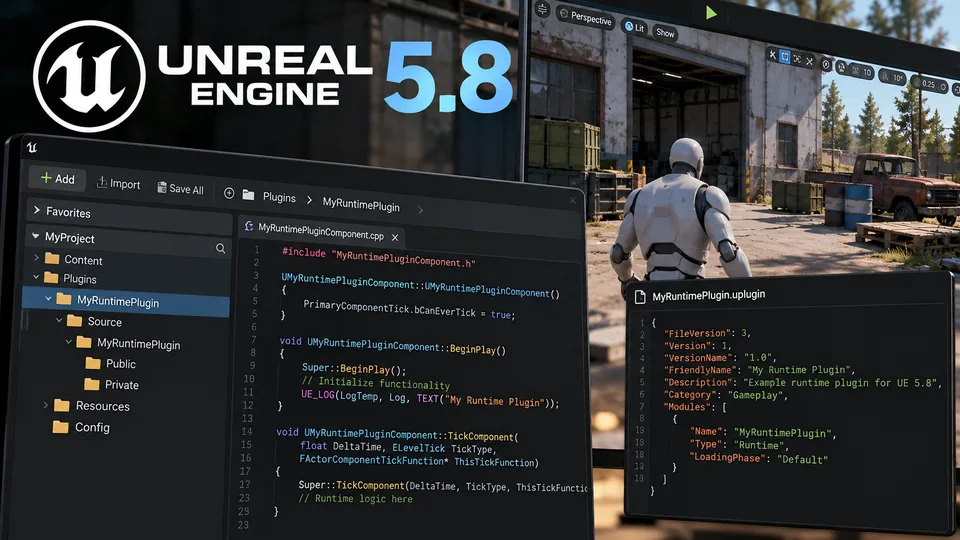
New Unreal Engine 5.8 Tutorial Introduces Runtime Plugin Development
A new community tutorial explores runtime plugins in Unreal Engine 5.8, offering a starting point for developers building reusable C++ gameplay systems.

UEFN Upgrades AI NPC Conversations With Eleven v4 Turbo
Epic Games has upgraded UEFN Conversations with faster voice responses, sentence streaming and improved character delivery, without requiring manual changes from creators.
Comments