
Fab Creator Demonstrates a Configurable Gameplay Feedback Toolkit for Unreal
A November 11 community tutorial introduces a third-party Unreal toolkit for assembling gameplay feedback through effects and Blueprint controls. Its advertised presets are a starting point, not proof of independent performance or usability testing.
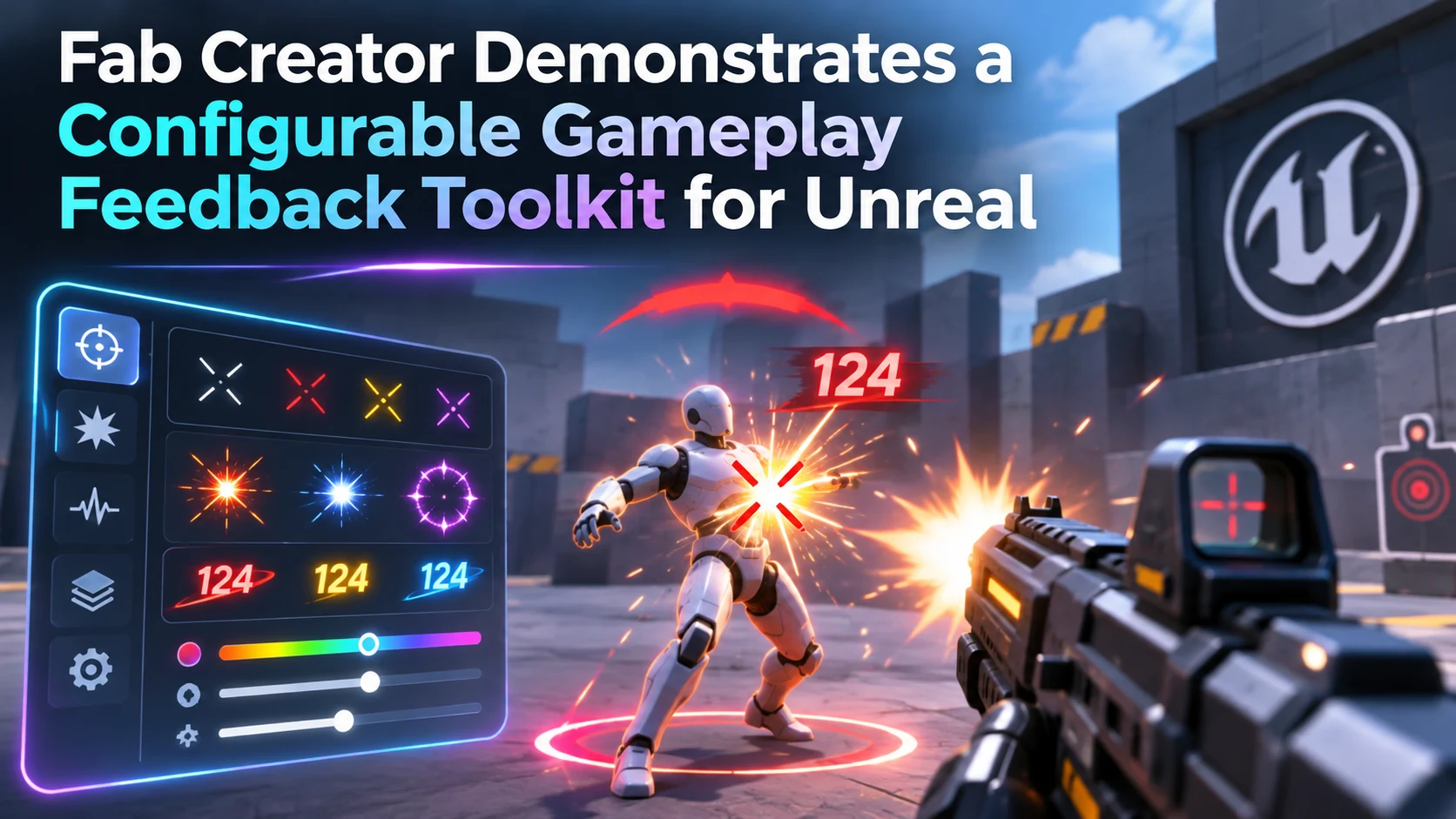
A November 11 tutorial published on Epic's community learning platform highlights a third-party approach to gameplay feedback in Unreal Engine. The demonstration, Creating a Gameplay Feedback in Unreal Engine, is associated with a Fab product rather than an official Epic engine update. Its author presents a collection of configurable feedback elements intended to help developers communicate hits, interactions and other events more clearly.
Feedback is sometimes treated as decoration, but it is part of the interface between the game and the player. When an attack lands, a switch activates or an item is acquired, a combination of visual, sound and potentially haptic cues can make the result immediately understandable. A toolkit can be attractive when teams want to reuse a consistent style across many interactions rather than assemble each response from scratch.
The product description advertises dozens of ready-to-use effects and customization through Unreal's existing authoring tools, including Blueprint-based workflows. Those are creator claims. They should not be read as independent confirmation that every example is optimized for every supported device or that the pack integrates seamlessly with a particular project. A studio considering an asset should inspect its current Fab listing for supported engine versions, included content, license terms and pricing before buying or deploying it.
There are also design trade-offs. Reusing a preset saves time, but identical flashes or sounds can become distracting when many game objects activate at once. Feedback should be prioritized according to importance, and developers need to consider contrast, visual accessibility, audio volume and frame-time overhead. Multiplayer games may additionally need to distinguish locally predicted responses from confirmed gameplay events.
A useful trial would start with one action, such as opening a supply crate or damaging an enemy. Build one response using native Unreal components, then try the toolkit's comparable effect in a duplicate level. Compare setup effort, customization, readability and the number of simultaneous effects the scene can accommodate. A successful test would demonstrate that the toolkit improves consistency and editing speed in that project; the tutorial alone does not establish those results.
Rate this story
What did you think of this article?
Log in to rate this story, comment and like replies.
Log inNo comments yet. Be the first to share your thoughts.
More stories
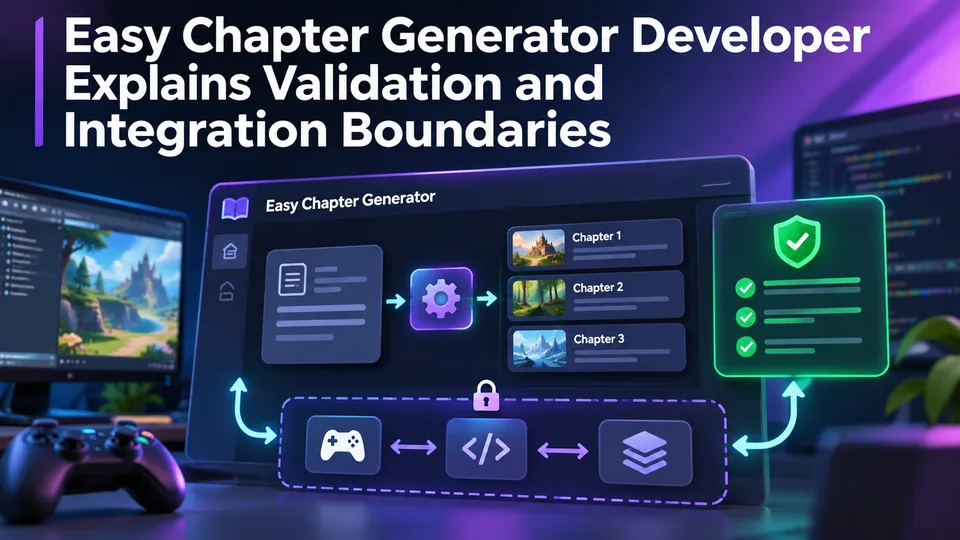
Easy Chapter Generator Developer Explains Validation and Integration Boundaries
On November 12, the maker of Easy Chapter Generator explained why the Unity tool manages chapter order rather than dialogue, inventory or saving. The design note also clarifies which configuration checks still require Play Mode testing.
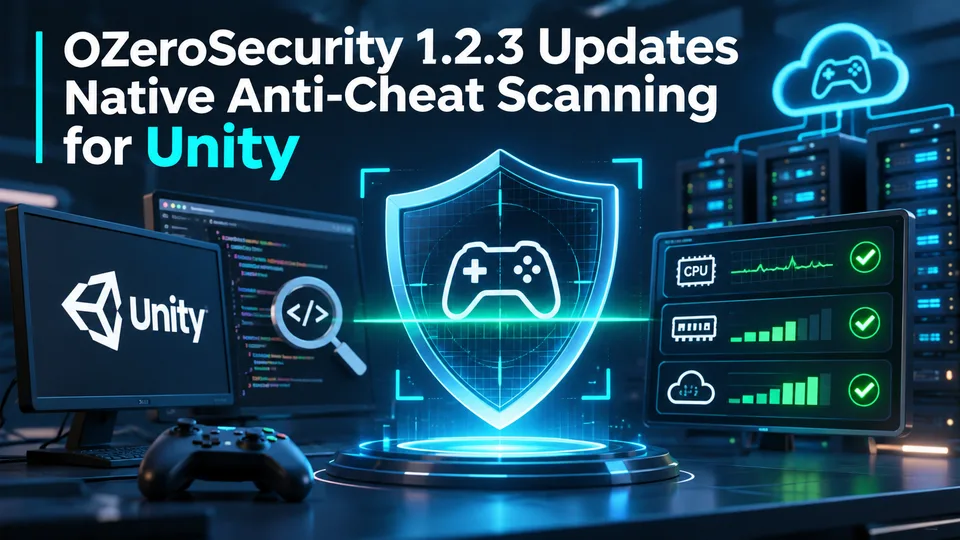
OZeroSecurity 1.2.3 Updates Native Anti-Cheat Scanning for Unity
The developer of OZeroSecurity reports a November 11 update to its third-party Unity anti-cheat package, including changes to native scanning and matching library versions. These are vendor-described protections, not independent evidence of comprehensive cheat resistance.
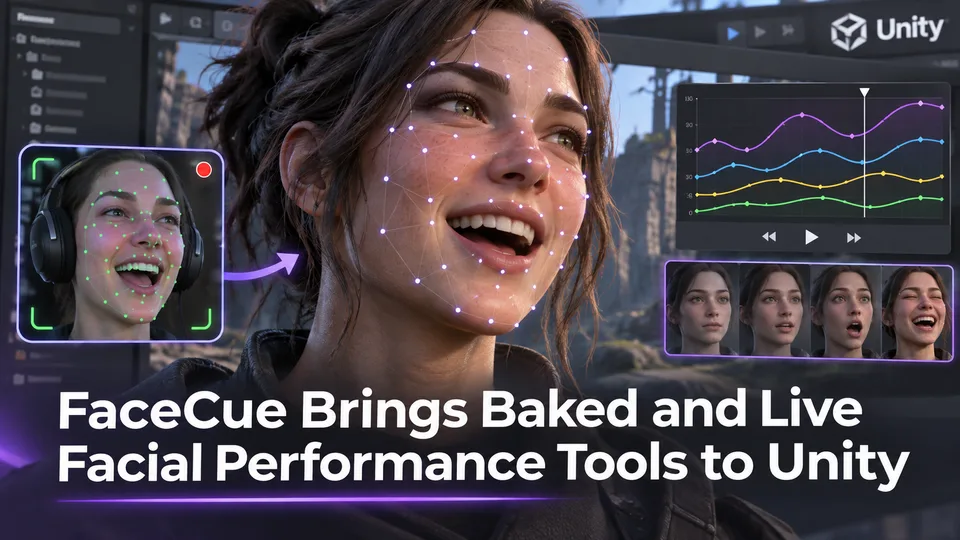
FaceCue Brings Baked and Live Facial Performance Tools to Unity
FirecrestRoost introduced FaceCue, a Unity facial-performance product that combines lip synchronization with expressive movement. The developer describes offline baking and optional live-audio workflows, but production suitability still needs project-level testing.
Comments