
Easy Chapter Generator Developer Explains Validation and Integration Boundaries
On November 12, the maker of Easy Chapter Generator explained why the Unity tool manages chapter order rather than dialogue, inventory or saving. The design note also clarifies which configuration checks still require Play Mode testing.
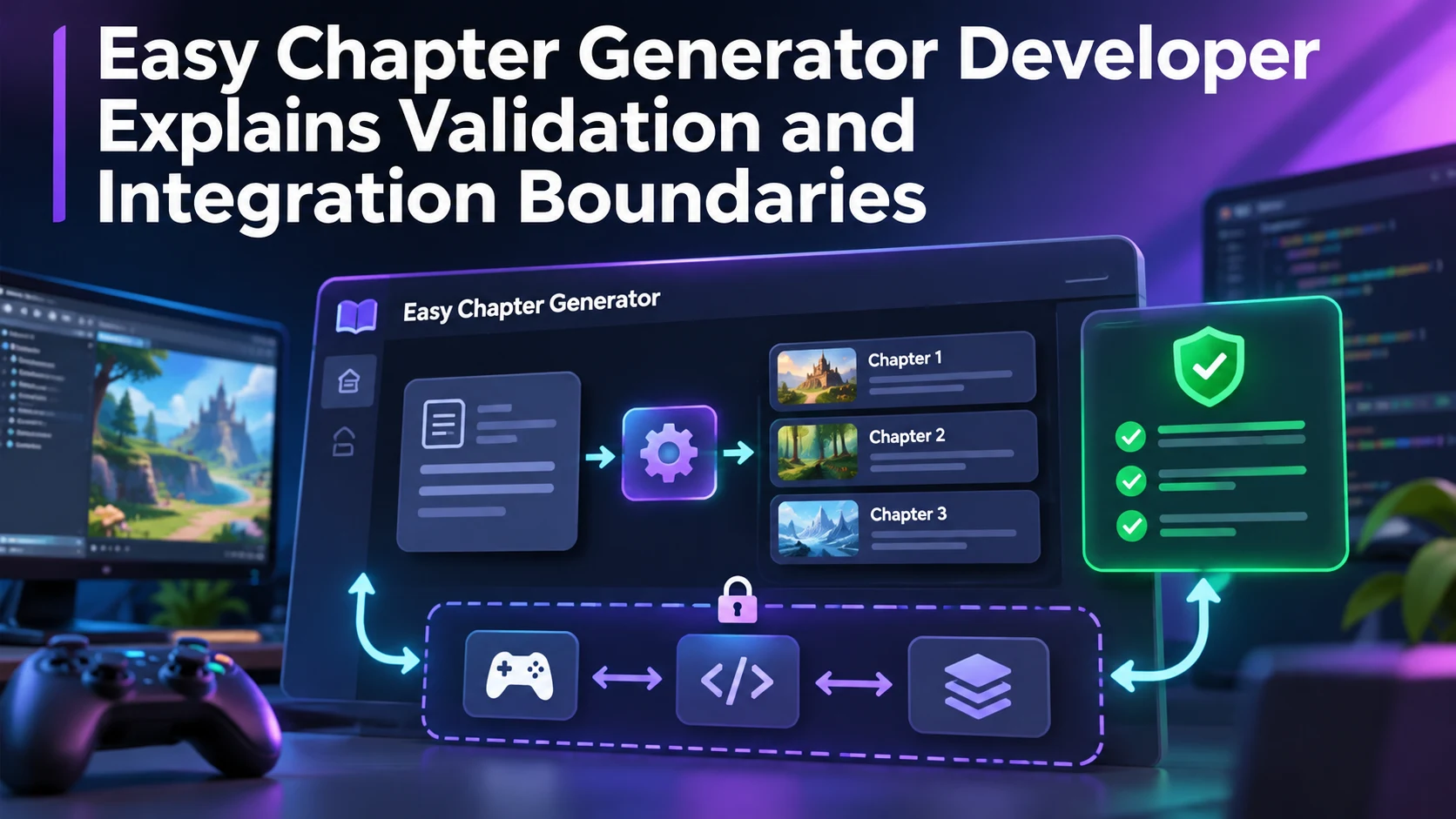
OverFuture, the developer behind Easy Chapter Generator for Unity, published a design update on November 12 explaining the boundaries of its progression-management tool. The product itself was announced earlier, in October, so this is not a claim that a new package launched on November 12. The fresh information is the author's description of how the tool was deliberately kept focused and how developers should interpret its validation results.
Easy Chapter Generator organizes chapters and objectives through a visual workflow. According to the developer, it can connect conditions, delays and UnityEvents, then trigger actions as the player advances. The tool is intended to coordinate the order of progression rather than replace every system involved in a quest. Dialogue, inventory behavior and the wider save-game implementation remain responsibilities of the host project.
That boundary may sound less ambitious than a complete game framework, but it can be useful. Systems that own too many responsibilities are often difficult to adopt in an existing title. A narrowly defined progression controller has a clearer integration surface: it decides when the next objective becomes active and leaves other components to determine how dialogue plays or inventory changes. It also means users should not expect a single imported asset to provide a production-ready narrative game.
The November note describes validation checks for issues such as empty or duplicate identifiers and links to an incorrect chapter. These checks can reduce configuration mistakes before a test session. However, the author specifically cautions that a green validation result does not replace running the game. An objective can be structurally connected and still behave incorrectly because a trigger never fires or a custom script has an unexpected state.
The current product information targets Unity 6.3 LTS and lists Built-in Render Pipeline support, details that should be checked again before installation. The scope also matters for saving: an application with persistent progress needs to test how its existing save system and objective IDs interact. A practical evaluation would build a short three-objective quest, intentionally create a duplicate identifier to verify detection, then run Play Mode to check completion order and save restoration. This test assesses the newly described validation philosophy without treating a design article as an engine patch.
Rate this story
What did you think of this article?
Log in to rate this story, comment and like replies.
Log inNo comments yet. Be the first to share your thoughts.
More stories
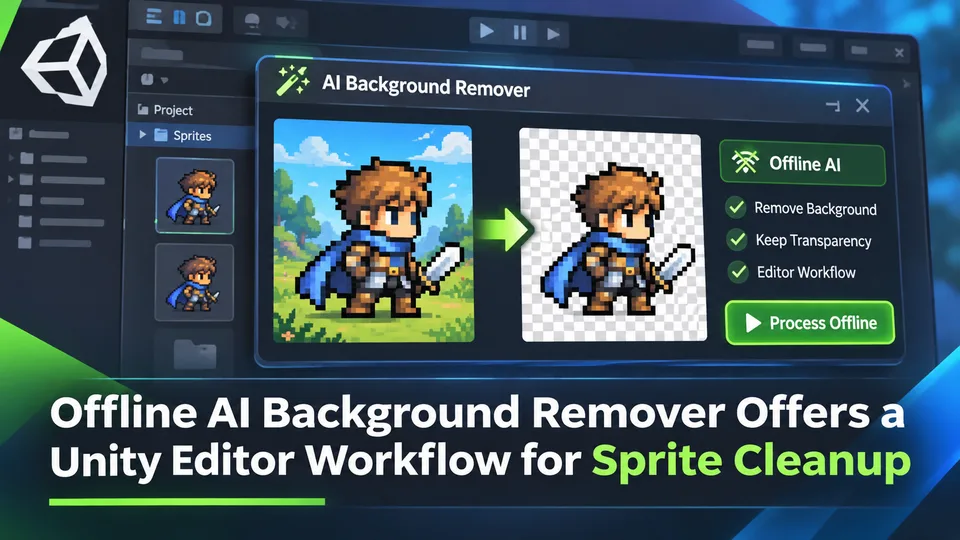
Offline AI Background Remover Offers a Unity Editor Workflow for Sprite Cleanup
A third-party Unity developer introduced an offline AI background remover for preparing transparent sprite images in the editor. It is a local content-authoring tool, not a runtime background-removal feature built into Unity.
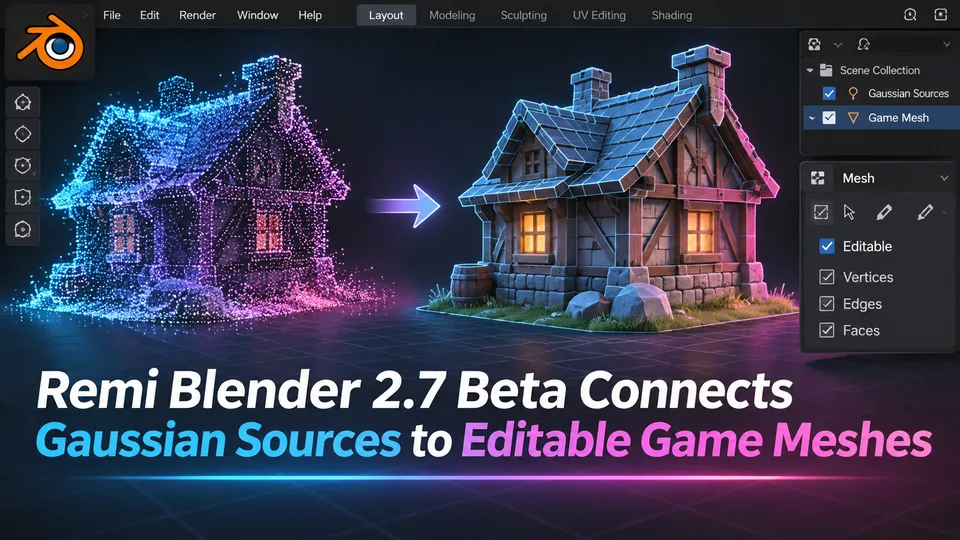
Remi Blender 2.7 Beta Connects Gaussian Sources to Editable Game Meshes
Remi Blender 2.7.0-beta.7 adds an Asset Board for image, Gaussian and mesh workflows, including texture transfer and native Blender editing. The prerelease has strict Windows and Blender requirements and relies on external AI components.
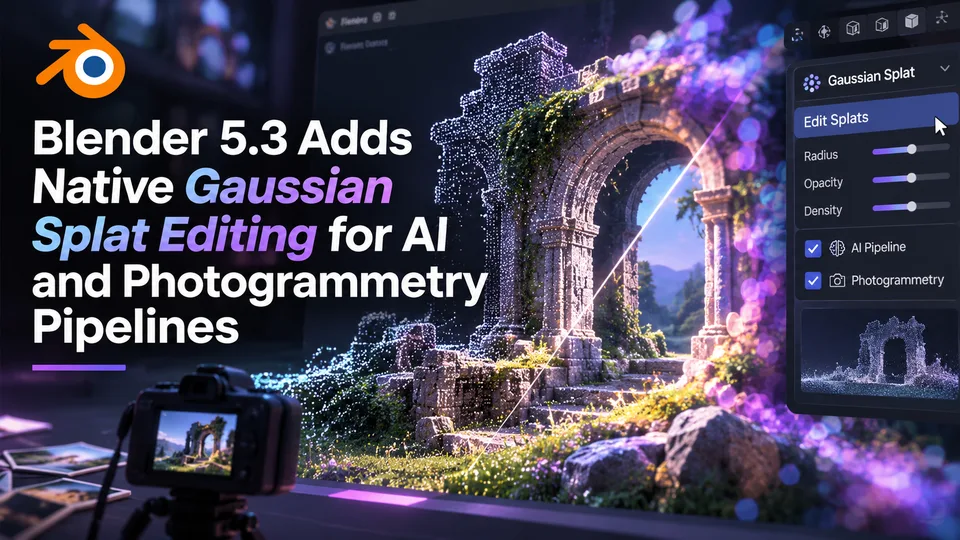
Blender 5.3 Adds Native Gaussian Splat Editing for AI and Photogrammetry Pipelines
Blender 5.3 was released on November 10 with native 3D Gaussian Splat importing, editing and rendering. The technology expands scene-capture workflows, but a splat is not automatically a game-ready polygon mesh.
Comments