
Blender Live Link Brings One-Click Asset Transfers to Unreal Engine 5
Gamma Studio’s Blender Live Link connects Blender and Unreal Engine with one-click asset transfers, automatic updates, and support for models and animations.
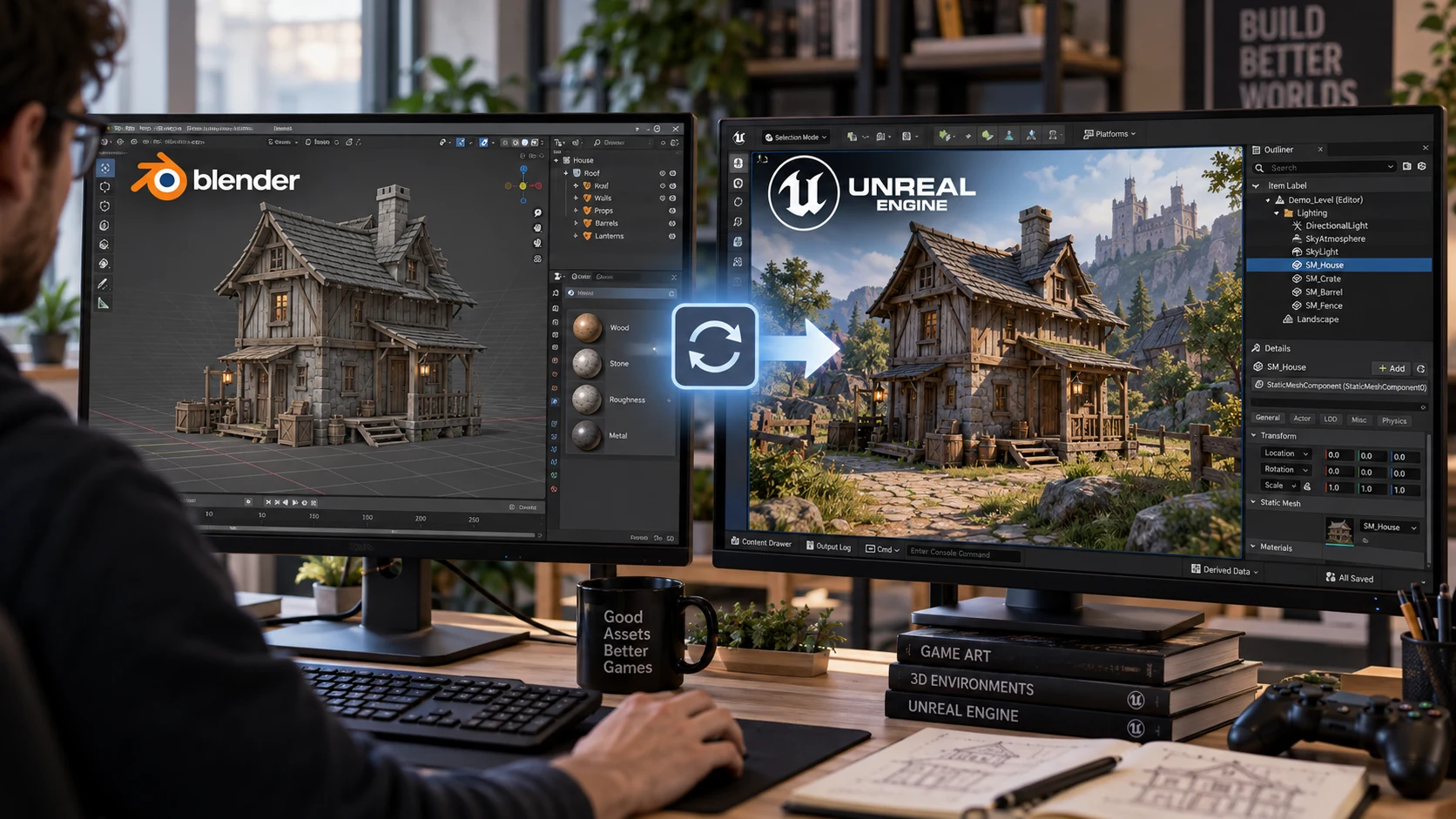
Gamma Studio has introduced Blender Live Link, a plugin designed to simplify the process of moving assets between Blender and Unreal Engine. Presented on October 28, the tool combines one-click transfers with automatic synchronization, aiming to reduce the repetitive work involved in exporting and importing models.
According to the developer, creators can select a model in Blender and send it directly to Unreal Engine’s Content Browser, together with its materials and textures. Enabling live synchronization allows subsequent edits in Blender to update the asset in Unreal automatically.
The potential benefit is a shorter feedback loop. Consider a developer building an abandoned gas station for a survival game. After placing a fuel pump in the scene, they might decide that its proportions need adjusting. A connected workflow could make it easier to revise the model and inspect the result under the game’s actual lighting, without repeatedly managing the transfer by hand.
The advertised support extends beyond static props. Gamma Studio lists skeletal meshes, animations, and morph targets among the supported asset types. The plugin also includes a reverse-transfer feature for sending a mesh and its skeleton from Unreal’s Content Browser back to Blender.
That reverse transfer should not be treated as a guarantee that every aspect of an asset survives a complete round trip unchanged. Developers evaluating the tool should check their own materials, skeletons, and animation data before relying on it for important production assets.
Gamma Studio also advertises automatic smoothing and normal-correction features intended to address shading problems during export. The developer says these adjustments operate on temporary copies rather than modifying the original Blender scene. Asset transfers are described as entirely local, without uploading project content to an online service.
The listed compatibility covers Unreal Engine 5.7 and 5.8, Blender 4.2 or newer, and Windows. The package includes both the Unreal plugin and its companion Blender add-on, with installation available through Unreal’s Tools menu.
For creators experimenting with AI-assisted game development, the most useful role for a tool like this would be connecting asset creation with in-engine inspection. An automated workflow still needs a way to bring its results into the game and verify that they look and behave as intended. Easier transfers could help with that stage, but they do not establish that a generated model is ready for production.
A sensible first evaluation would involve a single prop in a separate test project. Transfer it, adjust its shape in Blender, and inspect the updated result in Unreal. Check scale, orientation, material assignments, and shading, then assess collision separately rather than assuming that a successful visual transfer covers every gameplay requirement.
These features are based on Gamma Studio’s published description; the plugin has not been independently tested for this article. Its practical value will depend on how reliably it handles a developer’s own assets and how much manual cleanup remains after synchronization.
For small teams, that is the meaningful test: not simply whether an asset arrives with one click, but whether the connection makes repeated revisions easier without introducing new problems.
Rate this story
What did you think of this article?
Log in to rate this story, comment and like replies.
Log inNo comments yet. Be the first to share your thoughts.
More stories
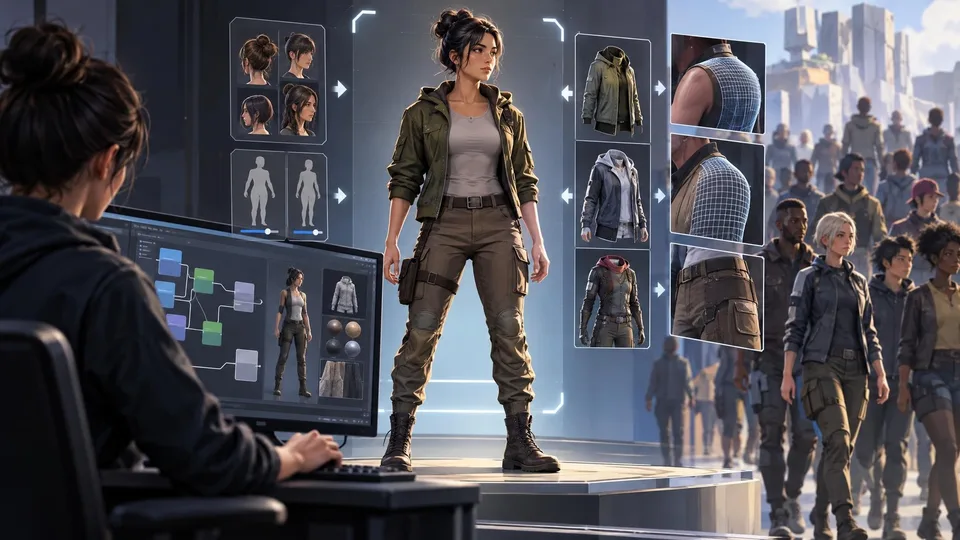
Epic Refreshes Mutable Sample for Unreal Engine 5.8
Epic's updated Mutable Sample demonstrates MetaHuman customization, clothing refitting and simpler character graphs, giving Unreal Engine developers a practical reference for building their own appearance systems.
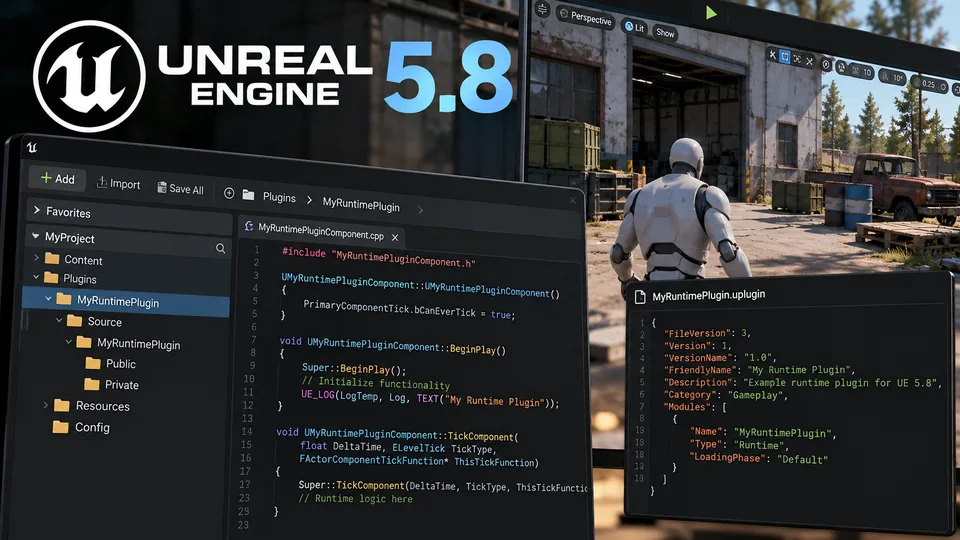
New Unreal Engine 5.8 Tutorial Introduces Runtime Plugin Development
A new community tutorial explores runtime plugins in Unreal Engine 5.8, offering a starting point for developers building reusable C++ gameplay systems.
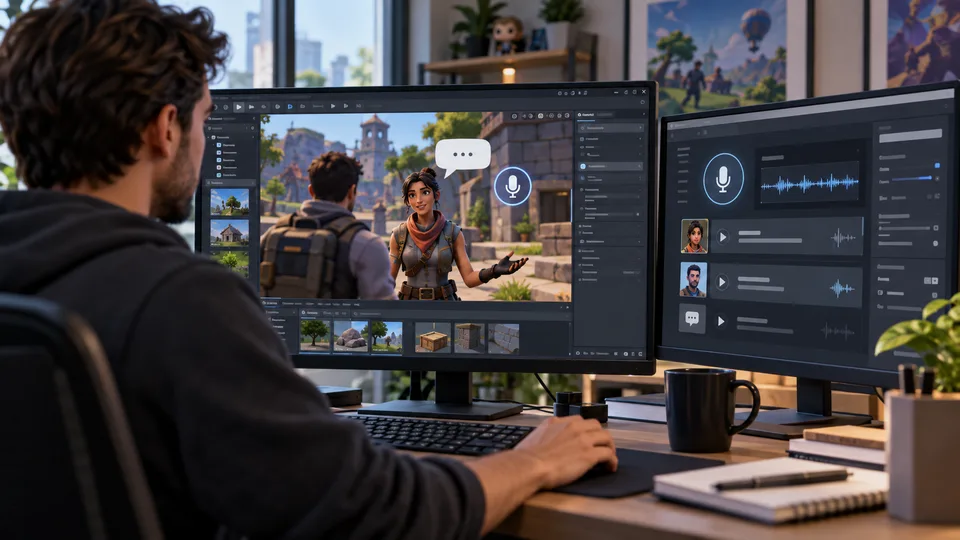
UEFN Upgrades AI NPC Conversations With Eleven v4 Turbo
Epic Games has upgraded UEFN Conversations with faster voice responses, sentence streaming and improved character delivery, without requiring manual changes from creators.
Comments