
Unity Visual Scripting 1.9.13 Fixes Fast Enter Play Mode State Problems
Unity released Visual Scripting 1.9.13 on October 28 to correct stale singleton objects, duplicate scene-unload callbacks and runtime state that was not reset when domain reload was disabled.
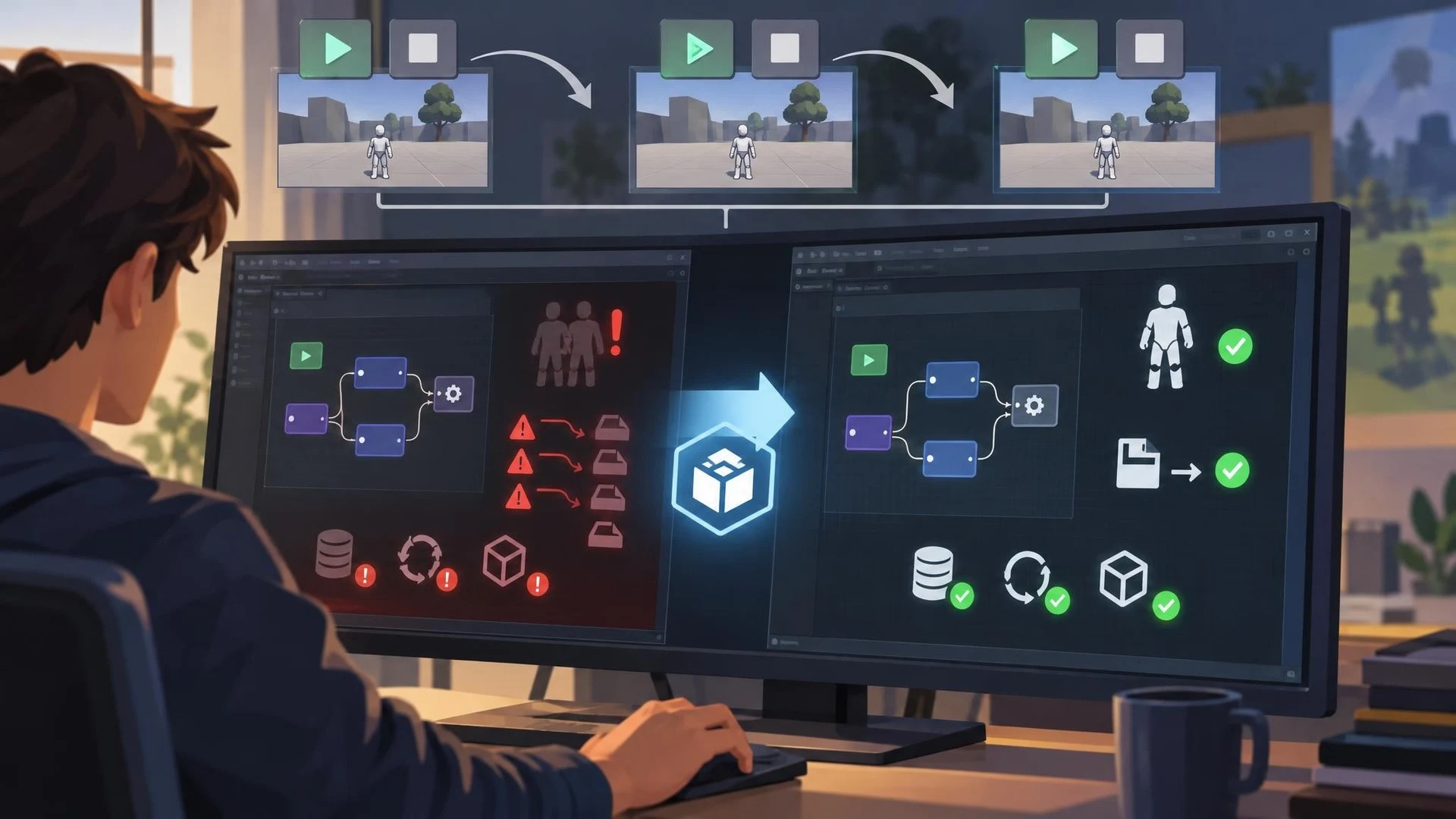
Fast Enter Play Mode helps Unity creators iterate without repeating every initialization step. Removing domain reload from the transition can make testing more convenient, but it also increases the importance of resetting state correctly. Unity's Visual Scripting package received a maintenance update on October 28, 2026 aimed at that exact category of problems.
Version 1.9.13 addresses three related issues documented in Unity's official changelog. A stale singleton could produce an error while being destroyed after entering Play Mode. SceneManager.sceneUnloaded handlers could be registered more than once after repeated entries. Several runtime statics, including CoroutineRunner, GlobalMessageListener and VariablesSaver, were not always reset when entering Play Mode with domain reload disabled.
These problems are easy to underestimate. A visual graph may appear correct when a project is first opened but behave differently after the user repeatedly starts and stops a scene. Duplicate callbacks can cause an event to fire more times than expected, while leftover static state may carry information from an earlier test into what should be a clean run.
The update is a package maintenance release, not a redesign of Visual Scripting or a new graph editor. The specific condition in Unity's notes is Fast Enter Play Mode with domain reload disabled. Projects that use the standard reload path may not observe the same behavior, and the notes do not claim to fix every possible persistent-state issue.
A controlled test would create a simple visual-script graph that subscribes to scene unloading and increments a visible counter. Enter Play Mode, exit, and repeat several times. Compare the count before and after the package update. A second experiment can involve a graph that saves a variable and a coroutine, checking whether either survives unexpectedly between runs.
This is also a useful reminder for programmers using ordinary C# rather than visual graphs. Fast iteration features do not remove the need for explicit lifecycle assumptions. Static fields, editor callbacks, and global services should have predictable initialization behavior, especially when project settings allow domain reload to be skipped.
The most important adoption step is to verify the package version in Unity Package Manager, then test affected graphs in a copy of the project. Updating an engine or package should be accompanied by a short regression checklist for scene transitions, event listeners, and objects with persistent state.
For teams using graphs to drive gameplay or UI, reliable repeated testing matters more than a single successful run. This patch targets several specific sources of inconsistency without making broader claims about performance or visual-scripting architecture.
Rate this story
What did you think of this article?
Log in to rate this story, comment and like replies.
Log inNo comments yet. Be the first to share your thoughts.
More stories

Epic Games Launcher 0.109.0 Labels Development Builds in the Library
Epic Games Launcher 0.109.0, dated November 2, adds visible Dev and Stage sandbox labels to library builds alongside account switching and a collapsible social panel. The change is about launcher workflows, not Unreal Engine rendering.

Community Unreal DMX Extension Adds Pattern Tools and AI-Assisted Lighting
An Unreal community developer described a DMX Sequencer extension on November 2 that adds reusable fixture patterns, audio-reactive animation and experimental Gemini-assisted keyframe generation. Public distribution and compatibility still need confirmation.

Netcode for Entities 7.2 Adds GameObject Bridges and Agent-Facing Unity CLI Tools
Unity Netcode for Entities 7.2.0 is listed as released October 30 with GameObject-facing networking APIs, new prediction options and Unity CLI inspection commands. It targets the Unity 6.7 beta family rather than older supported editors.
Comments