
Epic Games Launcher 0.109.0 Labels Development Builds in the Library
Epic Games Launcher 0.109.0, dated November 2, adds visible Dev and Stage sandbox labels to library builds alongside account switching and a collapsible social panel. The change is about launcher workflows, not Unreal Engine rendering.
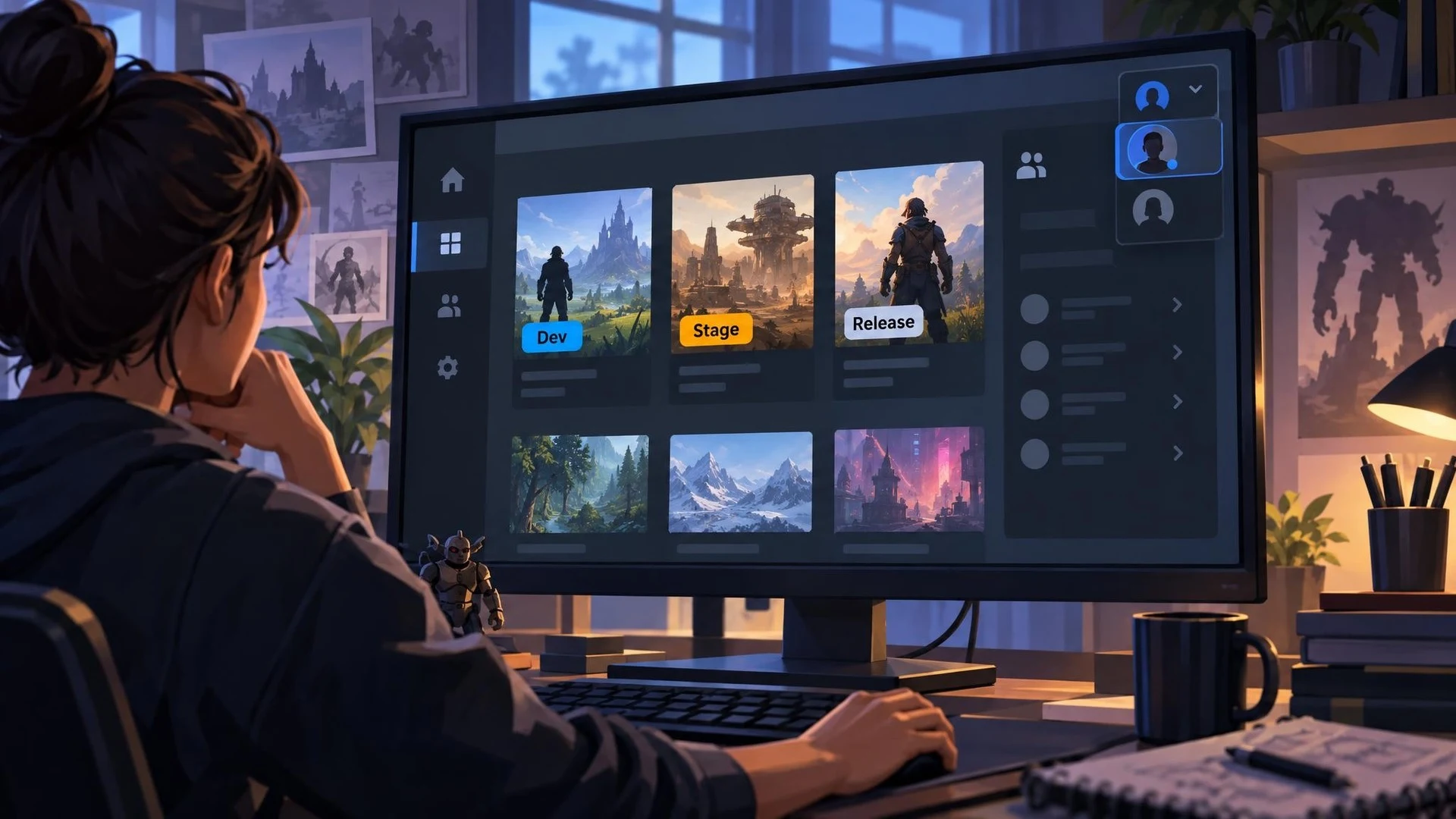
Game teams frequently move between public releases, internal development builds, and staging versions of their software. Those different environments can look deceptively similar in a launcher library. Epic Games Launcher 0.109.0, released November 2, 2026, adds a small organizational change designed to make that distinction easier to recognize.
According to Epic's official release notes, builds associated with Dev and Stage sandboxes are now labeled in the Library, matching behavior available in the legacy Epic Games launcher. The same update makes the Social Panel collapsible and adds an option for switching accounts. These are changes to the launcher application rather than to Unreal Engine itself.
For a studio that publishes through Epic's ecosystem, separating environments matters during quality assurance. A developer testing an internal version may need to compare it against a staging release or a publicly available build. An unmistakable sandbox label can help reviewers avoid launching the wrong installation, particularly when several variants share similar artwork and names.
Account switching is also a practical convenience for teams that keep different accounts for development and personal use. It should not be confused with a replacement for access controls or formal release permissions. Studios still need clear documentation for who can distribute, install, and promote each build.
The change is not a new feature for C++, Blueprint, Nanite, or the Unreal Editor. It does not alter how an Unreal project is packaged, and the official release notes do not promise new distribution capabilities. Its significance is narrower: improved visibility and navigation inside the launcher used by many Unreal developers.
A useful check would involve a team that already has legitimate access to multiple sandbox builds. After updating the launcher, inspect the Library and confirm that Dev and Stage labels are displayed as expected. Record the build identifier, sandbox, and version used for each reported bug. Where those builds are not part of the team's workflow, there is no reason to create them merely to try this interface change.
The broader lesson is that a reliable test process depends on identifying the exact artifact under examination. Visible environment labels can reduce confusion, but accurate build numbers, source-control revisions, and repeatable installation steps remain essential when a game moves toward release.
Rate this story
What did you think of this article?
Log in to rate this story, comment and like replies.
Log inNo comments yet. Be the first to share your thoughts.
More stories
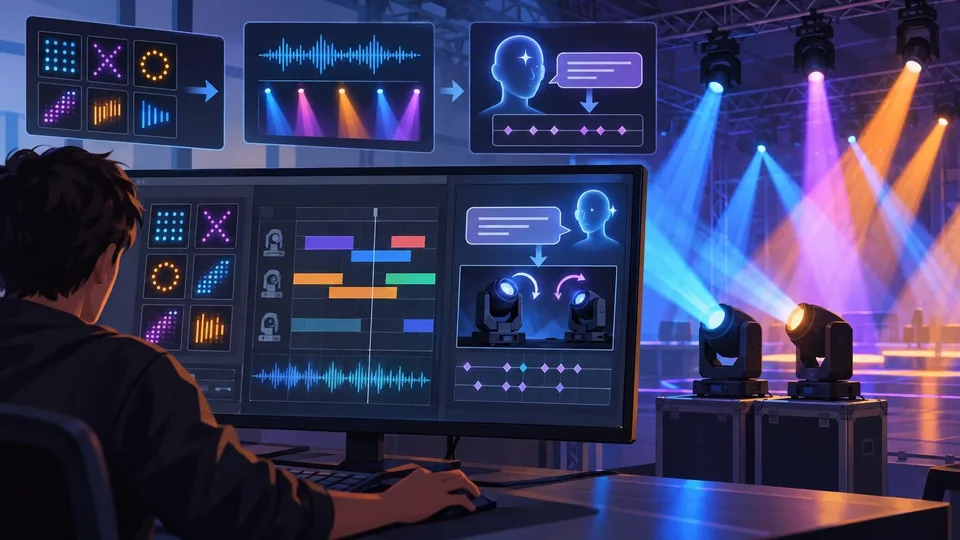
Community Unreal DMX Extension Adds Pattern Tools and AI-Assisted Lighting
An Unreal community developer described a DMX Sequencer extension on November 2 that adds reusable fixture patterns, audio-reactive animation and experimental Gemini-assisted keyframe generation. Public distribution and compatibility still need confirmation.
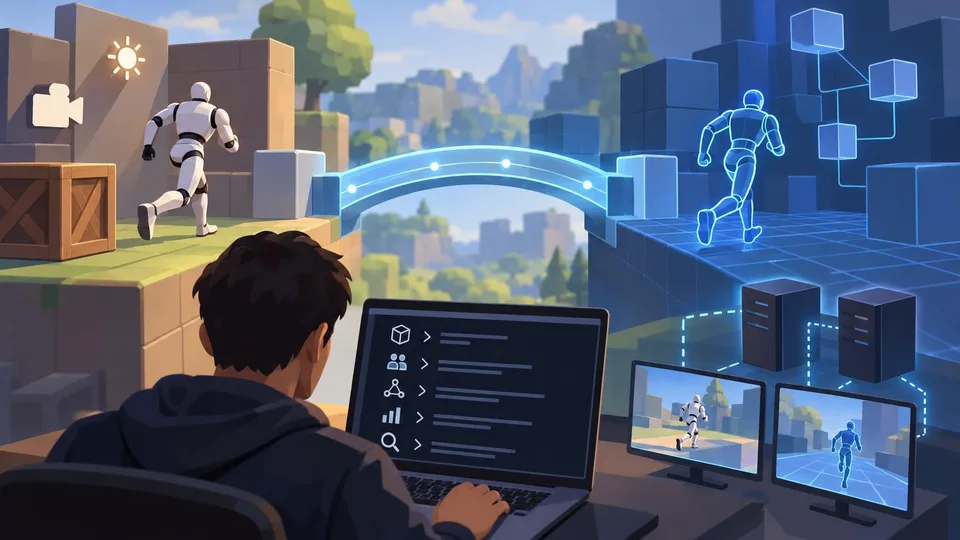
Netcode for Entities 7.2 Adds GameObject Bridges and Agent-Facing Unity CLI Tools
Unity Netcode for Entities 7.2.0 is listed as released October 30 with GameObject-facing networking APIs, new prediction options and Unity CLI inspection commands. It targets the Unity 6.7 beta family rather than older supported editors.
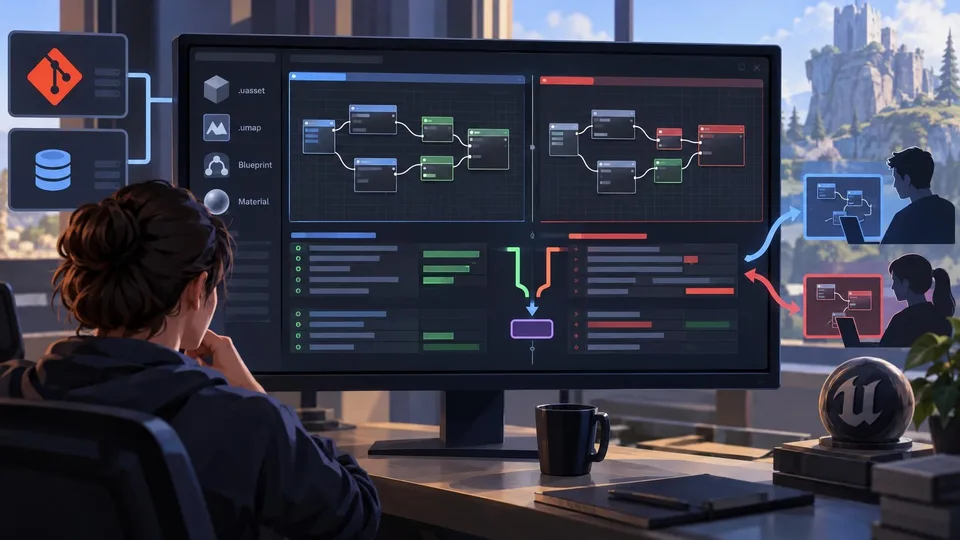
TheCodeDiff Brings Blueprint and Material Merging to Git and Perforce
A developer introduced TheCodeDiff on November 2, offering visual diffs and conflict resolution for Unreal Blueprint and Material assets without opening the editor. Advanced Unreal functions belong to a paid Pro tier.
Comments