
Unity Publishes Practical Guide to Frame Rates and Smooth Gameplay
Unity’s new educational article explains why consistent frame timing matters more than impressive average fps alone. It compares common 30, 60, 72, 90 and 120 fps targets and encourages developers to benchmark games on real target hardware.
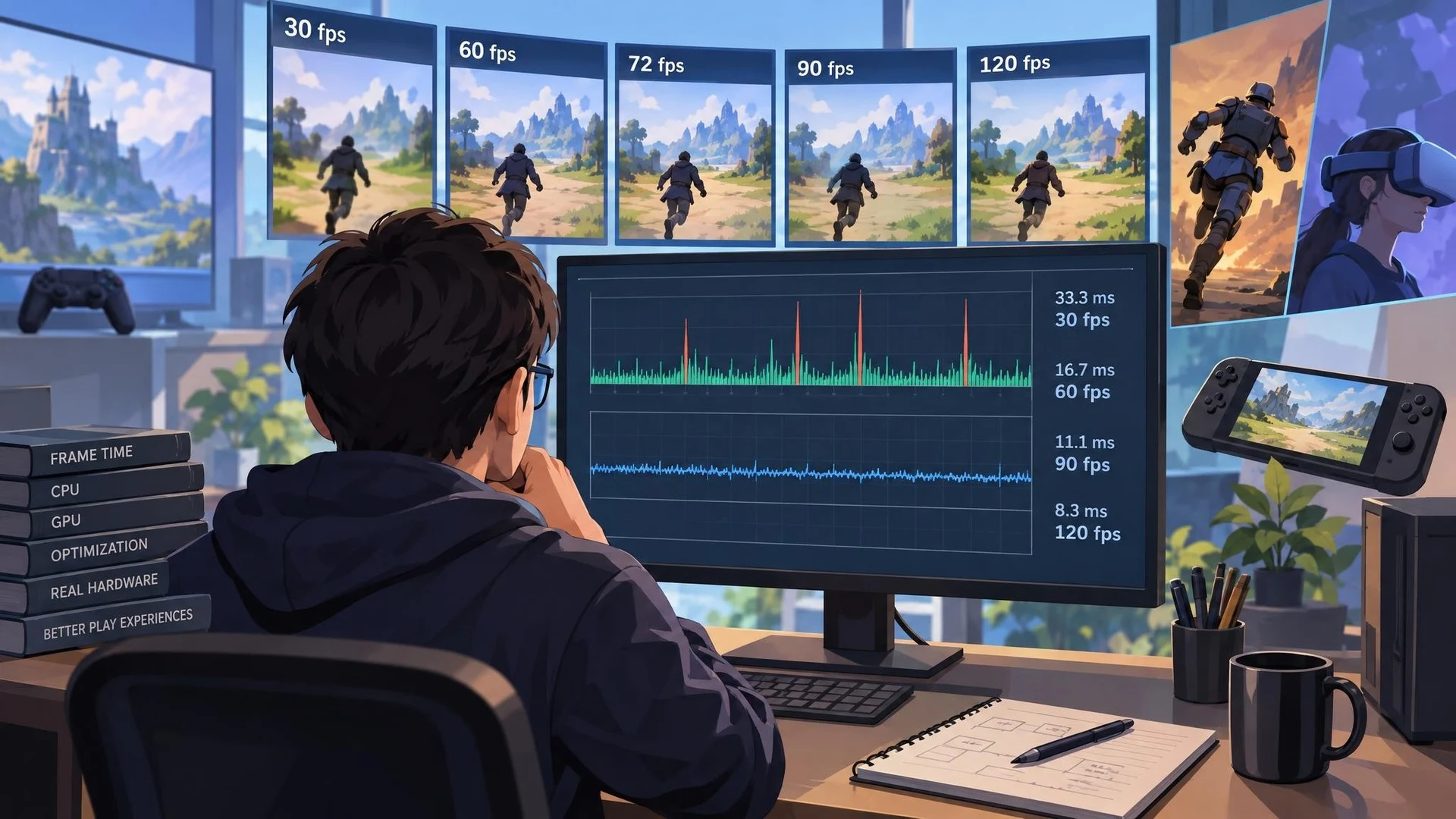
A high average frame rate does not always produce a smooth game. Unity's new educational guide, published October 27, 2026, explains why frame-time consistency and the choice of a realistic performance target matter to players. The article is an introduction to a familiar engineering subject, not the announcement of a new Unity rendering feature.
Frames per second measures how many images a game produces over a second. At 30 frames per second, each frame has roughly 33.3 milliseconds available. At 60 fps, the budget drops to about 16.7 milliseconds. At 90 fps, it is approximately 11.1 milliseconds. Increasing the frame rate can make motion and input feel more responsive, but only when the hardware and game are capable of delivering frames at the intended pace.
Unity emphasizes that averages can hide important problems. A scene might report 60 fps while occasional long frames interrupt movement during asset loading, shader preparation, or expensive gameplay work. Another scene could run at a lower but steadier rate and feel more consistent. Frame-time graphs and measurements of slow frames provide information that a single average number cannot.
The right target depends on the platform and genre. A console game may prioritize visual quality within a stable performance mode, while a fast action game may prefer responsiveness. XR experiences can have demanding refresh-rate expectations, although the actual device's supported modes and runtime requirements must be checked individually. It would be misleading to assume every headset operates at the same refresh rate.
Performance involves more than graphics. CPU time can be consumed by physics, scripts, animation, AI, and object management. GPU time includes rendering, shaders, effects, and resolution-dependent work. Developers need to identify the limiting system rather than apply a graphics change to a script bottleneck or optimize scripts when the GPU is overloaded.
A useful practical experiment is to record frame times through a repeatable route in a representative scene. Measure the baseline on the intended hardware, trigger known costly events such as spawning multiple enemies, and compare the timeline with a version where those events are controlled or preloaded. Preserve the same camera path and settings so the results remain meaningful.
Unity's guide also discusses frame caps and variable refresh rate, but no single setting can repair every source of instability. The goal is to choose a frame budget based on the game's needs, then use profiling evidence to determine where time is being spent.
For independent developers, this remains one of the simplest ways to make an existing project feel more polished: improve the worst interruptions before chasing a larger average fps number.
Rate this story
What did you think of this article?
Log in to rate this story, comment and like replies.
Log inNo comments yet. Be the first to share your thoughts.
More stories
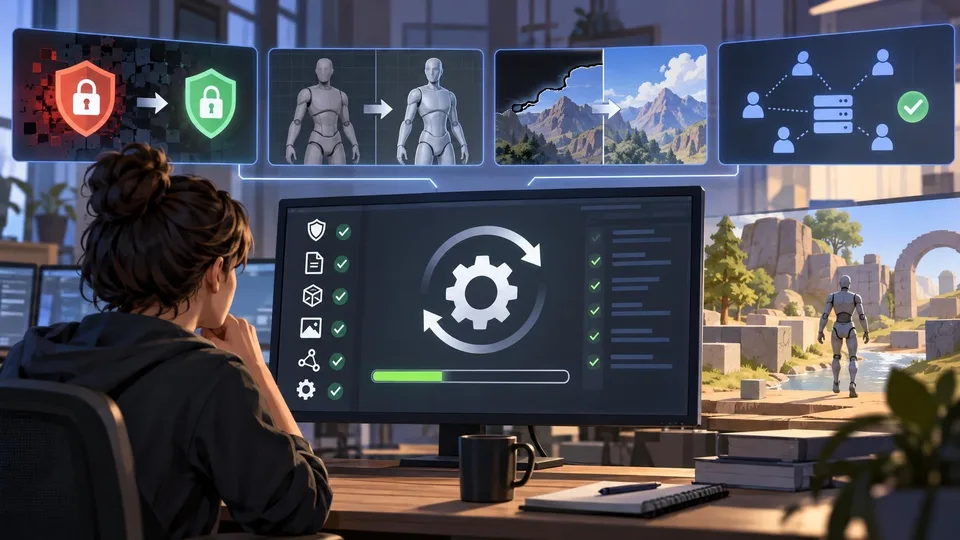
Unity 6.3 LTS Patch 6000.3.27f2 Fixes Security and Import Problems
Unity published editor build 6000.3.27f2 on October 30, addressing a Brotli decoder vulnerability alongside model-import, rendering and stability issues. Studios should assess the security fixes while testing the patch against their own projects before broad deployment.
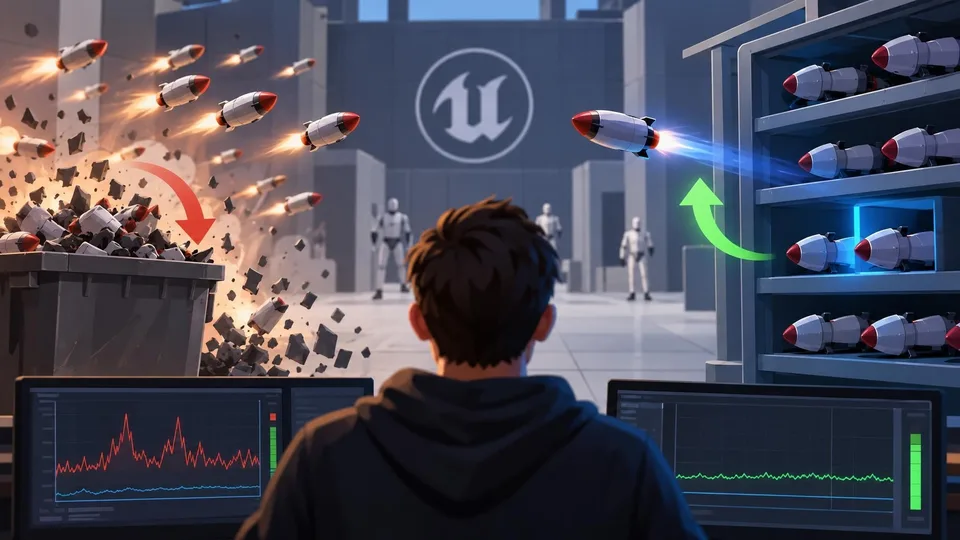
PoolKit Promotes Reusable Unreal Actors Instead of Repeated Spawning
An Unreal Engine community developer has described a Blueprint-oriented object-pooling workflow and promoted PoolKit for frequently reused actors. The approach can reduce repeated setup work, but the actual benefit depends on profiling and correct actor cleanup.

Unity Industry Roundup Highlights Experimental Figma UI and Automation Tools
Unity’s October 30 Industry roundup revisits its 2026 releases and previews experimental design and production workflows. The article covers an early Figma UI Toolkit connector and automation tooling, but it should not be read as a single new game-engine release.
Comments