
Unity Industry Roundup Highlights Experimental Figma UI and Automation Tools
Unity’s October 30 Industry roundup revisits its 2026 releases and previews experimental design and production workflows. The article covers an early Figma UI Toolkit connector and automation tooling, but it should not be read as a single new game-engine release.
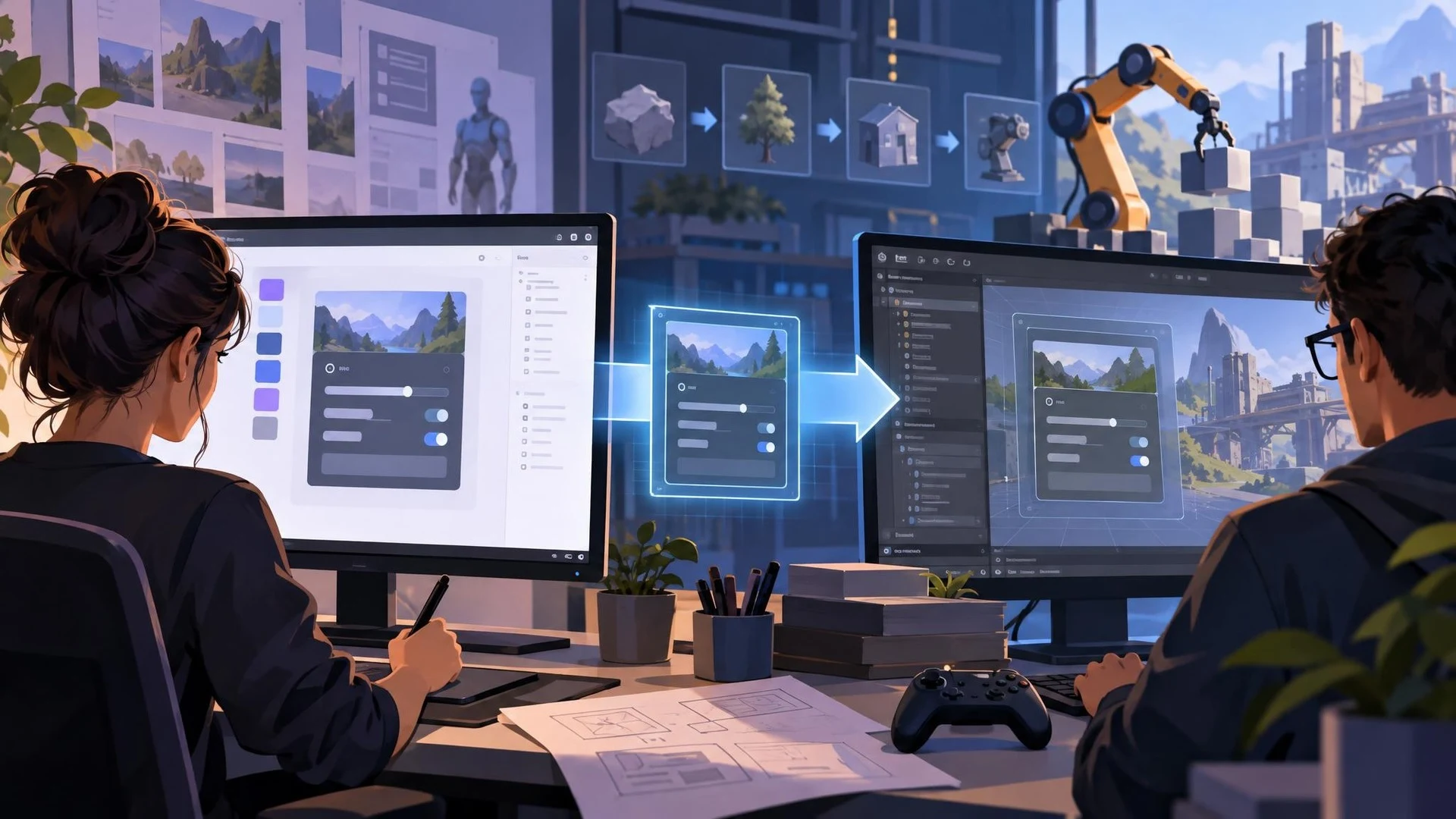
Unity has published an October 30, 2026 review of changes across its Industry product portfolio, bringing together several tools that also raise questions for game development workflows. Although the article is oriented toward industrial simulation, digital twins, product visualization, and enterprise applications, parts of the toolchain overlap with how games are designed and produced.
The timing needs careful explanation. Unity's roundup summarizes releases made over many months and looks ahead to work in the fourth quarter. It does not mean that every featured capability first became available on October 30. The news is the consolidated roadmap and explanation of how Unity's production tools fit together.
One notable experimental component is a UI Toolkit connector for Figma. Unity describes a workflow in which designers can transfer Figma frames into editable UI Toolkit documents and continue editing in Unity's UI Builder. Theme information and some supported component styling can travel with the design. The company also describes ways to synchronize supported changes back to Figma, although the preview remains early and subject to limitations.
For game teams, interface handoff is a recurring source of work. A menu may begin as a Figma mockup, but the Unity version still needs responsive sizing, real interactions, input navigation, localization, and performance verification. A connector could reduce the mechanical recreation of layouts without eliminating those engineering tasks. Its usefulness will depend on which components and styles preserve their intended behavior.
The roundup also discusses asset-management and automation products across the Unity Industry ecosystem. These tools are built for complicated pipelines involving multiple content creation applications and large collections of 3D resources. Game studios may find the concepts useful, but commercial eligibility, product packaging, and workflow requirements must be checked for each offering rather than assumed from general Unity Engine support.
An appropriate small experiment would be to design one settings panel in Figma and rebuild it with the currently available integration only if the team has the necessary access. Evaluate whether the transferred structure remains editable, handles different screen sizes, and supports gamepad navigation. Keep the original layout as a reference and measure how much manual correction remains.
The larger lesson is about reducing friction between design, content management, and implementation. Unity's Industry presentation shows where the vendor wants those workflows to go, but the maturity and availability of each component vary. Developers should separate announced experiments, existing paid services, and ordinary editor features when deciding what belongs in a production game pipeline.
Rate this story
What did you think of this article?
Log in to rate this story, comment and like replies.
Log inNo comments yet. Be the first to share your thoughts.
More stories

Community Unreal Engine 5.8 WebGPU Fork Shows Browser-to-Native Multiplayer
A community developer has demonstrated a modified Unreal Engine 5.8 build running through WebGPU in a browser alongside a native macOS multiplayer client. The project remains experimental, and its author explicitly says it is not yet production-ready.
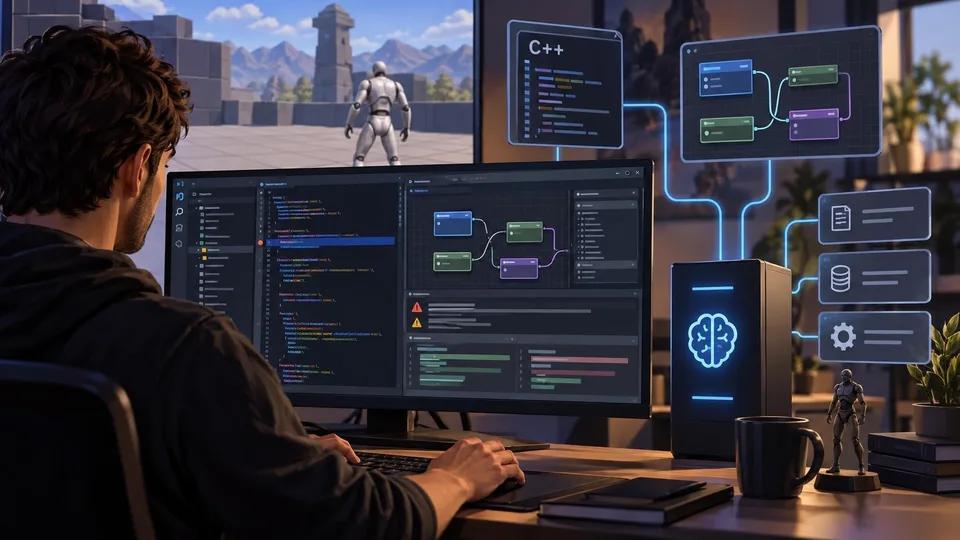
UStudio Brings Unreal Blueprint Inspection and Local MCP Tools to VS Code
The developer of UStudio has introduced a VS Code and Cursor extension with Unreal-specific C++ inspection, Blueprint viewing, live execution feedback, and a local MCP server. These capabilities are product claims that still require independent project testing.
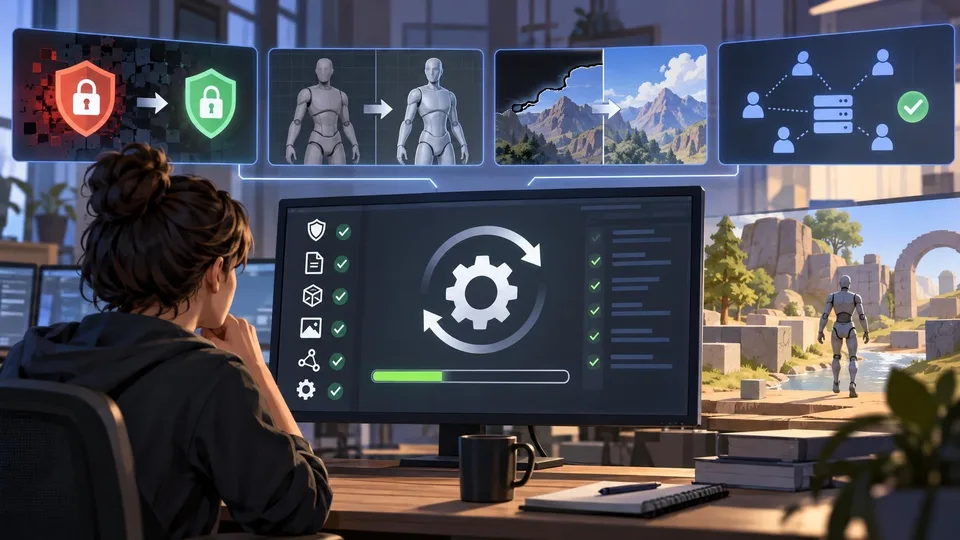
Unity 6.3 LTS Patch 6000.3.27f2 Fixes Security and Import Problems
Unity published editor build 6000.3.27f2 on October 30, addressing a Brotli decoder vulnerability alongside model-import, rendering and stability issues. Studios should assess the security fixes while testing the patch against their own projects before broad deployment.
Comments