
Unity Publishes a Meta XR Development Guide Focused on Input and Performance
Unity has released a Meta XR development e-book covering gaze and pinch interaction, OpenXR setup, performance tools and agent-assisted testing. It is a learning resource, not a newly shipped engine feature.
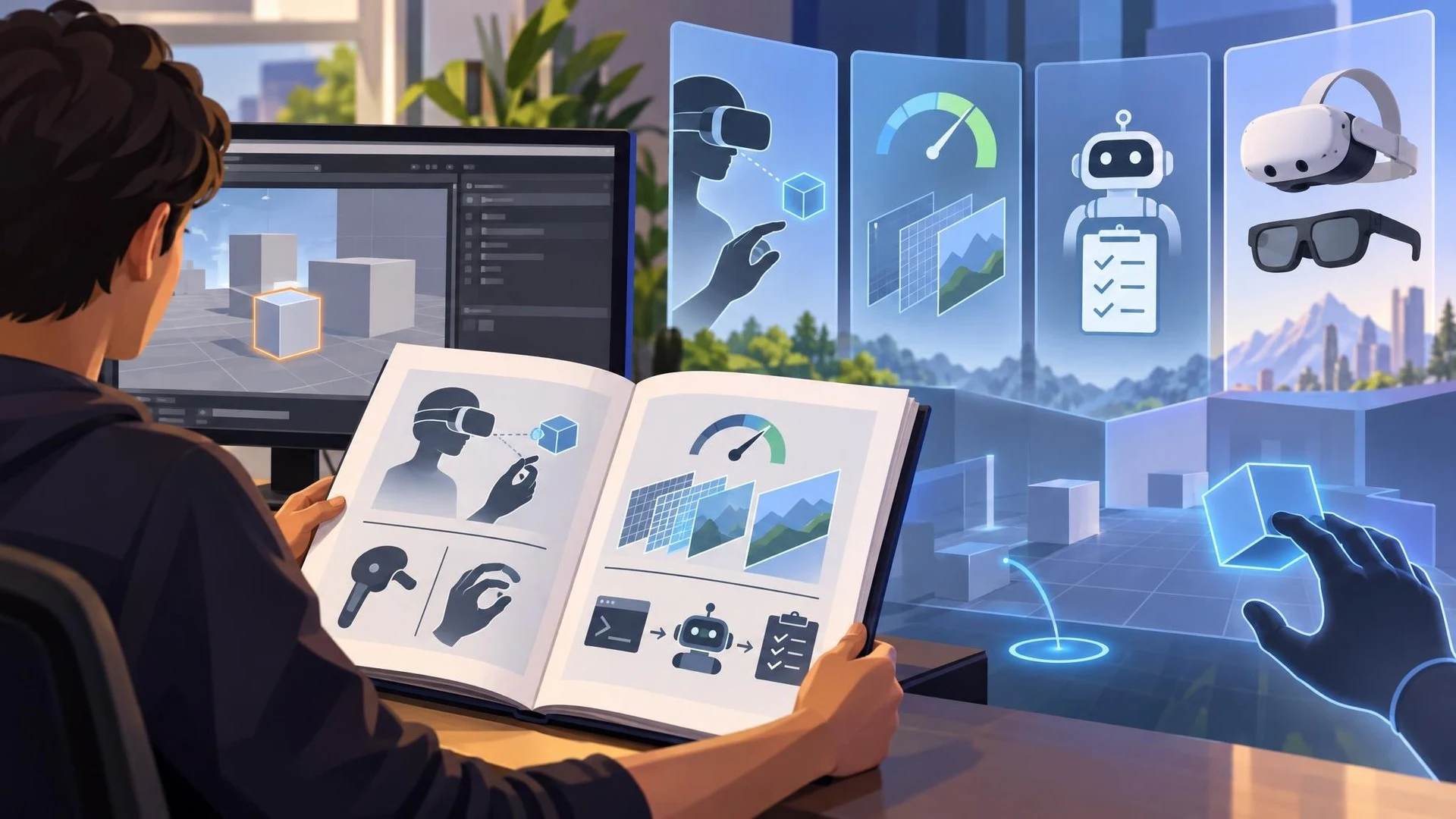
Unity published a new Meta XR e-book on November 6 for developers creating or porting virtual reality applications. The guide brings together project setup, controller and hand interactions, eye tracking, rendering optimization and testing workflows. Its appearance is a documentation and training release, not an announcement that all the described functionality has suddenly become available in a new Unity Editor version.
The guide uses Unity 6.6 and XR Interaction Toolkit 3.6 as its instructional baseline. It discusses XR Origin, grab interactions, teleportation and spatial interfaces, then moves toward gaze-and-pinch controls and fallback input paths. Eye tracking requires special care: permission cannot be assumed, so experiences should still work when a user declines to provide gaze data. The same is true of headsets without the necessary sensors.
A large part of the guide concerns rendering constraints. VR has to deliver acceptable frame pacing while rendering two eye views, and mobile headsets have thermal and memory budgets that differ sharply from desktop PCVR. Unity describes techniques including foveated rendering, Quad Views, dynamic resolution, Application SpaceWarp and adaptive performance. The correct choice depends on the hardware, runtime, visual content and available integrations; the book does not establish that one setting is optimal for every project.
Another theme is assisted iteration. The publication discusses Unity CLI, editor automation, AI coding agents and an experimental Meta XR Operator component that can interact with a running application for inspection and tests. These are developer-workflow concepts, not features that automatically give an NPC intelligence inside the released game. Editor simulation can shorten iteration, but testing on actual target hardware remains essential for tracking quality, controller behavior and comfort.
The guide also addresses a planned Meta VR Glasses product alongside established Quest hardware. Developers should not treat a future device roadmap as proof that a new headset is available for purchase or that a build has been validated on it. Nor should they confuse the compatibility of Quest software with tested performance in a different form factor. A useful practical exercise is to build a small grab-and-place scene, add gaze permission fallback, measure frame timing on an actual Quest device and document which features depend on headset-specific support. That produces a reusable XR test scene regardless of future hardware launches.
Rate this story
What did you think of this article?
Log in to rate this story, comment and like replies.
Log inNo comments yet. Be the first to share your thoughts.
More stories

Gridworks Adds a Modular Low-Poly Industry and City Builder Kit for Unity
Gridworks has appeared on Unity Asset Store as a modular industrial environment kit with city-builder-oriented assets. The listing specifies supported URP and HDRP configurations but does not constitute an engine update.
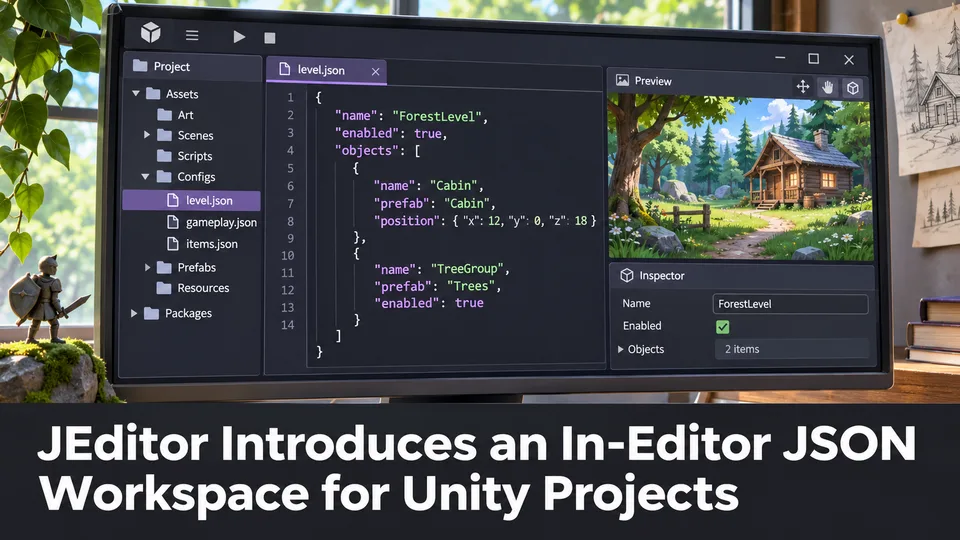
JEditor Introduces an In-Editor JSON Workspace for Unity Projects
JEditor 1.0.0 has been listed on Unity Asset Store as a JSON-focused editor utility. Its stated focus on inspection, comparison and validation makes it relevant to configuration-heavy Unity projects.
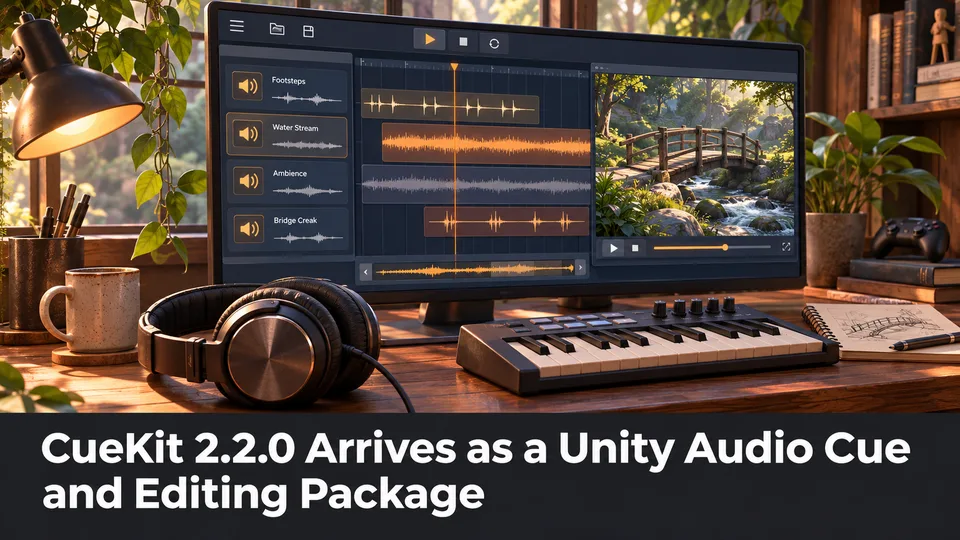
CueKit 2.2.0 Arrives as a Unity Audio Cue and Editing Package
Unity Asset Store now lists CueKit 2.2.0, an audio cue management and editor toolkit from SomnolentTeam. The package is a third-party option for organizing game audio rather than a built-in Unity audio update.
Comments