
JEditor Introduces an In-Editor JSON Workspace for Unity Projects
JEditor 1.0.0 has been listed on Unity Asset Store as a JSON-focused editor utility. Its stated focus on inspection, comparison and validation makes it relevant to configuration-heavy Unity projects.
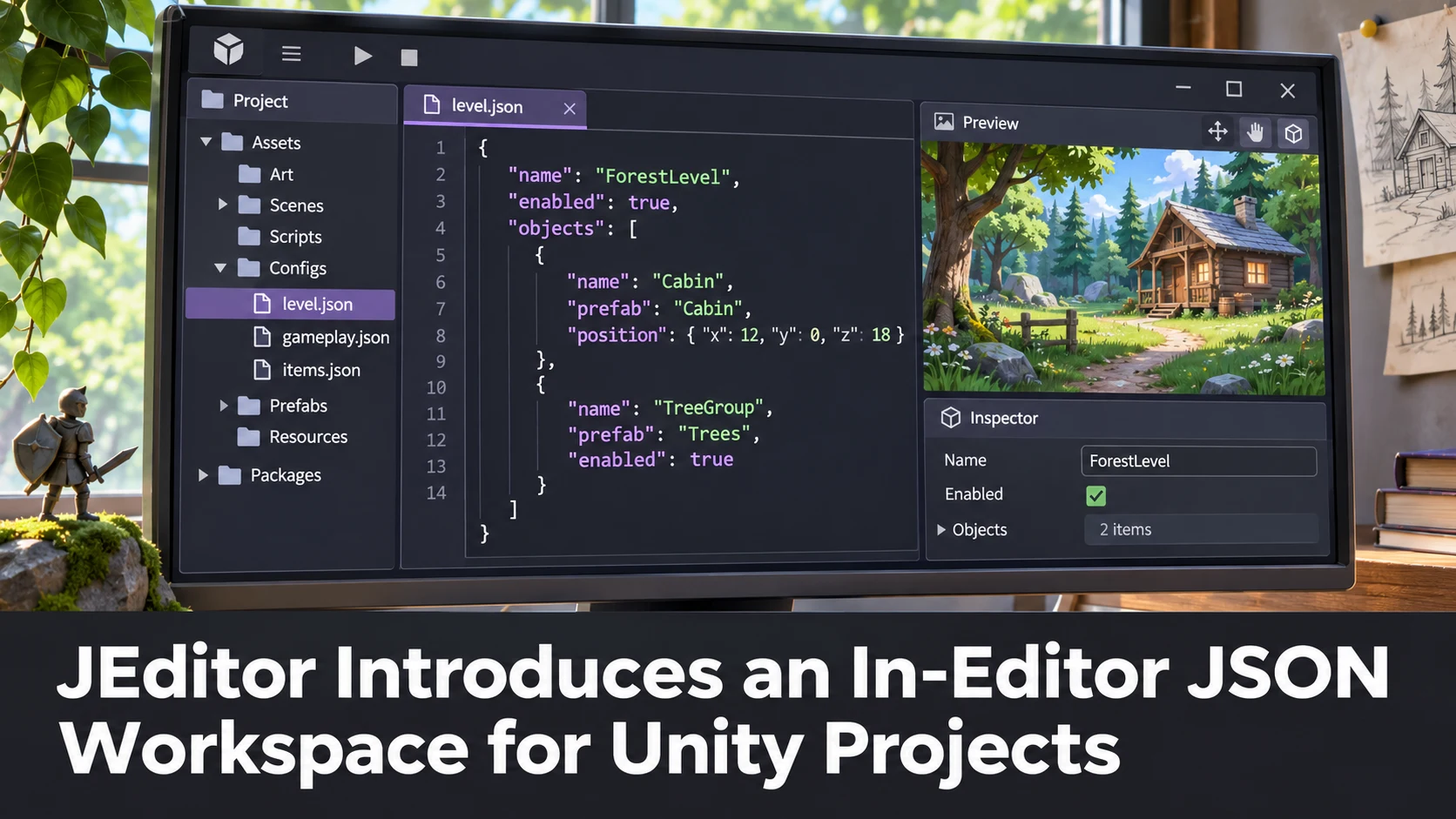
Divinity Codes has listed JEditor, described as a complete JSON workspace for Unity, with a 1.0.0 release date of November 11, 2026. This is a third-party editor extension, not a change to Unity's built-in serialization system. The Asset Store page associates the tool with JSON trees, JSONPath, schema validation, comparison and game-data workflows.
JSON is common in game tools because it is portable and easy for scripts and web services to produce. Teams may use it for configuration tables, dialogue graphs, item statistics, localization metadata or test data. However, Unity projects also contain native serialized assets, and importing arbitrary JSON into a game requires an explicit mapping to the project's data model.
An editor workspace aimed at examining JSON can be valuable when game-data errors otherwise require switching between a text editor and Unity. A developer might want to compare two configuration snapshots, verify that a save-data file contains the expected fields or inspect a nested set of item modifiers. The store keywords indicate these areas of interest, but they do not establish that any particular schema or live C# integration has been independently tested.
The listing names an original Unity 6000.0.84 version and shows compatibility with the Built-in, Universal and High Definition render pipelines. That compatibility table concerns installation and rendering-pipeline support, not the semantics of the JSON documents being edited. Projects using an older Editor or bespoke serialization should read the publisher's detailed requirements.
A practical evaluation would use three intentionally different JSON files: a valid item table, one file missing required fields and another containing data with a changed schema. Check whether the workflow makes differences and validation failures easier to find than a conventional editor. Then confirm that the game's own importer still rejects invalid configurations; editor convenience must not replace data validation in the build process.
Teams should be wary of enabling automatic modifications to live project files before they have version-control backups. A JSON formatter or validator can be useful, but reordering or rewriting files may create noisy diffs and affect tools that depend on exact formatting.
This release is most relevant as a small productivity tool for content-heavy games. It is not a new Unity engine capability, and the store listing alone should not be read as an endorsement of performance or reliability.
Rate this story
What did you think of this article?
Log in to rate this story, comment and like replies.
Log inNo comments yet. Be the first to share your thoughts.
More stories
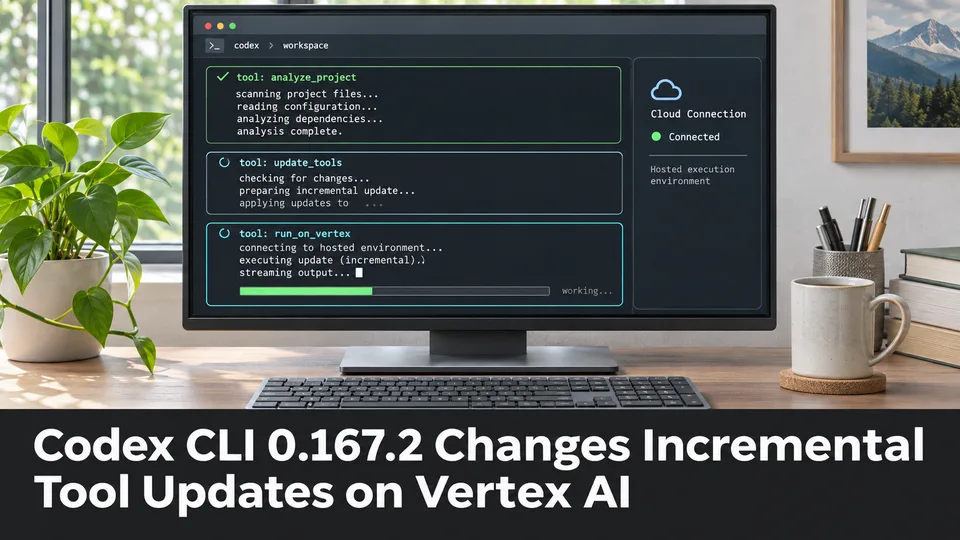
Codex CLI 0.167.2 Changes Incremental Tool Updates on Vertex AI
OpenAI released Codex CLI 0.167.2 with incremental tool updates enabled by default for Google Cloud Vertex AI. The change is relevant to teams using that backend, but it is not a general Unreal or Unity agent feature.
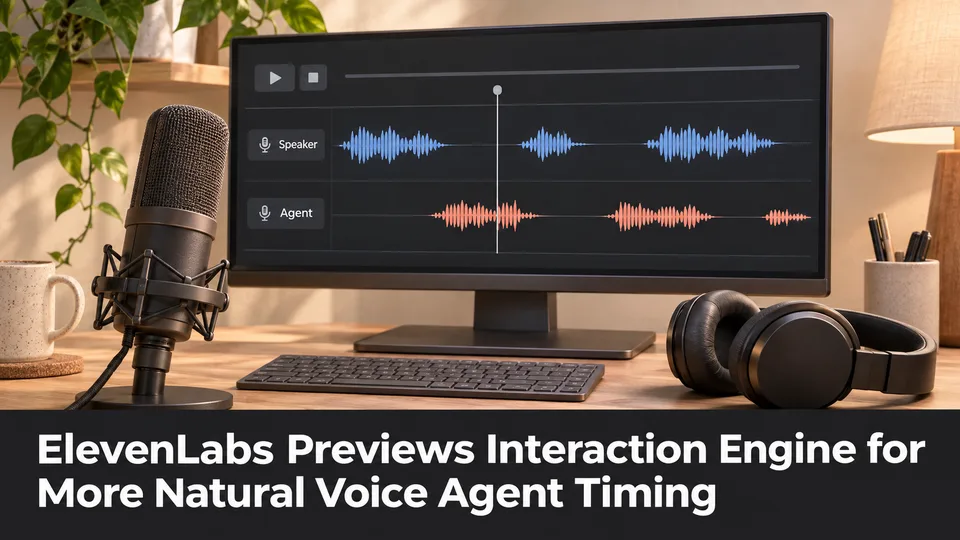
ElevenLabs Previews Interaction Engine for More Natural Voice Agent Timing
At its New York summit, ElevenLabs previewed an Interaction Engine that manages turn-taking, interruptions and model selection in conversations. Real-time game NPC use remains a proposed application, not a shipped game integration.

ElevenLabs Releases a Unity SDK for Live Voice Conversations With NPCs
ElevenLabs has published a Unity SDK connecting scene characters to conversational voice agents. The developer documentation distinguishes supported desktop and WebGL targets from beta mobile and XR integration.
Comments