
Unity Project Auditor Rules 3.2.0 Expands C# Lifecycle and iOS Compatibility Checks
Unity’s Project Auditor Rules package reached 3.2.0 on November 2, adding analyzer recommendations for lifecycle APIs and minimum iOS targeting in Unity 6.7. These are static-analysis rules, not changes to game runtime behavior.
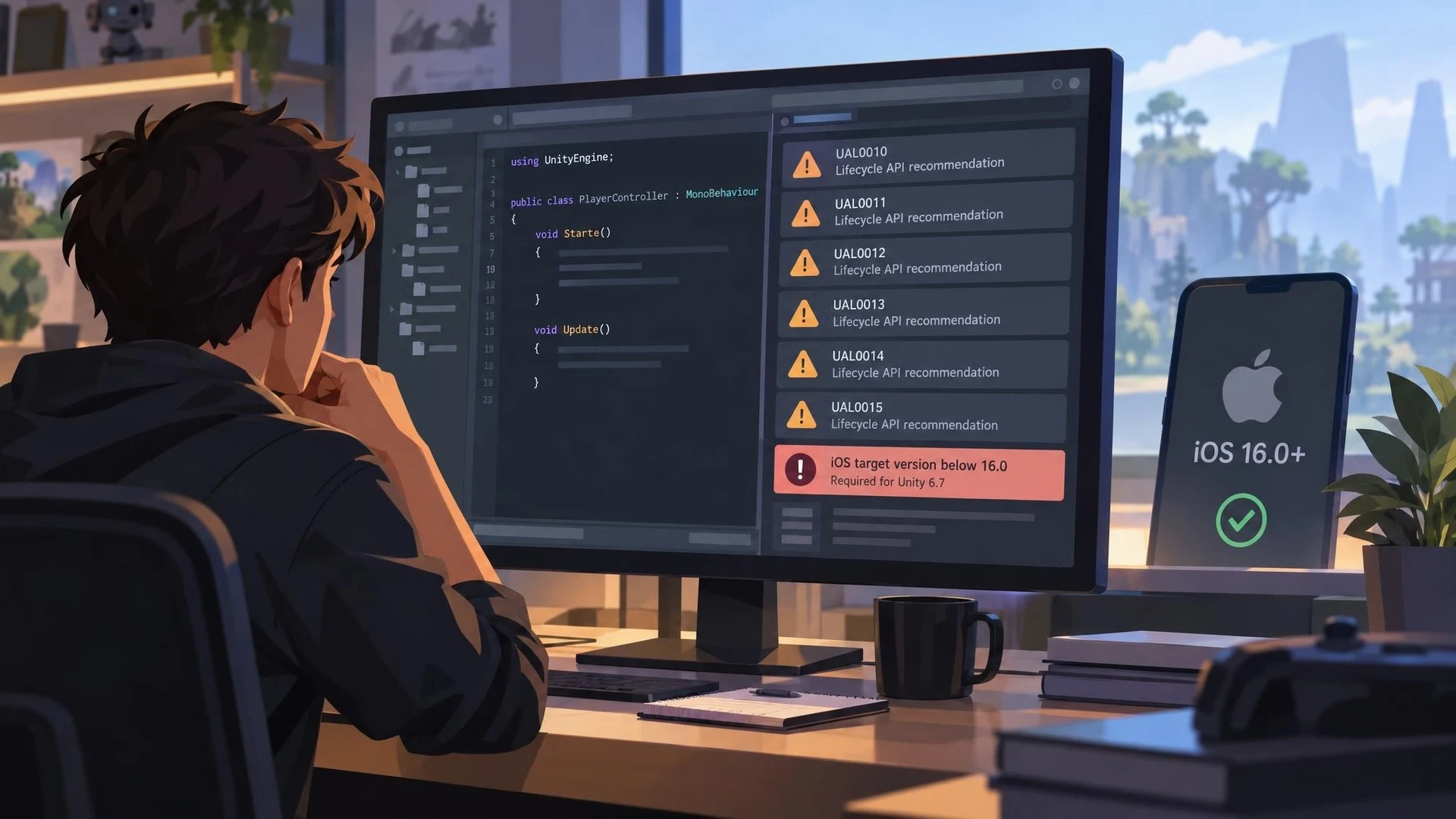
A game project can compile successfully and still contain settings or patterns that become problematic during a later engine upgrade. Unity has refreshed its Project Auditor Rules package with version 3.2.0, registered on November 2, 2026. The official Unity package registry identifies new recommendations for analyzer diagnostics and additional checks for upcoming platform requirements.
Project Auditor is a static-analysis facility that inspects scripts, project settings and assets. The rules package supplies part of the knowledge used to identify potential problems. Version 3.2.0 adds recommendations associated with Unity analyzer diagnostics, including lifecycle API issues numbered UAL0010 through UAL0015. The package registry also documents an iOS configuration check and newer information about obsolete APIs.
The iOS check is specific: Unity says it reports projects targeting an iOS version below 16.0 when evaluating compatibility with Unity 6.7, whose minimum supported version is 16.0. Developers should not interpret that requirement as applying retroactively to every existing Unity project. The warning is relevant to teams planning a migration to that editor line and the platforms it supports.
Lifecycle API diagnostics can be useful because game behavior often depends on methods being called at the correct time. Editor analyzers may warn about patterns that are valid C# syntax but ill-suited to engine conventions. Yet an analyzer suggestion is not the same as a confirmed runtime fault. Each finding needs context, and a deliberate exception may be reasonable for particular architectures.
This package update is distinct from the Unity Pipeline release that adds command-line profiling. Project Auditor Rules concerns what static checks can report; profiling measures execution and memory while a project runs. Both may fit into an automated workflow, but they address different classes of development risk.
A practical test would use a small Unity project with a known script pattern that triggers an analyzer recommendation and an intentionally outdated iOS setting. Run Project Auditor with the new rules, save the report, and check whether the finding matches the project configuration. Then correct the issue and run the analysis again. The exercise should occur in a controlled copy, not in a production repository.
Version 3.2.0 is confirmed in Unity's package registry, which lists the changes and package metadata. The registry description does not establish performance improvements or automatic repair. Its value is earlier visibility into potential migration and code-quality concerns.
Developers preparing to move to Unity 6.7 or to introduce more automated quality checks now have a more current set of rules to evaluate. As with any analyzer, the goal is actionable information rather than the absence of all warnings at any cost.
Rate this story
What did you think of this article?
Log in to rate this story, comment and like replies.
Log inNo comments yet. Be the first to share your thoughts.
More stories

Unreal Engine 5.9 Preview Is Planned for Next Week, With Web Targeting on the Agenda
Epic has confirmed plans for an Unreal Engine 5.9 Preview in the week following November 3. Its initial outline mentions AI workflows, web targeting, rendering and animation, but detailed release notes and general availability are still pending.

Epic Publishes UEFN MCP and Verse Insights Profiling Walkthroughs
Epic has released two educational videos for diagnosing slow Fortnite islands using UEFN MCP and Verse Insights. They explain agent-assisted profiling and server-side Verse costs; they are not new features for standard Unreal Engine games.

Unity 6000.6.8f1 Addresses 2D Shadow Memory, Navigation and Reflection Probe Issues
Unity released 6000.6.8f1 on November 3 with fixes for leaking ShadowCaster2D meshes, flickering 2D shadows and NavMesh portal data. It also changes how certain reflection probes are baked, requiring migration checks.
Comments