
Unity 6000.6.8f1 Addresses 2D Shadow Memory, Navigation and Reflection Probe Issues
Unity released 6000.6.8f1 on November 3 with fixes for leaking ShadowCaster2D meshes, flickering 2D shadows and NavMesh portal data. It also changes how certain reflection probes are baked, requiring migration checks.
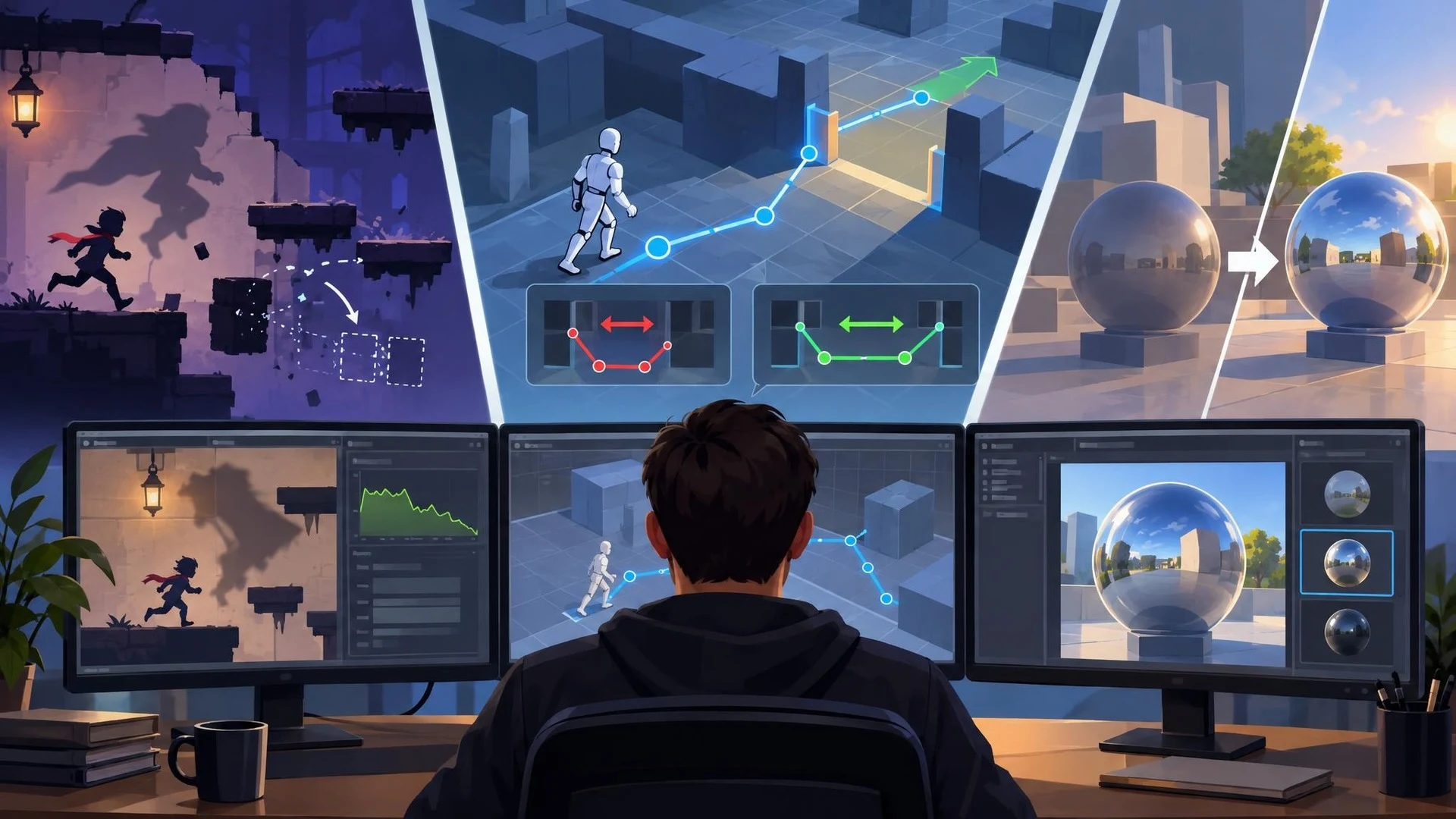
Unity developers using the 6000.6 release line have a new maintenance build to consider. Version 6000.6.8f1 was published on November 3, 2026. Its official notes cover a range of problems, including 2D graphics, navigation and global illumination. Unlike a major feature release, the practical value is in repairing specific behaviors and reducing the need for project-level workarounds.
One particularly concrete fix concerns ShadowCaster2D components. Unity says that destroying certain shadow casters without a shape source could create mesh allocations that were not released, allowing memory usage to grow. The update also addresses flickering shadows when a 2D shadow caster uses a collider as its shape source. These changes may matter to games where terrain, destructible objects or animated 2D scenes repeatedly create and remove shadow-casting objects.
Navigation developers should review a separate correction to NavMesh portal-point ordering. The release notes describe an issue affecting the left and right points returned when a path exits a navigation link. Consistent ordering matters to code that interprets portals geometrically, although not every project uses these low-level query interfaces.
The update contains a behavior change for reflection probes. Unity explains that a general Bake Reflection Probes operation no longer overwrites custom probes. Custom probes now need to be baked explicitly from their Inspector. Another related API now returns failure rather than writing a cubemap for realtime probes. This is a deliberate correction, but pipelines relying on the former behavior may need modification.
Animation tooling also receives a modest usability change: the preview model picker now preselects the model already in use. Additional fixes cover scripting, rendering and platform-specific issues. Developers should read the complete notes rather than assume every listed fix applies to their current build target.
A sensible upgrade test starts with a copy of a project and a list of relevant symptoms. In a 2D test scene, repeatedly spawn and destroy shadow casters and watch memory usage over time. For navigation, test link traversal along both directions. For reflection probes, compare a known scene before and after the update, especially if a custom editor script controls light baking.
Unity lists known issues in this version as well. Installing the patch should not be mistaken for a guarantee of overall stability on every machine or platform. Source control, locked package versions and a packaged player test remain necessary.
The November build is a targeted maintenance release. Its biggest benefit is not a new visual effect, but making existing rendering and navigation workflows behave more predictably under the circumstances described in the release notes.
Rate this story
What did you think of this article?
Log in to rate this story, comment and like replies.
Log inNo comments yet. Be the first to share your thoughts.
More stories
Unreal Engine 5.9 Preview Is Planned for Next Week, With Web Targeting on the Agenda
Epic has confirmed plans for an Unreal Engine 5.9 Preview in the week following November 3. Its initial outline mentions AI workflows, web targeting, rendering and animation, but detailed release notes and general availability are still pending.

Epic Publishes UEFN MCP and Verse Insights Profiling Walkthroughs
Epic has released two educational videos for diagnosing slow Fortnite islands using UEFN MCP and Verse Insights. They explain agent-assisted profiling and server-side Verse costs; they are not new features for standard Unreal Engine games.
Epic Curates Unreal Engine 5.8 Mobile Development Guides and Updated Samples
Epic’s latest monthly learning roundup directs developers to UE5.8 mobile profiling, Android and iOS workflows, MegaLights experiments and updated sample projects. It is a collection of educational resources rather than a new engine release.
Comments