
Unity OpenXR Android XR 1.5.1 Raises Its AR Foundation Dependency
Unity OpenXR Android XR 1.5.1, dated October 27, changes its minimum AR Foundation dependency from 6.7.0 to 6.7.1. The targeted package update matters for XR build reproducibility but does not add a new headset feature.
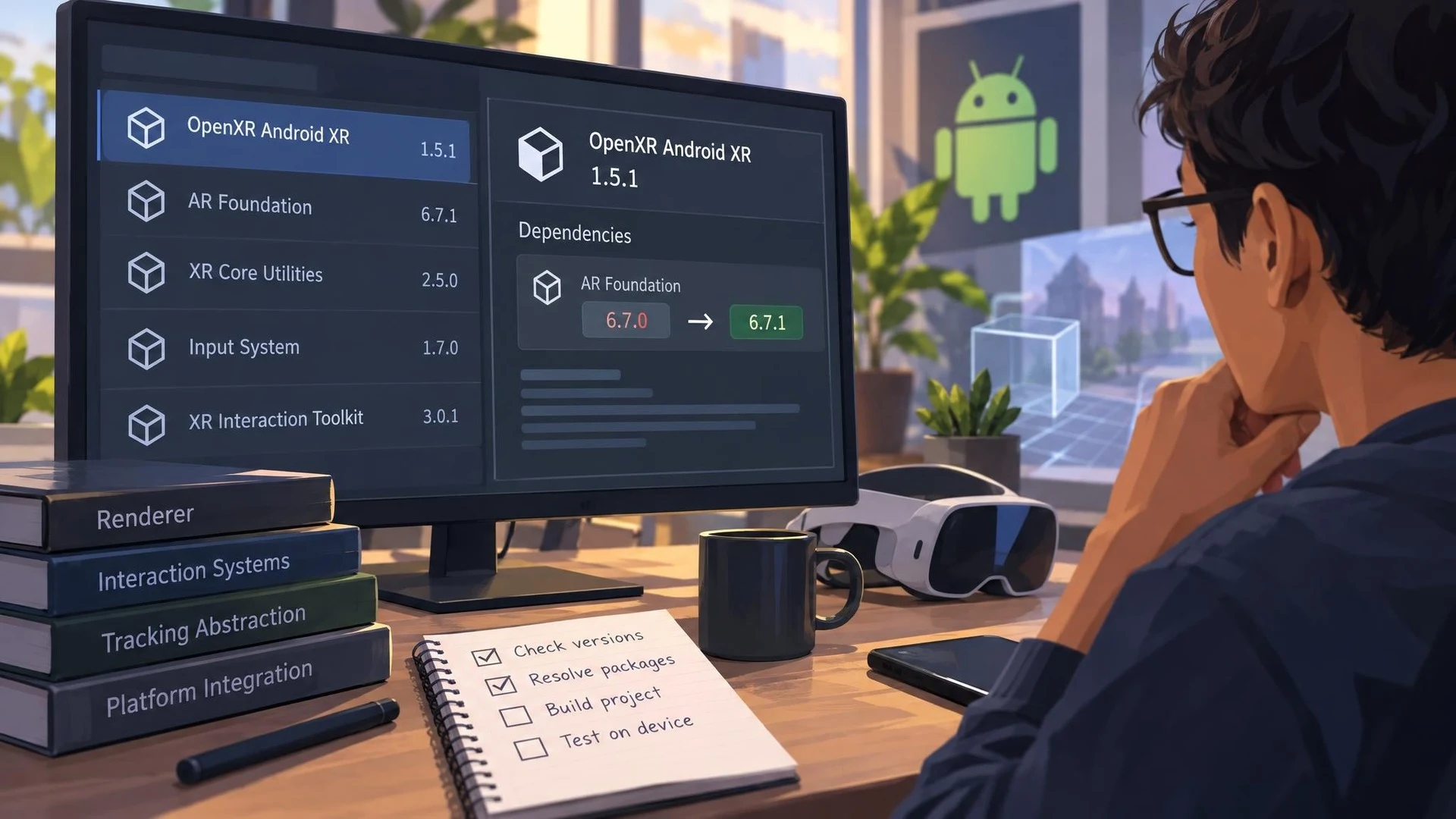
An XR project is rarely built from one package alone. The renderer, interaction systems, tracking abstraction, and platform-specific integration each carry their own version requirements. A small dependency change in one package can therefore matter when an otherwise unchanged Unity project is reproduced on another developer's machine.
Unity's OpenXR Android XR integration received version 1.5.1 on October 27, 2026. The official changelog identifies a single change: the minimum AR Foundation dependency moves from 6.7.0 to 6.7.1. This is package maintenance rather than a newly introduced rendering or input capability.
The update follows the AR Foundation 6.7.1 release, which fixed code signing for a native XR Simulation bundle on macOS. While the two changes are related through package version requirements, the Android XR plugin's changelog does not itself claim to repair a headset tracking bug, expand OpenXR features, or improve frame rates.
Developers preparing an Android XR build should be careful about what compatibility means. OpenXR provides a cross-platform interface, but individual devices still differ in supported extensions, interaction modes, performance, and deployment requirements. A version bump in Unity's platform integration does not prove that a PCVR application will run unmodified on a standalone headset or on a pair of connected XR glasses.
The practical first step is to inspect the project's manifest and Package Manager dependency graph. Confirm that the Android XR OpenXR integration, AR Foundation, and the chosen Unity Editor release all satisfy their declared version constraints. Updating one package while pinning an older dependent package can produce confusing restore or compilation failures.
A small XR verification project should contain one simple tracked object, one visible UI element, and one input interaction. Run the project's ordinary build and package-resolution steps, then validate the behavior on the intended physical hardware. If only a simulator is available, record that limitation rather than reporting the test as successful device compatibility.
Teams using the conventional Oculus XR Plugin or developing a Windows PCVR experience have a different toolchain. The Android XR OpenXR package update is not interchangeable with an Oculus-specific release, even if both appear under Unity's broader XR ecosystem.
Maintenance notes like this are rarely spectacular, but they form the foundation of dependable builds. Recording exact package versions and testing upgrades in a separate branch can prevent an apparently harmless dependency change from interrupting an established release pipeline.
Rate this story
What did you think of this article?
Log in to rate this story, comment and like replies.
Log inNo comments yet. Be the first to share your thoughts.
More stories
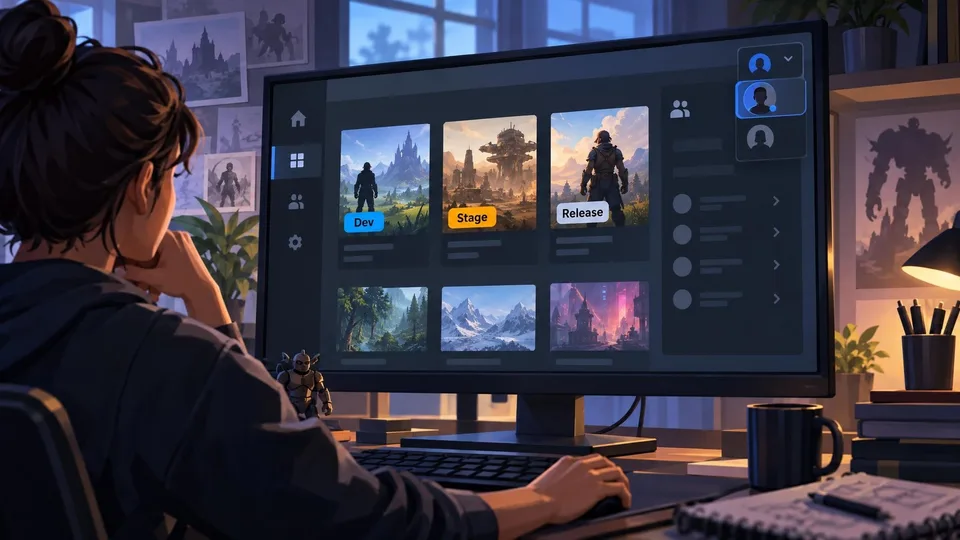
Epic Games Launcher 0.109.0 Labels Development Builds in the Library
Epic Games Launcher 0.109.0, dated November 2, adds visible Dev and Stage sandbox labels to library builds alongside account switching and a collapsible social panel. The change is about launcher workflows, not Unreal Engine rendering.

Netcode for Entities 7.2 Adds GameObject Bridges and Agent-Facing Unity CLI Tools
Unity Netcode for Entities 7.2.0 is listed as released October 30 with GameObject-facing networking APIs, new prediction options and Unity CLI inspection commands. It targets the Unity 6.7 beta family rather than older supported editors.
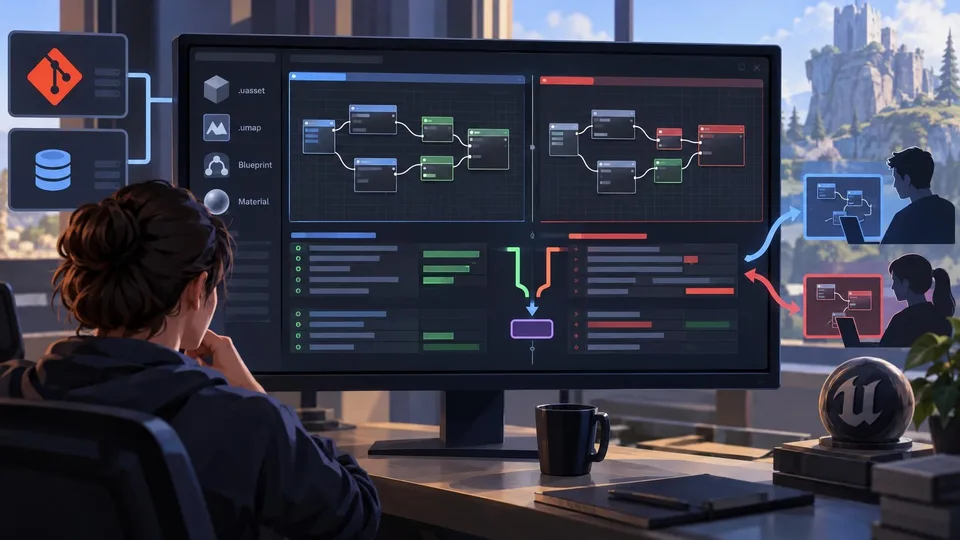
TheCodeDiff Brings Blueprint and Material Merging to Git and Perforce
A developer introduced TheCodeDiff on November 2, offering visual diffs and conflict resolution for Unreal Blueprint and Material assets without opening the editor. Advanced Unreal functions belong to a paid Pro tier.
Comments