
Unity Explains New Shader Build Settings and Faster Builds in 6.7
Unity describes shader compiler controls in 6.6 and a Fast Build mode in 6.7 that reduces shader variant compilation overhead. Its reported speed gains come from internal tests and should be checked against real projects.
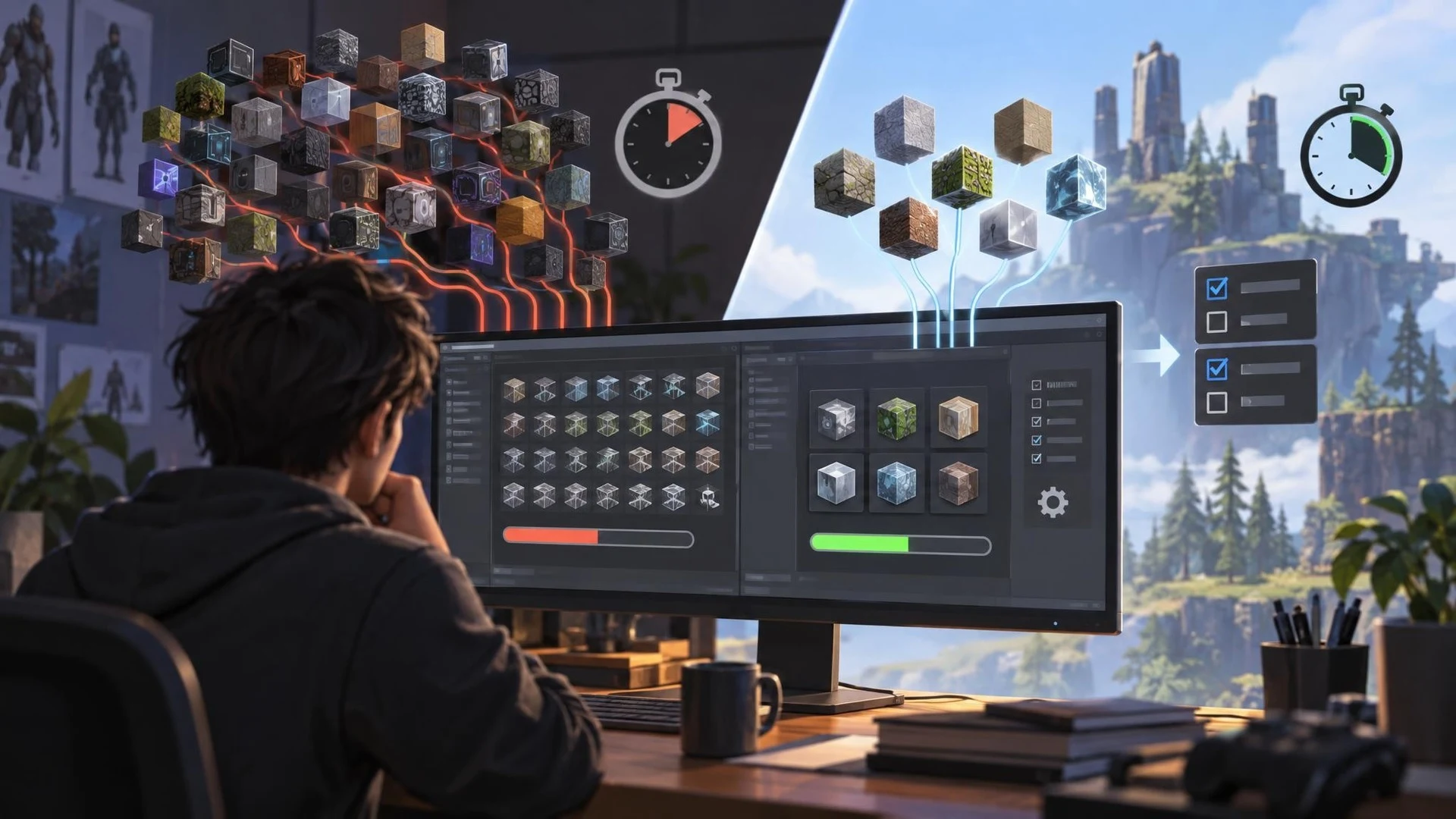
Shader compilation is a frequent source of long iteration times in graphics-heavy games. On November 2, 2026, Unity's graphics team published a technical explanation of Shader Build Settings, describing how developers can control compiler selection and reduce unnecessary shader variants. The post distinguishes features available in Unity 6.6 from Fast Build mode introduced in the Unity 6.7 beta line.
For Windows DirectX 12 targets in Unity 6.6, developers can choose the DXC shader compiler through build-profile graphics settings. Unity says this can accelerate compilation for certain complex shaders, including common URP materials. Older incompatible shaders may need modification or a fallback. The available setting is not a general compiler switch for every graphics API and platform.
Unity 6.7 adds an approach called Fast Build, which can convert compatible shader keywords into dynamic branching. Static keyword combinations normally cause additional variants to be compiled ahead of time. Moving selected decisions to runtime can reduce the number of programs the build pipeline must prepare. The trade-off is that runtime branches have performance implications and must be checked with representative materials.
Unity reports that, in one internal test using the URP 3D Sample project, converting compatible keywords reduced a clean build time by approximately 75 percent. This is the company's measurement under particular conditions, not an independent benchmark or a promise for other games. The savings depend on how many shader variants a project produces and which optimizations are applicable.
The new settings also expose keyword exclusion. A developer can omit combinations known to be unnecessary, reducing compiled variants and potentially lowering build size. Excluding a needed variant can cause missing or incorrect rendering in a player build, so the feature demands more than simply turning off large groups of keywords.
Unity additionally discusses disabling compiler optimizations to accelerate compilation when debugging and adding shader debug information. These are useful workflow tools but should not be confused with final runtime-optimized shipping settings.
A worthwhile experiment would select a Unity project with known shader compilation bottlenecks. Record a clean build time, compiled variant count, application startup and representative frame-time. Then try the DXC selection and other compatible settings one at a time. Compare logs and rendering output, especially materials with multiple quality or lighting conditions.
The most important lesson is that build-time performance and player runtime performance are different goals. A quicker shader build can accelerate iteration, but a production decision also needs rendering tests on the intended target platforms. This is an official technical announcement of capabilities in specific Unity versions, not a blanket speed increase for all builds.
Rate this story
What did you think of this article?
Log in to rate this story, comment and like replies.
Log inNo comments yet. Be the first to share your thoughts.
More stories
Fortnite Ecosystem 43.00 Brings PCG and New MCP Tools to UEFN
Epic has released Fortnite Ecosystem 43.00 with editor-time PCG, new UEFN MCP capabilities and a production-ready quest Progression API. The changes apply to the Fortnite creator environment, not automatically to conventional Unreal Engine projects.

Epic Previews Cesium, Mesh Terrain and Unreal MCP Demos for I/ITSEC 2026
Epic Games has outlined its Unreal Engine 5.8 simulation showcase for I/ITSEC in Orlando. The announced demonstrations cover geospatial visualization, experimental Mesh Terrain, procedural worlds and AI assistants connected through Unreal MCP.

OpenAI Announces Pierre Acquisition to Expand Codex Git Workflows
OpenAI plans to acquire Pierre Computer Company, whose open-source file-tree and code-diff libraries already appear in Codex. The announcement focuses on future developer workflows and is not yet a newly shipped game-engine integration.
Comments