
Unity Details How SEED Renders Large Player-Built Worlds with URP
A new Unity engineering case study examines Klang Games’ SEED client, where large amounts of player-created geometry make rendering performance difficult to predict. The lessons concern URP, batching and profiling rather than a new engine feature.
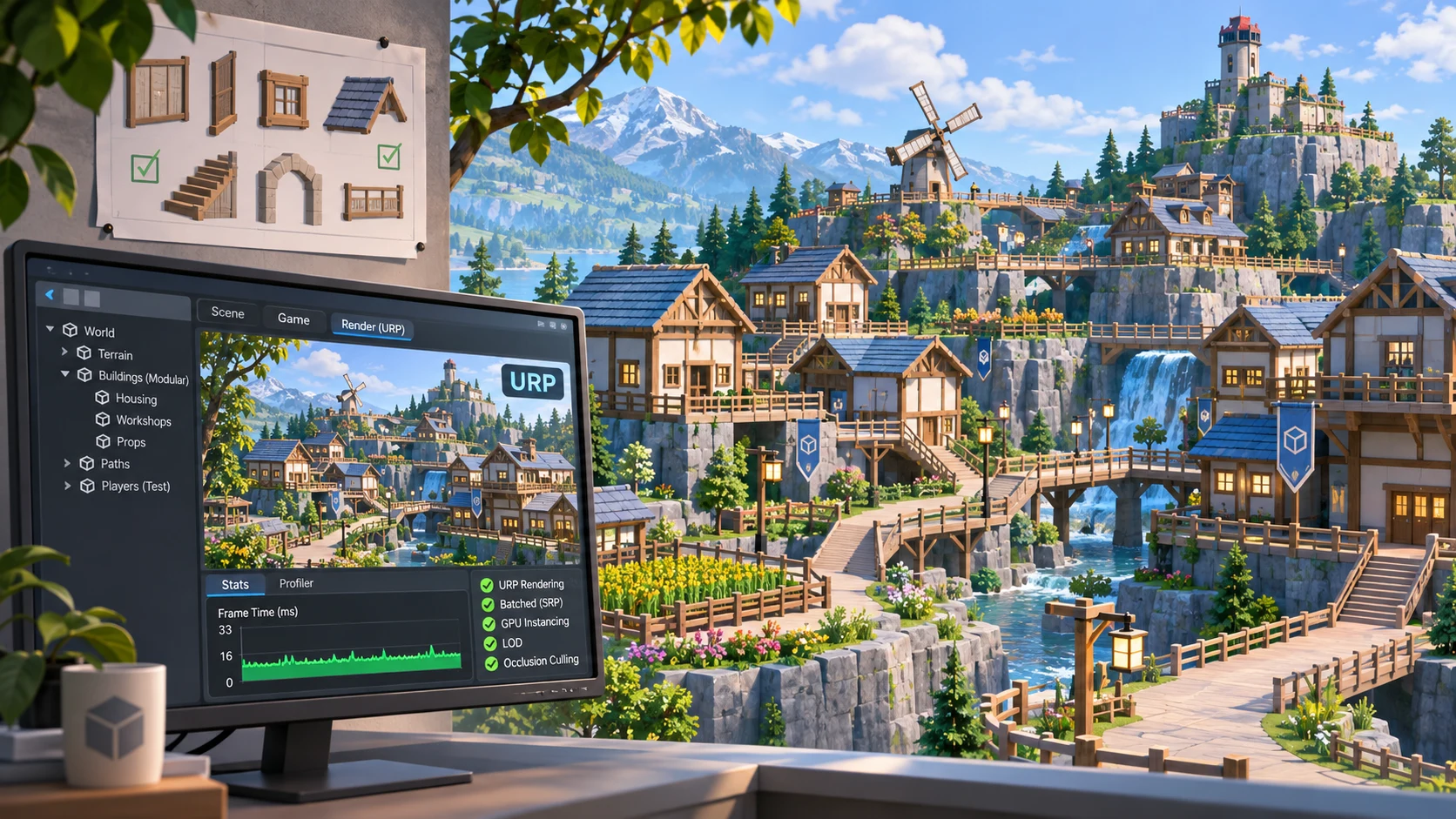
Unity published a technical case study on November 6, 2026, describing how Klang Games approaches rendering in SEED, a persistent simulation with a world shaped by its players. The story is relevant to developers because a user-generated environment creates a different optimization problem from a hand-built level. Artists cannot predict every structure that players will place, and the client must cope with ever-changing quantities and combinations of small objects.
SEED's simulation runs on the developer's servers, while its Unity client receives the world state and renders it. That architectural distinction matters. Rendering optimizations discussed in the case study do not demonstrate new multiplayer-server features or reveal a general solution for synchronizing state. The emphasis is the client-side graphics workload, particularly in Unity's Universal Render Pipeline.
One technique highlighted by the team is storing much of the scene's color and material information in vertex data instead of relying on conventional texture-heavy surfaces. Buildings are assembled from many small modules arranged on a grid. This gives players construction flexibility but creates pressure on CPU submission and visibility handling. The account discusses strategies around large batches of objects, including BatchRendererGroup and performance-oriented C# workflows.
The engineering lesson is to measure the bottleneck rather than assuming visual complexity is the only problem. A scene can look simple and still lose performance because the engine is preparing too many small draw submissions or managing too many individual objects. Profiling with representative content is especially important in worlds that grow through live player activity rather than scripted level design.
For an independent Unity developer, a controlled experiment could start with a modular village built from a few reusable wall and roof pieces. Populate it with a progressively larger number of pieces, recording frame time, CPU render-thread behavior, draw calls, and memory. Compare a basic renderer setup with a batching strategy in a test branch, then zoom out to inspect visibility costs. The experiment should use a packaged player build on target hardware, not only an Editor view.
This is a published engineering case study, not a Unity 6 feature release. Its value is a practical design principle: art conventions, scene representation, server-client division, and instrumentation all influence the cost of a player-built world. A small prototype can expose those costs before they become difficult to change.
Rate this story
What did you think of this article?
Log in to rate this story, comment and like replies.
Log inNo comments yet. Be the first to share your thoughts.
More stories
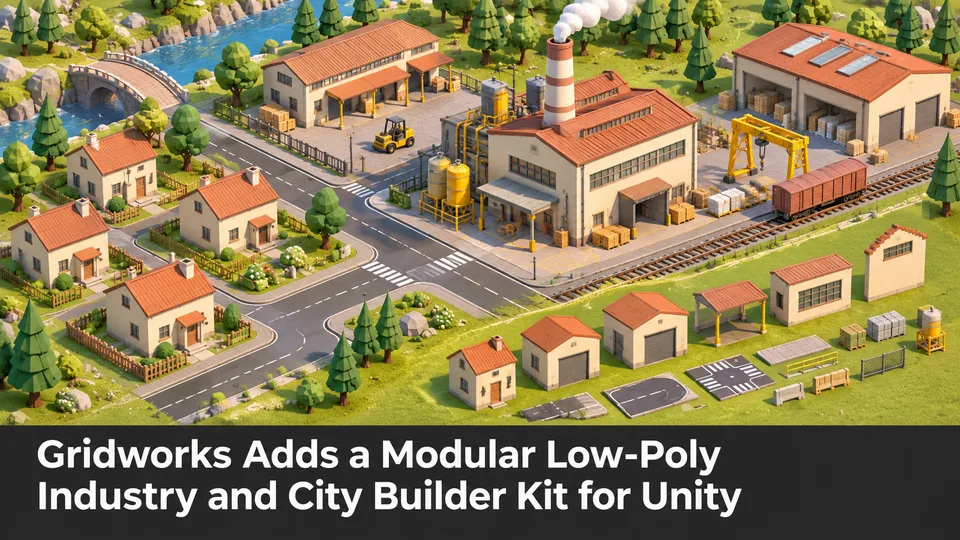
Gridworks Adds a Modular Low-Poly Industry and City Builder Kit for Unity
Gridworks has appeared on Unity Asset Store as a modular industrial environment kit with city-builder-oriented assets. The listing specifies supported URP and HDRP configurations but does not constitute an engine update.
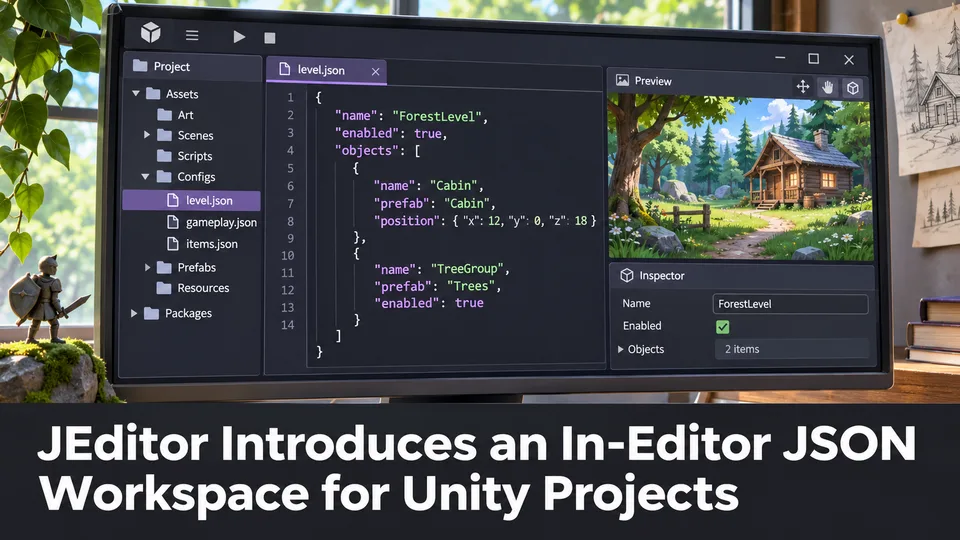
JEditor Introduces an In-Editor JSON Workspace for Unity Projects
JEditor 1.0.0 has been listed on Unity Asset Store as a JSON-focused editor utility. Its stated focus on inspection, comparison and validation makes it relevant to configuration-heavy Unity projects.
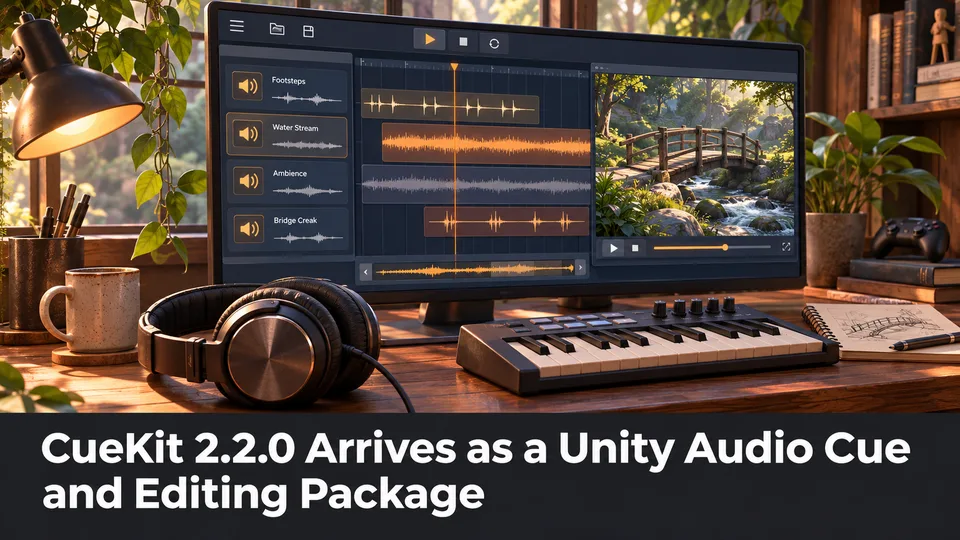
CueKit 2.2.0 Arrives as a Unity Audio Cue and Editing Package
Unity Asset Store now lists CueKit 2.2.0, an audio cue management and editor toolkit from SomnolentTeam. The package is a third-party option for organizing game audio rather than a built-in Unity audio update.
Comments