
Epic Curates Unreal Engine 5.8 Mobile Development Guides and Updated Samples
Epic’s latest monthly learning roundup directs developers to UE5.8 mobile profiling, Android and iOS workflows, MegaLights experiments and updated sample projects. It is a collection of educational resources rather than a new engine release.
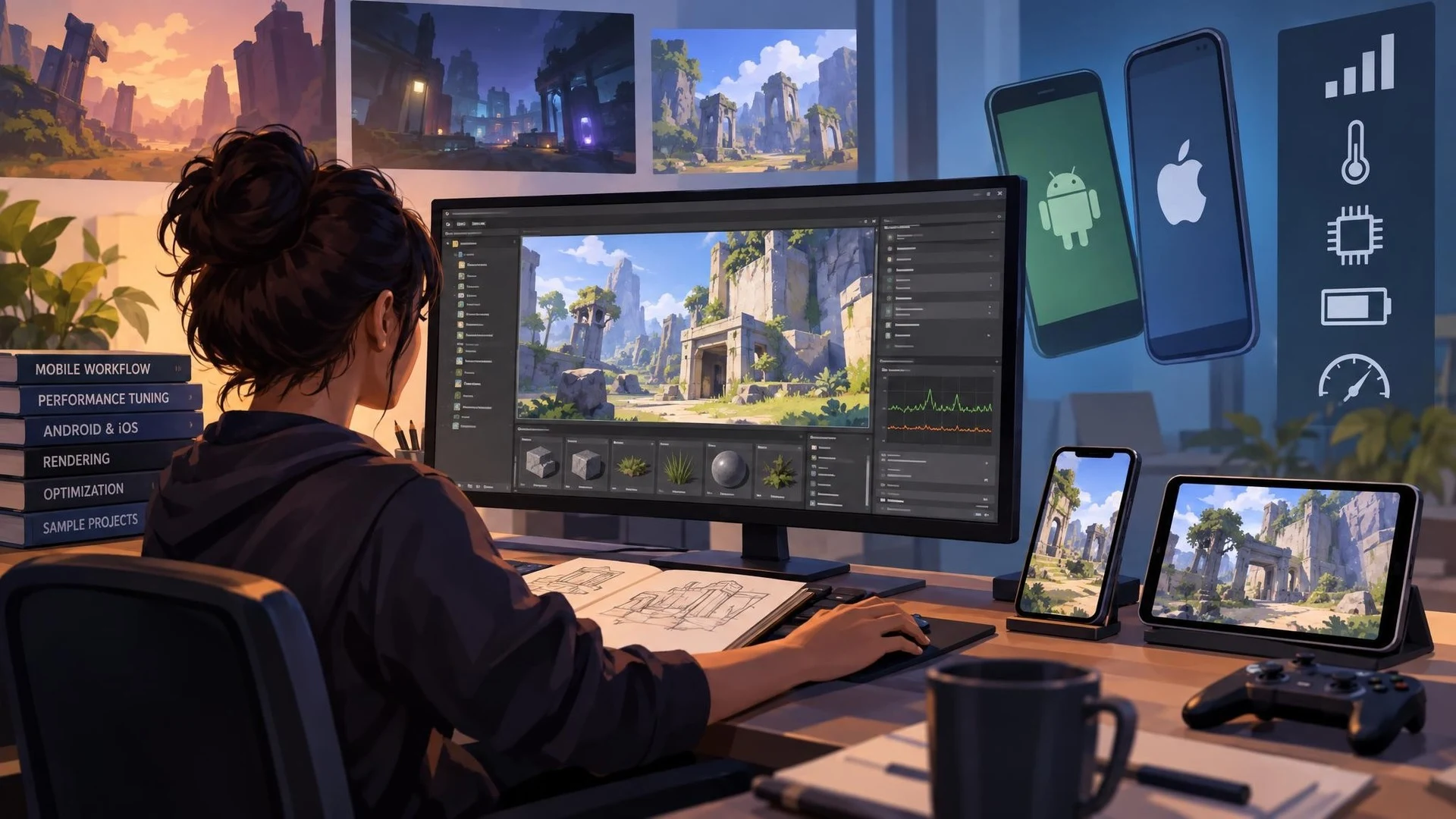
Mobile development places unusual demands on an Unreal Engine project. A scene that runs comfortably on a desktop GPU may encounter thermal limits, constrained memory, different graphics features or unpredictable frame pacing on a phone. Epic's learning roundup published on October 28, 2026 gathers resources intended to help developers navigate those differences.
The collection begins with official mobile development documentation and performance-tuning guidance. It also points to material about integrating the Epic Games Store's mobile features through the relevant online subsystem plugin. Those resources address different stages of the workflow, from choosing platform settings to measuring a build on actual devices.
Epic additionally highlights community tutorials for creating an Android game and optimizing rendering. The subjects include levels of detail, texture streaming, lighting, shadow quality, scalability settings, device profiles and diagnostic tools. These are established areas of Unreal development; the October roundup does not present them as entirely new functionality delivered by a patch.
Recorded discussions provide a deeper look at mobile rendering. One session reviews mobile workflows in Unreal Engine 5.8, and another examines MegaLights and ray-traced shadows in a mobile production example. The latter is a case study of technical choices under particular conditions, not proof that the same settings will be affordable on every Android or iOS device.
The roundup also lists Epic sample projects. Cropout is described as supporting Unreal Engine 5.8, while the Lyra Starter Game and Stack O Bot demonstrate ways to organize gameplay and input across multiple hardware categories. Samples are valuable references because they show concrete project structures, but copying an entire sample into a production game may create unnecessary dependencies.
A productive exercise would start with one small scene in an Unreal 5.8 test project. Run it on a desktop, capture basic timing, and then create a supported mobile build. Compare shader complexity, texture memory, shadow cost and responsiveness. Lower one graphics setting at a time while preserving a visual baseline. The goal is not necessarily maximum frame rate; consistent frame times and predictable memory usage are more useful shipping criteria.
Developers working with VR should also avoid conflating mobile-phone optimization and autonomous headset optimization. The hardware constraints may overlap, but input, stereo rendering, tracking, resolution and platform requirements can differ. A sample built for a mobile phone is not automatically a Quest-ready PCVR replacement.
Epic's October learning collection is therefore timely reference material for teams evaluating UE5.8 on constrained devices. Its main value is an organized route to testing and measurement, rather than a promise of instant performance improvements from a single feature switch.
Rate this story
What did you think of this article?
Log in to rate this story, comment and like replies.
Log inNo comments yet. Be the first to share your thoughts.
More stories
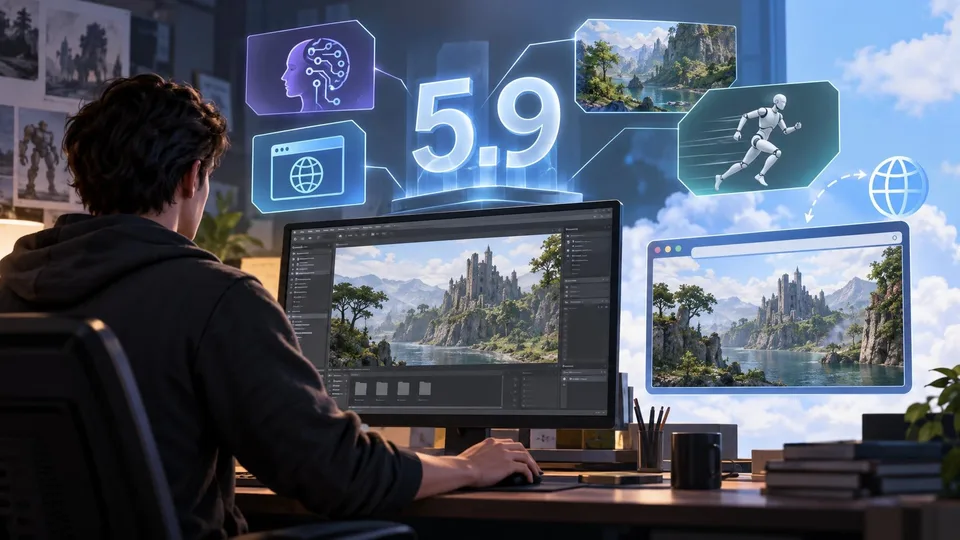
Unreal Engine 5.9 Preview Is Planned for Next Week, With Web Targeting on the Agenda
Epic has confirmed plans for an Unreal Engine 5.9 Preview in the week following November 3. Its initial outline mentions AI workflows, web targeting, rendering and animation, but detailed release notes and general availability are still pending.

Epic Publishes UEFN MCP and Verse Insights Profiling Walkthroughs
Epic has released two educational videos for diagnosing slow Fortnite islands using UEFN MCP and Verse Insights. They explain agent-assisted profiling and server-side Verse costs; they are not new features for standard Unreal Engine games.
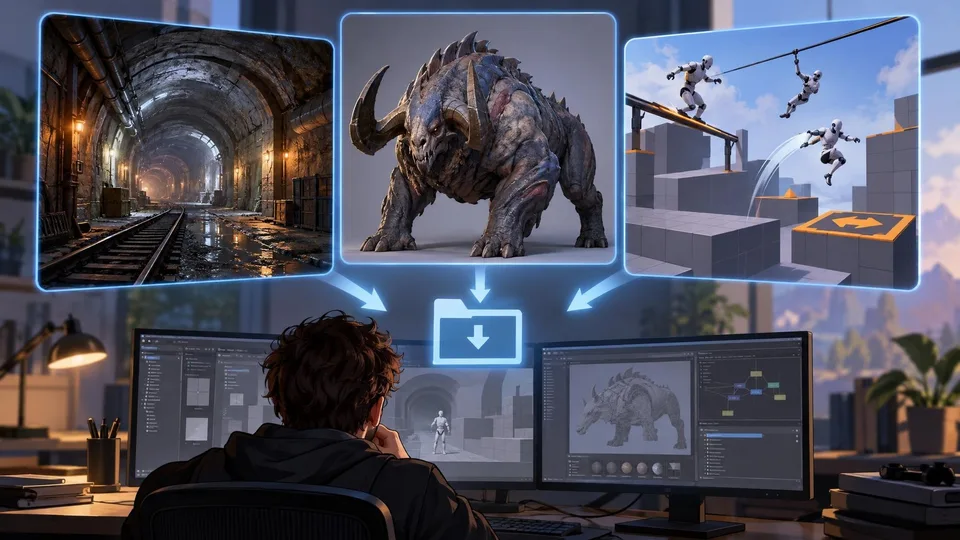
Fab Opens a New Two-Week Window for Three Free Creator Asset Packs
A new official Fab promotion runs from November 3 through November 17 and includes an underground tunnel, a science-fiction creature and a 3D platformer mechanics bundle. Compatibility and licensing still need to be checked per listing.
Comments