
Unity 6.3 LTS Update Fixes AssetBundle Hashes and Graphics Crashes
Unity 6000.3.28f1 addresses AssetBundle hash instability, DX12 graphics failures, 2D shadow issues and several animation and XR bugs. The LTS maintenance release also updates several integrated packages.
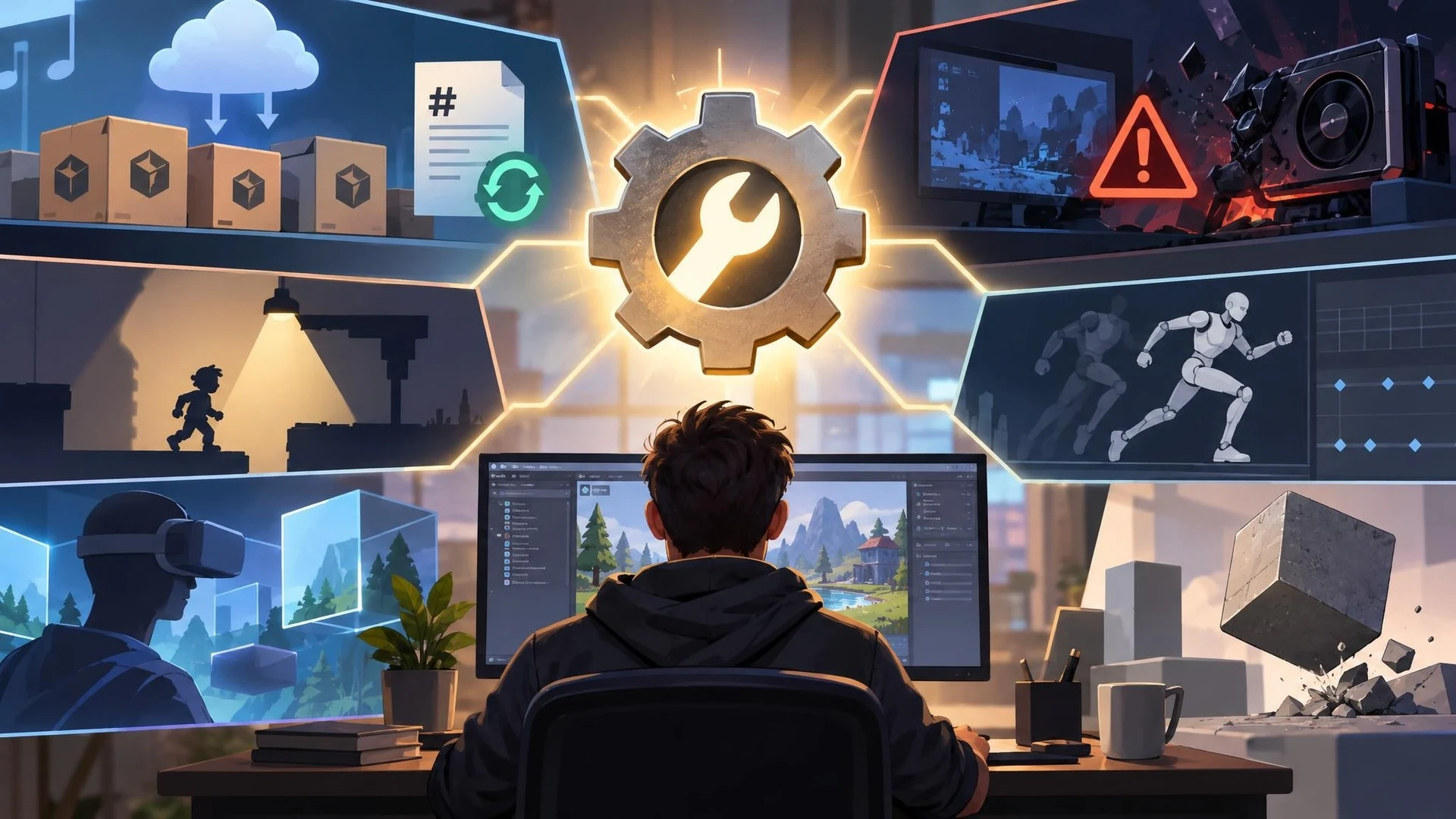
Unity has published Editor version 6000.3.28f1, a November 3, 2026 maintenance update for the Unity 6.3 LTS line. The release notes contain fixes across asset packaging, rendering, physics, animation and editor stability. Developers maintaining a shipping game on the LTS branch should review the specific corrections rather than treating this as a feature-heavy engine upgrade.
One particularly relevant fix concerns AssetBundle content hashes. Unity says unchanged content could receive different hashes between builds using Addressables or the Scriptable Build Pipeline, potentially causing users to download bundles again unnecessarily. After upgrading, affected bundles are expected to receive a new hash on the first build; subsequent builds can then be evaluated for stability. That first change is important when planning deployment and comparing CDN traffic.
Graphics updates address several failure cases, including a DirectX 12 crash when a large texture is updated repeatedly within one frame. The notes also describe a mechanism for flushing large amounts of DX12 upload scratch memory mid-frame, intended to avoid out-of-memory errors in extreme workloads. These are targeted changes, not a general guarantee of improved frame rates for every PC game.
For 2D projects, the release includes fixes for Shadow Caster shapes, certain light configurations and shadow flickering. Animation fixes replace some crash conditions involving invalid indices or outputs with managed exceptions. Physics corrections include collision and penetration-related behavior. The breadth of the notes illustrates why maintenance releases can affect apparently unrelated areas of a project.
The update also modifies included packages. Unity lists updates to services, collaboration components, XR composition layers and Memory Profiler, and adds a Steamworks API package. Teams should inspect the actual package manifest and lockfile after upgrading because dependency changes may influence their build pipeline.
A careful LTS upgrade starts by cloning the project or using a separate source-control branch. Rebuild a representative set of Addressables twice and compare hashes. Then test one rendering-intensive scene, one UI-heavy scene and the game's actual target-platform build. Profiling before and after the update is more useful than relying on reported improvements from unrelated projects.
Teams serving remote content should also stage the new bundles behind a test environment. If the first upgraded build changes hashes, ensure that this behavior is expected and that existing clients can still retrieve compatible content. Rollback planning is especially important for live games.
Unity 6000.3.28f1 is a released maintenance version, not a beta feature preview. Its value will be greatest to teams affected by the specific bugs documented in the official release notes.
Rate this story
What did you think of this article?
Log in to rate this story, comment and like replies.
Log inNo comments yet. Be the first to share your thoughts.
More stories
Fortnite Ecosystem 43.00 Brings PCG and New MCP Tools to UEFN
Epic has released Fortnite Ecosystem 43.00 with editor-time PCG, new UEFN MCP capabilities and a production-ready quest Progression API. The changes apply to the Fortnite creator environment, not automatically to conventional Unreal Engine projects.
Epic Previews Cesium, Mesh Terrain and Unreal MCP Demos for I/ITSEC 2026
Epic Games has outlined its Unreal Engine 5.8 simulation showcase for I/ITSEC in Orlando. The announced demonstrations cover geospatial visualization, experimental Mesh Terrain, procedural worlds and AI assistants connected through Unreal MCP.
OpenAI Announces Pierre Acquisition to Expand Codex Git Workflows
OpenAI plans to acquire Pierre Computer Company, whose open-source file-tree and code-diff libraries already appear in Codex. The announcement focuses on future developer workflows and is not yet a newly shipped game-engine integration.
Comments