
UE5 Niagara Lesson Breaks Down CPU and GPU Particle Trade-Offs
A November 6 community tutorial compares CPU and GPU Niagara emitters, particle bounds, renderers and event support. It is a practical guide to choosing effects settings, not an engine update.
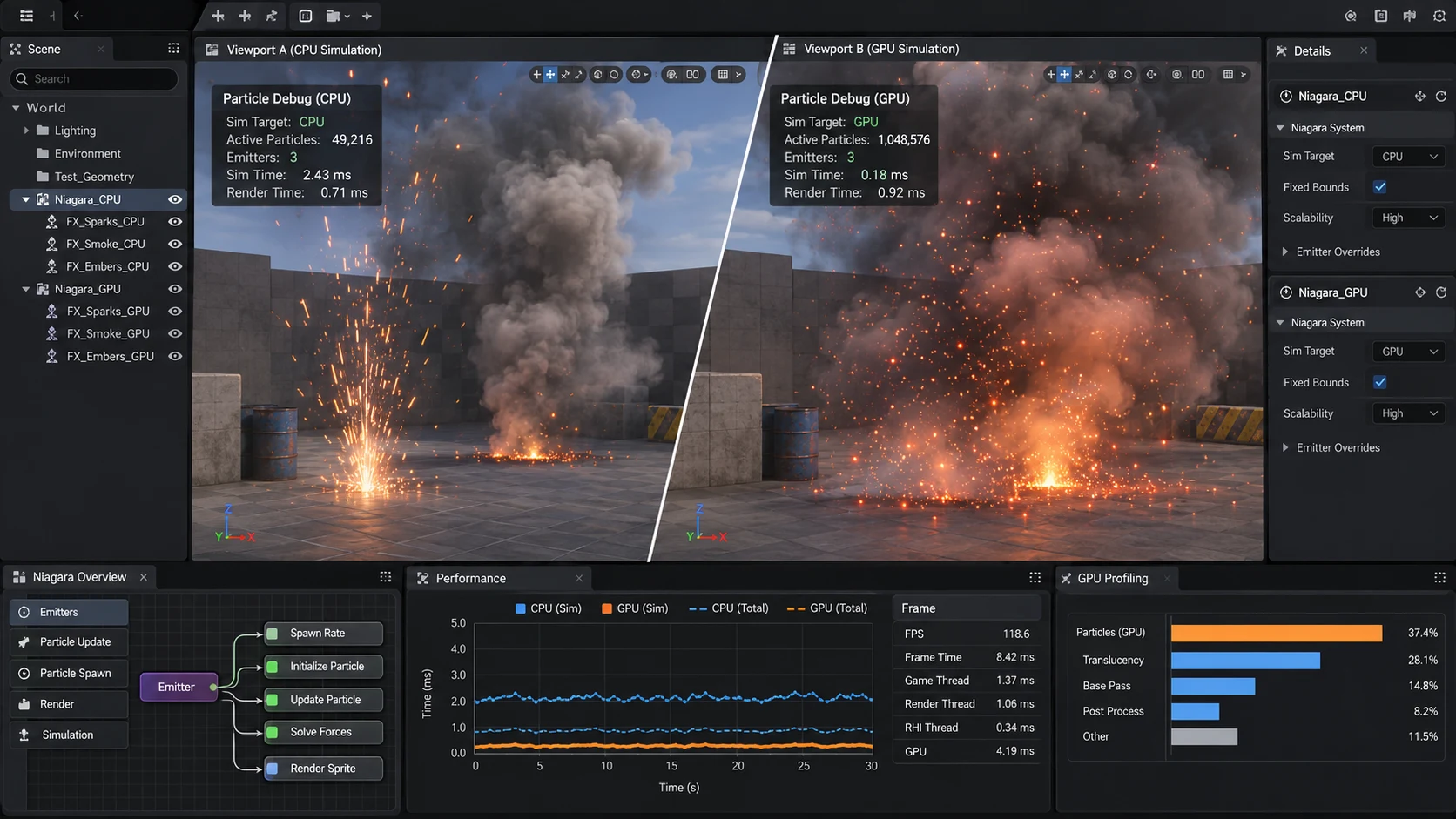
A newly published tutorial in the Epic Developer Community examines a choice that regularly affects visual-effects work in Unreal Engine 5: whether a Niagara particle emitter should run its simulation on the CPU or GPU. Posted on November 6, the lesson focuses on how the two approaches differ in capacity, features and configuration.
GPU simulation can be attractive when a scene needs a large number of visually simple particles. Dust, snowfall, sparks and environmental debris are common candidates. CPU simulation may remain more suitable when an effect requires functionality that is unavailable or behaves differently on the GPU. The tutorial highlights several concrete areas to investigate, including renderers, event handling, simulation stages and bounding-box settings.
Bounding boxes deserve particular attention. A GPU Niagara effect can appear to vanish when its visible particles leave the bounds used by the engine to decide whether the effect should be rendered. The lesson discusses fixed bounds as a way to avoid accidental culling. This is different from saying that fixed bounds always improve performance; excessively broad bounds can keep an effect active when it should be culled.
The guide also discusses differences involving ribbon effects and lights. Feature availability depends on the particle setup and the engine version, so developers should test the specific emitter in their actual project instead of assuming a complete one-to-one conversion from CPU to GPU. A system that looks similar in the editor may behave differently when collisions, lights or event handlers are involved.
For a practical comparison, developers could create one falling-sparks effect and duplicate it into CPU and GPU variants. Keep the particle lifetime, appearance and target count as similar as possible. Then test the variants at multiple emitter counts, inspect Niagara's debugging tools and measure performance in a build rather than relying only on the editor viewport. Add a separate test that moves the camera away and back to catch bounds-related disappearing effects.
The November publication is an educational resource, not a claim that Unreal Engine has just introduced GPU Niagara. Its usefulness lies in helping artists distinguish effects that simply need more particles from effects that rely on specific simulation features.
Rate this story
What did you think of this article?
Log in to rate this story, comment and like replies.
Log inNo comments yet. Be the first to share your thoughts.
More stories
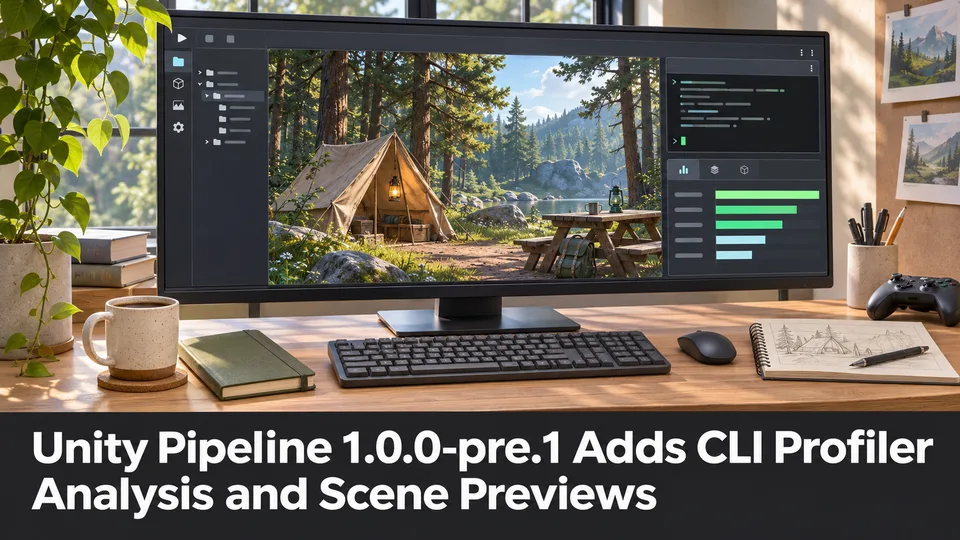
Unity Pipeline 1.0.0-pre.1 Adds CLI Profiler Analysis and Scene Previews
Unity promoted a prerelease of its Pipeline package with saved Profiler analysis, scene-preview archives and clearer command effects. This is an official pre-1.0 tool update with compatibility changes.
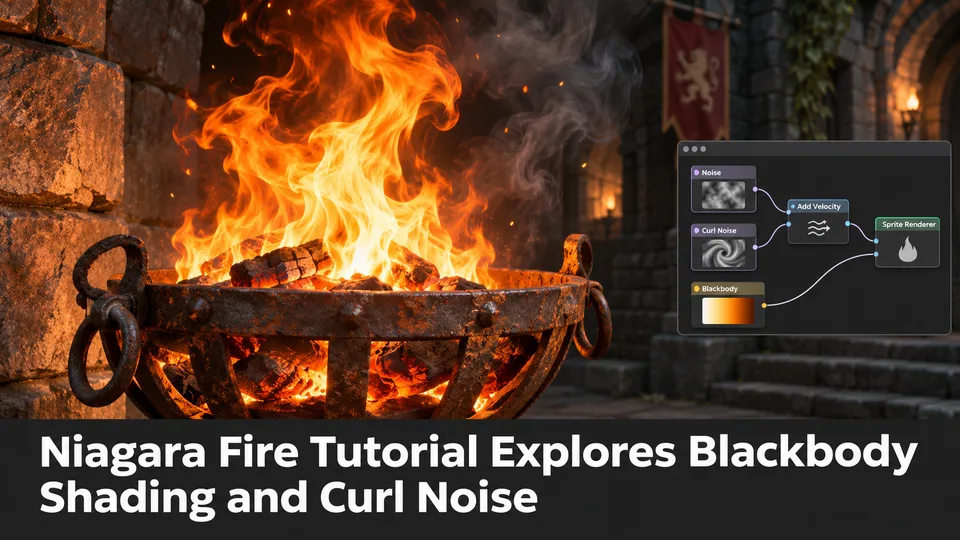
Niagara Fire Tutorial Explores Blackbody Shading and Curl Noise
A newly published community lesson builds a stylized Unreal Engine fire effect from material nodes and Niagara particles. It explains familiar techniques rather than introducing new UE5.8 functionality.

New Community Walkthrough Covers Avatar Image Optimization for Unreal Services
A recent Unreal community tutorial demonstrates resampling avatar images, converting textures to WebP and moving files through Blueprint-backed cloud workflows. It is a third-party tutorial, not an Epic engine feature.
Comments