
New Community Walkthrough Covers Avatar Image Optimization for Unreal Services
A recent Unreal community tutorial demonstrates resampling avatar images, converting textures to WebP and moving files through Blueprint-backed cloud workflows. It is a third-party tutorial, not an Epic engine feature.
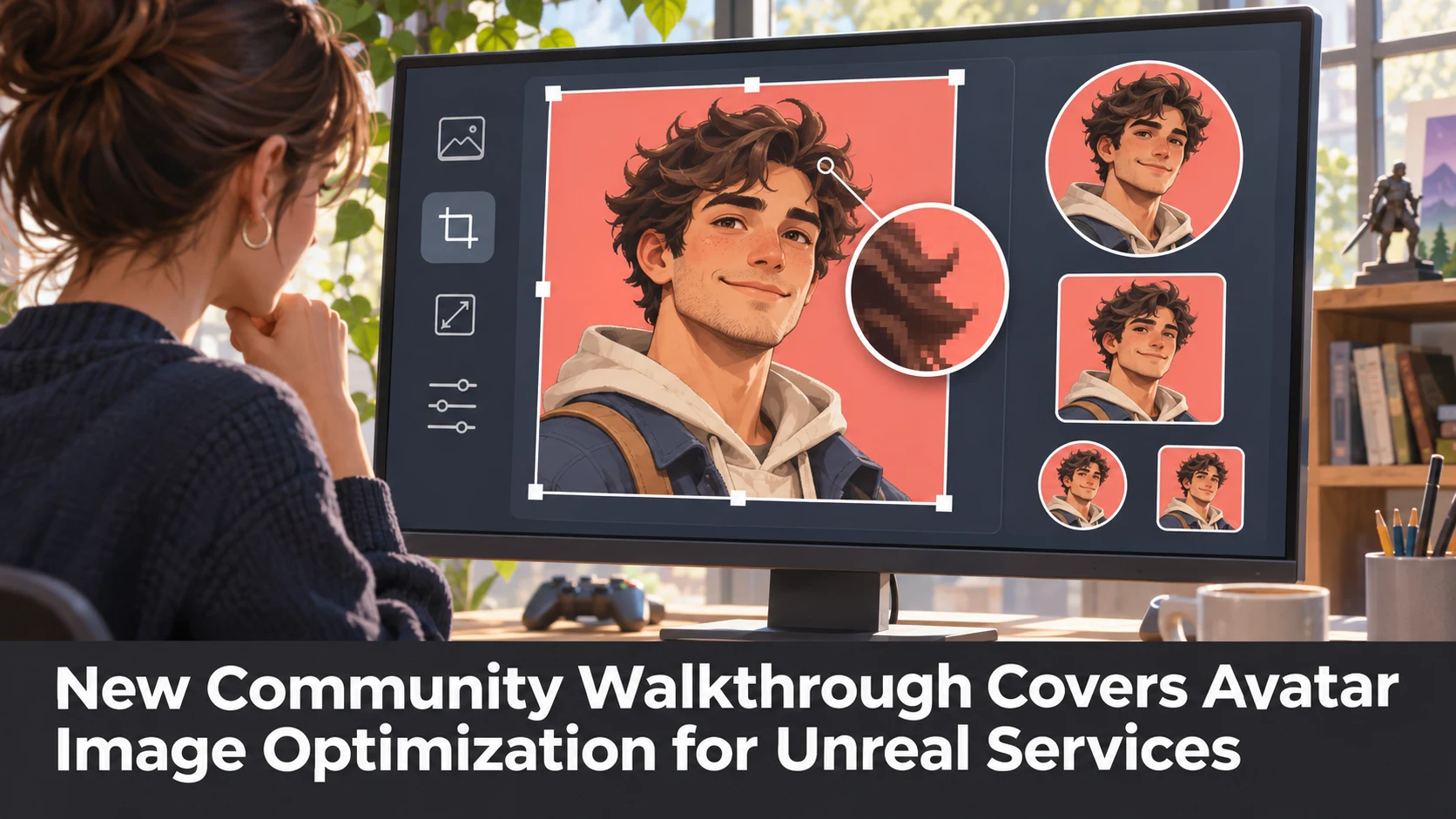
A community tutorial by 547 Game Studio was updated on November 10 with a practical workflow for player avatar images in Unreal Engine. It covers image resampling, WebP conversion and Blueprint-based file transfer and storage, using example code and project references alongside the publisher's own plugins.
For developers building player accounts or social features, avatar images are a modest but surprisingly useful case study in data handling. A photograph supplied by a player may have much greater resolution than a small profile icon needs. Resizing it before sending it to an application service can reduce storage and transfer requirements. Changing the file format may also affect size and quality, although the result depends on the source image, compression settings and the decoder in use.
The tutorial references image resizing and WebP utility plugins and cloud-service components. Its project links and Blueprint examples provide a starting point for studying that chain. Because the author also sells plugins, developers should distinguish documented functionality from a recommendation to purchase every item. The community page does not establish that every asset or service integration is necessary for the underlying design.
A practical test would begin with a set of sample avatars in several sizes and formats. Export small, medium and large WebP variants, compare file size and edge quality and then check how the images appear inside Unreal UI widgets. A second pass could test interrupted uploads and invalid file types. These are suggested experiments, not results reported by the author.
Teams should also account for privacy and security. Profile-image uploads require clear ownership and permission boundaries, server-side type and size checks, sensible retention rules and private cloud credentials. Sensitive secrets should never be embedded into a distributed game client. A Blueprint graph that successfully transfers one file in a demo is not proof that an entire production backend is secure.
The tutorial is associated with Unreal Engine versions from 4.27 through 5.8 in the community listing. That is the author's compatibility context; it does not make this an announcement of built-in WebP upload support in a new engine release. For a cloud game platform, the broader lesson is to test player-facing assets end to end rather than focus exclusively on GPU rendering and frame delivery.
Rate this story
What did you think of this article?
Log in to rate this story, comment and like replies.
Log inNo comments yet. Be the first to share your thoughts.
More stories
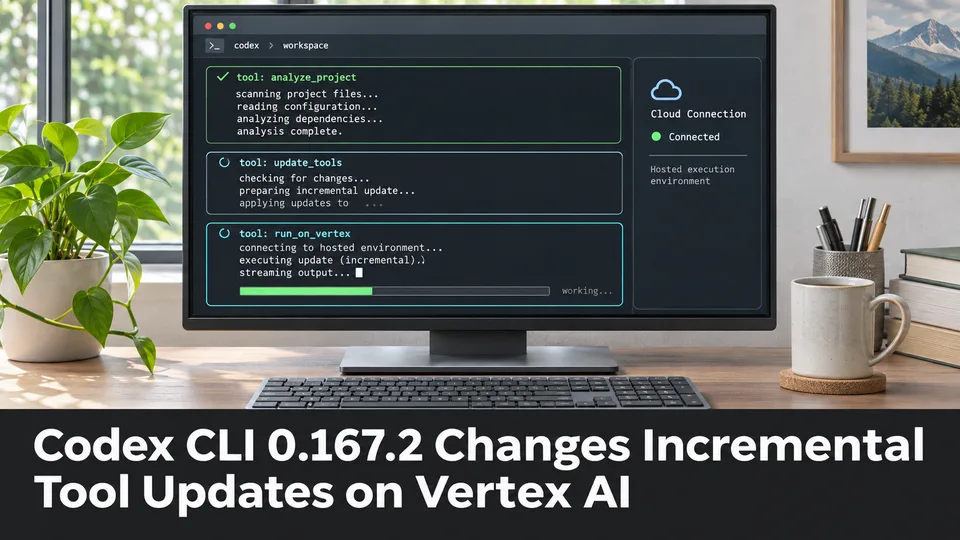
Codex CLI 0.167.2 Changes Incremental Tool Updates on Vertex AI
OpenAI released Codex CLI 0.167.2 with incremental tool updates enabled by default for Google Cloud Vertex AI. The change is relevant to teams using that backend, but it is not a general Unreal or Unity agent feature.
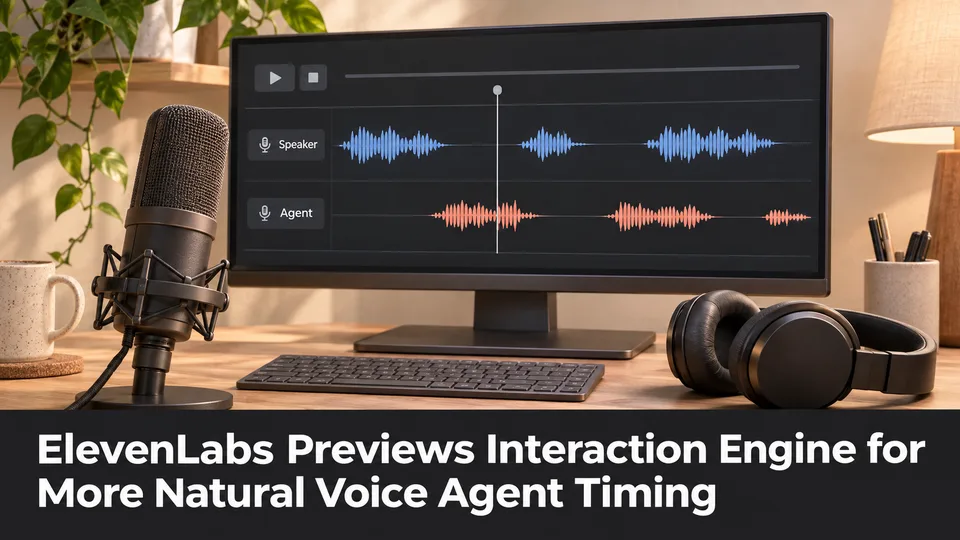
ElevenLabs Previews Interaction Engine for More Natural Voice Agent Timing
At its New York summit, ElevenLabs previewed an Interaction Engine that manages turn-taking, interruptions and model selection in conversations. Real-time game NPC use remains a proposed application, not a shipped game integration.
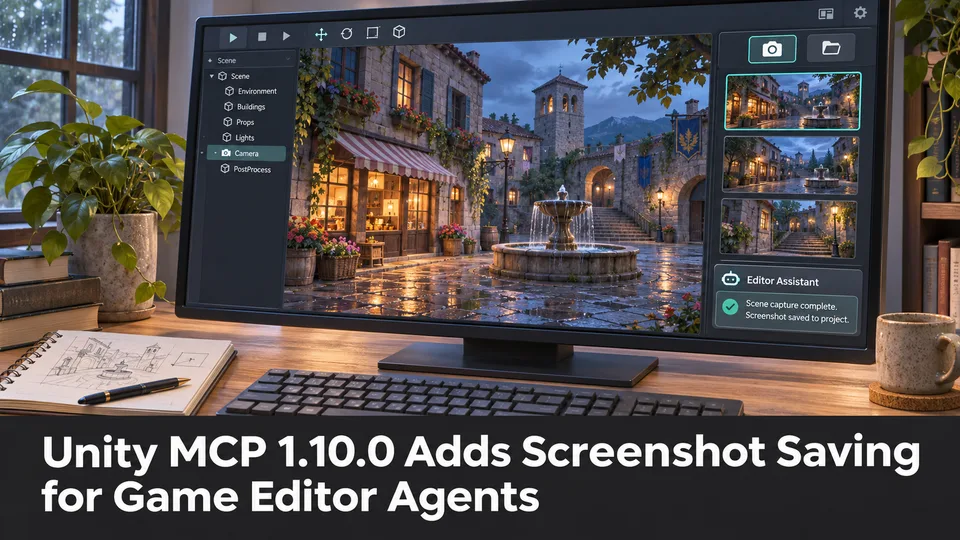
Unity MCP 1.10.0 Adds Screenshot Saving for Game Editor Agents
A community-maintained Unity MCP bridge has released version 1.10.0, adding an option for screenshot tools to save PNGs inside a project. The feature can support reviewable visual feedback when AI agents work on scenes.
Comments