
UE5.8 Material Tutorial Revisits Eight Built-In Nodes for Cleaner Game Scenes
A new community tutorial demonstrates eight existing Unreal Engine material techniques for issues such as abrupt water edges, repetitive foliage and objects that pop into view. It is a learning resource, not a new engine release.
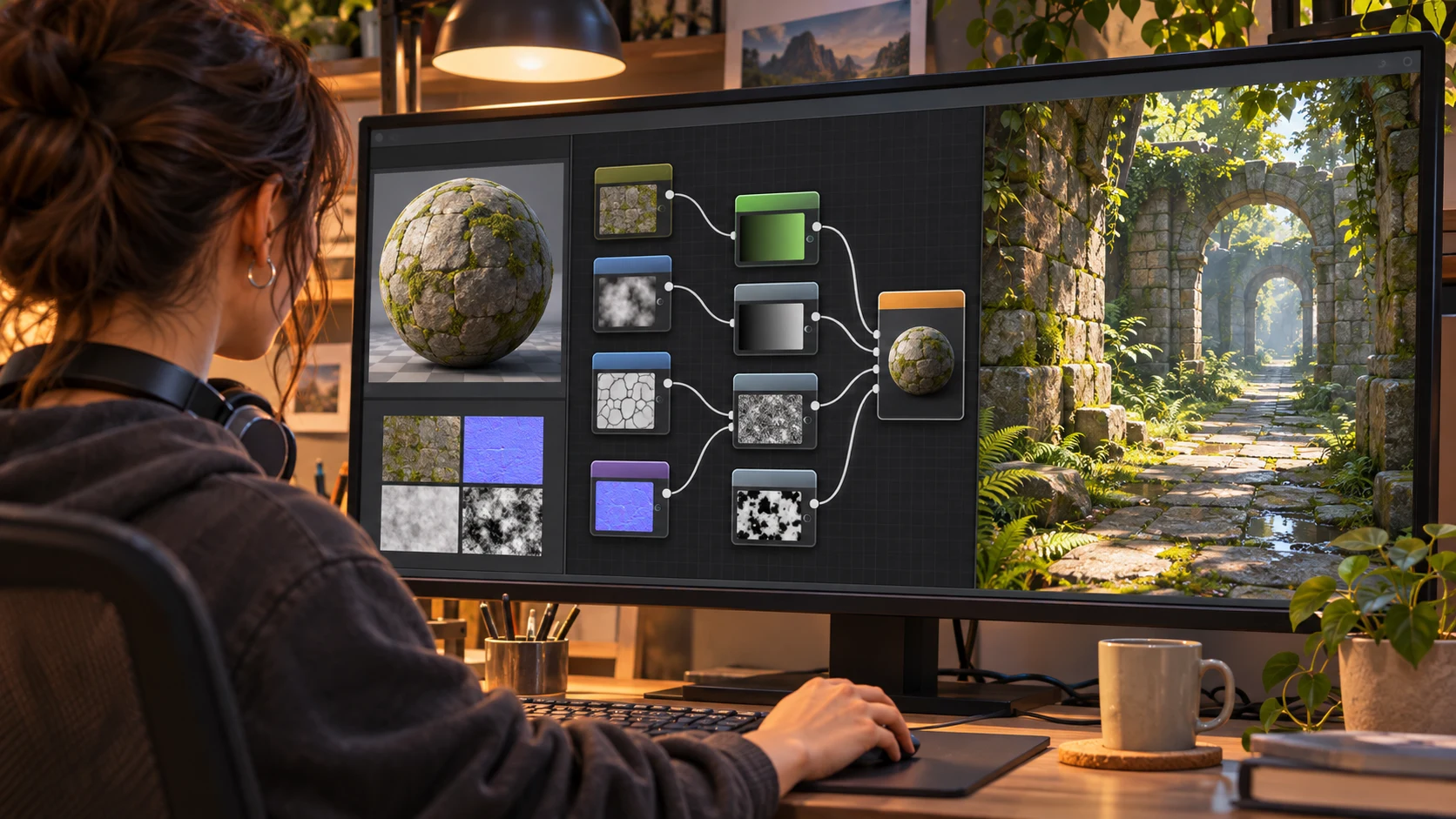
A game environment can look unfinished even when its meshes and textures are well made. Hard boundaries around water, foliage that repeats too obviously and distracting transitions when objects enter view are examples of problems that often lead artists to search for additional assets or plugins. A new Unreal Engine community tutorial published on November 8 takes a different approach: it revisits material nodes already available in the engine.
The lesson, published by HriA on the Epic Developer Community, presents eight material-node applications with demonstrations of the problem, the relevant node connections and situations in which the technique may be useful. The author says the examples were built in Unreal Engine 5.8.4 and describes them as applicable across UE5 versions. That compatibility statement comes from the tutorial author, not from a new Epic feature announcement or an independent compatibility test.
The examples highlighted by the author include softer transitions where water meets geometry, reducing visibly repeated foliage, making object appearance less distracting and addressing foliage that obstructs a camera. These are different visual issues, and the ideal solution depends on whether the problem comes from material shading, geometry, culling, camera behavior or level layout. A material trick that improves a close-up may not automatically be suitable for every platform.
For environment artists, the useful lesson is methodological. Before adding another large shader dependency, identify which artifact needs correction and try a small material experiment in isolation. Create a duplicate of the affected material, compare the two versions from the same camera position and inspect how the change behaves at different viewing distances. If a technique changes transparency, masking or pixel work, measure its impact in an actual target build rather than relying only on an editor viewport.
One practical test would use a riverbank next to grass and rocks, followed by a second scene with repeated bushes. Capture identical camera paths before and after the material changes. Record any improvement in edge quality and apparent repetition, together with shader complexity and frame timing. The tutorial does not provide an engine-wide performance guarantee. Its news value is the newly published, practical walkthrough of established tools, not the arrival of eight new nodes.
Rate this story
What did you think of this article?
Log in to rate this story, comment and like replies.
Log inNo comments yet. Be the first to share your thoughts.
More stories

Unity Pipeline 1.0.0-pre.1 Adds CLI Profiler Analysis and Scene Previews
Unity promoted a prerelease of its Pipeline package with saved Profiler analysis, scene-preview archives and clearer command effects. This is an official pre-1.0 tool update with compatibility changes.

Niagara Fire Tutorial Explores Blackbody Shading and Curl Noise
A newly published community lesson builds a stylized Unreal Engine fire effect from material nodes and Niagara particles. It explains familiar techniques rather than introducing new UE5.8 functionality.

New Community Walkthrough Covers Avatar Image Optimization for Unreal Services
A recent Unreal community tutorial demonstrates resampling avatar images, converting textures to WebP and moving files through Blueprint-backed cloud workflows. It is a third-party tutorial, not an Epic engine feature.
Comments