
Texture Audit Tool Pre-Release Targets Consistent UE5 Texture Settings
A developer has published a Windows-only Unreal Engine 5.7.4 editor-plugin pre-release for auditing texture resolution, compression, mipmaps and streaming settings. Its restoration feature has defined limits.
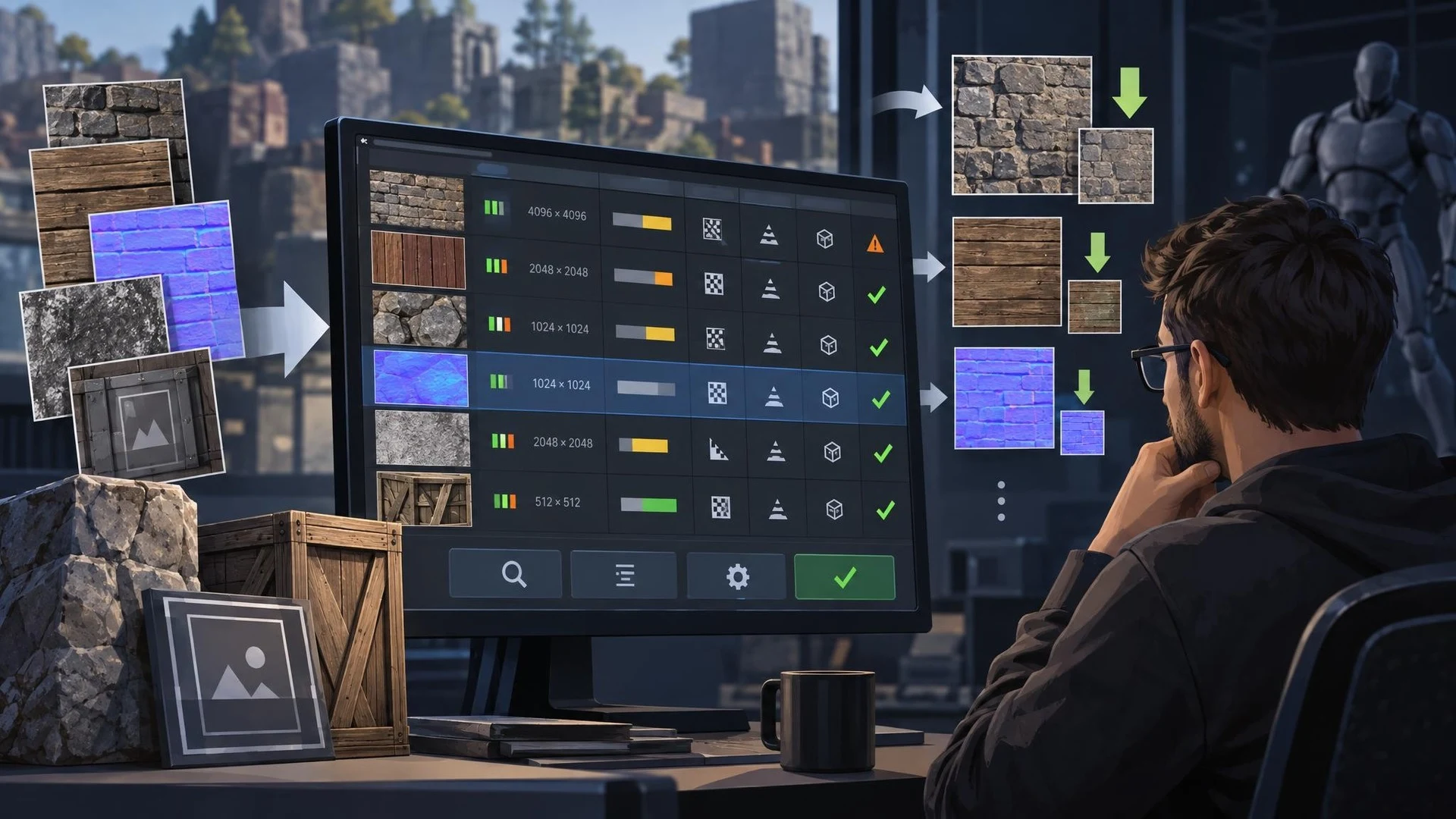
A November 5 showcase introduced the first public pre-release of Texture Audit Tool, a third-party Unreal Engine editor plugin designed to inspect large groups of Texture2D assets. The author identifies the current build as version 1.5.0, built and tested against Unreal Engine 5.7.4 on 64-bit Windows. It is distributed as a compiled editor plugin, with public documentation and feedback hosted separately from its C++ implementation.
Texture settings can become inconsistent as an asset library grows. An imported prop may retain a high-resolution source texture that is unnecessary at its in-game size. A UI icon can end up using settings intended for a world material. Compression formats, alpha channels, generated mip levels and streaming choices all affect memory and visual quality, yet checking hundreds of assets individually is tedious.
The developer says the tool scans textures by path or folder, displays settings and approximate allowed-mip GPU memory, and groups entries for review. It can suggest and apply settings in batches, while also recording which assets have been examined. The distinction between reviewed and changed is useful: an asset can be deliberately accepted without modifying its settings, leaving a record that somebody looked at it.
One important limitation concerns restoration. The tool can restore selected properties captured before its first modification to an asset, with support for Undo and Redo. It does not magically reconstruct older edits or reset everything to engine defaults. Teams should therefore use source control and save a backup before making large changes. A CSV export can provide an additional record for comparing audits across commits.
A practical evaluation would use a small sample folder containing environment textures, a normal map and several UI images. Developers could record the original memory estimate, inspect recommendations, make a controlled batch change and compare visual results at the resolutions players actually use. They should also check whether revised streaming settings affect texture pop-in during movement. The author's compatibility claim is limited to UE 5.7.4 on Windows 64-bit; neither other UE versions nor other platforms were verified in the announcement. This is a community pre-release, not a new built-in Unreal Engine feature.
Rate this story
What did you think of this article?
Log in to rate this story, comment and like replies.
Log inNo comments yet. Be the first to share your thoughts.
More stories

ElevenLabs Releases a Unity SDK for Live Voice Conversations With NPCs
ElevenLabs has published a Unity SDK connecting scene characters to conversational voice agents. The developer documentation distinguishes supported desktop and WebGL targets from beta mobile and XR integration.

Gridworks Adds a Modular Low-Poly Industry and City Builder Kit for Unity
Gridworks has appeared on Unity Asset Store as a modular industrial environment kit with city-builder-oriented assets. The listing specifies supported URP and HDRP configurations but does not constitute an engine update.
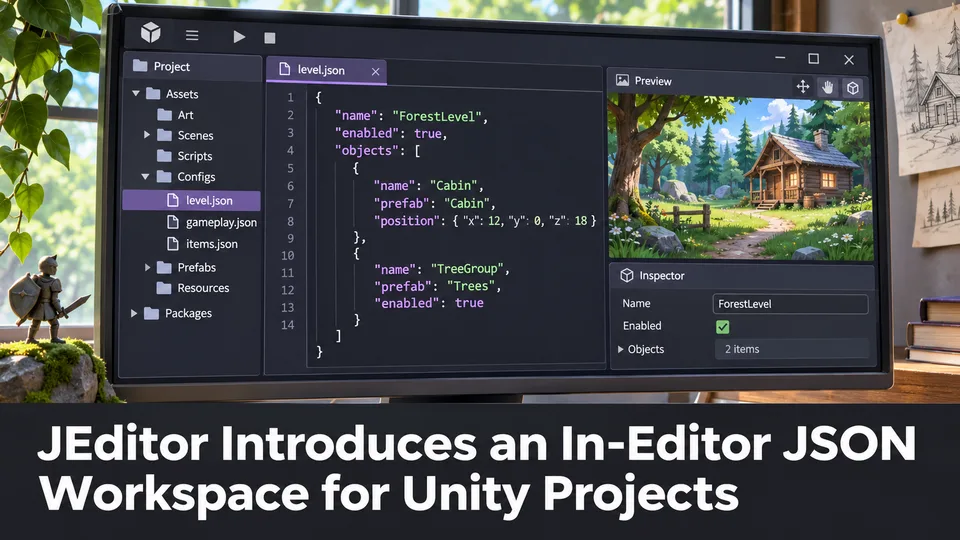
JEditor Introduces an In-Editor JSON Workspace for Unity Projects
JEditor 1.0.0 has been listed on Unity Asset Store as a JSON-focused editor utility. Its stated focus on inspection, comparison and validation makes it relevant to configuration-heavy Unity projects.
Comments