
StableGen 0.5 Brings ComfyUI Setup Into Blender and Adds Low-Poly Mesh Tools
StableGen 0.5.0 now offers ComfyUI setup from Blender and adds LATO.2 low-poly remeshing and Make Solid cleanup. It is a third-party open-source update, not a guarantee of game-ready geometry or lightweight GPU usage.
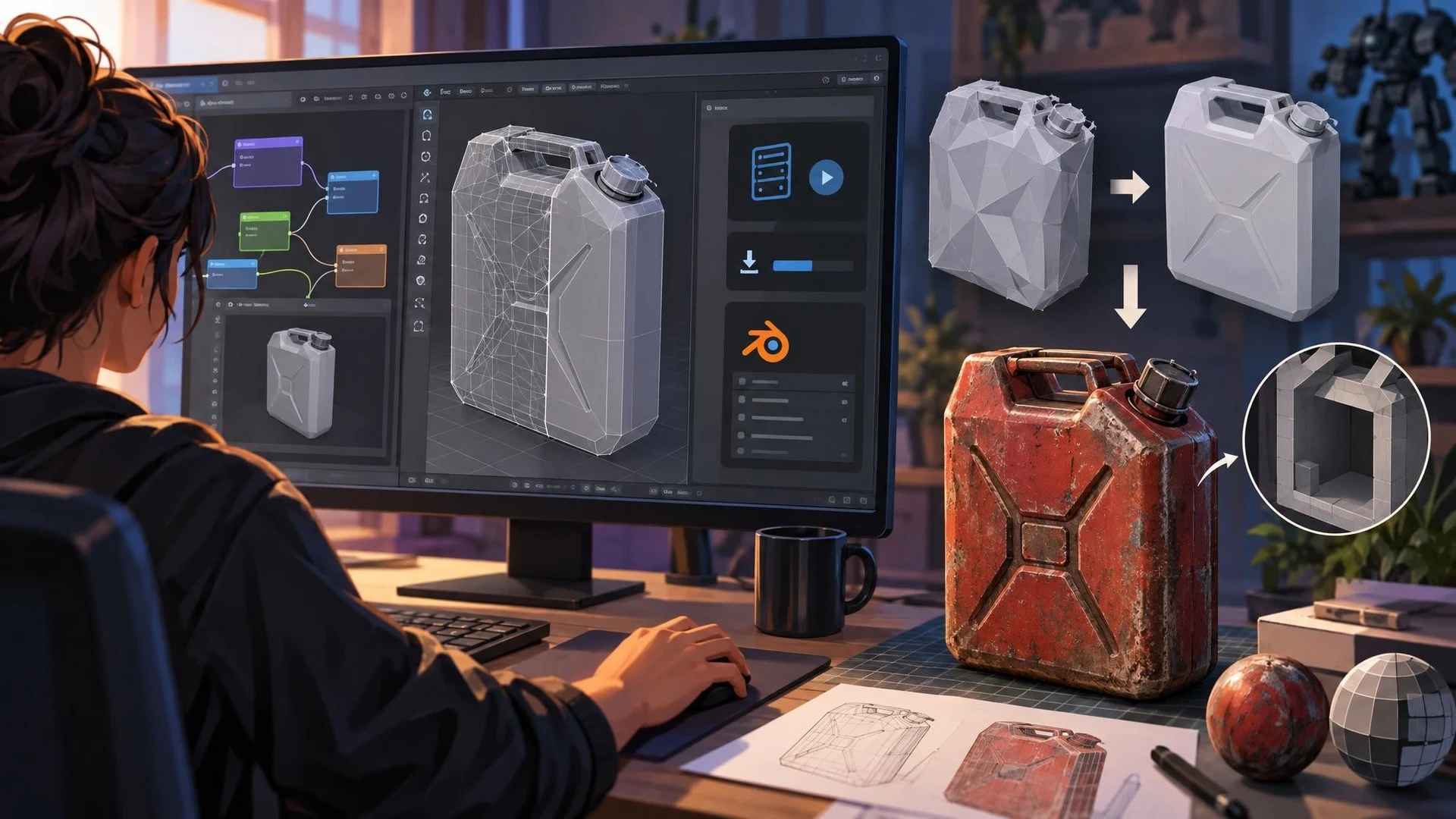
StableGen version 0.5.0, released on November 4, 2026, targets a recurring obstacle in AI-assisted 3D workflows: getting generated geometry and textures into a form that is manageable inside a standard modeling application. The project is a third-party Blender add-on, and its new version brings more of the setup process directly into Blender rather than requiring users to configure everything manually from a terminal.
According to the project's release notes, users can install and start ComfyUI from a setup page inside the Blender panel. TRELLIS.2 generation now uses ComfyUI's native nodes rather than the older custom-node integration. Existing installations can remain connected to their previous server address until the user chooses to update the configuration, but some model components and installers may still need to be downloaded again.
Two geometry-related additions are particularly relevant to asset pipelines. LATO.2 provides a low-poly remeshing option, and the Make Solid tool can remove hidden interior shells from TRELLIS.2-generated geometry. Both address genuine production concerns: excessive topology and concealed surfaces can make an otherwise attractive model harder to optimize, unwrap, collide against or edit.
The release also improves texture projection behavior. Object-relative projection is intended to keep projected textures aligned when objects move, while updated object prompts and seam handling address consistency across camera views. The project's notes restrict object-relative projection to Blender 5.1 or later. Supported Blender families are described as 4.2 to 4.5 and 5.1 onward, with testing reported through 5.2.
For a practical game-asset comparison, start from a manually modeled fuel canister or small mechanical prop. Preserve its original mesh, UVs and collision setup. Then test StableGen's texture workflow on a duplicate and inspect paint wear, seams, roughness and the consistency of labels or bolts. Separately test remeshing on a generated object and count triangles, visible defects and internal surfaces before importing into Unreal or Unity.
This is not a promise that a model will be fully rigged, physically accurate or optimized for VR automatically. GPU memory needs still depend on the chosen model, resolution and installed components; an 8 GB graphics card may encounter practical limits. StableGen's latest version is useful because it shortens setup friction and adds cleanup choices, while preserving the need for human inspection, proper materials, licensing checks and engine-side testing.
Rate this story
What did you think of this article?
Log in to rate this story, comment and like replies.
Log inNo comments yet. Be the first to share your thoughts.
More stories

MetaHuman Creator Web Access Reaches Its November Shutdown Deadline
Epic scheduled the end of the standalone MetaHuman Creator website for November 5, with a further 90-day window to retrieve existing gallery characters. Character authoring inside newer Unreal Engine releases is a separate workflow.

Cursor Adds Hosted Live Apps for Game Studio Tools and Playtest Dashboards
Cursor can now build and host small web applications from a cloud agent, with databases and access controls when needed. For game teams, its immediate value is companion tools such as private playtest feedback and QA dashboards, not Unreal or Unity runtime deployment.

Unreal Engine 6 Roadmap Points Toward Verse and a Different Gameplay Architecture
Epic Games Japan has outlined a Verse-centered Unreal Engine 6 vision, but its description of removing familiar gameplay systems conflicts with an earlier Epic roadmap. Developers should treat the timing and migration details as unsettled.
Comments