
Cursor Adds Hosted Live Apps for Game Studio Tools and Playtest Dashboards
Cursor can now build and host small web applications from a cloud agent, with databases and access controls when needed. For game teams, its immediate value is companion tools such as private playtest feedback and QA dashboards, not Unreal or Unity runtime deployment.

Cursor announced a new hosted application workflow on November 5, 2026. Instead of stopping at locally generated application code, a cloud agent can scaffold a web application, provision hosting, optionally connect a Postgres database and configure authentication. The developer then explicitly publishes the result and receives a live address for sharing.
This is not an Unreal Engine or Unity editor feature, and Cursor does not describe it as a service that automatically packages game builds. Its connection to game production is more specific: small studios continually need internal tools that do not belong inside the game client. Examples include test-session signup pages, bug-report dashboards, asset review queues, localization status trackers and a place to organize feedback from early players.
The new workflow supports both new repositories and existing code hosted on supported services, with Cursor and GitHub named in the announcement. For organizational use, an app can be restricted behind Cursor single sign-on. Cursor says that individual plans may allow public sharing. Access, hosted usage and any resulting costs should be confirmed against the current account and plan before building an important operational dependency around the feature.
Publishing is not entirely automatic. Cursor describes security checks intended to identify common problems such as exposed credentials, and an explicit publish step. Those checks are helpful but should not be interpreted as a comprehensive security certification. A game team handling player email addresses, crash reports or private testing credentials still needs a privacy policy, access control and standard review of collected data.
A useful proof of concept would be a private playtest feedback tool for a small Unreal or Unity project. A tester submits the game build identifier, an issue category, a short description and a screenshot. A second page groups the feedback by severity and status. Before inviting real testers, the team should verify sign-in restrictions, file upload limits, retention settings and who can see each report.
This update may reduce the effort required to create studio infrastructure, especially when one developer is also responsible for publishing and community management. It should remain clearly separated from the game itself: deploying a companion web page is different from testing gameplay, validating multiplayer replication or ensuring a native client runs smoothly. Its usefulness depends on the specific workflow a studio chooses to automate.
Rate this story
What did you think of this article?
Log in to rate this story, comment and like replies.
Log inNo comments yet. Be the first to share your thoughts.
More stories

Official Unreal MCP Documentation Shows How AI Agents Can Control the Editor
Epic documentation describes an experimental Unreal MCP server running inside the editor, with tools for actors, lighting, materials and automated tests. It turns an earlier event announcement into a concrete setup workflow, with clear safety limitations.
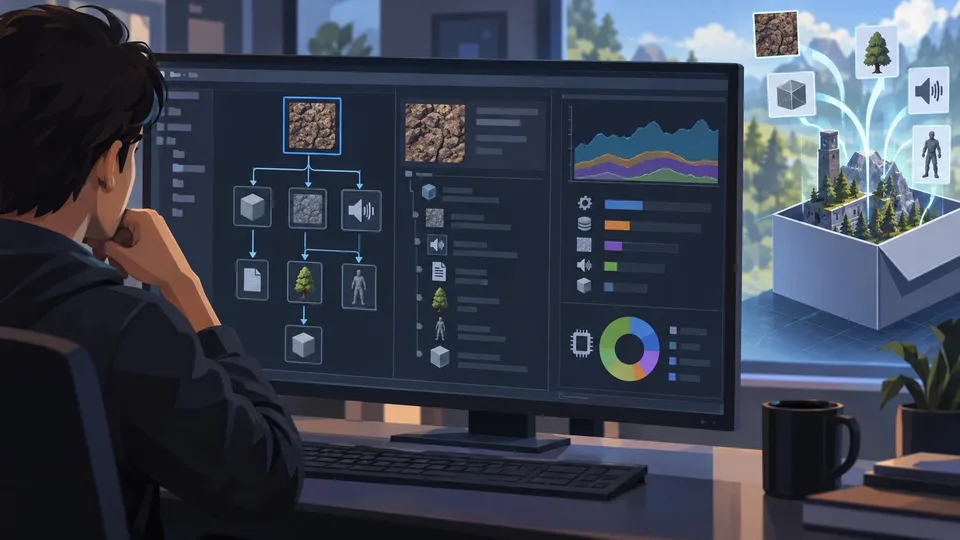
Unity 6.7 Beta 8 Improves Build Asset Traceability and Profiling
Unity 6000.7.0b8 adds a reference tree to Build Analysis and improves memory attribution in profiling tools. It is a beta editor update and should be tested outside production branches.
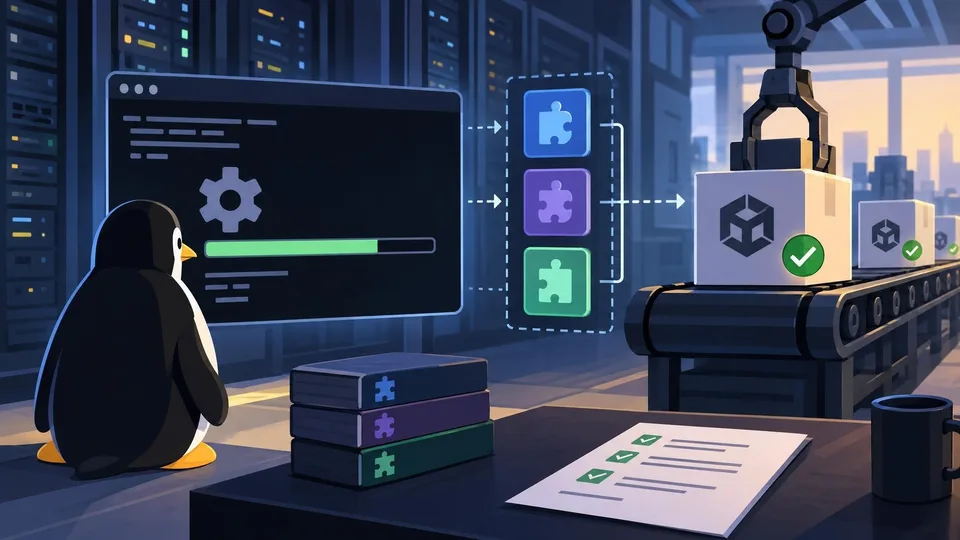
Unity CLI Beta 17 Adds Headless Linux Editor Installation and Dependency-Aware Plugins
Unity CLI 1.0.0-beta.17 follows the earlier beta.16 with headless Linux editor installation, managed plugin dependencies and more predictable scripting errors. The changes matter to build automation, not runtime game features.
Comments