
SRP Material Converter Pro Lists November Release for Unity Render Pipelines
The Unity Asset Store lists version 1.0.0 of SRP Material Converter Pro with a November 9 release date. The third-party utility targets material conversion among Built-in, URP and HDRP workflows.
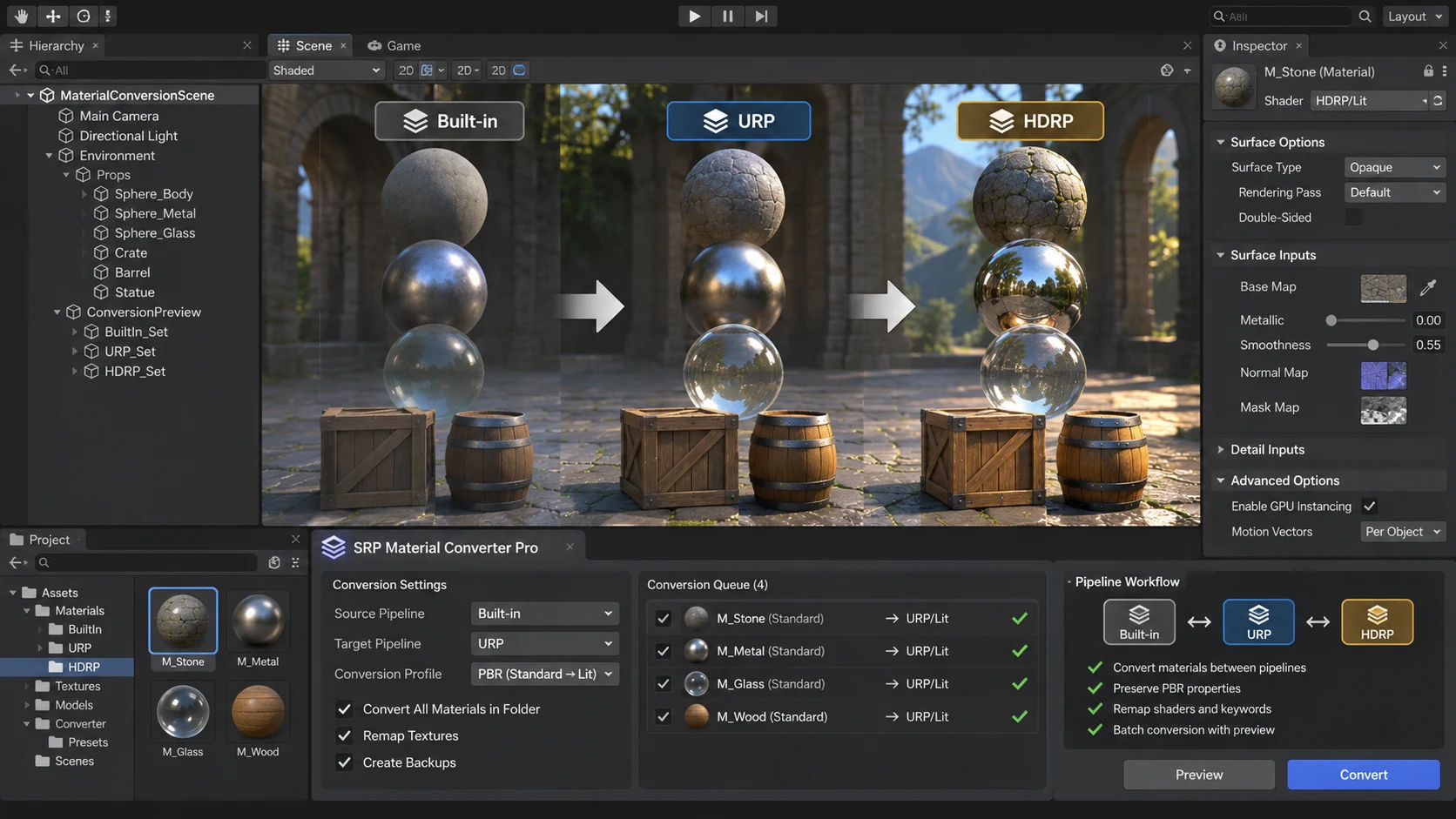
A third-party Unity Asset Store utility called SRP Material Converter Pro lists version 1.0.0 with a November 9, 2026 release date. The product targets a recurring challenge in Unity development: moving materials between the Built-in Render Pipeline, Universal Render Pipeline and High Definition Render Pipeline without losing the intended look of a scene.
Render pipelines do not share an identical set of shaders. Importing an asset that was authored for a different pipeline can leave surfaces pink, unlit or visually inconsistent. Conversion tools aim to reduce the repetitive work involved in identifying unsupported shader assignments and selecting suitable replacements. The store listing explicitly describes conversion directions involving HDRP, URP and Built-in, and references common missing-shader problems.
The listing marks the asset compatible with all three pipelines for the specified Unity 6000.0.85f2 environment. This is publisher-supplied compatibility information, not a guarantee that every custom Shader Graph, hand-written shader or specialized material will convert perfectly. An automated conversion cannot necessarily reproduce a lighting model or pipeline-specific effect that has no equivalent elsewhere.
The utility should also not be confused with a new native Unity Editor feature. It is sold as a third-party extension in the Asset Store, so procurement, licensing and publisher support need to be considered separately from Unity's own engine releases. The store's displayed prices may vary with currency, promotions and local tax.
A controlled test would use a duplicate project with a small sample scene containing opaque materials, transparent surfaces, normal maps, emission and one custom shader. Run the converter only on that copy. Save screenshots and material settings before and after, then inspect the scene under comparable lighting in the target render pipeline. Any unexpected results should be fixed before converting a full production project.
For developers distributing sample scenes, environment packs or cross-pipeline plugins, a reliable conversion workflow can save substantial manual review. The important qualification is that compatibility labels describe the intended scope. Final visual fidelity still requires human inspection and target-platform testing.
Rate this story
What did you think of this article?
Log in to rate this story, comment and like replies.
Log inNo comments yet. Be the first to share your thoughts.
More stories

ElevenLabs Releases a Unity SDK for Live Voice Conversations With NPCs
ElevenLabs has published a Unity SDK connecting scene characters to conversational voice agents. The developer documentation distinguishes supported desktop and WebGL targets from beta mobile and XR integration.
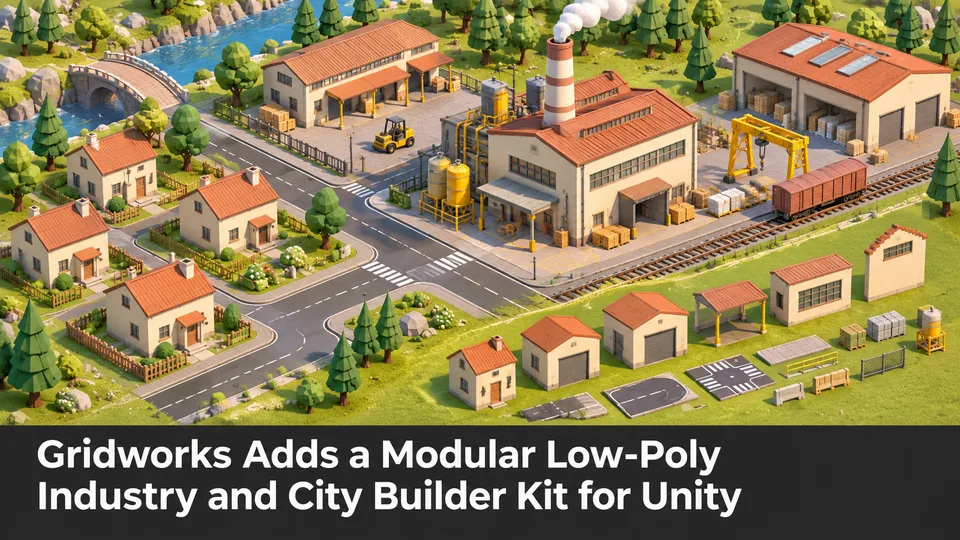
Gridworks Adds a Modular Low-Poly Industry and City Builder Kit for Unity
Gridworks has appeared on Unity Asset Store as a modular industrial environment kit with city-builder-oriented assets. The listing specifies supported URP and HDRP configurations but does not constitute an engine update.
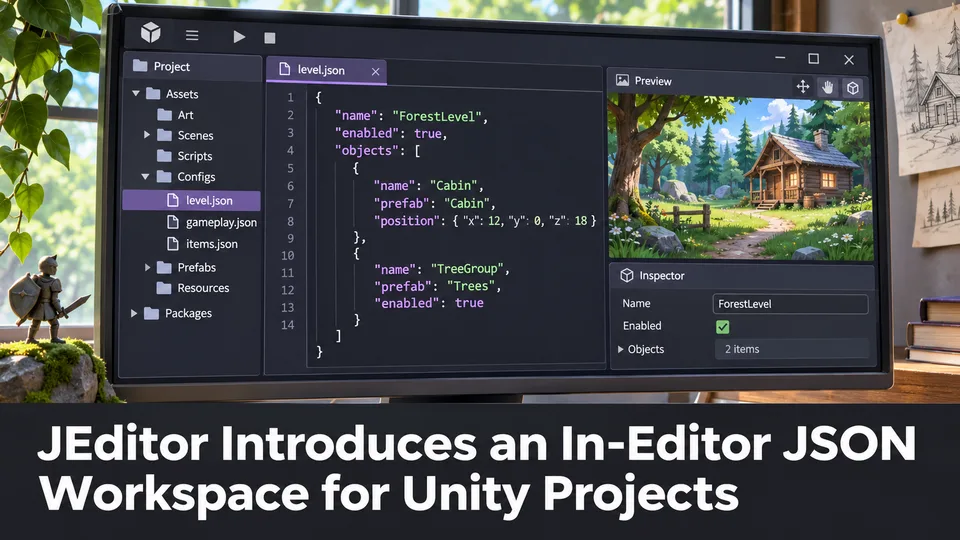
JEditor Introduces an In-Editor JSON Workspace for Unity Projects
JEditor 1.0.0 has been listed on Unity Asset Store as a JSON-focused editor utility. Its stated focus on inspection, comparison and validation makes it relevant to configuration-heavy Unity projects.
Comments