
Meshy Auto Split Adds Texture Preservation as T1 Models Retire
Meshy’s October 30 API update adds an option to preserve textures when splitting generated 3D models into parts. It also retires older T1 generation modes, requiring API clients to adopt the recommended newer model settings.
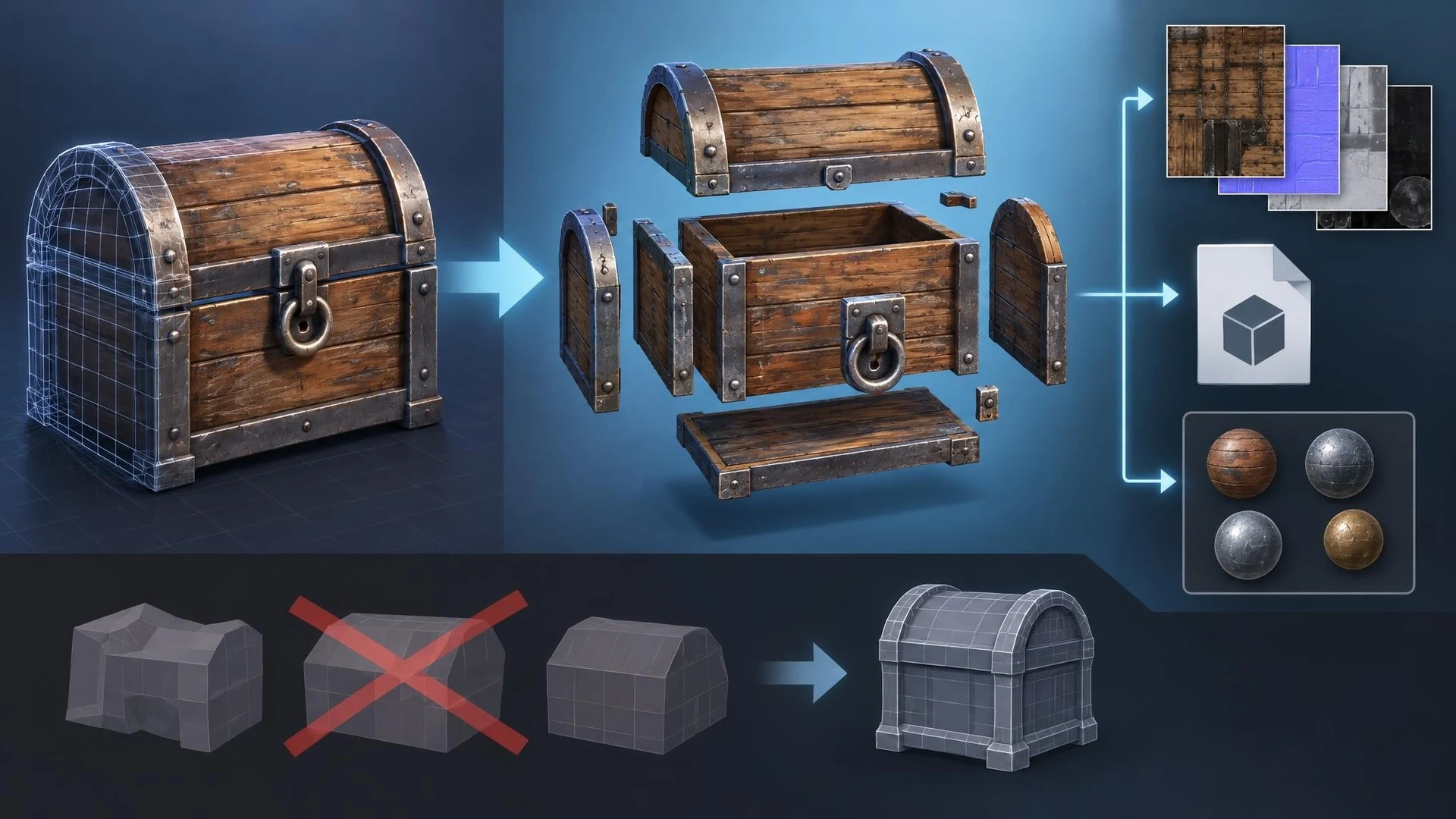
AI-generated models are often only the beginning of an asset pipeline. A game-ready object may need to be separated into components, assigned materials, simplified, rigged, or prepared for collision. Meshy's October 30, 2026 API changes address one of those practical steps by adding texture preservation to its Auto Split operation.
According to the official changelog, the new optional keep_texture setting allows a split operation to retain texture information for each part of a textured model. When enabled, results include texture map locations and a material library file alongside an OBJ output. Previously, a developer splitting an object could need an additional process to restore its material assignments or texture relationships.
Keeping those details is useful when separating a machine into movable components, organizing an environment prop, or preparing different pieces for import into Unreal Engine or Unity. A chair might need its backrest and legs separated; a vehicle could require several distinct objects for interaction. But a split asset is not automatically rigged, optimized, or prepared with correct pivots and collisions. Those remain separate production tasks.
The new option has a documented cost in processing time. Meshy states that preserving textures makes the split take approximately twice as long as the regular operation. The changelog lists a cost of ten credits for the task. Developers using a high-volume generation pipeline should consider both processing duration and paid API usage before applying the option to every asset.
There is a second change on the same date: the retirement of Meshy T1 model choices in Text to 3D and Image to 3D operations. Older API requests that explicitly name the retired low-poly or T1 settings will need to move to the recommended smart-topology T2.5 configuration. This is particularly relevant to automated scripts, where a model identifier may remain hard-coded long after a dashboard has been updated.
A sensible integration test would use one previously generated model with visible surface details. Run Auto Split with texture preservation, inspect the returned files and texture references, and import the parts into a disposable Unity or Unreal scene. Confirm that materials align, pivots make sense, and the result can be used in the intended interaction. Measure time and credit consumption separately.
Developers should also search their generation scripts for retired model settings and test a replacement request in a controlled environment. A successful API response is only the first check; changes in geometry topology may affect downstream rigging and optimization.
Meshy's update is a concrete improvement to an AI asset pipeline, not a claim that the service now delivers finished game props. Its value is in reducing one manual step while adding new considerations for cost, compatibility, and import verification.
Rate this story
What did you think of this article?
Log in to rate this story, comment and like replies.
Log inNo comments yet. Be the first to share your thoughts.
More stories

MetaCry Adds Procedural Tears and Wet Skin Effects to MetaHuman Scenes
A new third-party MetaCry effect system promises procedural teardrops, wet trails and eyelid moisture for MetaHuman characters. Its creator also describes Sequencer controls and caching for cinematic shots, although the results have not been independently tested.
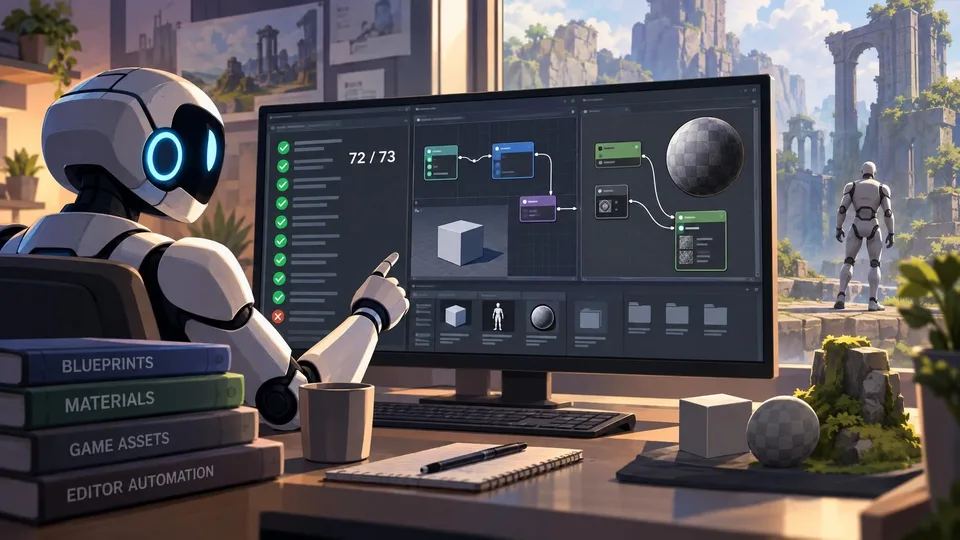
ForgeMind Reports New Unreal MCP Blueprint and Material Test Milestones
ForgeMind’s developer reports 72 passing Blueprint cases out of 73 and initial Material-domain tests across Unreal Engine 5.0–5.8. The figures are author-reported development progress, not independent proof that the MCP automation works in every production project.
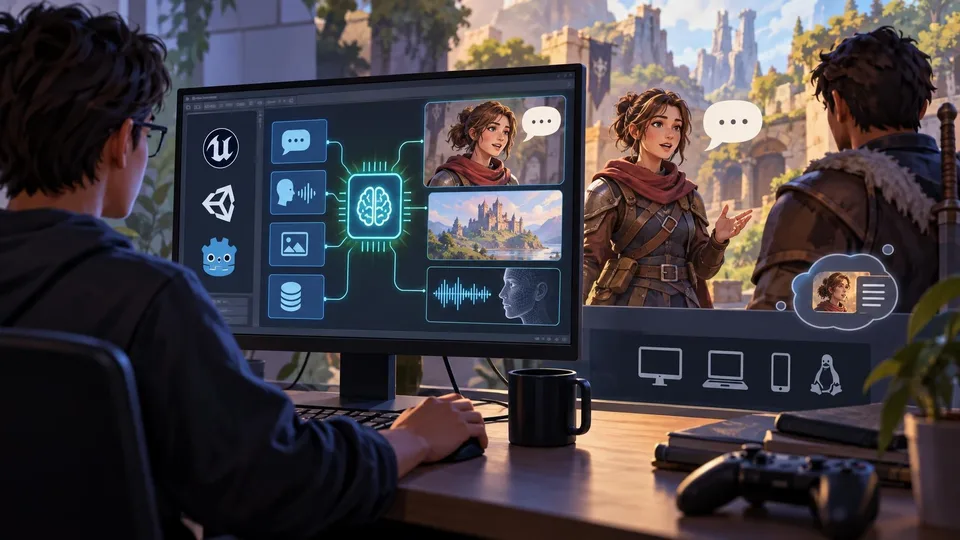
Atelico Opens Early Access to Local AI Engine for Game Characters
Atelico has opened early access to an on-device AI engine that advertises integrations with Unreal Engine, Unity and Godot. It aims to support dialogue, memory, speech and generated content without per-token cloud calls, but its performance claims need testing.
Comments