
LUMINA 2026 Global Illumination Plugin Reaches Version 2.6.7
LUMINA 2026 has a dated version 2.6.7 listing on the Unity Asset Store. The seller describes real-time voxel global illumination for URP, but its stated desktop and platform limitations are just as important as its rendering claims.
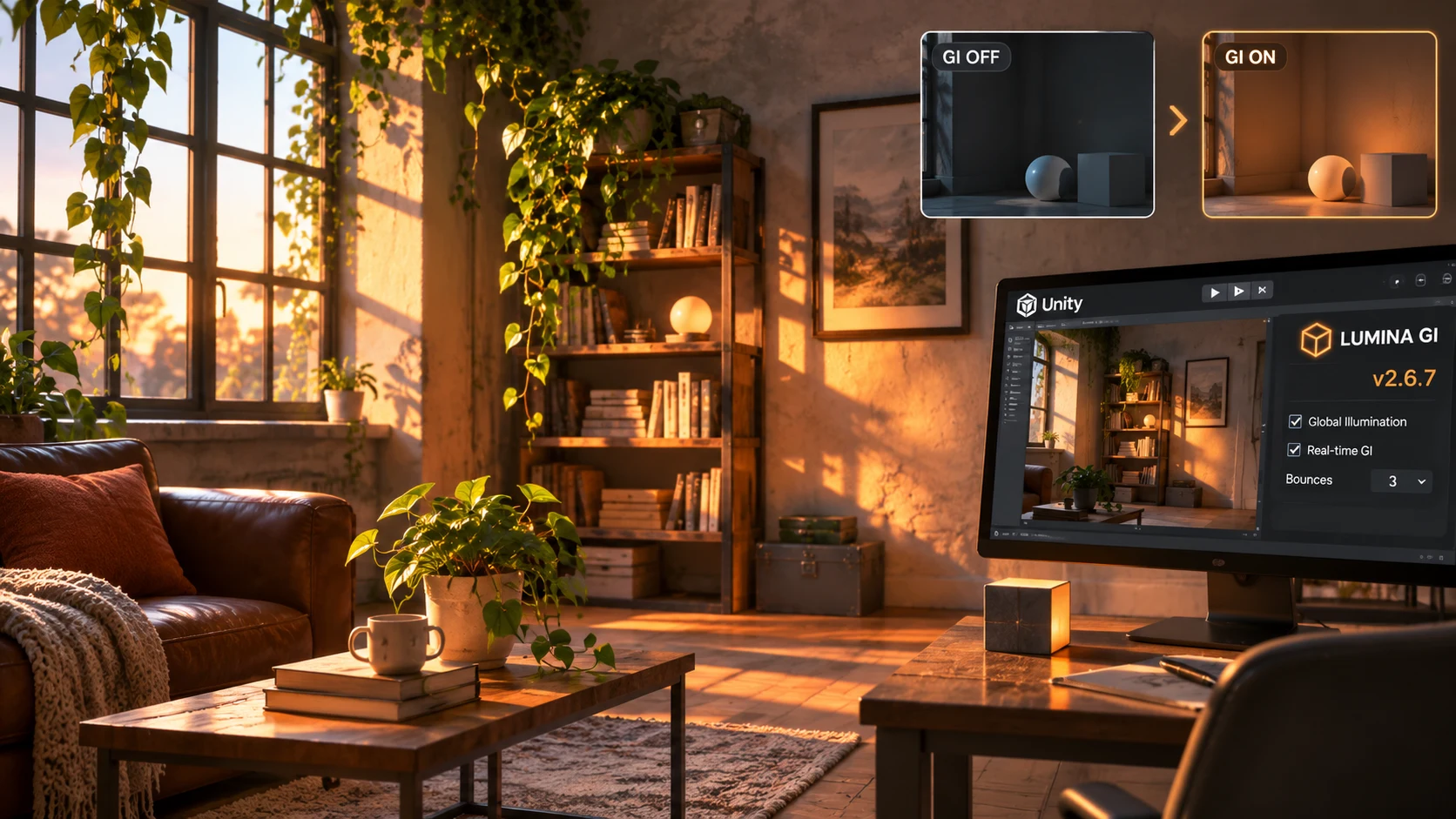
The Unity Asset Store lists LUMINA 2026: Real-Time Global Illumination at version 2.6.7, dated November 5, 2026. The package is offered by ARTnGAME and aims to provide voxel-based indirect lighting in Unity's Universal Render Pipeline. Its marketplace description emphasizes lights that can affect a scene without a traditional lightmap baking pass.
This is a third-party rendering product, not an announcement of a native Unity global illumination feature. The seller describes voxel representations of a scene, indirect diffuse and specular light, and options for updating lighting as the environment changes. These are meaningful design goals, especially for projects with movable lights, interiors, or changing time of day. However, the developer's performance figures and compatibility statements are vendor claims, not independently reproduced benchmarks.
The restrictions deserve careful reading. The asset listing says it targets Windows desktop development and does not support VR, mobile, macOS, WebGL, or consoles. It also identifies technical constraints related to geometry shaders and notes that some rendering modes or specialized setups have not been tested. Developers building for standalone headsets should therefore not assume that URP support implies Quest compatibility. Likewise, a PCVR project is a different target from a conventional Windows desktop game, and the vendor explicitly rules out VR in the listing.
Lighting systems have wide-ranging costs. A solution that works in one room may become expensive across a large outdoor landscape, where the voxelized area moves with the camera or changes as objects are placed. The product documentation discusses trade-offs involving update frequency, voxel resolution, and the number of lighting calculations. Those settings can affect both image stability and latency, so a visually impressive still image is not enough to judge suitability.
A controlled comparison would use a small indoor scene with movable boxes, a sun angle change and a few emissive surfaces. Measure baseline URP rendering, then enable the package and record GPU timing, memory use, image quality, and temporal artifacts while moving the camera. Test a packaged Windows build and repeat the measurement after increasing the size of the voxel region. Treat any published frame-rate claim as something to test rather than something a new project will automatically reproduce.
The verified news is a dated package update. The available listing does not establish every specific fix introduced in 2.6.7. For a buying or migration decision, the compatibility exclusions are more informative than the version number alone.
Rate this story
What did you think of this article?
Log in to rate this story, comment and like replies.
Log inNo comments yet. Be the first to share your thoughts.
More stories

ElevenLabs Releases a Unity SDK for Live Voice Conversations With NPCs
ElevenLabs has published a Unity SDK connecting scene characters to conversational voice agents. The developer documentation distinguishes supported desktop and WebGL targets from beta mobile and XR integration.

Gridworks Adds a Modular Low-Poly Industry and City Builder Kit for Unity
Gridworks has appeared on Unity Asset Store as a modular industrial environment kit with city-builder-oriented assets. The listing specifies supported URP and HDRP configurations but does not constitute an engine update.
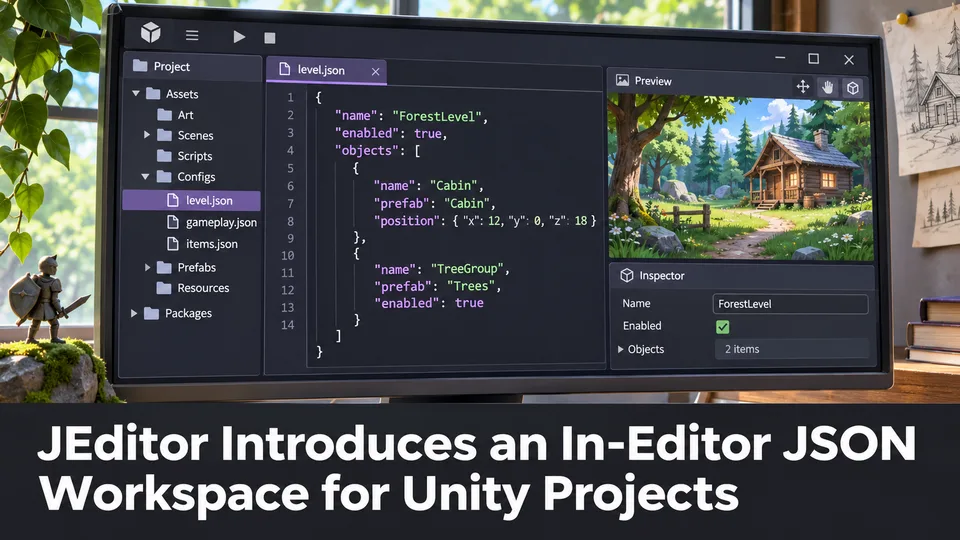
JEditor Introduces an In-Editor JSON Workspace for Unity Projects
JEditor 1.0.0 has been listed on Unity Asset Store as a JSON-focused editor utility. Its stated focus on inspection, comparison and validation makes it relevant to configuration-heavy Unity projects.
Comments