
Global Snow & Rain 3 Gets a New Asset Store Update for URP Weather Scenes
Kronnect has published version 30.0 of Global Snow & Rain 3 on the Unity Asset Store. The weather package targets Unity 6 URP projects and requires a deferred rendering path, making compatibility checks especially important.
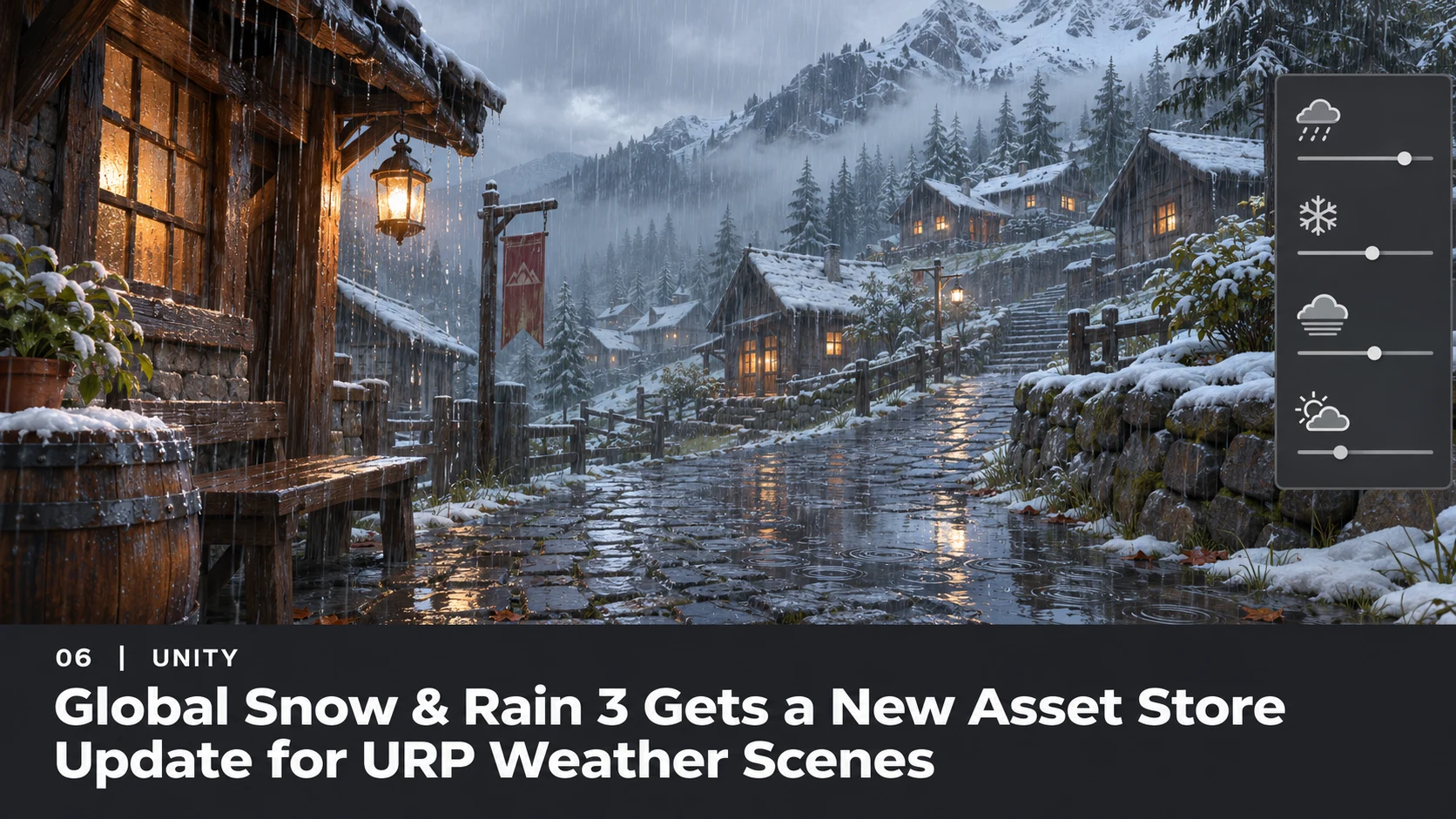
A new listing update for Global Snow & Rain 3 appeared on the Unity Asset Store on November 10. The package from Kronnect is listed at version 30.0 and focuses on environmental weather effects, including snow, rain, wetness and supporting scene interactions. This is a third-party asset release, not a new Unity weather subsystem or an official engine feature.
The publisher's description covers systems intended to help artists create changing outdoor conditions. The listed tools include snow-cover effects, wet ground, weather previews and an interactive demonstration. The package also lists a collection of ambient sounds for rain, wind, snowfall and related surfaces. These details describe the product's available toolkit; the store listing alone does not establish which individual features first arrived specifically in version 30.0.
Compatibility is a more consequential detail than the version number. The seller says the current package supports Unity 6.0 or newer and the Universal Render Pipeline, with Deferred or Deferred+ rendering. The listing states that WebGL is not supported in URP deferred mode and that Render Graph must be enabled rather than running in compatibility mode for affected Unity 6 versions. Developers using Built-in or HDRP should not assume that materials or effects will transfer.
Weather packages also tend to have costs that vary dramatically with scene complexity. Full-screen effects, snow accumulation, particles and extra scene passes can interact with terrain density, dynamic lighting and post-processing. A store description cannot substitute for GPU and CPU measurements on the target platform. Product preview screenshots likewise do not demonstrate frame rates on a developer's hardware.
A practical evaluation would use a blank URP test project with the specified renderer settings. Create one outdoor scene, establish a baseline camera path, then enable snowfall, surface snow and wet-weather features separately. Record frame times, memory use and visual artifacts at a consistent resolution. A second test should check whether footsteps, object interactions or changing weather states require custom gameplay scripting.
The value of this update is in having a maintained option for artists building seasonal environments, especially when a project already uses URP deferred rendering. Teams should verify the publisher's documentation and compare real results before purchasing or upgrading, instead of treating a listing as proof of universal compatibility.
Rate this story
What did you think of this article?
Log in to rate this story, comment and like replies.
Log inNo comments yet. Be the first to share your thoughts.
More stories
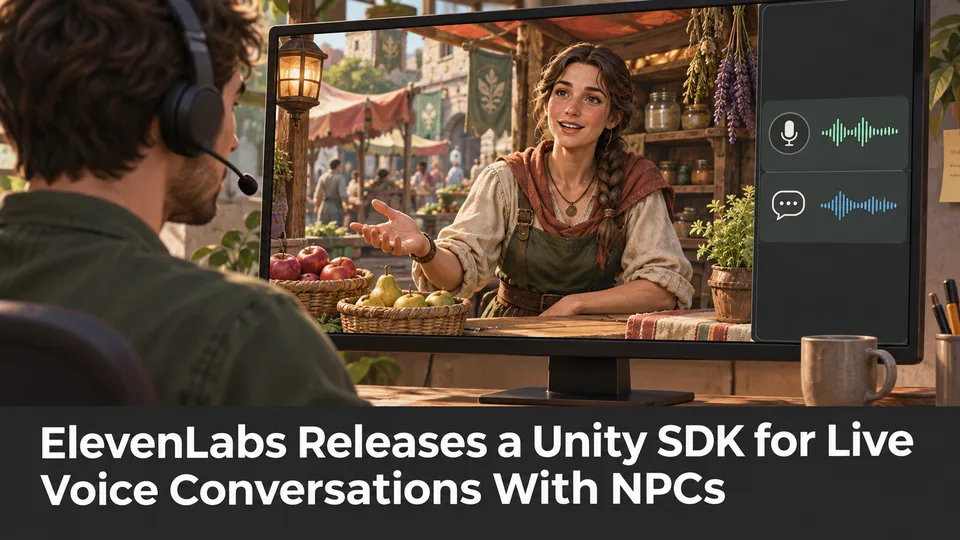
ElevenLabs Releases a Unity SDK for Live Voice Conversations With NPCs
ElevenLabs has published a Unity SDK connecting scene characters to conversational voice agents. The developer documentation distinguishes supported desktop and WebGL targets from beta mobile and XR integration.
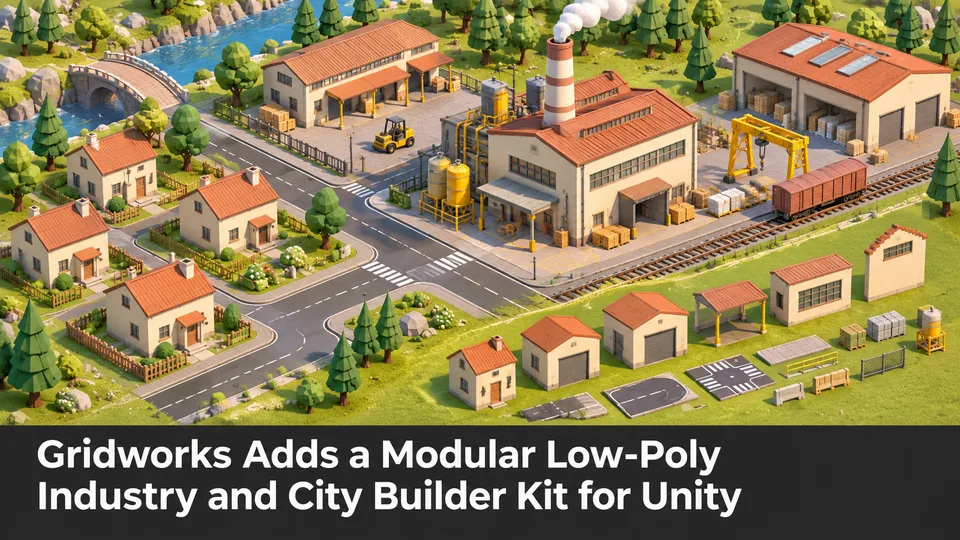
Gridworks Adds a Modular Low-Poly Industry and City Builder Kit for Unity
Gridworks has appeared on Unity Asset Store as a modular industrial environment kit with city-builder-oriented assets. The listing specifies supported URP and HDRP configurations but does not constitute an engine update.
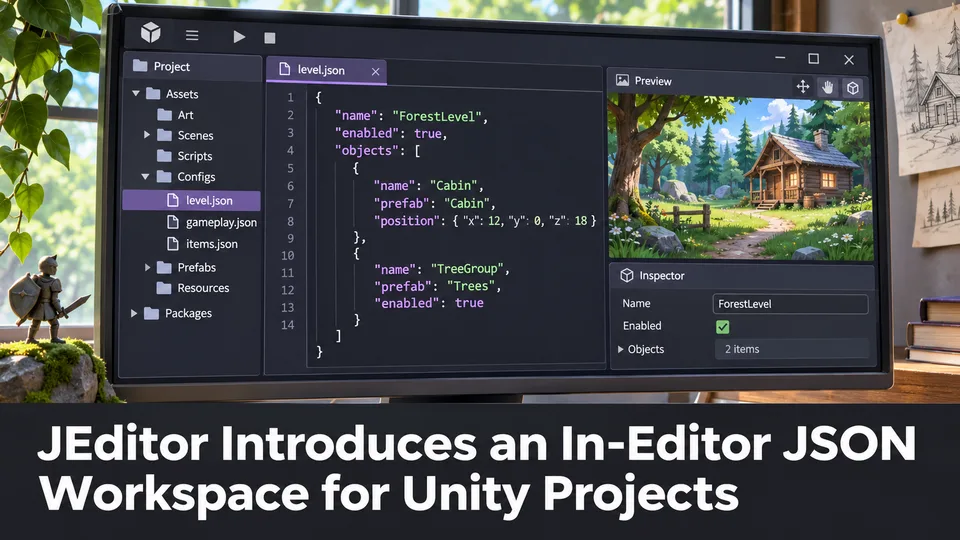
JEditor Introduces an In-Editor JSON Workspace for Unity Projects
JEditor 1.0.0 has been listed on Unity Asset Store as a JSON-focused editor utility. Its stated focus on inspection, comparison and validation makes it relevant to configuration-heavy Unity projects.
Comments