
GitHub Expands Copilot Agent Sessions Across VS Code and Devices
GitHub’s October 28 Copilot updates bring more ways to move an agent session between VS Code, the cloud and remote development machines. The changes could support longer game-code tasks but require careful environment and permission management.
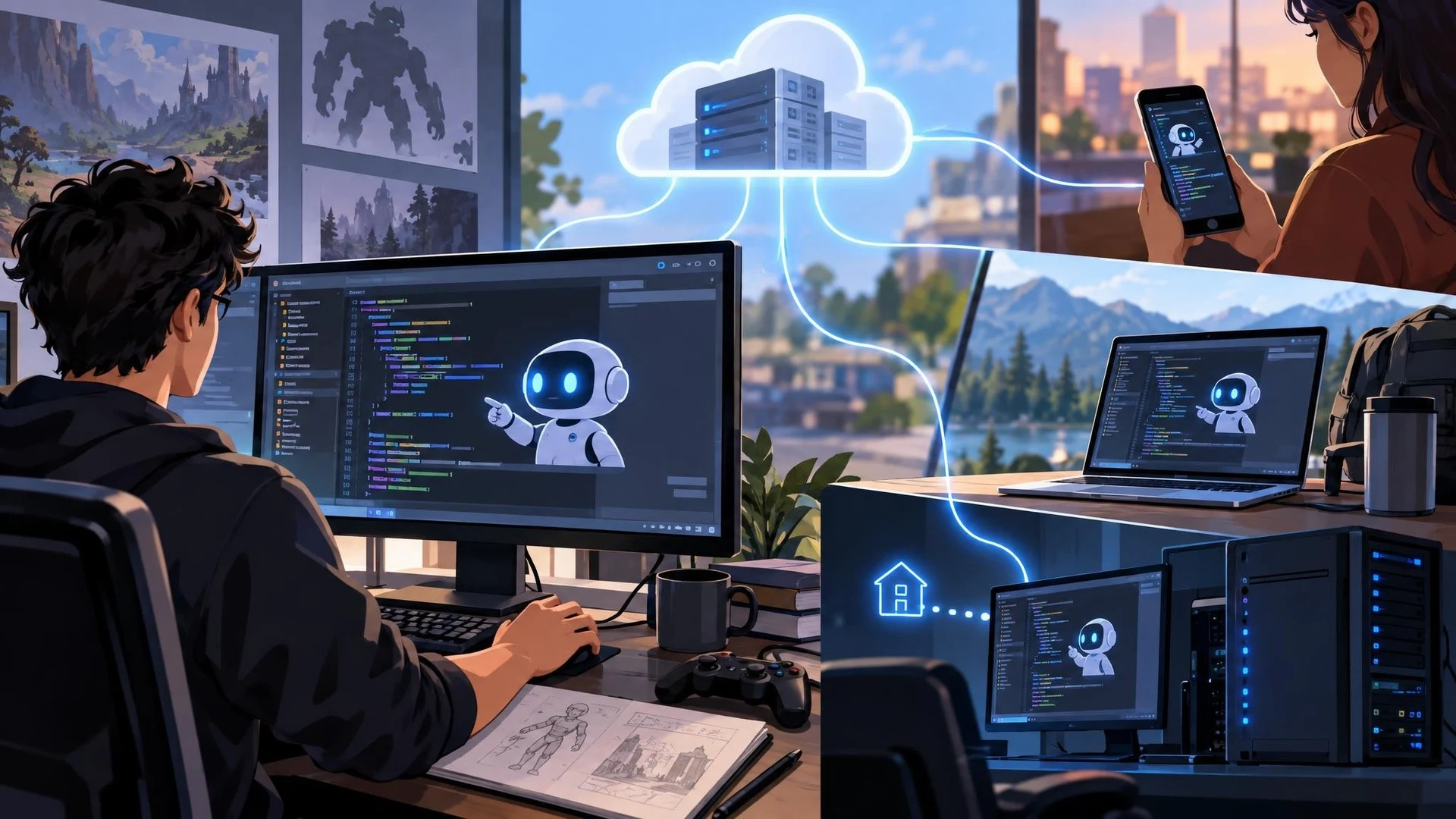
AI coding agents are becoming more useful for development tasks that last longer than a single chat response. A complicated refactor, test investigation, or build diagnosis may involve many steps and repeated checks. GitHub's October 28, 2026 Copilot announcements for Visual Studio Code focus partly on letting those sessions continue across different tools and machines.
GitHub says cloud agent sessions can be started in VS Code and resumed through other supported Copilot surfaces, including the Copilot app, mobile clients, GitHub's website, and its command-line interface. Cloud work runs on GitHub infrastructure, so closing a local laptop does not necessarily stop that cloud-hosted session.
A separate Agent Host feature addresses work on a developer's own computer. It allows certain sessions to continue after an individual VS Code window is closed. For remote development, GitHub describes support through remote SSH and development tunnels. Unlike cloud-hosted sessions, that kind of local or remote Agent Host still depends on the relevant machine and service remaining operational.
These distinctions matter for game projects because the editor, SDKs, compilers, and asset dependencies may live on a specific machine. An Unreal Engine C++ build configured on a Windows workstation cannot automatically be reproduced in an unrelated cloud environment. Similarly, a Unity project may depend on an exact editor version and installed platform modules. Session mobility is not equivalent to environmental portability.
The announcement also includes preview options for comparing model responses and allowing approved computer interactions with desktop applications. Such controls could eventually support richer workflows that cross from code into graphical tools, although approvals and product limitations still apply. Developers should not assume an agent can safely operate any installed editor or that every capability is generally available.
A practical game-development test might start with a small source-only task, such as identifying a repetitive method or proposing unit tests for a gameplay helper. Begin the agent's analysis in one supported surface, resume it elsewhere, and verify that the original files, instructions, and context remain available. Only then consider more sensitive operations involving builds or project settings.
Long-running agent work needs explicit checkpoints. Commit known-good changes, keep generated patches reviewable, and record tool permissions. An agent that remains active while a window is closed may still make mistakes, consume resources, or require oversight at critical steps. The team should know how to pause, inspect, and stop that work.
The significance of GitHub's changes lies in workflow continuity. For Unreal Engine and Unity teams, the real test is whether continued sessions produce reliable, reviewable improvements in their existing development environments, not simply whether the same conversation appears on several screens.
Rate this story
What did you think of this article?
Log in to rate this story, comment and like replies.
Log inNo comments yet. Be the first to share your thoughts.
More stories
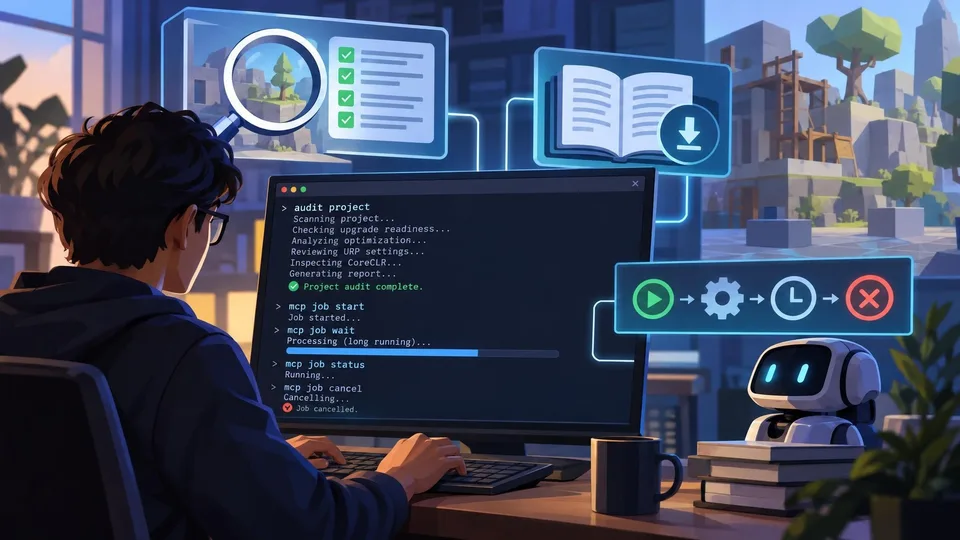
Unity CLI Beta 15 Adds Project Audits and Long-Running MCP Jobs
Unity CLI 1.0.0-beta.15 introduces project auditing, offline documentation access and MCP job controls aimed at automated workflows. The October 29 release also changes command output and removes some earlier commands, requiring script updates.

Claude Code 2.1.314 Adds a Guard Against Writing Outside Project Folders
Anthropic released Claude Code 2.1.314 on October 30 with an option to block editing outside working directories. The update also fixes several agent, CI and MCP behaviors relevant to teams automating C++ and C# development.

Google DeepMind Unveils Genie 4 for Interactive AI-Generated Worlds
Google DeepMind announced Genie 4 on October 27, demonstrating real-time world simulation with native sound, dialogue and text-based scene changes. The system is a limited research preview, not a ready-to-import Unreal Engine or Unity world generator.
Comments