
Unity CLI Beta 15 Adds Project Audits and Long-Running MCP Jobs
Unity CLI 1.0.0-beta.15 introduces project auditing, offline documentation access and MCP job controls aimed at automated workflows. The October 29 release also changes command output and removes some earlier commands, requiring script updates.
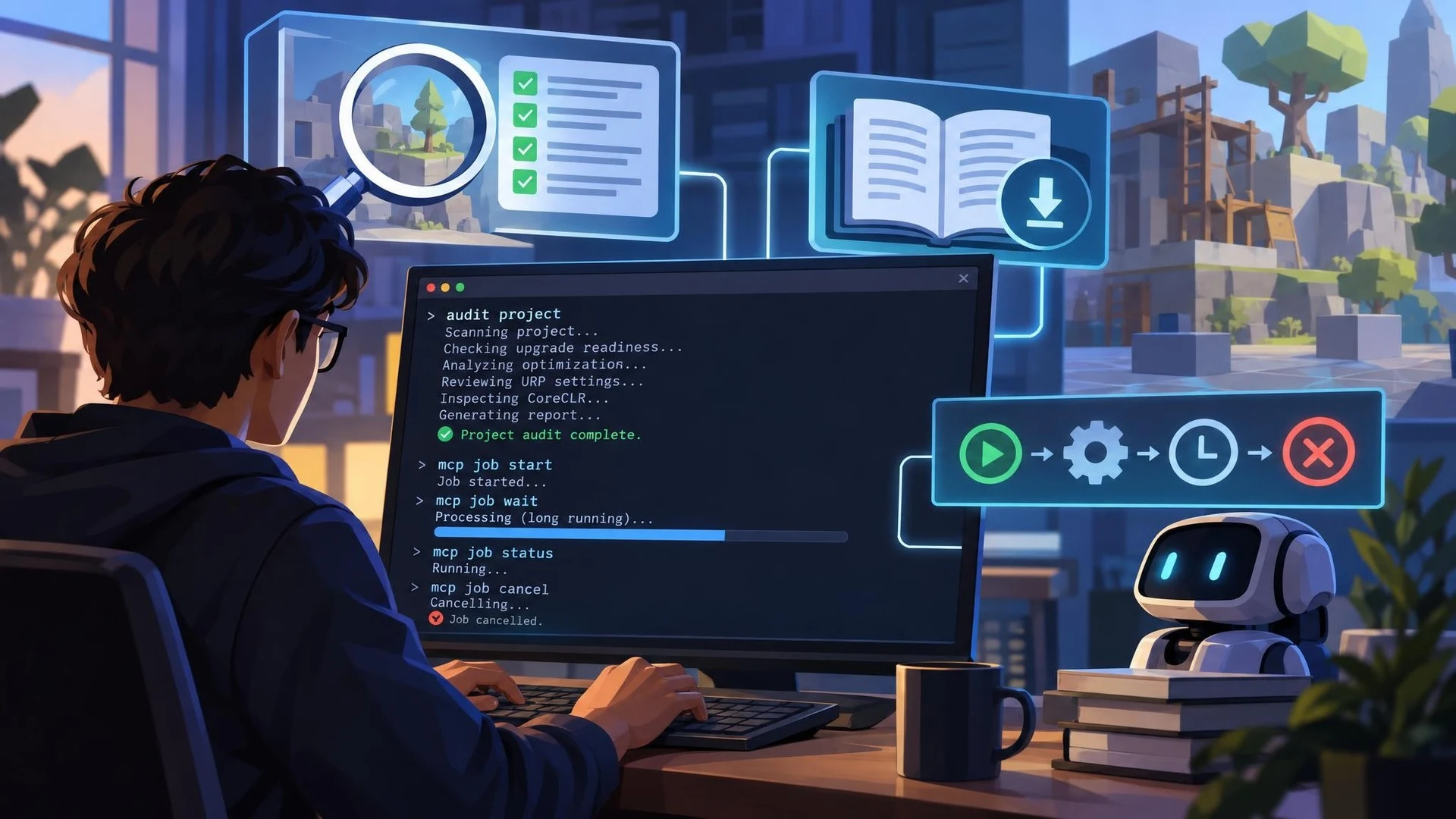
Unity developers experimenting with coding agents have a new command-line update to examine. On October 29, 2026, Unity announced version 1.0.0-beta.15 of Unity CLI, a release concentrating on scripting, project inspection, and better support for tools connected through the Model Context Protocol.
One of the more practical additions is Project Auditor access from the command line. For projects using Unity 6 or later, developers can request audits focused on upgrade readiness, optimization, URP, or CoreCLR and produce a report. That offers an initial way to turn some project inspection work into a repeatable process rather than a task performed only through the editor's graphical interface.
The update also brings an offline documentation cache. Local access to API documentation can be useful when a developer is working with limited connectivity or when an automated tool needs consistent reference material. Unity has additionally introduced a command for passing an access token to scripts, although teams should continue protecting credentials and limiting the permissions granted to automation.
For developers using MCP, the new long-running job operations are especially relevant. The release includes operations to start, check, wait for, and cancel jobs. These controls recognize that a real Unity operation, such as analysis or building, may take longer than a single short tool response. An assistant can be designed to monitor work explicitly rather than simply assuming that a command has finished.
The beta also includes breaking interface changes. Structured listings now use a common set of fields, and newline-delimited JSON streams include typed records with a final result. Earlier commands have been removed or replaced; for example, the former project-creation command gives way to a new create workflow. Existing scripts that expect old output fields or command names may therefore stop working until updated.
A sensible evaluation begins with a disposable Unity project. Install the beta in a controlled environment, run a project audit, save its report, and verify that a small automation can parse the result. Then test the MCP job lifecycle and confirm that cancellation and error states are handled correctly. Keeping the previous CLI version available makes it easier to distinguish regressions from planned changes.
Because this is still a beta, production teams should pin the exact CLI version used by their build scripts and avoid upgrading every machine automatically. The release is promising for developers who want AI agents to observe and verify Unity work, but it does not remove the need for source control, build checks, and human review of changes.
Rate this story
What did you think of this article?
Log in to rate this story, comment and like replies.
Log inNo comments yet. Be the first to share your thoughts.
More stories
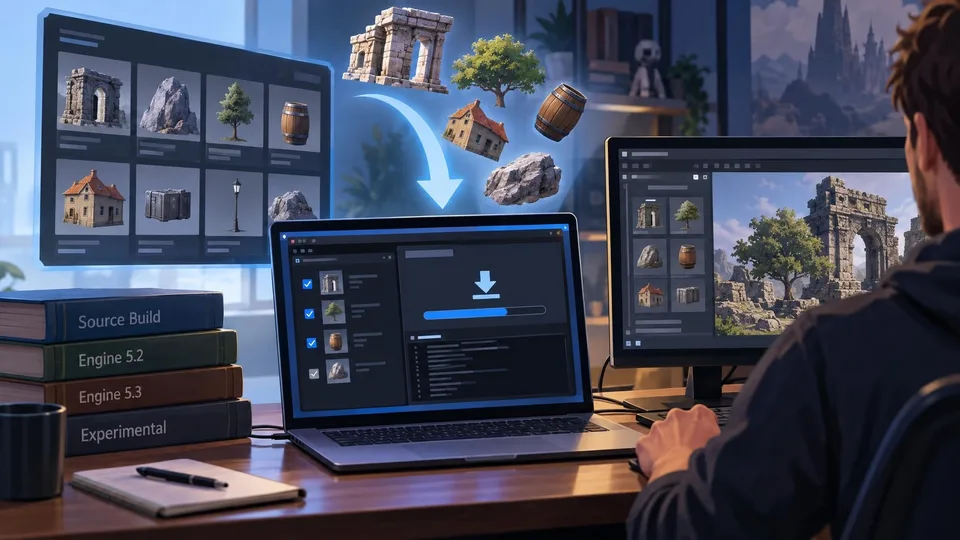
An Open-Source Fab Downloader Targets Custom Unreal Engine Workflows
A new community-built Fab Downloader offers another way to retrieve marketplace assets already owned by a developer. Its Windows and Linux tools avoid requiring an installed Launcher-managed Unreal Engine build, but rely on unofficial endpoints.
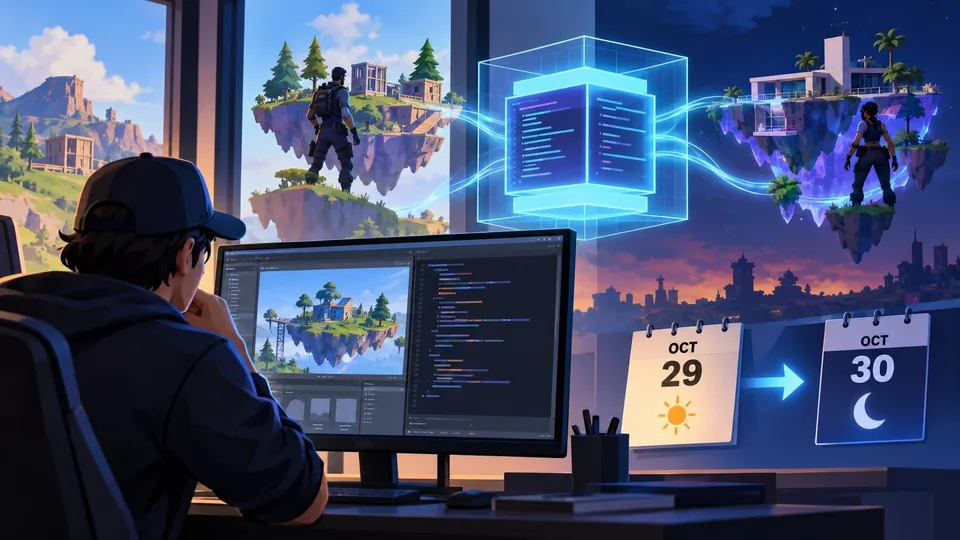
Epic Extends a Live Verse Virtual Machine Test for UEFN Islands
Epic started a temporary Verse virtual-machine test on October 29 across public and private UEFN sessions and later extended the window into October 30. The test is limited to Fortnite creation tools, not regular Unreal Engine projects.

XREAL AURA Launch Highlights Seven Unity-Built XR Experiences
Unity has showcased seven titles associated with the launch of XREAL AURA, the wired Android XR glasses. The October 28 announcement includes practical engine and OpenXR recommendations and lessons from studios porting existing experiences.
Comments