
Unity CLI Beta 17 Adds Headless Linux Editor Installation and Dependency-Aware Plugins
Unity CLI 1.0.0-beta.17 follows the earlier beta.16 with headless Linux editor installation, managed plugin dependencies and more predictable scripting errors. The changes matter to build automation, not runtime game features.
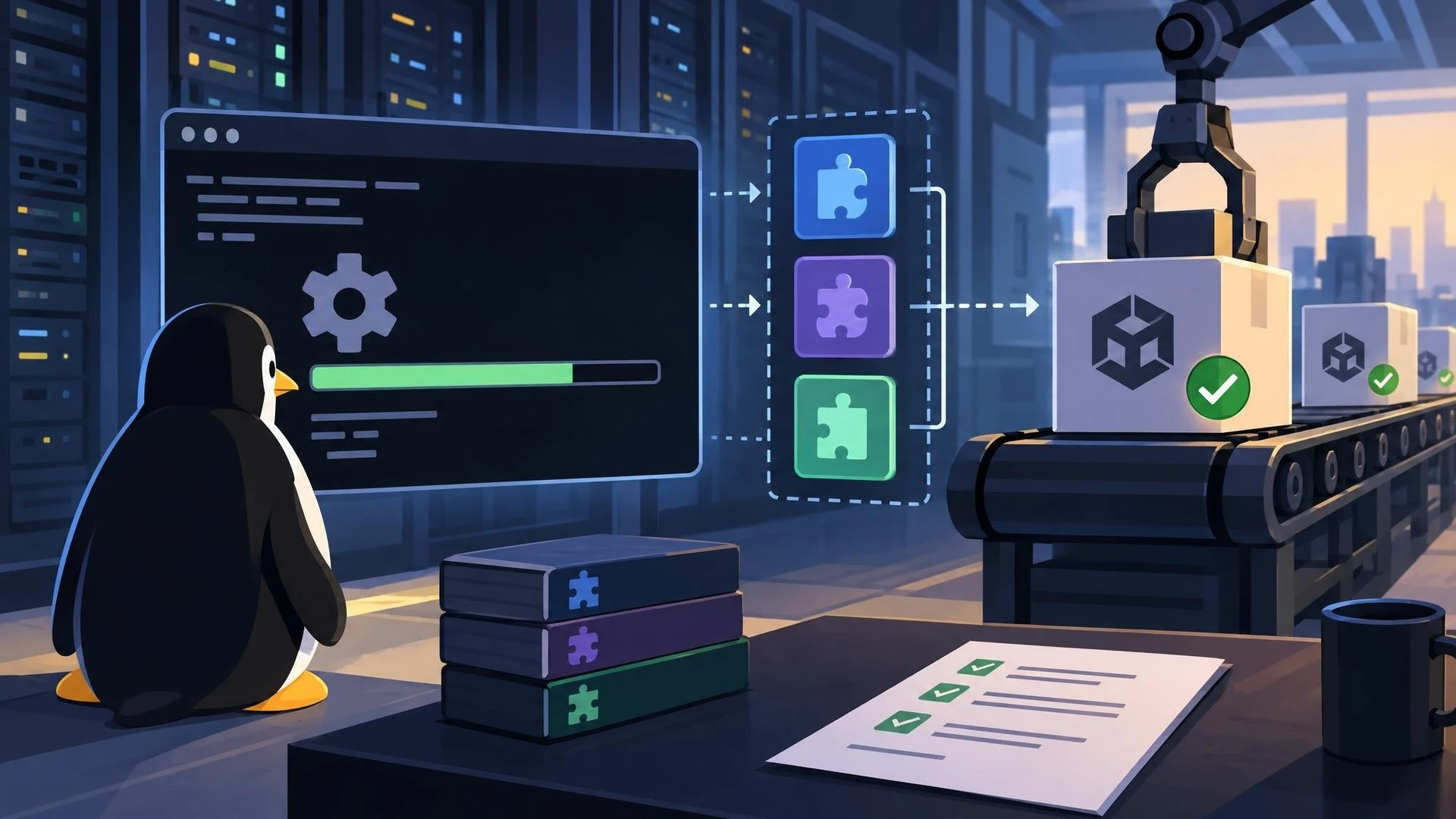
Unity announced version 1.0.0-beta.17 of its command-line tooling on November 5, 2026. The release advances work on running common editor and project-management tasks without relying entirely on interactive windows. It also fixes issues introduced or found in beta.16, the immediately preceding build, which makes this a substantive follow-up rather than a repeat of the earlier announcement.
One of the most practical additions is an installation option for a headless Linux Editor. This edition is intended to run without a display, which is useful for continuous integration workers, remote build machines and scripted test environments. Unity says the installer distinguishes it from the normal editor and skips modules that do not apply to the headless option.
Plugin management has also become more robust. Plugins can declare dependencies on other plugins. Installation and upgrade commands can resolve these dependencies and present the respective license steps rather than leaving a developer to discover missing components manually. Removal commands now protect dependencies still needed by other installed plugins. That can make standardized build environments easier to reproduce, although it does not eliminate the need to audit plugin sources and licenses.
The beta adds commands to create Pipeline Automation applications and draft versions. Several command-line error codes are standardized, and Unity describes safeguards around missing version-control tokens and configuration visibility. These apparently small details matter in automated pipelines: a build script must be able to distinguish an invalid argument, a missing credential and a failed game compilation without silently continuing.
For a Unity studio, a useful test would start with a disposable repository and a Linux machine. Install the headless editor, restore required plugins, open a project and run a predefined validation step. Capture the exit code, logs and exact installed tool versions. Repeat the job in a fresh environment to see whether it behaves consistently. Before adding production credentials, confirm how the tool handles secrets and analytics settings.
Unity CLI remains in beta. A team should pin its specific version and avoid assuming future command names or return codes will remain unchanged. More importantly, the tooling controls development infrastructure; it does not independently generate better gameplay, improve a shipped game's frame rate or replace existing Unity project testing. Its benefit is in making repeated engineering tasks more predictable.
Rate this story
What did you think of this article?
Log in to rate this story, comment and like replies.
Log inNo comments yet. Be the first to share your thoughts.
More stories

Official Unreal MCP Documentation Shows How AI Agents Can Control the Editor
Epic documentation describes an experimental Unreal MCP server running inside the editor, with tools for actors, lighting, materials and automated tests. It turns an earlier event announcement into a concrete setup workflow, with clear safety limitations.
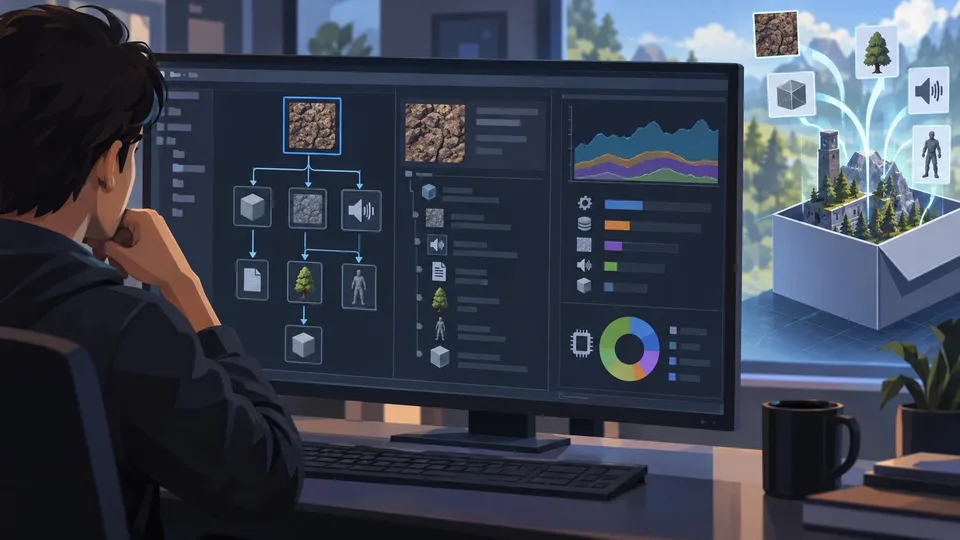
Unity 6.7 Beta 8 Improves Build Asset Traceability and Profiling
Unity 6000.7.0b8 adds a reference tree to Build Analysis and improves memory attribution in profiling tools. It is a beta editor update and should be tested outside production branches.

MetaHuman Creator Web Access Reaches Its November Shutdown Deadline
Epic scheduled the end of the standalone MetaHuman Creator website for November 5, with a further 90-day window to retrieve existing gallery characters. Character authoring inside newer Unreal Engine releases is a separate workflow.
Comments