
ComfyUI Main Branch Adds Pika Soundtrack, Sound Effects and Music Nodes
A November 4 ComfyUI source-code merge added Pika partner nodes for audio generation. Game developers can investigate them for prototype soundtracks and effects, but these hosted API nodes are not a local model release or a guaranteed stable package feature.
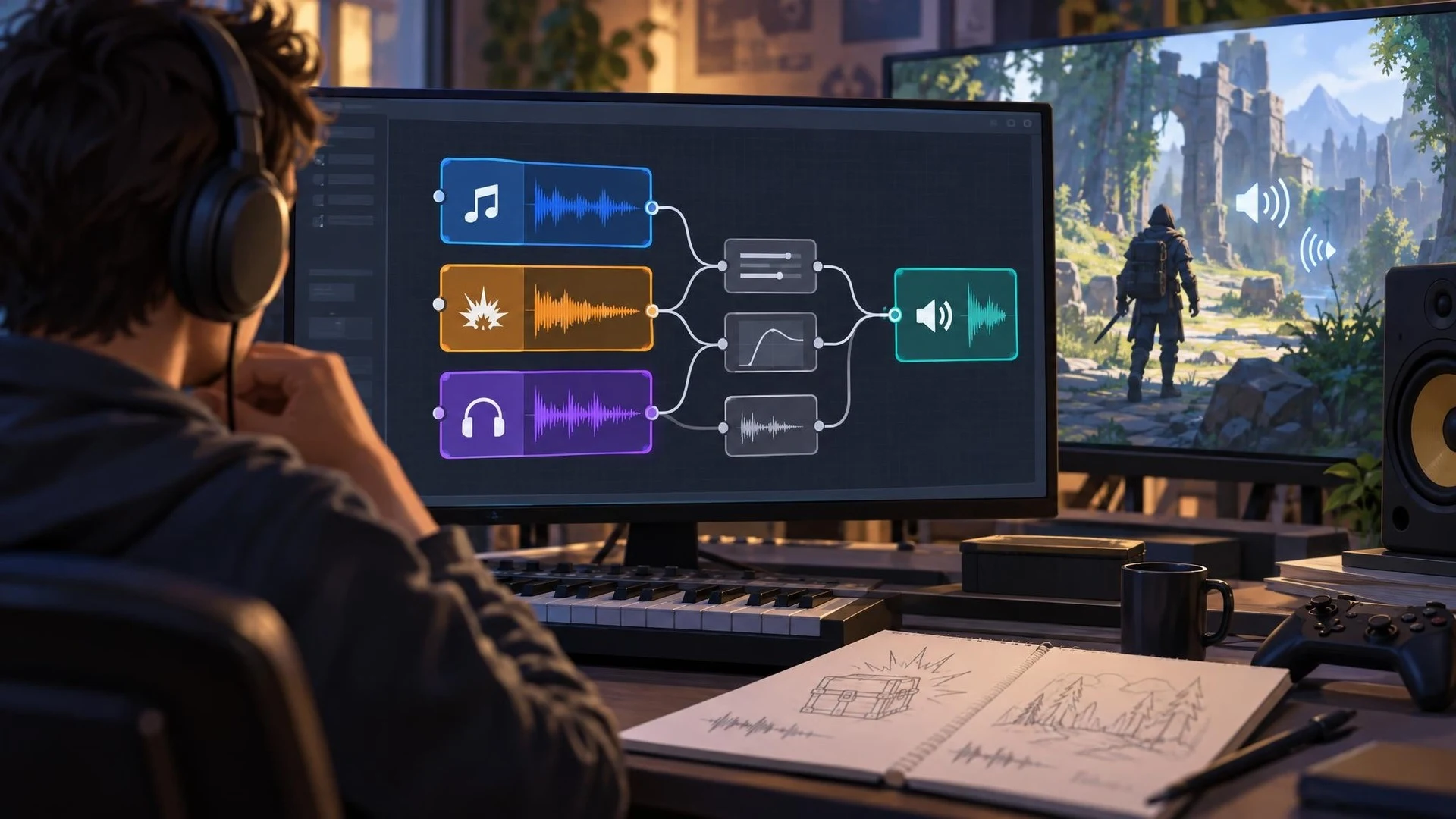
The ComfyUI project merged new Pika audio partner nodes into its main development branch on November 4, 2026. The change adds nodes identified as Pika Soundtrack, Pika SFX and Pika Music, providing additional options for assembling AI-assisted media workflows in ComfyUI. This is verified as a repository code change, not as a separately announced stable ComfyUI version.
For game developers, the appeal of a node-based workflow is the ability to keep related asset operations connected. A studio might generate a short environmental sound, compare alternate variations, process the resulting audio and attach it to a prototype scene. Another workflow might sketch the atmosphere of a menu or cinematic with a temporary soundtrack. These are possible production experiments, not demonstrated game-ready results.
The distinction between partner API nodes and downloadable local models is essential. ComfyUI's partner integrations call services operated outside the user's own GPU environment and may require an account, network connection and usage billing. The new repository files do not establish that every existing ComfyUI desktop installation already contains these nodes or that using them is free. Users should check the installed build, provider authentication and current terms.
The update also should not be conflated with a traditional audio middleware integration. Generating an effect in ComfyUI does not automatically implement spatial attenuation, looping, parameter-driven transitions or real-time mixing in Unity Audio or Unreal MetaSounds. Those parts still need to be authored and tested inside the game engine. Nor do the nodes establish exclusive ownership of generated sound or blanket permission to reproduce protected recordings.
A useful controlled test would focus on one original mechanical prop. Produce several versions of a short opening or closing sound, review them for clicks and unwanted background noise, and export the accepted audio into a game project. Set a consistent loudness target, verify looping if needed and confirm that sound plays at the correct distance. Keep a record of the prompt, service used, costs and the resulting file.
ComfyUI's November source merge broadens the options for experimenting with AI-generated audio during early development. The value is speed and repeatability in creating draft material, not a guarantee of final-quality effects. As with any prerelease or development-branch integration, teams should verify support in the build they actually run before depending on it for a production pipeline.
Rate this story
What did you think of this article?
Log in to rate this story, comment and like replies.
Log inNo comments yet. Be the first to share your thoughts.
More stories
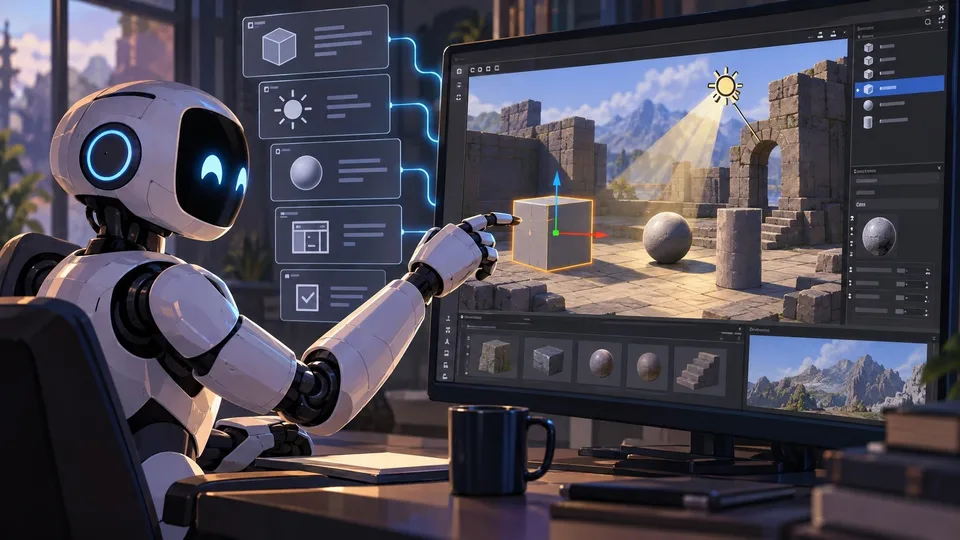
Official Unreal MCP Documentation Shows How AI Agents Can Control the Editor
Epic documentation describes an experimental Unreal MCP server running inside the editor, with tools for actors, lighting, materials and automated tests. It turns an earlier event announcement into a concrete setup workflow, with clear safety limitations.
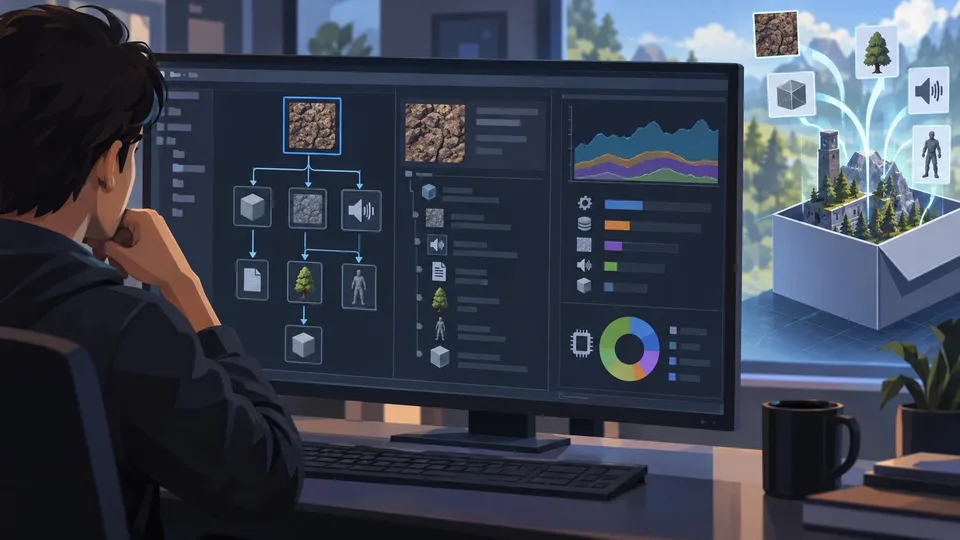
Unity 6.7 Beta 8 Improves Build Asset Traceability and Profiling
Unity 6000.7.0b8 adds a reference tree to Build Analysis and improves memory attribution in profiling tools. It is a beta editor update and should be tested outside production branches.
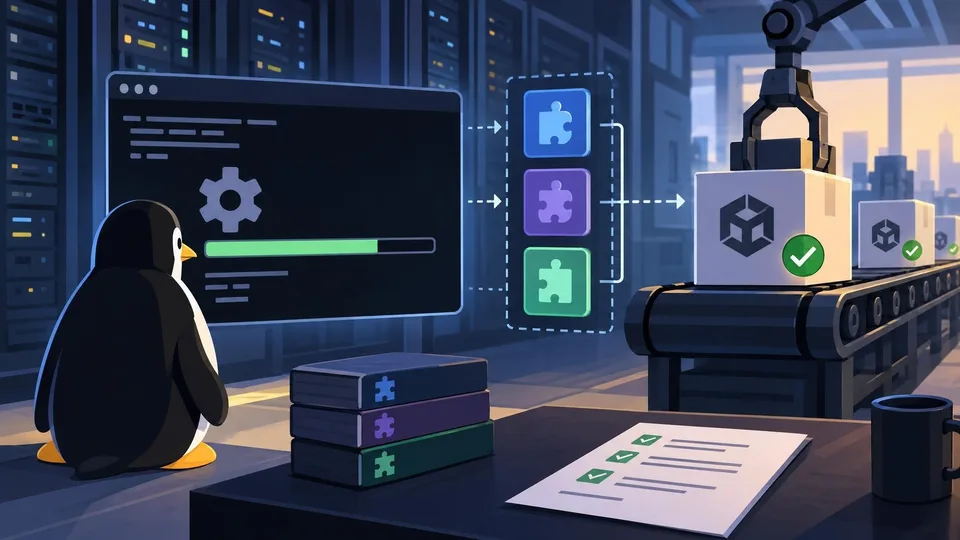
Unity CLI Beta 17 Adds Headless Linux Editor Installation and Dependency-Aware Plugins
Unity CLI 1.0.0-beta.17 follows the earlier beta.16 with headless Linux editor installation, managed plugin dependencies and more predictable scripting errors. The changes matter to build automation, not runtime game features.
Comments