
ComfyUI 0.43 Adds Voice, Sound and Image Workflow Nodes for Game Prototypes
ComfyUI 0.43.0, released October 27, includes new partner nodes for voice cloning, text-to-speech, sound effects and image generation. These integrations can support game asset prototyping, but cloud-service pricing and rights remain separate from ComfyUI.
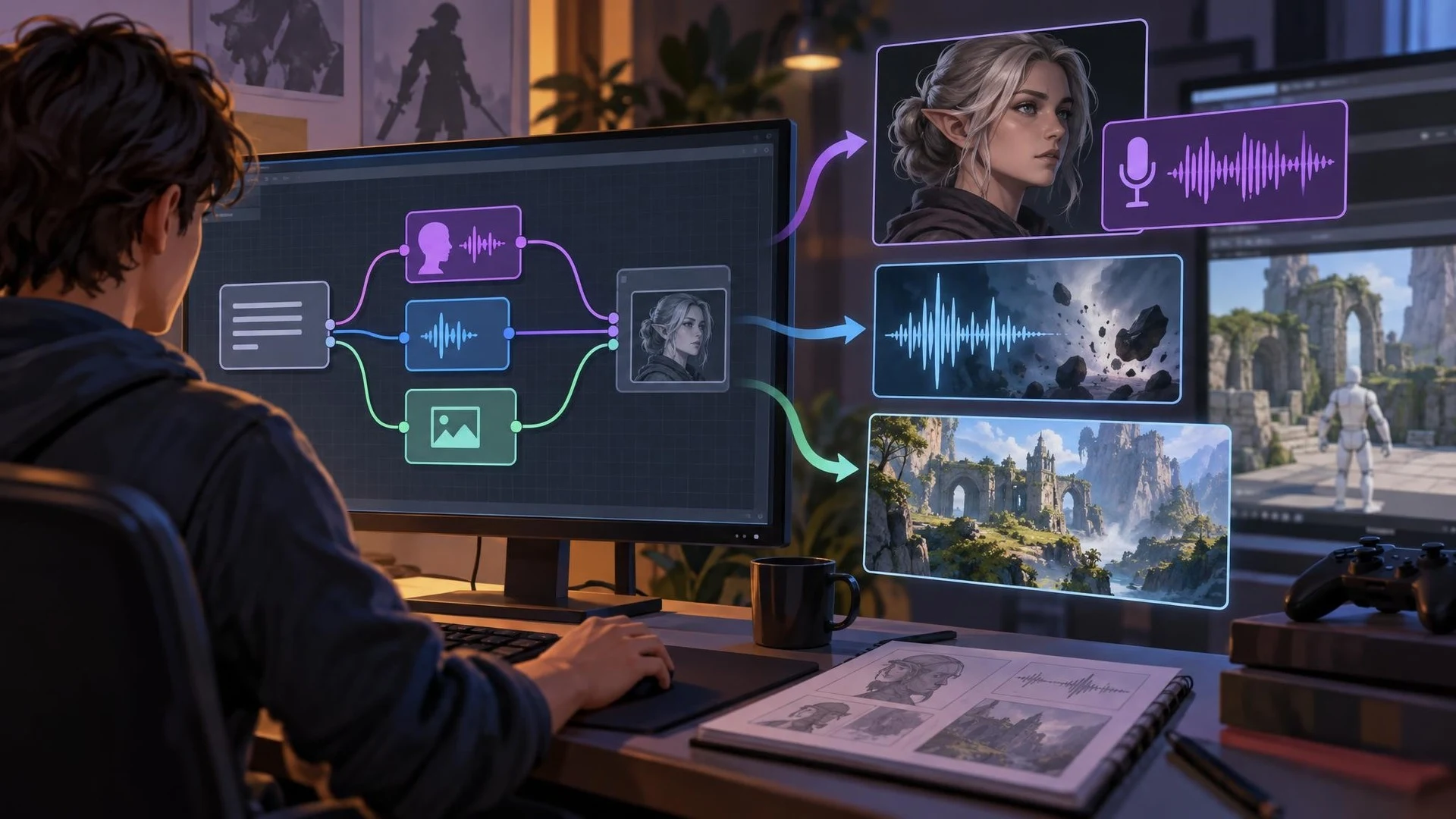
Game creators increasingly combine several kinds of AI output in a single production session. A character portrait may need a voice sample, a scene mockup may need sound, and a material concept may require repeated image edits. ComfyUI version 0.43.0, released October 27, 2026, expands the set of services available through its node-based workflows.
The project's official release notes list partner integrations including HeyGen instant voice cloning and text-to-speech, Mirelo sound-effect nodes, and image generation or editing through Bria FIBO 2.0. Additional nodes cover video upscaling, image creation, and other provider services. The release also includes local model support and technical maintenance work such as memory and model-loading adjustments.
For game production, the relevance is the ability to connect different stages of a creative workflow. A developer could create a temporary NPC dialogue line, generate a corresponding short sound effect, and export files for evaluation in Unity or Unreal Engine. An environment artist might use an image-editing node to iterate on a reference before building final geometry or textures.
These are workflow possibilities rather than an end-to-end game asset generator. A voice file is not a complete interactive NPC, an image is not a textured 3D mesh, and a sound effect does not automatically have the licensing or technical characteristics needed for a shipped game. The new nodes operate as components within a larger human-managed process.
The partner label also matters. ComfyUI's open-source application does not mean every third-party service connected through it is free or runs locally on the user's GPU. API access may require a provider account, payment, and specific usage permissions. Developers must verify the service's current pricing, commercial-use terms, and restrictions on cloned voices. Voice cloning should use audio the developer has permission to process.
A sensible trial would involve a fictional character and original dialogue. Generate several voice takes using an authorized source, inspect clarity and pronunciation, and add one sound effect using the appropriate provider. Import those files into a small Unity or Unreal scene and check how they sound during gameplay rather than only through studio headphones.
For image workflows, use temporary concepts and compare the quality of repeated edits. If the output will become a final texture or illustration, verify resolution, consistency, rights, and how much manual cleanup is required. Tool availability alone does not establish production readiness.
ComfyUI 0.43 is notable because it broadens integration options for audio and visual prototyping. The real advantage comes from assembling a workflow that is reproducible, affordable, properly licensed, and compatible with the game's technical pipeline.
Rate this story
What did you think of this article?
Log in to rate this story, comment and like replies.
Log inNo comments yet. Be the first to share your thoughts.
More stories
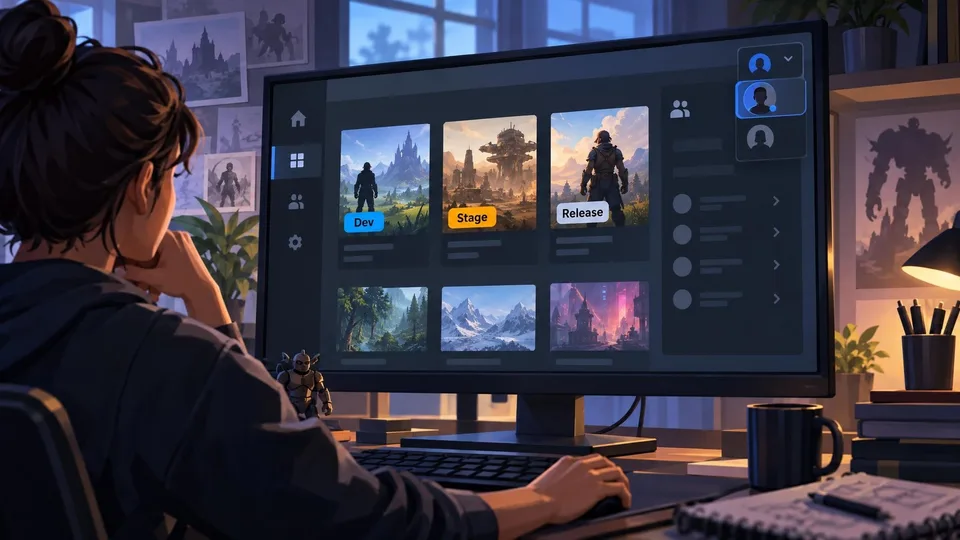
Epic Games Launcher 0.109.0 Labels Development Builds in the Library
Epic Games Launcher 0.109.0, dated November 2, adds visible Dev and Stage sandbox labels to library builds alongside account switching and a collapsible social panel. The change is about launcher workflows, not Unreal Engine rendering.
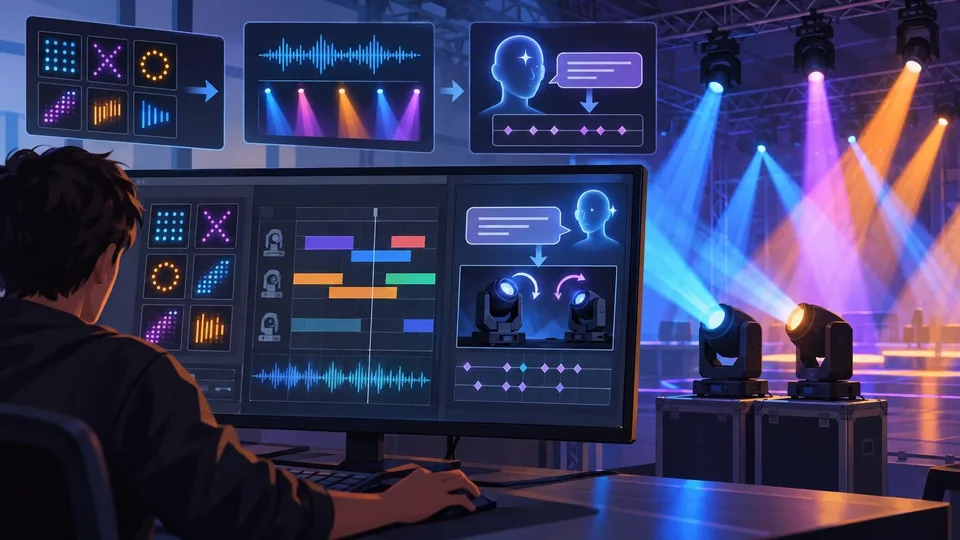
Community Unreal DMX Extension Adds Pattern Tools and AI-Assisted Lighting
An Unreal community developer described a DMX Sequencer extension on November 2 that adds reusable fixture patterns, audio-reactive animation and experimental Gemini-assisted keyframe generation. Public distribution and compatibility still need confirmation.
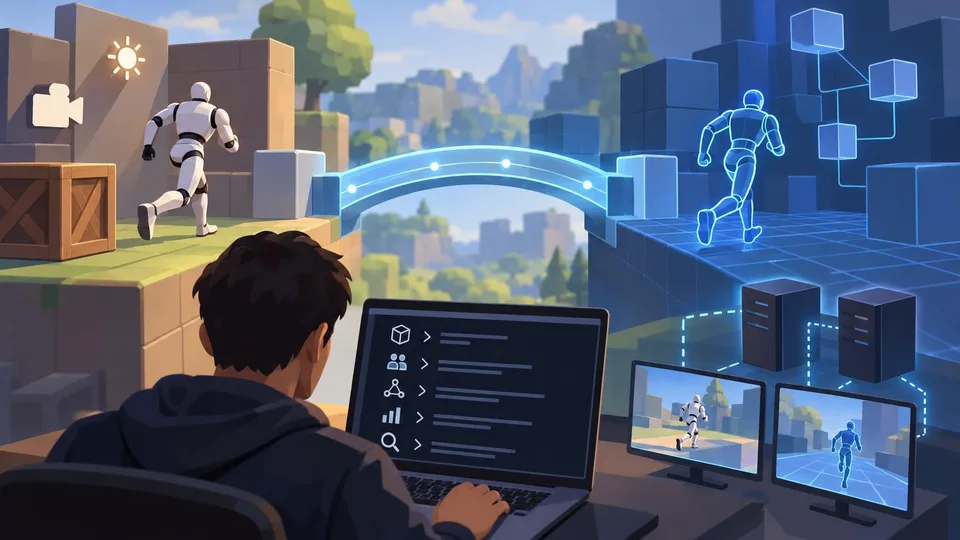
Netcode for Entities 7.2 Adds GameObject Bridges and Agent-Facing Unity CLI Tools
Unity Netcode for Entities 7.2.0 is listed as released October 30 with GameObject-facing networking APIs, new prediction options and Unity CLI inspection commands. It targets the Unity 6.7 beta family rather than older supported editors.
Comments