
Codex CLI 0.167.0 Adds an Agent Command Center and Better Review Controls
OpenAI has released the stable Codex CLI 0.167.0 build with a terminal agent command center, image previews and clearer patch approvals. These workflow features can assist Unreal C++ and Unity C# projects without replacing engine testing.
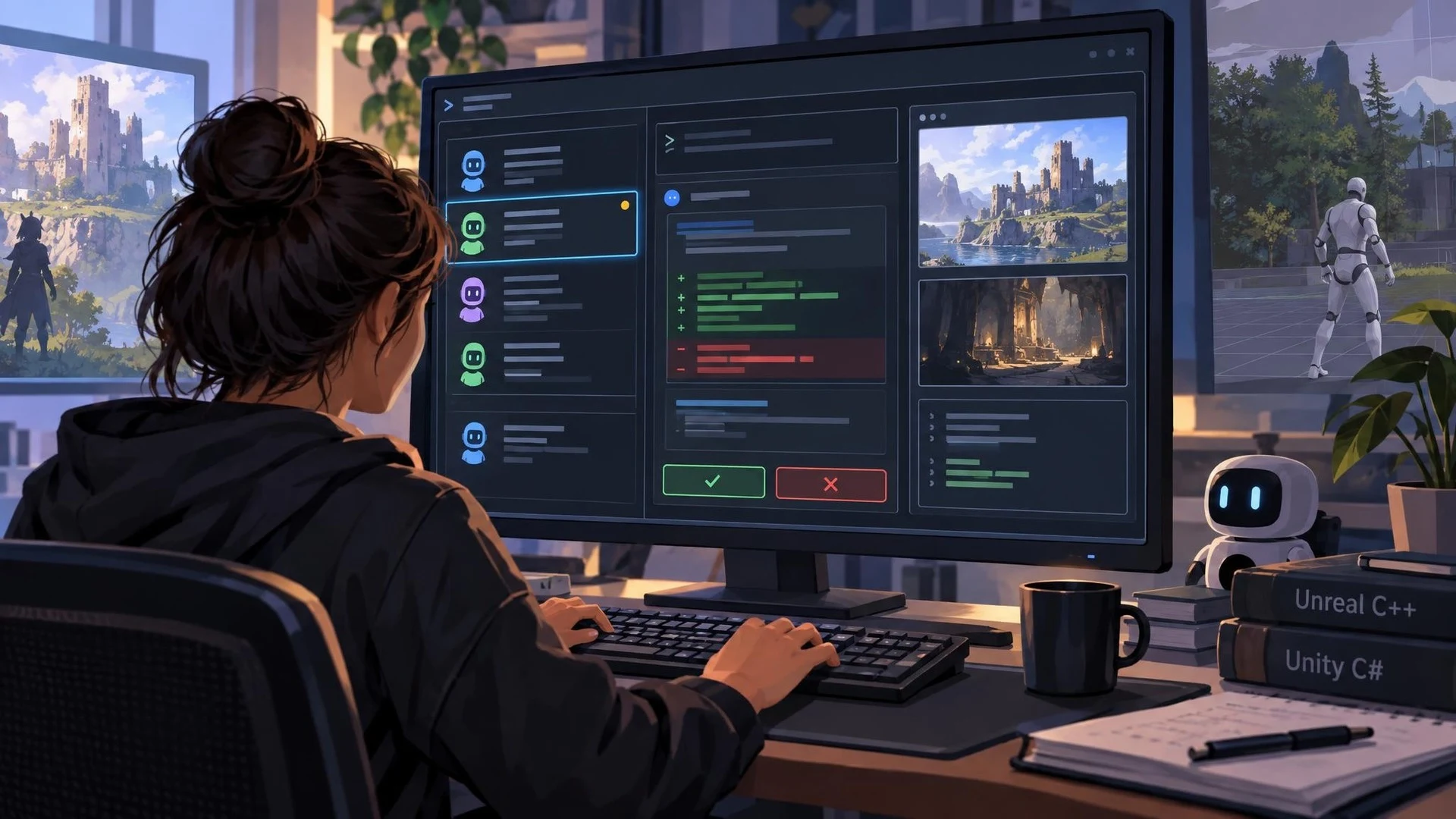
OpenAI released Codex CLI 0.167.0 on November 6, 2026, adding several features aimed at developers who manage more than one agent or need to examine proposed changes before approval. The update sits on the stable release line; separate 0.168 alpha builds are experimental and should not be confused with the version's stable status.
A new agent command center can be opened from the command line, and the session picker highlights unread results. The tool can also switch between connected backends while retaining draft text. For developers dividing a large codebase into independent tasks, small improvements to navigation and session continuity can reduce the time spent locating what an agent actually finished.
The release also enhances how changes are reviewed. Patch details can expand directly in the conversation while an approval prompt is open. Supported terminals can show previews of local image attachments and open image paths mentioned in a transcript. These capabilities are especially relevant to game projects where a coding task may involve comparing screenshots, UI assets or rendering outputs alongside C++ or C# code.
The changelog includes fixes for session history and network approval prompts, as well as adjustments to context handling. None of those changes alone establishes that Codex can reliably control an Unreal viewport, test a packaged VR game or verify Unity physics. Access to engine state still depends on available tooling, scripts, local test runners or a supported MCP connection.
A practical experiment would split a small game project into two independent tasks: one agent reviews an Unreal C++ gameplay component, while another evaluates a related automated test. Inspect the patches in the approval view and check that each task operates on the intended files. Compile the result and run the actual game tests; if screenshots are provided, compare them against a known baseline rather than relying on the agent's description.
When adopting a new CLI version, maintain repository backups or clean commits and note any relevant permissions, provider settings and platform support. The November release makes multi-agent work and review more manageable, but it remains a developer interface update. The quality of the resulting game still depends on readable requirements, sound engineering checks and independent testing.
Rate this story
What did you think of this article?
Log in to rate this story, comment and like replies.
Log inNo comments yet. Be the first to share your thoughts.
More stories

Official Unreal MCP Documentation Shows How AI Agents Can Control the Editor
Epic documentation describes an experimental Unreal MCP server running inside the editor, with tools for actors, lighting, materials and automated tests. It turns an earlier event announcement into a concrete setup workflow, with clear safety limitations.
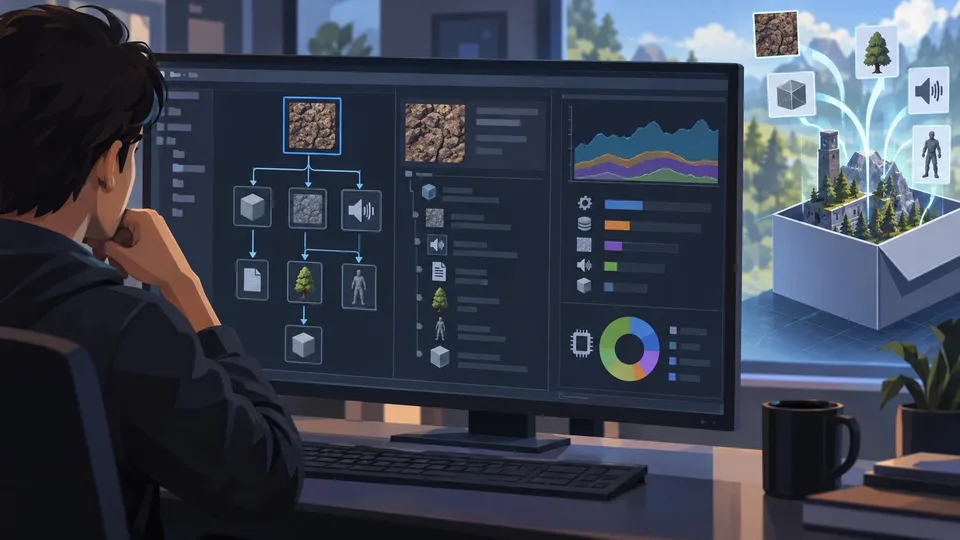
Unity 6.7 Beta 8 Improves Build Asset Traceability and Profiling
Unity 6000.7.0b8 adds a reference tree to Build Analysis and improves memory attribution in profiling tools. It is a beta editor update and should be tested outside production branches.
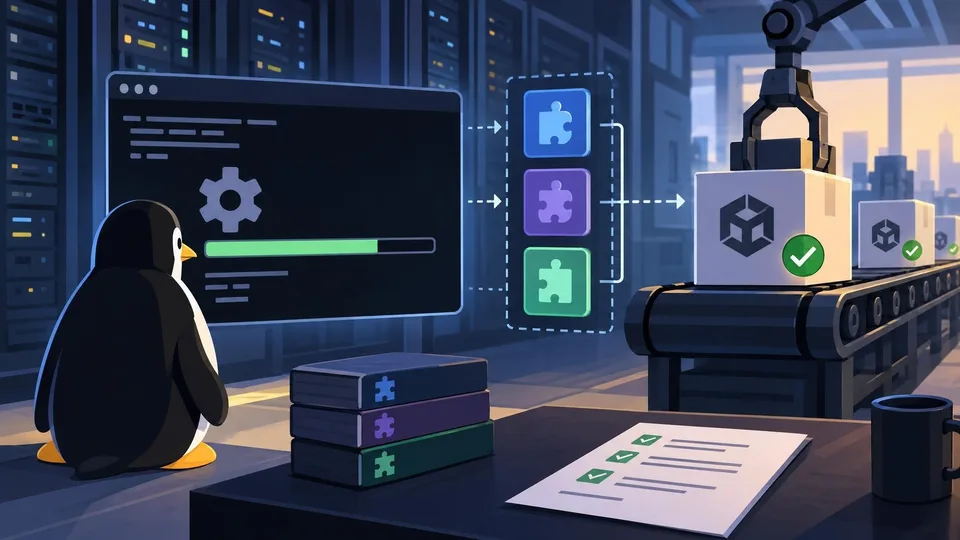
Unity CLI Beta 17 Adds Headless Linux Editor Installation and Dependency-Aware Plugins
Unity CLI 1.0.0-beta.17 follows the earlier beta.16 with headless Linux editor installation, managed plugin dependencies and more predictable scripting errors. The changes matter to build automation, not runtime game features.
Comments