
AR Foundation 6.7.1 Resolves a macOS XR Simulation Signing Issue
Unity AR Foundation 6.7.1, dated October 27, fixes a macOS code-signing problem in its XR Simulation native bundle that prevented notarization. This is a focused development and distribution fix, not a new tracking feature.
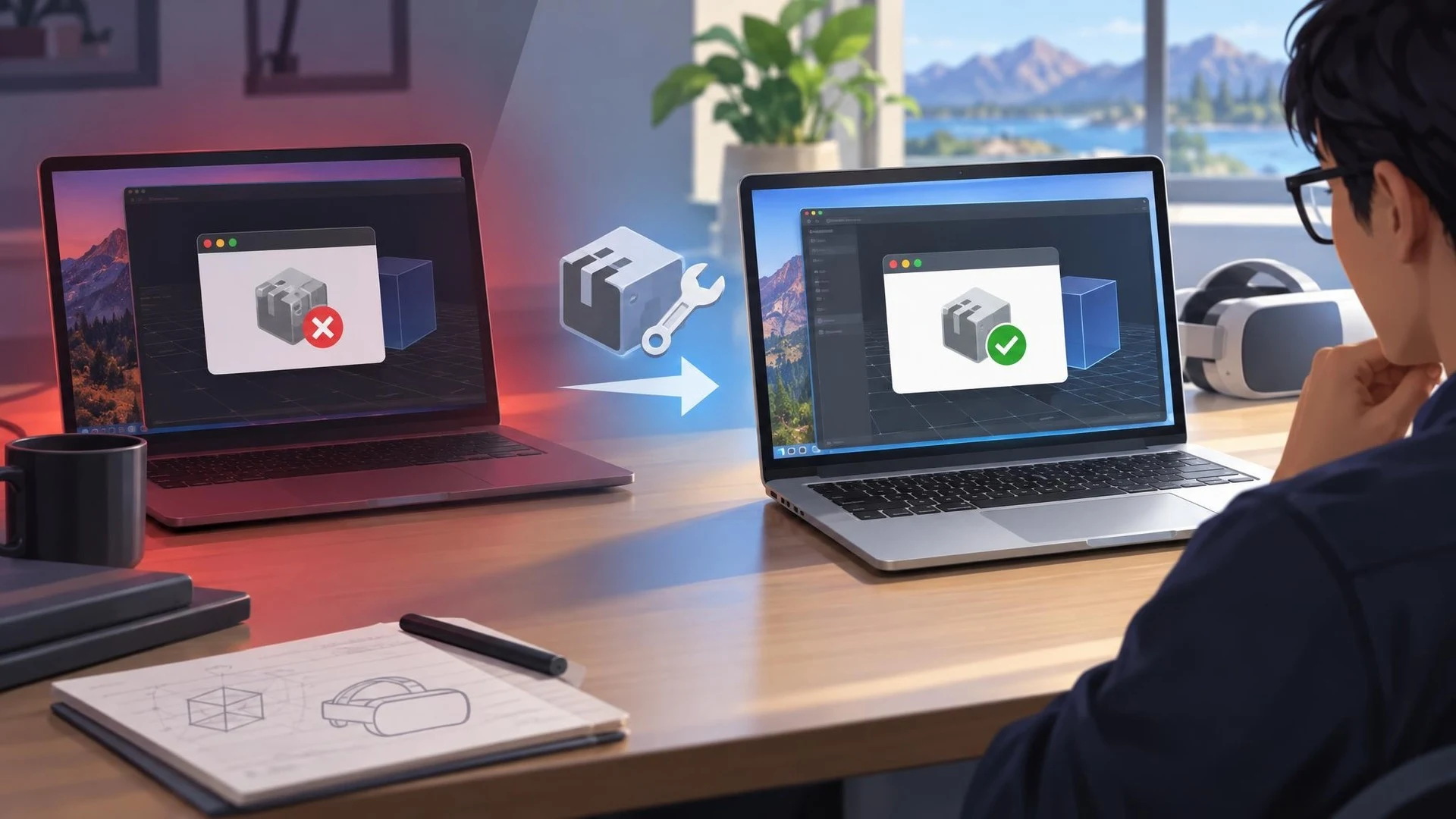
Extended reality projects depend on more than rendering an attractive scene. Teams may need a reliable desktop simulation environment, a repeatable build process, and software that can pass operating-system security checks. Unity's AR Foundation 6.7.1 update, dated October 27, 2026, addresses one narrow but significant part of that workflow.
The official changelog says the macOS XR Simulation native plugin bundle was not code signed correctly, causing notarization to fail. The fix targets the XRSimulationSubsystem.bundle component. It should not be presented as a new image-tracking API, a performance breakthrough, or a change to how players interact with augmented reality hardware.
Apple's notarization process is relevant when software needs to be distributed and trusted on macOS. An unsigned or incorrectly signed native component can complicate packaging even when a scene works inside a developer's editor. The same broad distinction applies to games: a successful in-editor test does not necessarily prove that a distributable application will pass all platform checks.
XR Simulation is a development aid. It lets a creator inspect certain AR behaviors without relying exclusively on a physical target device for every iteration. A fix to its macOS native plugin can make development and release infrastructure more predictable, but real-device testing is still necessary for tracking accuracy, sensors, lighting, depth, and interaction.
The scope of this patch is unusually easy to state because the official changelog contains a single targeted fix for version 6.7.1. Larger AR Foundation capabilities, including new reference-image library APIs, appear under earlier package entries. They should not be attributed to this particular maintenance release.
A useful verification would take a small XR Simulation sample on a Mac used for development, check the package version and native bundle signature, and repeat the application's normal signing and notarization workflow. Record whether the original failure is still reproducible. Teams without access to macOS or without this distribution requirement may have little immediate reason to prioritize the update.
Compatibility between AR Foundation and device-specific OpenXR integrations also deserves attention. Dependent packages can declare minimum versions, and blindly updating only one piece of an XR toolchain may introduce package resolution issues. Unity's related Android XR OpenXR integration has separately adjusted its minimum AR Foundation dependency.
This release is therefore best understood as infrastructure maintenance for XR developers, not as a headline feature for gameplay. Its value is in reducing a specific obstacle to a reliable macOS development workflow.
Rate this story
What did you think of this article?
Log in to rate this story, comment and like replies.
Log inNo comments yet. Be the first to share your thoughts.
More stories

Epic Games Launcher 0.109.0 Labels Development Builds in the Library
Epic Games Launcher 0.109.0, dated November 2, adds visible Dev and Stage sandbox labels to library builds alongside account switching and a collapsible social panel. The change is about launcher workflows, not Unreal Engine rendering.

Netcode for Entities 7.2 Adds GameObject Bridges and Agent-Facing Unity CLI Tools
Unity Netcode for Entities 7.2.0 is listed as released October 30 with GameObject-facing networking APIs, new prediction options and Unity CLI inspection commands. It targets the Unity 6.7 beta family rather than older supported editors.
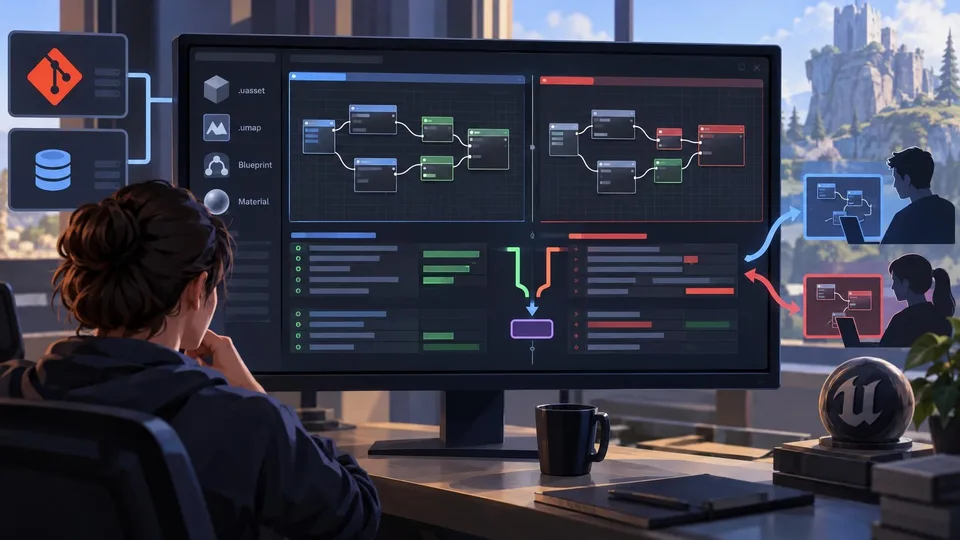
TheCodeDiff Brings Blueprint and Material Merging to Git and Perforce
A developer introduced TheCodeDiff on November 2, offering visual diffs and conflict resolution for Unreal Blueprint and Material assets without opening the editor. Advanced Unreal functions belong to a paid Pro tier.
Comments