
Unreal Niagara Aerodynamic Drag Tutorial Shows More Natural Falling Leaves
A November 7 tutorial revisits aerodynamic drag in Unreal Engine 5.1 Niagara, demonstrating how orientation, lift and rotation can produce convincing falling leaves and confetti.
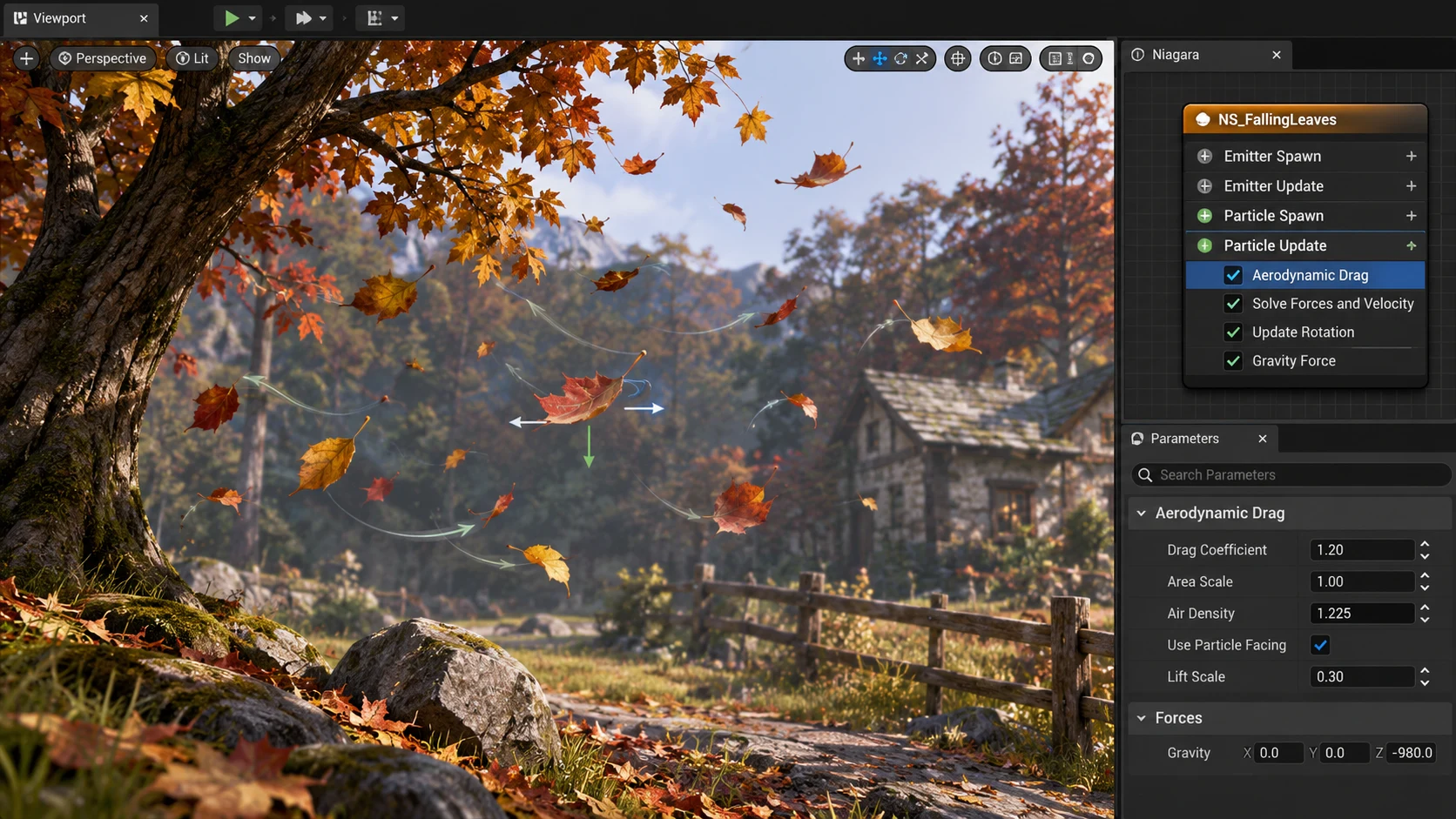
Particle effects can look artificial when every leaf, scrap of paper or piece of debris falls at the same rate and angle. A tutorial published on the Epic Developer Community on November 7 demonstrates a more nuanced approach using the Aerodynamic Drag force module in Unreal Engine Niagara.
The lesson is explicitly presented around Unreal Engine 5.1. Although the tutorial is new, the module is not being announced as a new UE5.8 feature. That distinction is important for developers reading a current news roundup: publication date and feature introduction date are not the same thing.
The guide contrasts standard drag with aerodynamic drag, then explores how an emitter can use mesh orientation, lift coefficients and rotational damping to vary motion. Those parameters can make objects flutter instead of merely decelerating along a straight path. The tutorial also looks at the relationship between particle alignment and the camera, which matters when effects use small flat meshes rather than camera-facing sprites.
Falling leaves and confetti are useful demonstration cases because their behavior is recognizable. Viewers notice immediately when a leaf moves as though it has the mass and aerodynamics of a metal ball. Adjusting drag and rotation can help sell a windy forest, an autumn street or debris carried through an abandoned building. But the effect still requires suitable meshes, materials and emission patterns. One module cannot supply an entire believable weather system.
A sensible test would use a single Niagara emitter with three variants: ordinary drag, aerodynamic drag with conservative lift, and aerodynamic drag with exaggerated rotation. Record the same camera movement for each and compare the falling trajectories at normal gameplay speed. Next, check whether the desired behavior survives changes to frame rate, particle count and simulation settings.
The lesson is best understood as a fresh educational demonstration of an existing effect-building technique. Its practical value is an accessible recipe for artists who need greater motion variety without keyframing every leaf or piece of paper in a level.
Rate this story
What did you think of this article?
Log in to rate this story, comment and like replies.
Log inNo comments yet. Be the first to share your thoughts.
More stories
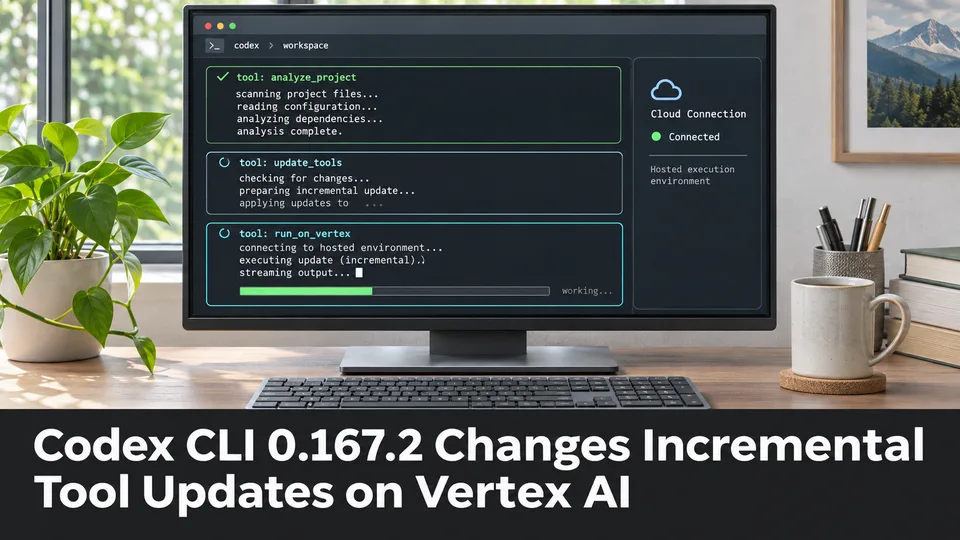
Codex CLI 0.167.2 Changes Incremental Tool Updates on Vertex AI
OpenAI released Codex CLI 0.167.2 with incremental tool updates enabled by default for Google Cloud Vertex AI. The change is relevant to teams using that backend, but it is not a general Unreal or Unity agent feature.
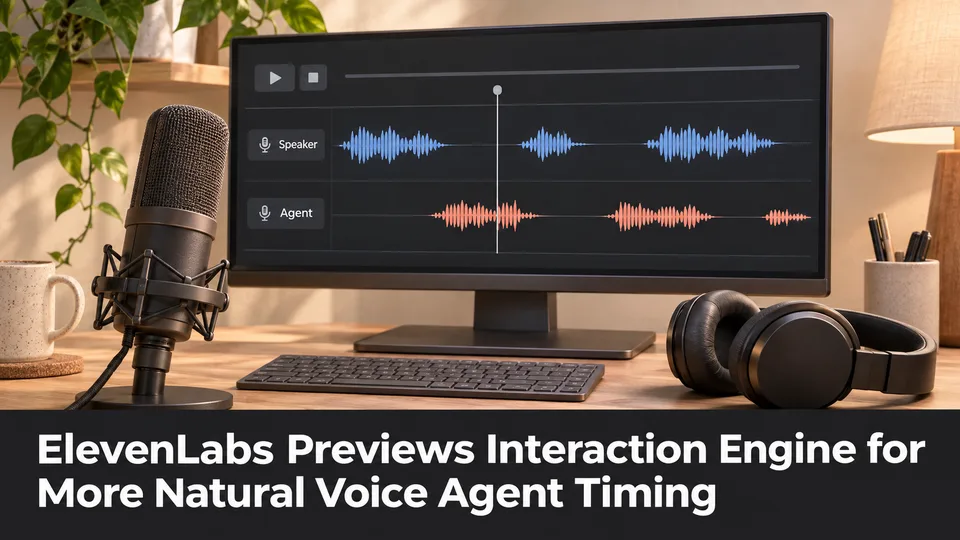
ElevenLabs Previews Interaction Engine for More Natural Voice Agent Timing
At its New York summit, ElevenLabs previewed an Interaction Engine that manages turn-taking, interruptions and model selection in conversations. Real-time game NPC use remains a proposed application, not a shipped game integration.

Unity MCP 1.10.0 Adds Screenshot Saving for Game Editor Agents
A community-maintained Unity MCP bridge has released version 1.10.0, adding an option for screenshot tools to save PNGs inside a project. The feature can support reviewable visual feedback when AI agents work on scenes.
Comments