
Unity CLI Beta 17 Improves Plugin Dependencies and Safer Automation
Unity CLI 1.0.0-beta.17 adds dependency-aware plugin installation, Pipeline Automation app commands and more consistent scripting errors. It is an official beta release, not a stable engine update.
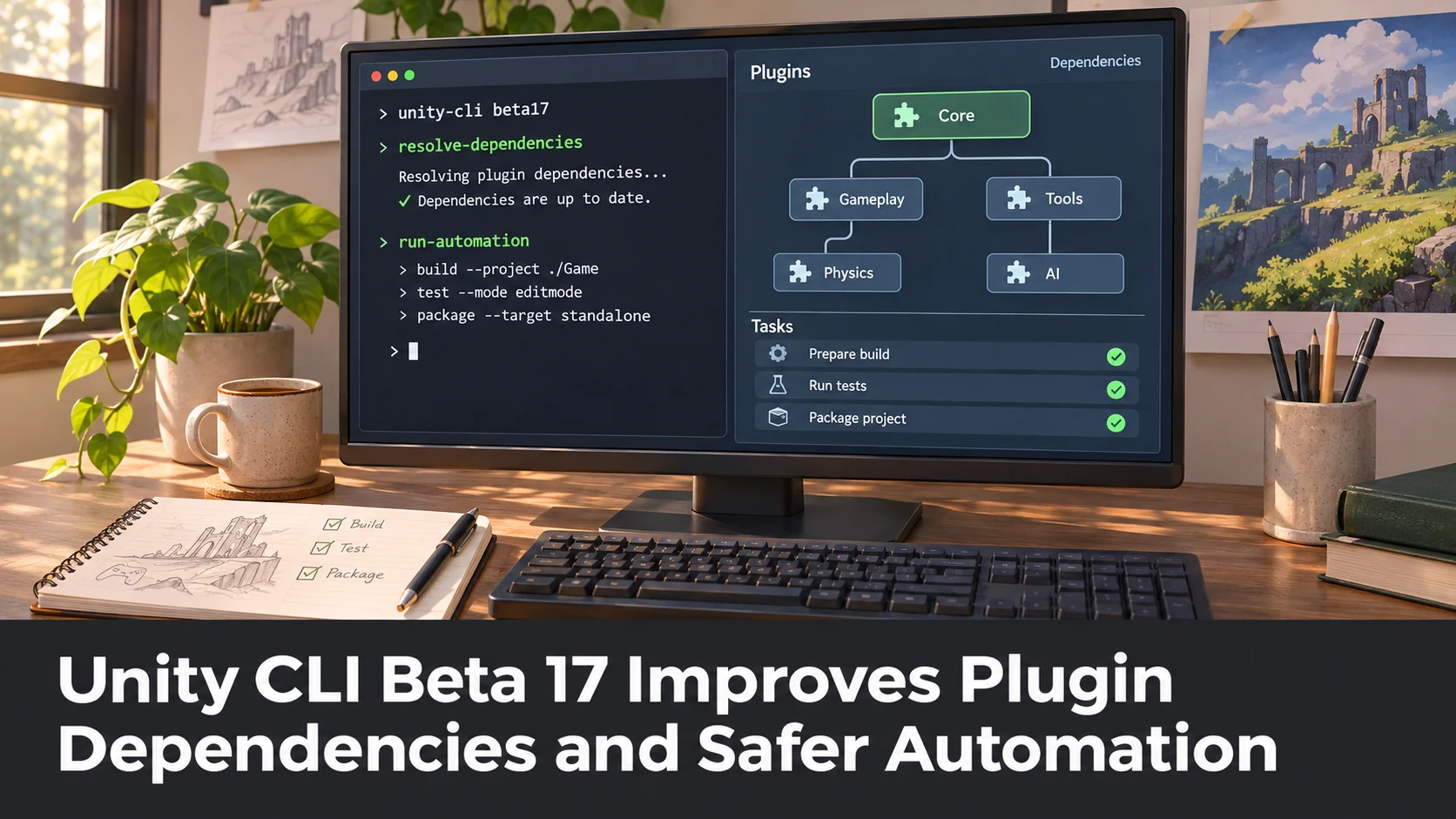
Unity announced CLI 1.0.0-beta.17 on November 5, 2026, with emphasis on plugin management, Pipeline Automation and more predictable scripting behaviour. The release may be particularly relevant to teams running repetitive Unity project tasks from build scripts or development agents, but it is a beta-channel CLI update rather than a new Unity Editor feature release.
Plugin installation is one visible improvement. According to Unity's announcement, a plugin can declare other plugins it requires, and installation or upgrade commands now install those dependencies first, with appropriate license steps. Removal also checks whether another installed plugin depends on the target. The CLI additionally warns before obtaining beta plugin builds.
The release expands commands for creating Pipeline Automation applications and draft versions through terminal arguments or JSON configuration. It also changes command exit codes so that invalid arguments and certain cloud or source-control problems can be classified more reliably by other tools. The notes contain examples of operations that previously returned misleading success or failure values.
For automated game development, exit-code behaviour is not merely cosmetic. A script that mistakes an unsuccessful project creation for success may continue into packaging or deployment with the wrong project reference. Clearer failure signals can help a CI pipeline stop at the right step and provide a useful error to a developer or coding agent.
Unity also describes changes to skills installation, commands that open familiar API documentation entries, and fixes for Editor detection and test-report handling. None of these statements means that a third-party AI agent can safely control an entire game project without limits or human review. File changes, package licenses and destructive commands still need controlled execution.
A practical trial would use a disposable repository with two dependent plugins and one small build operation. Install and remove them with the beta CLI, then feed deliberately malformed options to observe exit codes. A separate test could verify that the script refuses to continue after an expected failure. Developers already using the CLI should read the complete compatibility notes before upgrading.
The official forum discussion includes useful follow-up comments about Editor ticking while minimized. Those comments are not proof that every reported background-Editor issue is fixed; they illustrate why teams should reproduce their own agent or CI problems before attributing them to a universal defect.
Rate this story
What did you think of this article?
Log in to rate this story, comment and like replies.
Log inNo comments yet. Be the first to share your thoughts.
More stories
Claude Code Adds Background MCP Tasks and Tighter Agent Permission Controls
Anthropic’s Claude Code 2.1.319 introduced asynchronous MCP tasks and new permission controls. These features may help game developers manage long-running Unreal or Unity tool operations without blocking every agent step.
Codex CLI 0.167.2 Changes Incremental Tool Updates on Vertex AI
OpenAI released Codex CLI 0.167.2 with incremental tool updates enabled by default for Google Cloud Vertex AI. The change is relevant to teams using that backend, but it is not a general Unreal or Unity agent feature.
ElevenLabs Previews Interaction Engine for More Natural Voice Agent Timing
At its New York summit, ElevenLabs previewed an Interaction Engine that manages turn-taking, interruptions and model selection in conversations. Real-time game NPC use remains a proposed application, not a shipped game integration.
Comments