
Unity Asset Store Lists New Build and Dependency Analyzer for Project Audits
Build & Dependency Analyzer version 1.0 appeared on November 9 as a paid third-party Unity editor utility. Its listing targets asset dependencies and build analysis, but no independent optimization results are provided.

Finding out what a Unity build actually depends on can be surprisingly difficult as a project grows. Assets accumulate through imports, prefab references and test scenes, and deleting a seemingly unused folder can break a dependency elsewhere. A third-party Unity Asset Store listing dated November 9 introduces a tool called Build & Dependency Analyzer, aimed at this general class of project audit.
The marketplace lists version 1.0 from publisher Basit, with an original Unity version of 6000.3.14. Its keywords include dependency graph, project analysis, asset management and build optimization. The listing also marks compatibility with Built-in, URP and HDRP for that original Unity version. Those are marketplace compatibility entries, not evidence of independent testing across every Unity release or production configuration.
The tool is sold as a paid extension asset under the standard Unity Asset Store EULA. Its package is relatively small, as listed in the store, but file size alone says little about its behavior or capabilities. The public page does not provide independently verified claims about build-size reductions, faster player startup or memory savings. Developers should avoid interpreting a name such as Build Analyzer as a promise that a project will become faster automatically.
Dependency visibility nevertheless addresses a real workflow risk. A developer preparing a build can review references before removing unused assets, compare scenes and identify large data groups that deserve closer inspection. An analyzer can help organize this work, while final decisions still depend on the project's actual asset loading and build settings.
A safe test would use a disposable copy of a small project containing intentionally shared materials, models and textures. Identify the known relationships before running the tool, then compare the reported dependencies with those expected results. Do not start by deleting assets from a live production project. If the analysis suggests cleanup, validate it by making a clean build and playing affected scenes.
The November 9 event is a marketplace release by an independent publisher, not a new feature in the Unity editor itself. Teams should verify the latest documentation and compatibility before purchasing or integrating the utility into an automated build workflow.
Rate this story
What did you think of this article?
Log in to rate this story, comment and like replies.
Log inNo comments yet. Be the first to share your thoughts.
More stories
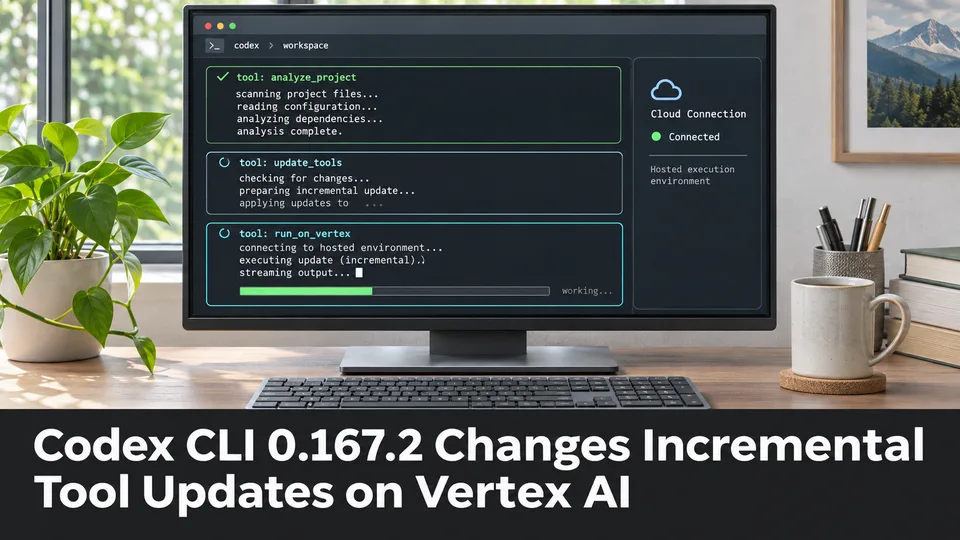
Codex CLI 0.167.2 Changes Incremental Tool Updates on Vertex AI
OpenAI released Codex CLI 0.167.2 with incremental tool updates enabled by default for Google Cloud Vertex AI. The change is relevant to teams using that backend, but it is not a general Unreal or Unity agent feature.
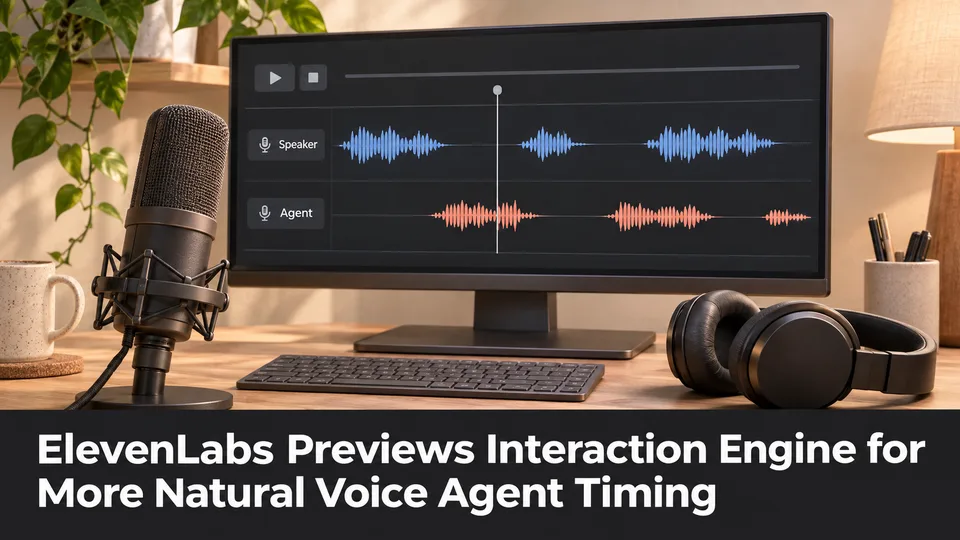
ElevenLabs Previews Interaction Engine for More Natural Voice Agent Timing
At its New York summit, ElevenLabs previewed an Interaction Engine that manages turn-taking, interruptions and model selection in conversations. Real-time game NPC use remains a proposed application, not a shipped game integration.
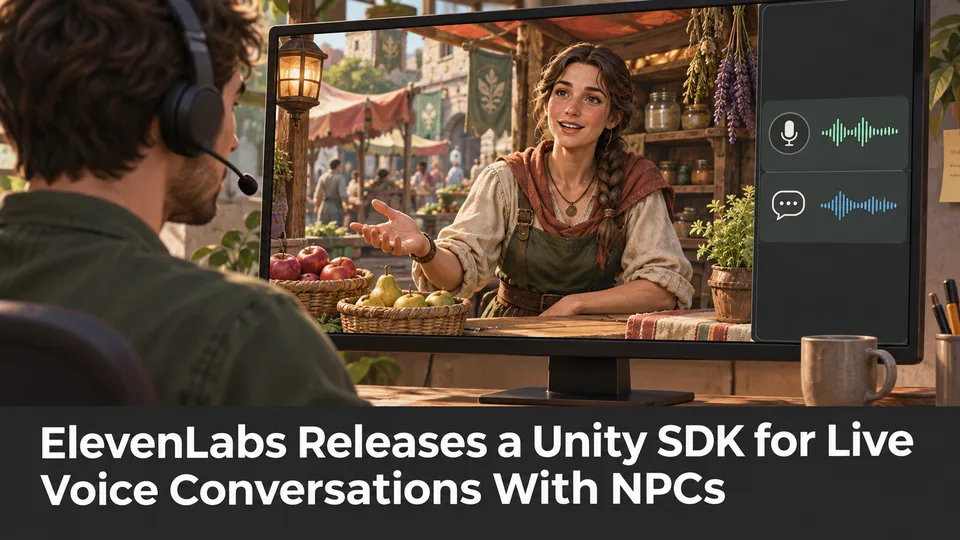
ElevenLabs Releases a Unity SDK for Live Voice Conversations With NPCs
ElevenLabs has published a Unity SDK connecting scene characters to conversational voice agents. The developer documentation distinguishes supported desktop and WebGL targets from beta mobile and XR integration.
Comments